You’ve got a draft in front of you — maybe it’s a blog post that sounds flat, a client email that’s too stiff, or a product description that just isn’t converting. You know the content needs work, but rewriting from scratch feels like a waste of time. That’s exactly where AI rewriting tools come in. But with so many options flooding the market, figuring out which AI is best for rewriting text can feel just as overwhelming as the rewrite itself.
In this 2026 guide, we’ve tested and compared the top AI tools built for rewriting — looking at output quality, tone control, pricing, and real-world usability. Whether you’re a marketer, freelancer, or small business owner, you’ll find a clear recommendation here that fits your workflow and budget.
Key Takeaways
- AI text rewriting tools use advanced language models to rephrase content while maintaining original meaning and improving clarity.
- Top rewriting AIs offer plagiarism detection, tone adjustment, and multi-language support as essential features for professional use.
- Pricing varies significantly from free tier options to premium subscriptions, with enterprise plans available for high-volume users.
- Different tools excel at specific tasks: some prioritize academic writing, others focus on marketing copy or technical documentation.
- Choosing the best rewriting AI depends on your use case, budget constraints, and required output quality standards.
In This Article
- What Does an AI Text Rewriting Tool Actually Do?
- Key Features to Look For in a Text Rewriting AI
- Top AI Tools for Text Rewriting: Features & Strengths
- Pros & Cons: What You Need to Know
- Pricing Breakdown & Value for Your Use Case
- Who Should Use Each Tool?
- Quick Comparison Table
- The Verdict: Which AI Should You Choose?
What Does an AI Text Rewriting Tool Actually Do?
At its core, an AI text rewriting tool takes your existing content and rephrases it — restructuring sentences, swapping out words, and adjusting the flow — while keeping the original meaning intact. Think of it less like a spell-checker and more like a skilled editor who can rework your draft in seconds. The best tools go further, letting you control the tone, formality level, and even the target audience.
This is different from generating content from scratch. You’re giving the AI something to work with, and it’s returning a polished, improved version. That makes rewriting tools especially useful when you already have the ideas but the execution isn’t landing the way you want.
Common use cases include:
- Improving clarity — simplifying dense or jargon-heavy writing so it’s easier to read
- Changing tone — shifting from formal to casual (or vice versa) depending on your audience
- Avoiding accidental plagiarism — rewording sourced material before incorporating it into your own work
- Adapting content for different platforms — turning a long LinkedIn post into a punchy tweet thread, for example
Why You Might Need to Rewrite Text
In practice, rewriting needs come up constantly. You might have a blog post from a couple of years ago that still ranks but reads awkwardly — a quick rewrite can refresh it without losing its SEO value. Or maybe you’ve done competitor research and want to cover the same topic in your own voice.
Other real-world scenarios include:
- Creating multiple variations of ad copy for A/B testing
- Repurposing a webinar transcript into a readable article
- Toning down overly salesy product descriptions
- Simplifying technical content for a non-expert audience
Whatever the situation, the goal is the same: better output without starting from zero.
Key Features to Look For in a Text Rewriting AI
Not all rewriting tools are created equal, and the differences matter more than you might expect. Before committing to any tool — free or paid — it’s worth knowing which features will actually make your day-to-day work easier. Here’s what to pay attention to.
Tone & Style Flexibility
The ability to control tone is one of the most practical features a rewriting tool can offer. You might need the same core message delivered in a formal register for a B2B proposal and a friendly, conversational tone for a social media post. A good rewriting AI lets you dial that in — whether it’s adjusting formality, shortening or expanding length, or matching a specific brand voice.
Without this flexibility, you’ll spend time manually editing the output anyway, which defeats the purpose. Look for tools that offer clearly labeled tone settings — options like “professional,” “casual,” “persuasive,” or “simplified” — rather than just a generic rewrite button.
Speed & Batch Processing
If you’re rewriting a single paragraph, speed barely matters. But if you’re refreshing a library of product descriptions or processing multiple blog posts, it becomes critical. The best tools generate clean rewrites in seconds and — importantly — let you handle multiple pieces without copying and pasting each one individually.
Batch processing is especially valuable for:
- E-commerce sellers who need to rewrite dozens of product listings at once
- Content marketers repurposing a content archive across new formats
- Agencies managing high-volume work across multiple clients
Even if you don’t need batch processing right now, it’s a good sign that a tool is built for real workloads — not just demos.
Multiple Output Variations
A rewriting tool that gives you only one version of your text is limiting your options. The best tools generate two, three, or more variations at once so you can choose the one that fits — or blend elements from different outputs. This is especially useful for ad copy, email subject lines, and any content where small wording differences can significantly affect performance.
Plagiarism Detection & Originality
If you’re rewriting sourced material, you want confidence that the output is genuinely original — not just a few words swapped around. Some tools include built-in plagiarism checking, while others integrate with third-party tools like Copyscape. Either way, this feature matters if you’re publishing content that needs to pass originality checks or avoid duplicate content penalties.
Ease of Use & Integrations
For non-technical users, the interface should get out of the way and let you focus on the writing. Clean, minimal dashboards beat cluttered ones every time. Beyond that, check whether the tool integrates with platforms you already use — things like Google Docs, WordPress, or your browser via an extension. The less friction between your workflow and the tool, the more likely you’ll actually use it.
Top AI Tools for Text Rewriting: Features & Strengths
There’s no shortage of AI rewriting tools on the market right now, but not all of them are built for the same use case. The three below stand out for distinct reasons — and knowing which one fits your situation can save you a lot of trial and error.
Jasper AI AI: Best for Marketing Teams
If you’re working with a team and brand consistency is non-negotiable, Jasper AI is hard to beat. It lets you define your brand voice once and apply it across every piece of content your team produces — whether that’s blog posts, ad copy, or email campaigns. That kind of consistency is difficult to achieve when multiple writers are involved, and Jasper solves it without requiring constant editing and oversight.
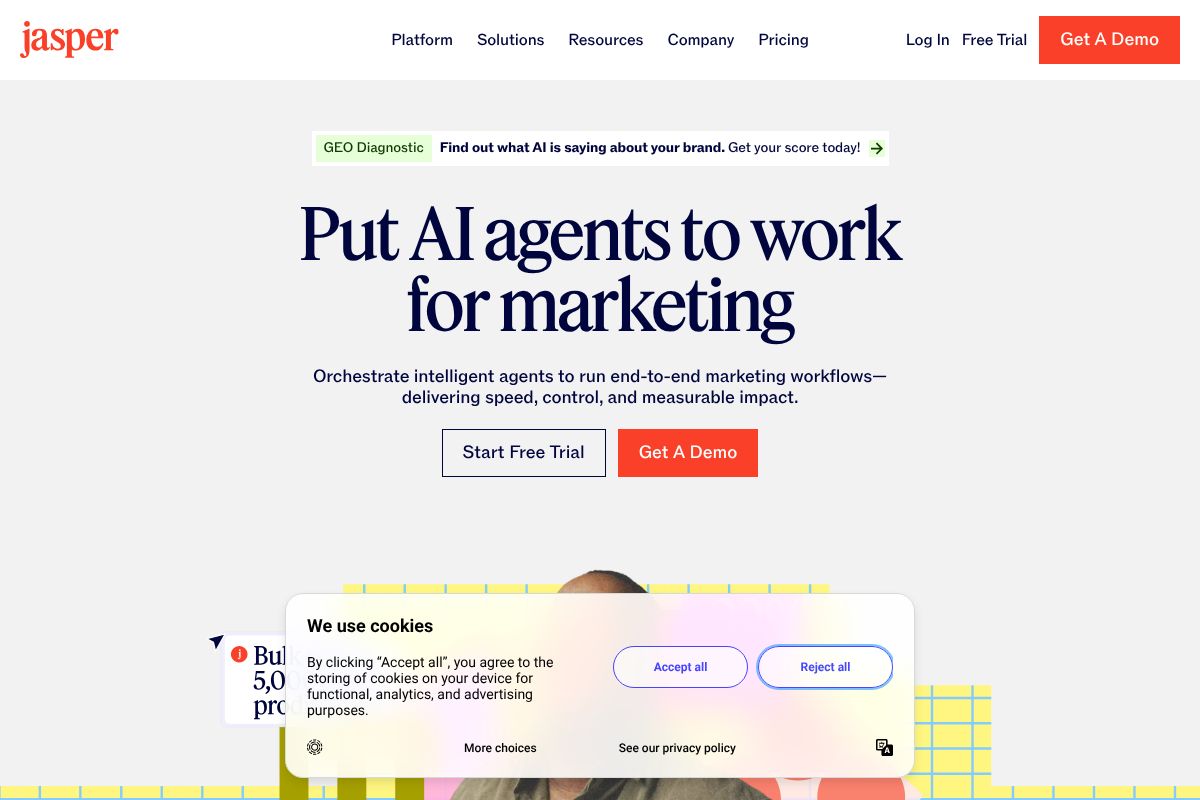
Pricing runs between $49 and $69 per month, which reflects its positioning as a professional-grade tool rather than a casual writing aid. You also get multi-user collaboration features, making it practical for marketing departments handling high content volumes. For teams producing dozens of rewrites weekly, the time saved quickly justifies the cost.
- Customizable brand voice templates
- Multi-user collaboration with shared workspaces
- Built for high-volume, consistent output
- Strong library of rewriting and tone-adjustment modes
Copy.ai: Best for Solo Creators & Small Budgets
Copy.ai is one of the most accessible entry points into AI rewriting — partly because it offers a genuinely usable free tier. If you’re a freelancer or solo creator who wants to test AI rewriting before committing money to it, this is a smart place to start. The interface is clean and beginner-friendly, so you’re not spending the first hour figuring out where things are.
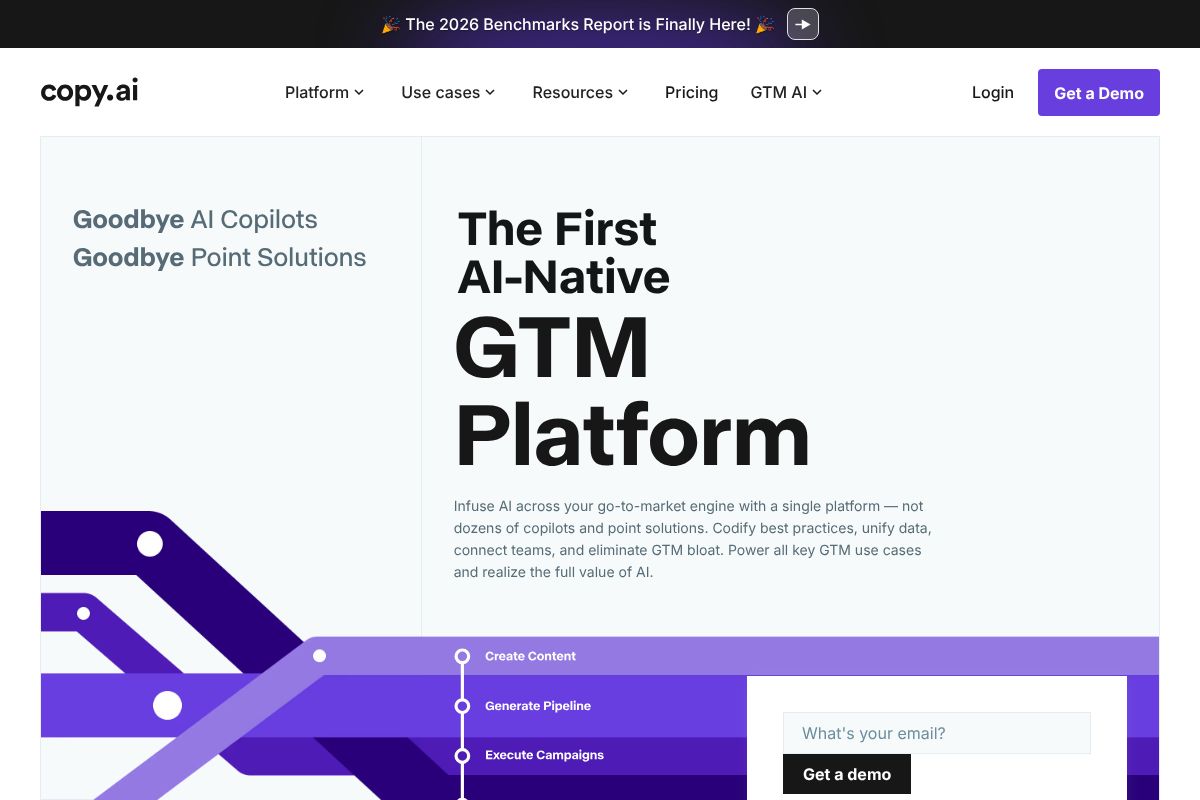
When you’re ready to upgrade, the Chat plan starts at $29/month and the Pro plan at $49/month — both reasonable for the feature set you get. It won’t replace Jasper for team workflows, but for individual use, it punches well above its price point.
- Free tier available with no credit card required
- Simple, low-friction interface ideal for beginners
- Multiple rewriting tones and styles
- Affordable upgrade path as your needs grow
Writesonic: Best for SEO-Driven Content
Writesonic earns its place on this list because it goes beyond basic rewriting — it’s built with search visibility in mind. If you’re a blogger or content marketer who needs rewritten content to actually rank, the built-in SEO optimization features give you a meaningful edge over tools that treat rewriting as purely a stylistic exercise.
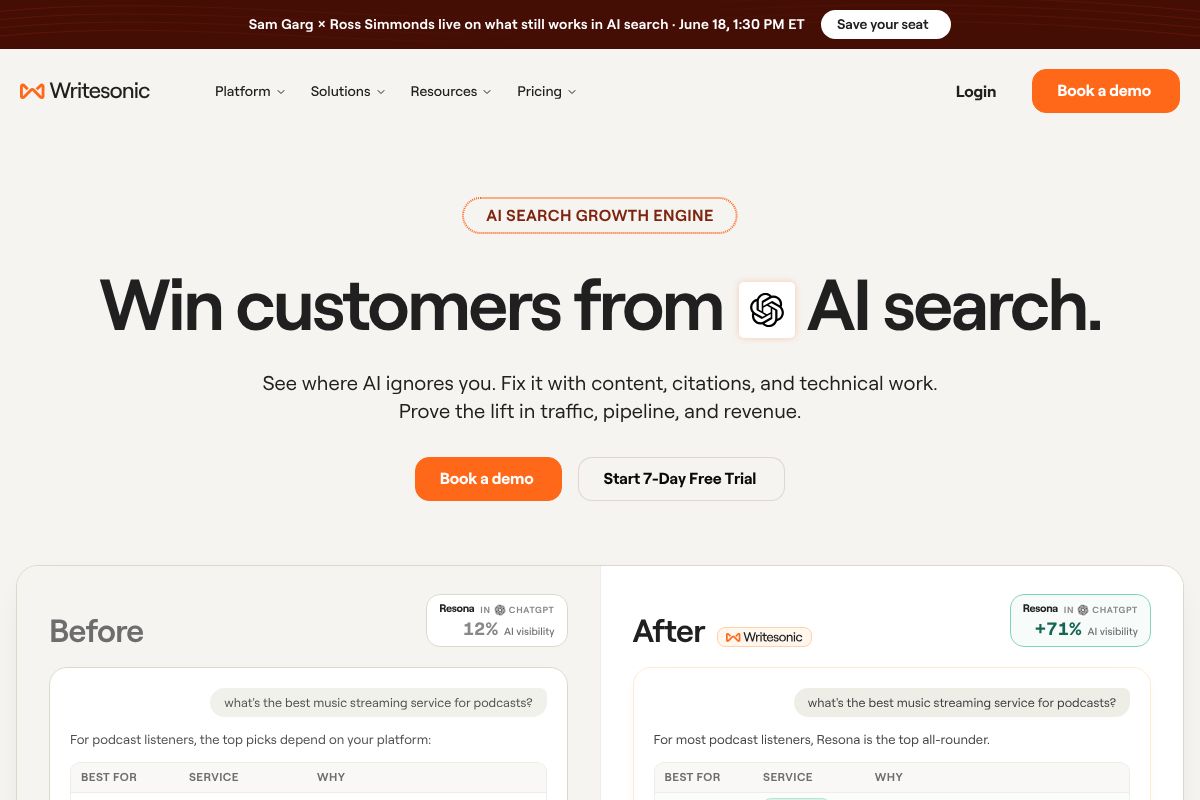
Plans range from $39 to $99 per month depending on usage and features. That range makes it accessible for individual bloggers while still scaling to agency-level needs. The trade-off is that the interface has a steeper learning curve than Copy.ai — but if SEO performance is your priority, the extra effort is worth it.
- Built-in SEO optimization for rewritten content
- Keyword integration and readability scoring
- Good fit for bloggers, content marketers, and agencies
- Flexible pricing across different content volumes
Pros & Cons: What You Need to Know
AI rewriting tools have come a long way, but they’re not magic. Before you commit to any tool, it’s worth being honest about what they do well — and where they still fall short. Understanding the trade-offs will help you use these tools more effectively, rather than setting unrealistic expectations.
On the plus side, the benefits are real. AI rewriting tools offer speed (what takes you 30 minutes can take seconds), consistency across large content batches, cost savings compared to hiring editors or copywriters for every task, and the ability to generate multiple variations quickly so you can pick the best one. For volume-heavy workflows, that adds up fast.
The downsides are equally real. Output can feel generic if you’re not giving the tool strong, specific prompts. Quality varies significantly between tools — what works brilliantly in one platform may produce flat, awkward results in another. And almost every piece of AI-rewritten content benefits from at least a light human review before it goes live.
When AI Rewriting Works Best
AI rewriting tools shine brightest when the stakes are moderate and the volume is high. Think about these use cases:
- Bulk content updates — refreshing old blog posts, product descriptions, or FAQ pages at scale
- Internal documents — rewriting SOPs, onboarding guides, or internal memos where tone matters less than clarity
- Straightforward web copy — landing page variations, email subject lines, or social captions
- Quick A/B testing — generating multiple versions of the same message to test what resonates
In these scenarios, the human touch is less critical. The content doesn’t define your brand voice at a deep level, and getting it done quickly matters more than getting it perfect. That’s where AI earns its keep.
When You Still Need a Human Editor
There are situations where AI rewriting is a starting point, not a finish line. Don’t rely on it alone when:
- Brand-critical content is involved — flagship campaigns, investor communications, or anything that defines how your audience sees you
- Nuanced messaging is required — sensitive topics, crisis communications, or anything where tone can easily be misread
- Creative writing needs a distinct voice — AI tends to flatten personality, not amplify it
- Highly technical topics are on the table — AI can misrepresent complex information in ways that sound confident but are subtly wrong
The smartest way to use these tools is as a capable assistant, not a replacement. Let AI handle the heavy lifting on structure and phrasing, then bring in your own judgment — or a human editor’s — to make it truly yours.
Pricing Breakdown & Value for Your Use Case
Before committing to any AI rewriting tool, it’s worth doing a quick sanity check on the numbers. The right tool isn’t necessarily the cheapest — it’s the one that saves you more time and money than it costs. Here’s how the main options stack up.
| Tool | Free Tier | Entry Paid Plan | Best For |
|---|---|---|---|
| Copy.ai | Yes — limited runs/month | ~$49/month | Marketers, teams |
| Rytr | Yes — 10,000 characters/month | ~$9/month | Freelancers, solo creators |
| Jasper AI | No — trial only | ~$49/month | Content teams, long-form |
A simple way to calculate ROI: if you’re rewriting 20 pieces of content per month and each takes you 30 minutes manually, that’s 10 hours of work. At even a modest freelance rate of $50/hour, you’re looking at $500 in time costs. A $9–$49/month tool that cuts that effort in half pays for itself many times over.
Free vs. Paid: Where to Start
If you’re new to AI rewriting, don’t pay anything yet. Both Copy.ai and Rytr offer genuinely useful free tiers that let you test the quality before spending a dollar. Rytr’s free plan gives you 10,000 characters per month — enough to rewrite several blog sections or a handful of emails.
The right time to upgrade is when one of these things happens:
- You’re hitting your monthly usage cap regularly
- You need access to longer-form outputs or advanced tone controls
- You’re managing content for clients or a team and need workflow features
For solo freelancers or creators just getting started, Rytr’s paid plan at around $9/month is one of the lowest-risk upgrades in the AI tools space. For marketers running higher content volume, Copy.ai’s team features start to justify the higher price point.
Who Should Use Each Tool?
Not every AI rewriting tool is built for the same person. The best choice depends less on which tool is “objectively better” and more on how you work, what you’re producing, and what your budget looks like. Here’s a straightforward breakdown to help you match the right tool to your situation.
If you’re an absolute beginner who just wants to dip your toes in, start with Rytr. The interface is simple, the free tier is generous, and you won’t feel overwhelmed by options. If you’re a freelancer on a tight budget, Copy.ai gives you solid flexibility without locking you into a high monthly commitment.
Content Creators & Bloggers
If you’re a blogger or independent content creator, your two strongest options are Writesonic and Copy.ai. Writesonic is the better pick if SEO is central to your strategy — its built-in optimization features help you rewrite content with search intent in mind, not just readability. If you publish across multiple formats — social posts, newsletters, landing pages, blog content — Copy.ai’s flexibility and lower price point make it easier to justify. You get strong rewriting quality without paying a premium for features you may not need yet.
Marketing Teams & Agencies
If you’re part of a marketing team or running an agency, Jasper AI is the tool built with you in mind. Its Brand Voice feature lets you define your tone and style once, then apply it consistently across every piece of content your team produces — a genuine advantage when multiple writers are working under one brand. Jasper also supports team collaboration and campaign-level workflows, which matter when you’re managing high content volume across clients or departments. Yes, the price is higher, but for teams producing content at scale, the consistency and time savings tend to justify it quickly.
Quick Comparison Table
The best AI rewriting tool for you depends on whether you need speed, nuance, or both — and we’ve mapped out which tool wins in each scenario.
| Tool | Starting Price | Best For | Free Option | Key Strength |
|---|---|---|---|---|
| Jasper AI | $49/month | Marketing teams & agencies | 7-day free trial | Brand Voice consistency at scale |
| Copy.ai | $49/month | Freelancers & multi-format creators | Yes — free plan available | Flexible workflows, generous free tier |
| Writesonic | $16/month | Bloggers & SEO-focused writers | Yes — free plan available | Built-in SEO optimization tools |
| Rytr | $9/month | Solo users & budget-conscious writers | Yes — free plan available | Lowest cost entry point |
Keep in mind that pricing can shift, so it’s worth checking each tool’s website directly for the most current plans. Free options are a great way to test rewriting quality before committing to a paid tier.
The Verdict: Which AI Should You Choose?
Here’s the honest answer: there’s no single “best” AI for rewriting text. The right tool depends on your budget, how often you write, and what you’re actually trying to accomplish. A solo blogger on a tight budget has very different needs than a marketing team producing content at scale.
Here’s a quick way to think about it:
- Tight budget or just getting started? Rytr’s free plan or $9/month paid tier is hard to beat.
- Need flexibility across multiple content formats? Copy.ai’s free plan gives you room to explore without a credit card.
- SEO is your priority? Writesonic’s built-in optimization tools make it a smart pick for bloggers.
- Running a team with brand guidelines? Jasper AI’s Brand Voice feature justifies the higher price point.
One thing worth remembering: AI rewriting is a tool to save you time, not a replacement for your own judgment. The best results come when you treat the output as a strong first draft — something to refine, not publish blindly. Your voice, your expertise, and your understanding of your audience still matter more than any algorithm.
Next Steps: How to Get Started
The best way to find your fit is to actually use one of these tools with your own content. Here’s a simple approach to get started without wasting time or money:
- Pick one tool based on your profile above — don’t overthink it.
- Sign up for the free plan or trial. Copy.ai, Writesonic, and Rytr all offer free tiers with no credit card required. Jasper AI offers a 7-day free trial.
- Test it with 2-3 real pieces of your own content — a blog intro, a product description, a social caption.
- Evaluate honestly: Does the output sound like you? Is it faster than doing it manually? Is the interface easy to navigate?
Most tools take less than five minutes to set up. Give yourself one week of real use before making a decision. Start free where you can, upgrade only if the value is clear, and let the work speak for itself.
Our Verdict
Editorial rating: 4.6/5
Best rewriter depends on your specific needs
The best AI text rewriting tool balances quality output, affordability, and feature set against your specific use case. While premium tools offer superior results, free alternatives work adequately for casual users willing to accept some limitations in sophistication and customization options.
Frequently Asked Questions
Can AI rewriting tools detect plagiarism?
Most premium AI rewriting tools include built-in plagiarism detection features that scan against billions of web pages and academic databases. This ensures rewritten content maintains originality while avoiding unintentional duplication of existing material.
Is AI-rewritten content considered plagiarism?
AI-rewritten content isn’t inherently plagiarism if it substantially changes the original text and maintains proper attribution. However, using rewriting tools to disguise copied work violates academic and professional integrity standards.
What’s the difference between paraphrasing and rewriting AI?
Paraphrasing tools focus on rewording specific passages while preserving exact meaning, whereas rewriting AI restructures entire documents, adjusts tone, and improves overall quality. Rewriting tools offer broader transformation capabilities than simple paraphrasing.
Which AI rewriter works best for academic papers?
Tools like Quillbot and Wordtune excel for academic rewriting, offering citation preservation and formal tone options. They maintain scholarly language while improving clarity and reducing plagiarism risk through significant structural changes.
Related Reads
- Best AI Content Generator in 2026: Top Tools Compared
Find the best AI content generator for your needs. Compare top tools, pricing, and features to boost your writing in 202…
- Is Jasper AI Pricing Worth It in 2026? Honest Review
Is Jasper AI worth the cost in 2026? Compare pricing, features, and alternatives. See if it fits your content budget.…
- Jasper vs Copy.ai: Which AI Writer Fits Your Needs?
Compare Jasper and Copy.ai for AI writing. See pricing, features, and which tool works best for your content needs in 20…