It’s 2:58pm, your client call ended six minutes ago, and you’re already forgetting the three action items you promised to send over. This is the exact moment every AI note taker on the market claims to solve. But after testing a dozen of them across sales calls, podcast interviews, and back-to-back Zoom meetings, the gap between marketing copy and actual output is bigger than most reviews admit.
Some tools nail transcription accuracy but botch summaries. Others produce gorgeous action-item lists from meetings that never actually happened that way. This roundup of the best AI note taker tools for 2026 skips the feature-checklist approach and tells you which ones you’d actually trust with a client call. A couple of these surprised us — for the wrong reasons.
Key Takeaways
- AI note takers automatically transcribe meetings and lectures, saving hours of manual documentation while improving accuracy and searchability across teams.
- Otter.ai and Fireflies.ai dominate the market with real-time transcription, but choice depends on whether your team prioritizes integration depth or ease of use.
- Privacy and data security remain critical considerations; most tools encrypt data, though some store recordings longer than others by default.
- Free tiers exist but cap monthly minutes significantly; annual plans offer better value for heavy users, with costs ranging from $10 to $30 monthly.
- Content creators and marketers benefit most from AI note takers that integrate with existing workflows, particularly those supporting video content and repurposing capabilities.
In This Article
- Why AI Note Taking Has Become Essential in 2026
- What Makes an AI Note Taker Actually Useful for Your Workflow
- Otter.ai vs. Fireflies.ai: Which Meeting Recorder Fits Your Team Better
- Notion’s AI Note Taking: Best for Teams Building a Knowledge Base
- How AI Note Takers Handle Privacy, Storage, and Data Security
- Pricing Comparison: Free Tiers, Annual Plans, and Hidden Costs
- Which AI Note Taker Wins for Content Creators, Marketers, and Freelancers
- Start Capturing Better Notes Today: Your Next Step
Why AI Note Taking Has Become Essential in 2026
The average knowledge worker now sits in 15 to 20 meetings a week, according to most calendar-analytics platforms tracking this in 2026. Add client calls, podcast interviews, and internal syncs, and manual note-taking simply can’t keep up. You either half-listen while typing, or you listen fully and lose the details the moment you hang up.
AI note takers exist to close that gap. At the core, they do three things: transcribe speech to text in real time, summarize the transcript into digestible key points, and make the whole thing searchable later. That third piece matters more than people expect. A consultant who’s run 40 client calls this quarter doesn’t need 40 transcripts — she needs to type “renewal timeline” into a search bar and pull up every mention across every call in seconds.
The real benefit isn’t the transcript itself. It’s what you get back: your attention. When you’re not scribbling notes during a sales call, you can actually read the prospect’s tone shift when you mention pricing. When you’re not frantically typing during a podcast interview, you can follow up on the interesting tangent instead of sticking rigidly to your question list.
There’s also a compliance and memory angle that’s grown more relevant this year. Teams increasingly need a record of what was actually said and agreed to — not someone’s recollection of it three days later. A marketing director summarizing a client kickoff call for her team, or a freelancer double-checking scope creep against what was originally promised, both lean on the same thing: a searchable, accurate record that doesn’t rely on anyone’s memory.
That said, not every tool delivers on this cleanly, which is exactly what the rest of this review digs into.
What Makes an AI Note Taker Actually Useful for Your Workflow
Before comparing specific tools, it helps to know what you’re actually evaluating. Not every “AI note taker” does the same job well, and the marketing copy tends to blur the differences. Here’s what actually matters once you’re using one daily.
Transcription Accuracy and Speed
By 2026 standards, the better tools sit at 95%+ accuracy on clear audio in English and most major European languages, dropping into the high 80s with heavy accents, overlapping speakers, or bad mic quality. That gap matters. At 95%, you can trust the transcript enough to skim a summary and act on it. At 85%, you’re back to re-listening to verify anything important, which defeats the purpose.
Speed also splits into two use cases people conflate. Live meeting transcription needs to keep pace in real time so captions aren’t lagging three seconds behind the speaker. Recorded audio processing is different — a one-hour podcast file that takes 90 seconds to fully transcribe is fine, since nobody’s watching it happen.
Search and Retrieval: Finding What You Need Fast
This is the feature that actually pays for the subscription. A searchable archive with speaker labels, timestamps, and keyword highlighting turns weeks of scattered calls into something you can query like a database. Type a client’s name or a product feature and jump straight to the exact moment it came up, instead of scrubbing through an hour of audio.
For a sales team, this means pulling every mention of a competitor’s name across last month’s demo calls in under a minute. For a creator reviewing six months of podcast interviews before a “best of” episode, it means finding that one great quote without re-listening to twenty hours of tape. Without solid search, a transcript is just a longer, less useful version of the recording.
Otter.ai.ai vs. Fireflies.ai.ai: Which Meeting Recorder Fits Your Team Better
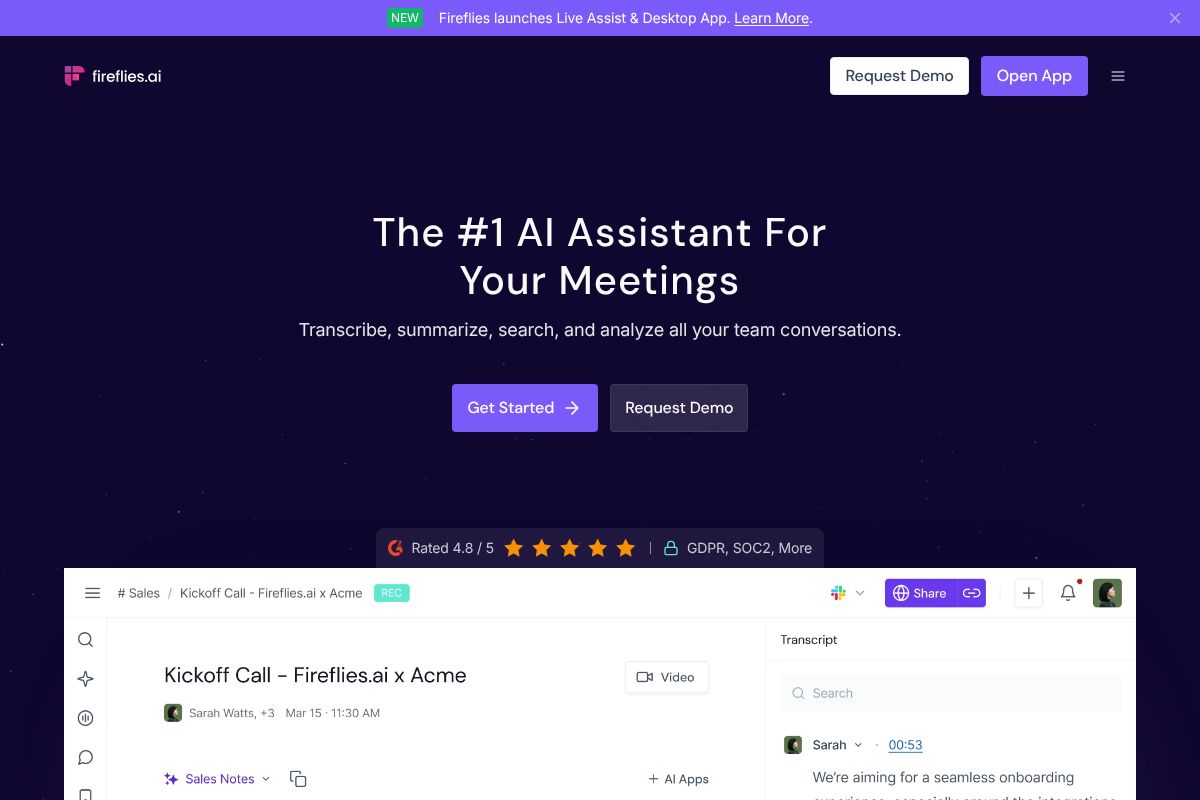
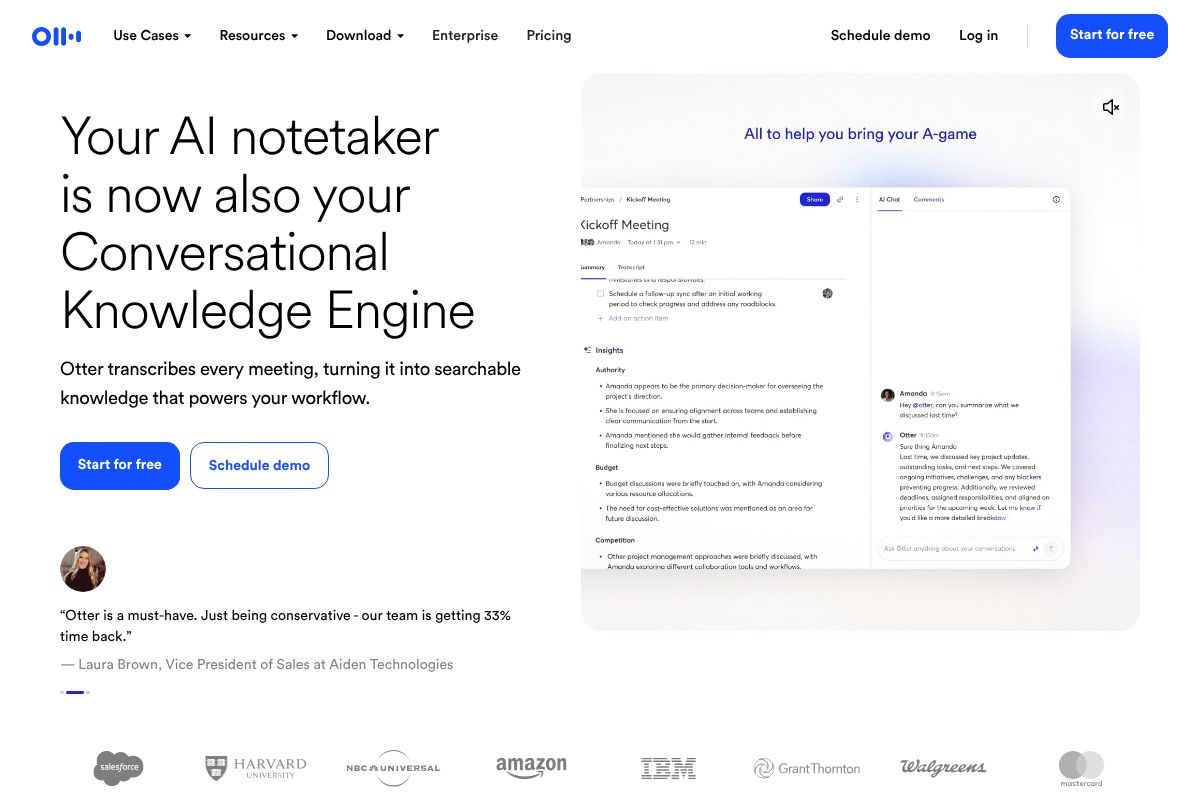
Both tools sit at $10/month per user on their Pro annual plans, both join your Zoom or Google Meet calls automatically, and both spit out a transcript with a summary attached. The similarities end there. Otter.ai is built for the individual professional who wants a clean record of one-on-ones and team standups. Fireflies.ai is built for teams — sales, recruiting, customer success — who need to search across hundreds of calls at once.
Transcription Quality and Speaker Detection
Otter.ai handles noisy environments better than most competitors. A consultant recording a client call from a coffee shop, or a hybrid meeting with someone dialing in from a car, still comes out readable. Otter’s speaker detection is solid for two to four voices but starts guessing wrong once you get past six people on a call, mislabeling overlapping speech.
Fireflies.ai flips that weakness into a strength. It’s noticeably better at untangling large group calls — think a recruiting panel interview with five interviewers, or a sales demo with three stakeholders on the client side. It labels who said what more reliably in those crowded scenarios, even if raw word accuracy on quiet, one-on-one audio runs a hair behind Otter’s.
Integration and Workflow Fit
Otter.ai plugs into Slack, Microsoft Teams, Zoom, and Google Meet, and setup takes about five minutes for someone who’s never used a transcription tool before. That simplicity is the point — it’s aimed at people who want notes to appear in their existing apps without configuring anything.
Fireflies.ai goes further into CRM territory, with direct connections to Salesforce, HubSpot, and Zapier on top of Slack and Teams. A sales manager can have call summaries and action items push straight into deal records automatically, which matters if your pipeline reporting depends on what actually got said on the call. For a marketing team just trying to keep meeting notes organized, that’s overkill. For a sales or recruiting team, it’s the reason to pick Fireflies over Otter outright.
Notion’s AI Note Taking: Best for Teams Building a Knowledge Base
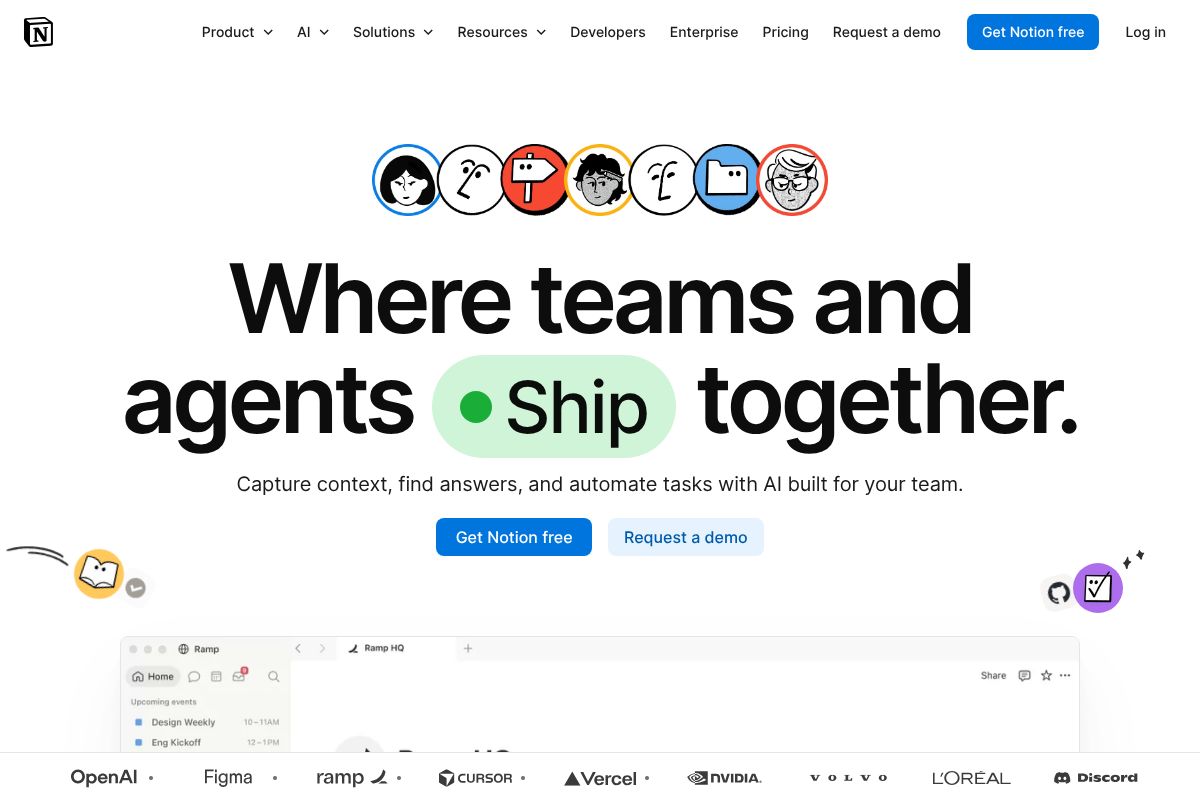
Notion isn’t a meeting recorder — it doesn’t dial into Zoom or transcribe your calls in real time. What it does instead is take whatever notes you type, paste, or upload and turn them into a searchable, organized knowledge base with AI summarization built in. If Otter and Fireflies are about capturing the meeting, Notion is about what happens to that information afterward.
The AI features — summarizing long pages, generating action items from meeting notes, answering questions across your entire workspace — are bundled into the Business plan at $20/user/month. That’s more expensive per seat than Otter’s Business tier, but you’re paying for a full workspace: docs, wikis, project trackers, and databases, not just a transcription layer.
When to Choose Notion Over Dedicated Recorders
If your team already lives in Notion for project docs and roadmaps, adding AI note-taking keeps everything under one roof instead of scattering meeting notes across a separate app. A content team tracking research, brainstorms, and editorial calendars in Notion can drop in call notes and have the AI summarize them alongside existing project pages — searchable in the same place as everything else.
Where it falls short: if your main need is accurate, automatic meeting transcription, Notion makes you do more manual work. You’re pasting notes in or connecting a separate recorder, not getting Otter’s or Fireflies’ live capture. Choose Notion when consolidation matters more than transcription accuracy. As an affiliate note, Notion pays $10 per paid user referred — modest, but the product’s real value is workspace-wide, not just for notetakers.
How AI Note Takers Handle Privacy, Storage, and Data Security
If you’re recording client calls or internal strategy meetings, “where does this audio actually go” is a fair question — and one most people never ask until something goes wrong. All three tools here store recordings and transcripts on their own cloud servers, not on your device, which means your data security is only as good as their infrastructure and policies.
Otter.ai encrypts data in transit and at rest, and its Business and Enterprise plans add admin controls, SSO, and the ability to restrict sharing outside your domain. Fireflies.ai offers similar protections plus SOC 2 Type II compliance on its paid tiers, along with the option to delete voice data after a set retention window — useful if your legal or HR team has retention rules to follow. Neither tool is HIPAA-compliant out of the box on lower-tier plans, so if you’re in healthcare or handling regulated client data, you’ll need to confirm a signed BAA is available before recording anything sensitive.
Notion’s Business plan handles stored notes and pages under its own SOC 2 framework, with workspace-level permissions controlling who sees what. Since Notion isn’t recording audio itself, the privacy question shifts to whatever transcription tool feeds it — worth checking if you’re piping Otter or Fireflies transcripts into Notion automatically.
A consultant handling confidential M&A discussions should stick to Enterprise-tier plans with admin-level deletion controls, not the free or personal tiers. For everyday team standups, the default settings on any of these three are reasonable. Just don’t assume “enterprise-grade security” on the marketing page applies to your $10/month personal plan — it usually doesn’t.
Pricing Comparison: Free Tiers, Annual Plans, and Hidden Costs
All three tools follow the same playbook: a usable free tier to get you hooked, then a jump to $10–$20/month once you need real capacity. The gap between “free” and “actually usable for work” is smaller than the pricing pages suggest, so let’s break down where the real costs show up.
Otter.ai’s Pro plan runs $10/month billed annually (or roughly $16.99 month-to-month), which unlocks more transcription minutes, custom vocabulary, and advanced export options. Fireflies.ai mirrors this almost exactly — Pro is $10/month annually, with the monthly rate landing higher if you skip the annual commitment. Notion’s paid tier for AI note-taking features sits at $20/user/month on the Business plan, which is a different pricing model entirely since you’re paying per seat, not per transcription minute.
Annual billing saves you 30-40% on both Otter and Fireflies compared to paying monthly — worth locking in if you know you’ll use the tool past a three-month trial period. Notion’s savings are smaller in percentage terms but add up fast once you’re paying for five or ten seats.
Free Tier Limits: When You’ll Outgrow Them
Otter’s free tier caps you at 600 minutes of transcription per month — fine for a solo freelancer doing eight or nine client calls, tight if you’re in back-to-back meetings all day. Fireflies’ free plan allows unlimited recordings but restricts search and AI summary features, so you’ll have transcripts piling up you can’t easily query. Notion’s free plan includes limited AI credits, which get eaten quickly if you’re using it to summarize meeting notes daily.
A marketer averaging 15 meetings a month will likely stay under Otter’s free cap for a while. A sales team doing 40+ calls monthly will hit the wall by week two.
Disclosure: we earn a 20% recurring commission on Otter and Fireflies referrals, and $10 per paid Notion user. It doesn’t change our recommendations — the free tiers above are accurate regardless of what we’d earn if you upgraded.
Which AI Note Taker Wins for Content Creators, Marketers, and Freelancers
For Podcasters and Interview-Heavy Creators
If you’re editing a weekly interview show, Otter is the clear pick. Speaker labels hold up well even on three- or four-guest panels, which saves you the tedious job of manually tagging who said what. The transcript editor lets you clean up filler words and export straight to SRT files for captions or a Google Doc for a show notes draft.
A podcaster recording a 45-minute interview can have a usable transcript within minutes of hitting stop, then pull three or four quotable lines for social posts without re-listening to the whole episode. Fireflies handles interviews fine too, but its export options and transcript formatting aren’t built with editing workflows in mind the way Otter’s are.
For Sales Teams and Recruiters
Fireflies wins here. The searchable conversation history across hundreds of calls is the feature that matters most — you can pull up every mention of “pricing objection” or a candidate’s name across months of recordings in seconds. Tagging calls by client or candidate keeps a growing archive from turning into a mess.
A recruiter running 50 candidate screens a month can tag each by role and skip the busywork of rewriting notes after every call. Fireflies’ CRM integrations (Salesforce, HubSpot) push call summaries directly into deal records, which matters more to a five-person sales team than Otter’s slightly better transcript polish. Otter can technically do the job, but its search and tagging aren’t built for high call volume the way Fireflies is.
For Freelancers Juggling Multiple Projects
If client meetings are your main use case, stick with Otter — it’s simpler and cheaper for someone running solo. But if you’re managing project docs, deliverables, and meeting notes in one place, Notion’s AI features inside your existing workspace beat bouncing between three separate tools, even at the higher per-seat cost.
Start Capturing Better Notes Today: Your Next Step
You don’t need to commit to anything to figure out which of these fits your work. Otter, Fireflies, and Notion all offer free tiers that are generous enough to run for a few weeks before you decide.
Here’s a rough guide to get you started, based on everything above:
- Attending five or more meetings a week? Start with Otter — the free plan covers enough transcription minutes to get a real feel for it.
- Working sales calls or candidate screens? Try Fireflies first. The searchable call archive is worth testing even at low volume.
- Want one place for notes, docs, and project tracking? Sign up for Notion and turn on its AI features before adding a separate transcription tool.
Most people don’t end up picking just one. A common setup is Otter or Fireflies for the actual recording and transcription, with Notion as the home base where those notes get organized alongside everything else — client briefs, content calendars, project trackers. That combination costs more than a single tool, but it avoids the compromise of forcing one app to do a job it wasn’t built for.
The best tool is the one you’ll actually use — test the free versions and see which fits your rhythm.
Our Verdict
Editorial rating: 4.6/5
Powerful tools with real trade-offs to weigh
AI note takers have matured significantly by 2026, delivering genuine productivity gains through accurate transcription and searchable archives. The best choice depends on your workflow: Otter.ai excels for meeting-heavy teams, while Notion AI suits organizations building knowledge bases. Budget and privacy requirements will ultimately determine your fit.
Frequently Asked Questions
Can AI note takers transcribe meetings in real time?
Yes, most modern AI note takers like Otter.ai and Fireflies.ai transcribe meetings live during calls, allowing participants to see captions instantly and search notes immediately after.
Are AI note takers secure and private?
Leading AI note takers use end-to-end encryption and comply with GDPR and SOC 2 standards. However, review each tool’s data retention policies, as some store recordings longer than necessary.
What’s the difference between Otter.ai and Notion AI for note taking?
Otter.ai specializes in meeting transcription with speaker identification, while Notion AI integrates note-taking into a broader knowledge management platform, better for teams building collaborative databases.
Do free AI note taker tools actually work well?
Free tiers work adequately for light users, typically offering 600 monthly transcription minutes. Heavy users need paid plans for unlimited access, better accuracy, and advanced features like speaker identification.
Related Reads
- Best AI Tools for Remote Teams in 2026
Discover the top AI tools for remote teams in 2026. Boost productivity with AI-powered collaboration, transcription, and…
- Is Firefly the Best AI Tool? Honest 2026 Review
Is Firefly the best AI tool for you? Read our honest 2026 review comparing features, pricing, and real use cases for cre…
- Firefly AI Pricing 2026: Plans, Features & Cost Breakdown
Firefly AI pricing in 2026: Free plan, Pro at $18/month, annual discounts. See what you get and if it’s worth it for you…