If you’ve ever stared at a blank page wondering why your content isn’t ranking — despite putting in the hours — you’re not alone. SEO has gotten more complex, more competitive, and frankly, more exhausting to keep up with. The good news? The best AI SEO tool for 2026 can do a lot of that heavy lifting for you, from keyword research to content optimization to technical audits.
The ‘traffic multiplier’ claims are noise; what matters is whether an AI SEO tool helps you rank faster, research smarter, and optimize without a technical degree. We’ve identified the tools that do this for creators and marketers working with real budgets.
In This Article
What Is an AI SEO Tool?
At its core, an AI SEO tool is software that uses artificial intelligence to help you get your content found on search engines — without requiring you to understand every algorithm update or ranking factor under the sun. Think of it as having a knowledgeable SEO consultant in your corner, available 24/7, at a fraction of the cost.
In practical terms, these tools help you do things like:
- Find the right keywords — not just high-volume terms, but the specific phrases your target audience is actually searching for
- Optimize your content — by analyzing top-ranking pages and telling you exactly what to include, adjust, or cut
- Track your rankings — so you can see what’s working and where you’re losing ground to competitors
- Audit your site — flagging technical issues that might be quietly dragging your visibility down
- Generate content briefs and outlines — so you start every piece with a clear, search-optimized structure
What’s changed significantly is how smart these tools have become. Earlier versions were largely keyword databases with basic suggestions bolted on. Today’s AI SEO tools understand search intent, analyze semantic relationships between topics, and can even predict how content changes might impact your rankings before you publish.
The biggest shift, though, is accessibility. You no longer need to know what a canonical tag is or how to read a crawl report to benefit from these tools. Modern platforms are built for content creators, marketers, and business owners who want clear, actionable guidance — not a crash course in technical SEO. If you can write a brief or review a checklist, you can use these tools effectively.
Why You Need an AI SEO Tool in 2026
Let’s be honest — ranking on Google has never been harder for the average creator or small business. You’re competing against brands with dedicated SEO teams, six-figure content budgets, and years of domain authority built up. If you’re trying to grow your organic traffic while also running your business, creating content, and managing everything else on your plate, the odds can feel stacked against you.
Content creators face a particularly frustrating challenge. You can pour hours into a well-written article and watch it sit on page four of search results while a thinner, less helpful piece outranks you — simply because it was better optimized. Without understanding why that’s happening, it’s nearly impossible to fix.
Marketers juggling multiple campaigns have a different problem: scale. Manually researching keywords, auditing pages, and tracking rankings across several clients or product lines is time-consuming and easy to get wrong. Mistakes slip through. Opportunities get missed.
For small business owners, the challenge is competing with bigger brands that dominate the top results in your niche. You can’t outspend them — but you can outsmart them if you know where to focus your energy.
This is exactly where AI SEO tools earn their keep. They help you:
- Identify gaps your competitors have missed — even in crowded niches
- Prioritize your effort so you’re working on what will actually move the needle
- Avoid costly mistakes like targeting keywords you have no realistic chance of ranking for
- Move faster without needing to hire an SEO specialist or agency
In short, a good AI SEO tool doesn’t replace strategy — it gives you the information and guidance you need to build one, even if SEO isn’t your full-time job.
Key Features to Look For in an AI SEO Tool
Not all AI SEO tools are built the same. Some focus heavily on keyword research, while others shine at content optimization or competitor intelligence. Before you commit to any platform, it helps to understand which features actually matter — and what they do for you in practice.
Here’s what to look for when evaluating your options:
- AI-powered keyword research — surfaces high-opportunity keywords based on more than just search volume
- Real-time content optimization — scores and improves your content as you write it
- Competitor analysis — shows you exactly what’s working for the pages already ranking
- Rank tracking — monitors where your pages land in search results over time
- Content briefs — gives you a structured outline before you write a single word
- Topical authority clustering — maps out related content you should build to establish expertise in a subject area
- Integration with writing tools — connects directly to Google Docs, WordPress, or your preferred editor
AI Content Optimization
AI content optimization works by analyzing the top-ranking pages for your target keyword and identifying patterns — which topics they cover, which terms they use, how long they are, and how they’re structured. The tool then compares your draft against those benchmarks and suggests specific improvements in real time.
For creators, this is genuinely useful. Instead of guessing why your article isn’t ranking, you get concrete, actionable feedback while you’re still writing — before you hit publish. It’s like having a knowledgeable editor looking over your shoulder who actually understands how Google thinks.
Keyword Research & Intent Matching
Traditional keyword research was mostly a numbers game — find a term with decent volume and low competition, then target it. Modern AI tools go a step further by analyzing search intent: what the person typing that query actually wants to find.
Someone searching “email marketing tools” might be ready to buy, while someone searching “how does email marketing work” is still learning. Targeting the wrong intent means you could rank and still see no conversions — or Google may simply not surface your page at all. AI tools that understand intent help you match your content to the right audience at the right stage of their journey, which makes your traffic far more valuable.
Top AI SEO Tools Compared
With dozens of AI SEO tools on the market, choosing the right one comes down to what you actually need it to do. Are you trying to outmaneuver competitors? Write better-optimized content? Build topical authority on a budget? The three tools below each have a clear strength — and an honest trade-off worth knowing before you commit.
Semrush: Best for Competitive Analysis & Rank Tracking
Semrush is the closest thing to an all-in-one SEO command center available right now. It covers everything from keyword research and rank tracking to backlink audits, site health, and AI-powered content templates — all under one roof. If you want to know exactly what your competitors are ranking for and why, Semrush gives you that visibility better than almost anything else.
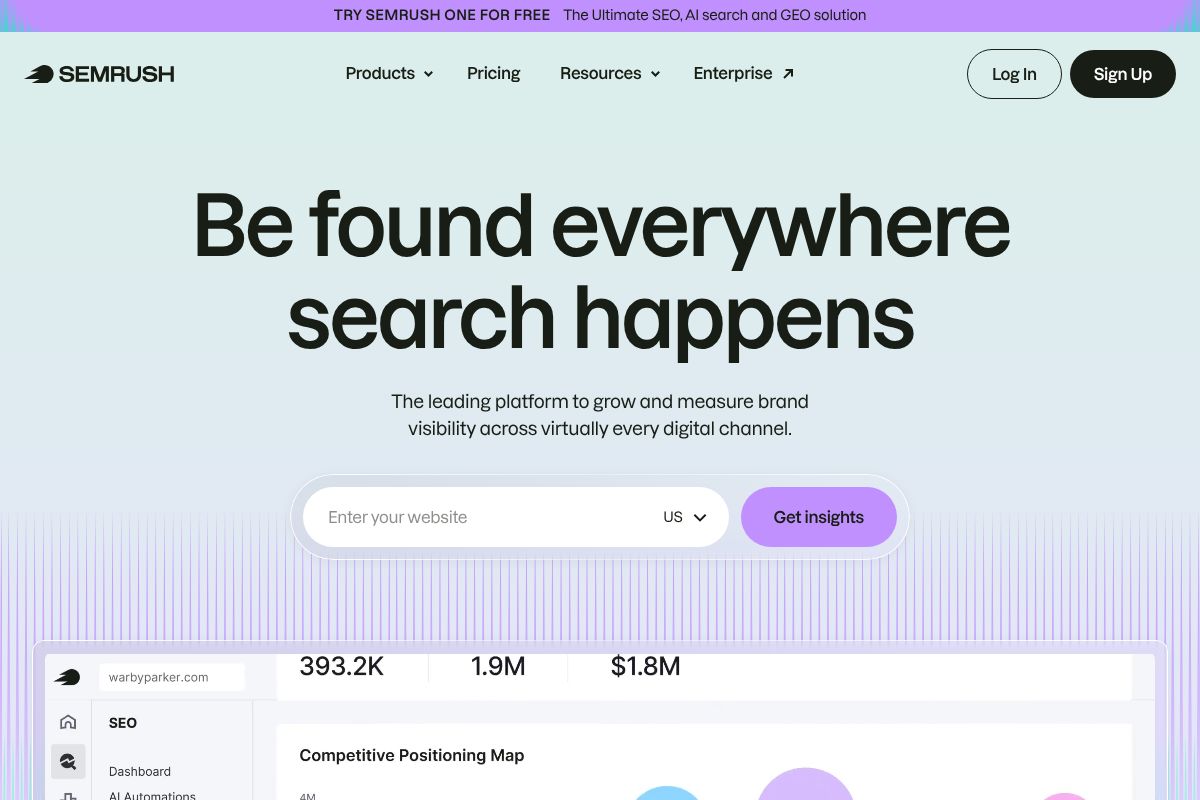
Its content marketing toolkit includes AI-generated briefs and optimization recommendations, but where it really shines is competitive intelligence. You can dissect a rival’s entire organic strategy in minutes.
Best for: Marketers and agencies managing multiple clients or campaigns who need deep data.
- Comprehensive competitor keyword and traffic analysis
- Rank tracking across locations and devices
- AI content templates and SEO writing assistant
- Backlink analysis and site audit tools
Pricing: Plans run $139.95–$499.95/month on standard billing, or around $117/month on an annual Pro plan. It’s a meaningful investment — and that’s the honest trade-off. The platform has a steeper learning curve, and casual users may find themselves paying for features they never touch.
Affiliate note: Semrush pays $200 per first sale — a reflection of the platform’s premium positioning.
Surfer SEO SEO: Best for Content Writers
If your primary goal is writing content that actually ranks, Surfer SEO is built exactly for that workflow. Its real-time content editor scores your article as you write, flagging missing keywords, structural gaps, and length issues based on what’s already ranking on page one. It’s the tool that feels most natural for writers because it fits directly into the writing process rather than interrupting it.
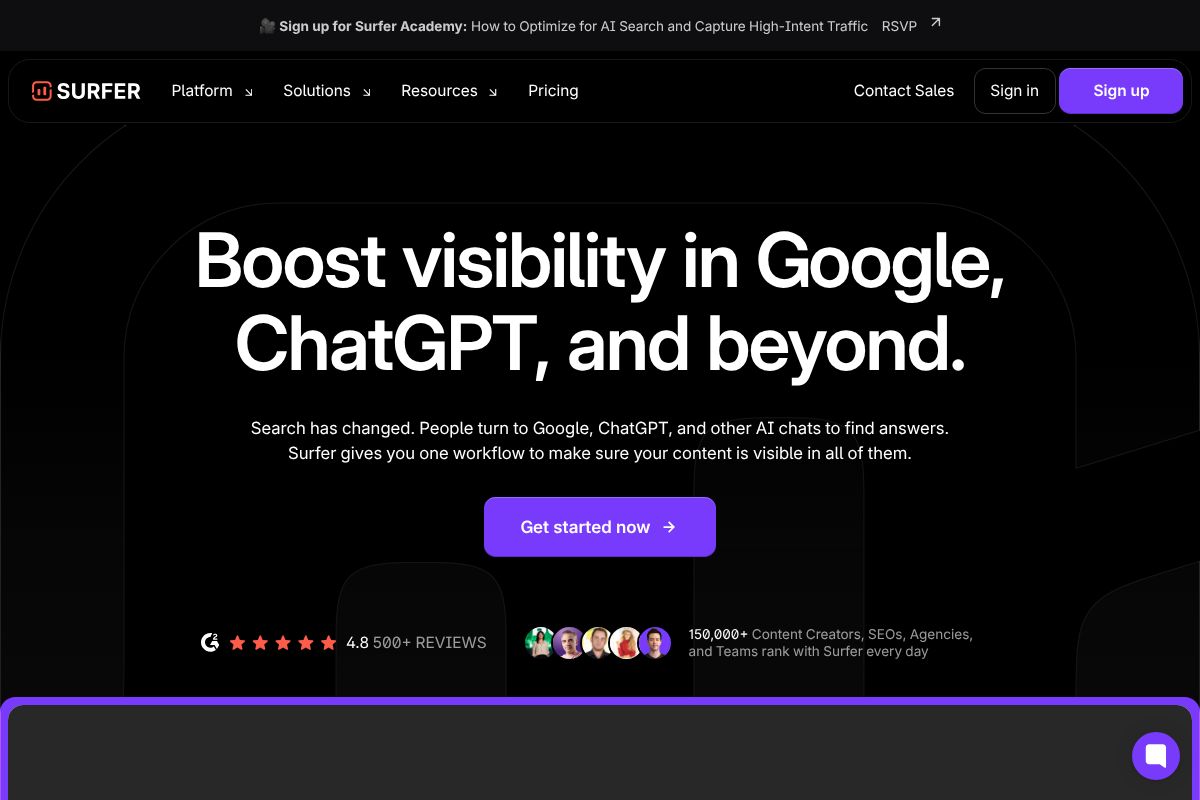
Best for: Freelance writers, content marketers, and bloggers who publish regularly and want optimization baked into their drafts.
- Real-time content editor with live scoring
- SERP analysis showing what top-ranking pages have in common
- AI-generated content briefs and outlines
- Keyword research with intent signals
Pricing: The Essential plan starts at $79/month on annual billing, with standard pricing ranging from $89–$219/month. The main limitation is that Surfer is lighter on competitive intelligence — it won’t give you the deep rival analysis that Semrush does. It’s a focused tool, not a full SEO suite.
Surfer SEO offers a 25% recurring affiliate commission, which reflects its strong retention among active content teams.
NeuralText: Best for Building Content Clusters
NeuralText takes a different angle: it helps you build topical authority by mapping out clusters of related content around a core subject. Rather than optimizing one article at a time, you’re planning a content ecosystem that signals expertise to search engines across multiple pages. It also includes AI writing assistance and keyword research, making it a surprisingly capable tool at a much lower price point.
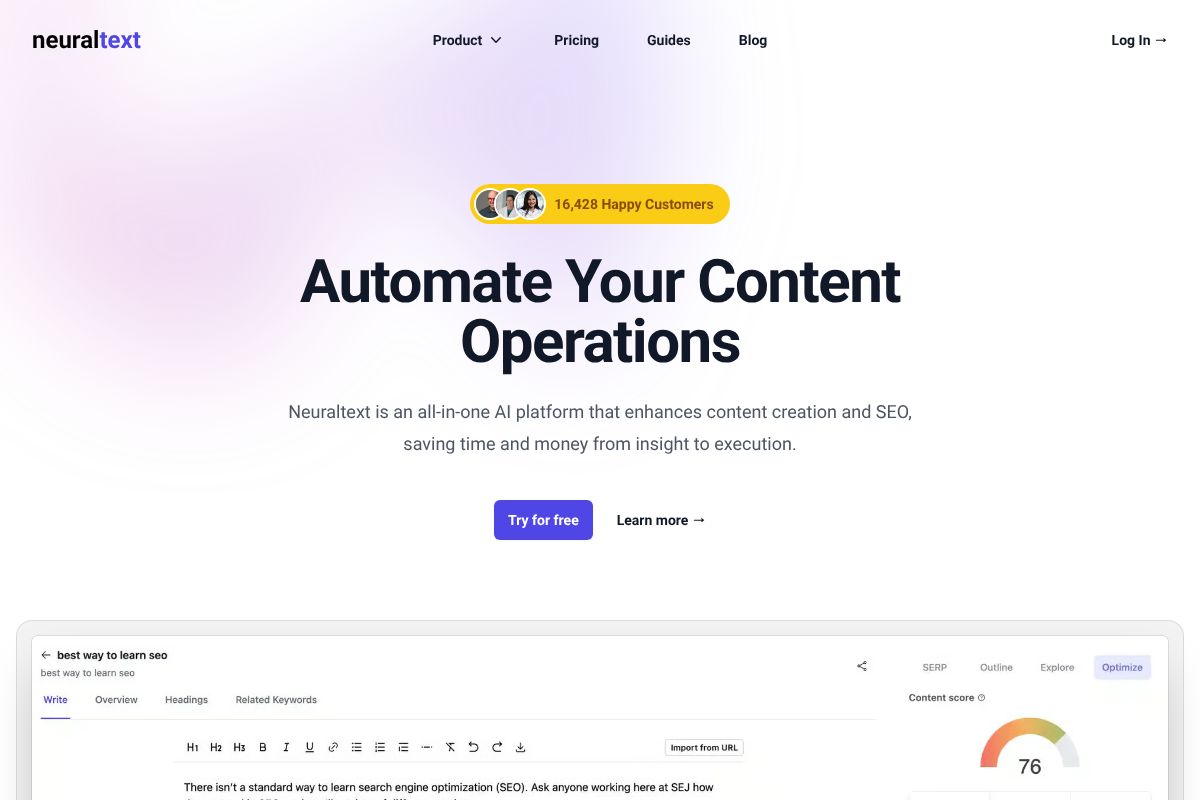
Best for: Small business owners, solo creators, and early-stage content marketers who want a smart, budget-conscious starting point.
- Topical clustering to build content authority
- AI writing assistance integrated into research workflow
- Keyword research with SERP data
- Content briefs and outline generation
Pricing: Plans range from $19–$119/month, making it the most accessible option here. The honest trade-off is a smaller overall feature set — it won’t replace Semrush for competitive research or Surfer for deep content scoring. But for the price, the value-to-capability ratio is hard to beat.
NeuralText offers a 30% recurring affiliate commission — one of the stronger recurring rates in this category.
| Tool | Best For | Starting Price | Standout Feature | Main Limitation |
|---|---|---|---|---|
| Semrush | Competitive analysis & rank tracking | $117/mo (annual) | Full-suite competitor intelligence | Steep learning curve, higher cost |
| Surfer SEO | Content writers & bloggers | $79/mo (annual) | Real-time content editor & scoring | Limited competitive analysis |
| NeuralText | Content clustering on a budget | $19/mo | Topical authority clustering | Smaller feature set overall |
Pricing & Value Breakdown
Understanding what you’re actually paying for — and whether it’s worth it — is just as important as the feature list. Here’s how these three tools stack up when you factor in real-world usage and budget constraints.
| Tool | Monthly Billing | Annual Billing | Entry Tier Includes | Pro Tier Adds |
|---|---|---|---|---|
| Semrush | $139/mo | $117/mo | 5 projects, 500 keywords tracked | 15+ projects, API access, expanded limits |
| Surfer SEO | $99/mo | $79/mo | 10 articles/month, content editor | Unlimited articles, team seats, AI writing |
| NeuralText | $19/mo | $19/mo | Keyword clustering, basic briefs | More credits, SERP data, AI writing tools |
Who Gets the Best ROI at Each Level?
Freelancers and solo creators will find the most value in NeuralText or Surfer SEO’s entry tier. If you’re producing a handful of articles per month and don’t need deep competitive intelligence, spending $139/month on Semrush is simply overkill.
Small teams producing consistent content — say, 10–20 pieces per month — get a strong return from Surfer SEO’s mid-tier plan. The content scoring alone can meaningfully improve rankings without requiring a full-time SEO strategist.
Agencies and growth-focused businesses are where Semrush earns its price tag. When you’re managing multiple client domains, tracking hundreds of keywords, and running competitor audits regularly, the annual plan pays for itself quickly.
The honest bottom line: don’t pay for premium features you won’t use. Start with NeuralText if budget is tight, graduate to Surfer when content volume increases, and consider Semrush only when competitive research becomes a core part of your workflow.
Pros, Cons & Real Trade-Offs
No tool is perfect for everyone. After spending real time inside each of these platforms, here’s an honest breakdown of where each one shines — and where it falls short.
Semrush
- Pro: The depth of competitive data is unmatched. You can see exactly which keywords a competitor ranks for, where their backlinks come from, and how their traffic has shifted over time — all in one dashboard.
- Pro: The keyword research and site audit tools are genuinely best-in-class. If SEO is central to your business, the data quality justifies the cost.
- Con: It’s overwhelming for beginners. The interface throws a lot at you immediately, and it can take weeks before you’re using it efficiently. Many users pay for features they never touch.
- Con: At $139/month on the entry plan, it’s a significant commitment — especially if you only need it for content optimization rather than full competitive intelligence.
Surfer SEO
- Pro: The content editor is genuinely intuitive. You paste in your draft, and the real-time scoring system tells you exactly what to adjust — headings, word count, keyword usage — without requiring any SEO background.
- Pro: Onboarding is fast. Most users are producing optimized content within the first session, which isn’t something you can say about Semrush.
- Con: Competitor analysis is fairly surface-level. If you need to understand why a competitor is outranking you beyond on-page signals, Surfer won’t give you the full picture.
- Con: The 10-article monthly cap on the base plan feels restrictive if your content output grows quickly.
NeuralText
- Pro: The price-to-value ratio is hard to argue with. For $19/month, you get keyword clustering and AI writing assistance that would cost significantly more elsewhere.
- Pro: Keyword clustering in particular saves hours of manual work when planning a content strategy from scratch.
- Con: The tool ecosystem is noticeably thinner. Integrations with platforms like Google Docs or popular CMS tools are limited compared to Surfer or Semrush.
- Con: The AI writing output is functional but often needs heavier editing than what you’d get from more polished tools. It’s a starting point, not a finished product.
Who Should Use Each Tool?
No single tool is the right fit for every workflow. Here’s how to match your situation to the right pick — without paying for features you’ll never use.
Content Creators: Go With Surfer SEO
If you’re a blogger, YouTuber, or independent writer publishing regularly, Surfer SEO fits naturally into your process. You write, you paste, you optimize — the feedback loop is immediate and doesn’t require a steep learning curve. The pain point it solves is simple: you’ve been writing good content that nobody finds because the on-page signals are off. Surfer fixes that without turning you into an SEO specialist.
Marketers Managing Campaigns: Go With Semrush
If you’re running paid and organic campaigns simultaneously, tracking competitors, or reporting to stakeholders, Semrush gives you the centralized visibility you need. It handles keyword research, backlink audits, position tracking, and site health checks under one roof. The trade-off is complexity — but if you’re managing multiple clients or channels, that depth is exactly what justifies the cost.
SEO Teams Building Topical Authority: Go With NeuralText
If your team is mapping out a content strategy from scratch — identifying keyword clusters, building pillar pages, and filling topical gaps — NeuralText’s clustering features save serious planning time. It’s especially useful for small SEO teams who need strategic infrastructure without enterprise-level pricing.
Freelancers on a Budget: Start With NeuralText or Surfer
At $19/month, NeuralText is the lowest-risk entry point if you’re just getting started with SEO content. If your client work demands more polished output and real-time content scoring, Surfer’s base plan is worth the extra spend — particularly once you’re billing clients for optimized deliverables.
The Verdict: Which AI SEO Tool Should You Choose?
There’s no single “best” AI SEO tool — it comes down to what you’re actually trying to accomplish. But here’s a simple way to think about it:
- Need an all-in-one SEO platform? Semrush is the most comprehensive option for marketers managing campaigns, tracking competitors, and reporting on performance across multiple channels.
- Primarily a writer or content creator? Surfer SEO’s real-time content editor and clean workflow make it the easiest tool to plug into your existing process without a learning curve.
- Building topical authority on a budget? NeuralText gives you keyword clustering and content briefs at a price point that won’t stress your margins — especially if you’re just scaling up.
The honest truth is that any one of these tools will move the needle if you use it consistently. The worst outcome is spending weeks comparing options instead of actually publishing optimized content.
So here’s your next step: start with the tool that matches your primary need right now. Most offer a free trial or a low-cost entry plan — take one for a test drive before committing. Pick the fit, not the feature list.