If you’ve spent any time trying to figure out which AI tool is best for marketers, you already know the problem: there are dozens of options, each promising to save you hours, write better copy, and somehow do your entire job for you. It’s overwhelming — and choosing the wrong tool means wasted money and a steep learning curve you didn’t budget for.
The good news? Most marketers only need one or two solid AI tools to see a real difference in their workflow. The challenge is knowing which ones actually deliver on their promises and which are mostly hype.
This guide breaks down the top AI tools available right now, what each one does best, who it’s built for, and where it falls short — so you can make a confident, informed decision.
Key Takeaways
- AI marketing tools automate content creation, customer segmentation, and campaign optimization, saving marketers 15-20 hours weekly on repetitive tasks.
- Best AI tools for marketers combine natural language processing, predictive analytics, and integration capabilities with existing marketing stacks.
- Pricing ranges from free tier options under $50/month to enterprise solutions exceeding $500/month depending on features and user count.
- Different tools excel in specific areas: ChatGPT for copywriting, HubSpot AI for CRM automation, Jasper for brand-consistent content generation.
- Successful AI adoption requires clear use cases, team training, and realistic expectations about AI limitations in creative strategy development.
In This Article
- Why Marketers Need AI Tools in 2026
- What Makes an AI Tool ‘Best’ for Marketing?
- Top AI Tools for Marketers: Features Breakdown
- Pros and Cons: What You Need to Know
- Pricing Comparison: What You’ll Actually Spend
- Who Should Use Which Tool?
- The Verdict: Which AI Tool Should You Choose?
- Get Started Today: Your Next Step
Why Marketers Need AI Tools in 2026
The pressure on marketers has never been higher. You’re expected to produce more content, across more channels, with leaner budgets and smaller teams than ever before. A social campaign that once took a week to build now needs to be live in a day — and it still needs to look polished and on-brand.
Content demand is the biggest pain point. Brands are publishing blog posts, short-form video scripts, email sequences, ad copy, and social graphics on a near-daily basis. If you’re a solo marketer or a small team, keeping up with that volume manually isn’t just exhausting — it’s impossible without something giving way, usually quality.
Budget constraints make the problem worse. Hiring a freelance designer for every social asset or a copywriter for every campaign simply isn’t realistic for most small businesses and independent creators. That’s exactly where AI tools have become genuinely useful — not as a replacement for creativity, but as a way to stretch limited resources further.
AI image generators and design tools, in particular, have changed the game for non-technical marketers. Tasks that used to require a professional designer — creating ad visuals, product mockups, branded social graphics — can now be done in minutes without touching Photoshop or hiring anyone.
The real shift in 2026 is this: the gap between what a solo creator can produce and what a full agency can produce has narrowed significantly. With the right AI tools in your stack, you can:
- Cut content production time by 50% or more
- Maintain visual consistency without a dedicated designer
- Test more creative variations without blowing your budget
- Move faster on campaigns without sacrificing quality
The key word, though, is right. Not every AI tool is built with marketers in mind — and the wrong choice can cost you more time than it saves.
What Makes an AI Tool ‘Best’ for Marketing?
Not all AI tools are created equal — and what works brilliantly for a graphic designer or developer can be frustrating and slow for a marketer who just needs results. When evaluating which tools deserve a place in your workflow, a few criteria matter more than anything else.
The most important factors to weigh are:
- Ease of use — Can you get a usable output in minutes, not hours?
- Output quality — Does the result actually look professional, or does it need heavy editing?
- Commercial licensing — Are you legally covered to use the output for client work and paid campaigns?
- Workflow integration — Does it connect with the tools you already use, like Canva Pro, HubSpot, or your CMS?
- Cost-effectiveness — Does the time and money saved justify the subscription cost?
The big trend in 2026 is that leading AI tools have shifted away from technical complexity toward creator-friendly interfaces. You no longer need to write elaborate prompts or understand machine learning to get great results. The best tools now guide you through the process with templates, presets, and smart defaults — which is exactly what busy marketers need.
Speed and Workflow Integration
For marketers, speed isn’t a luxury — it’s a requirement. The best AI tools let you generate, review, and iterate on content in minutes rather than days. More importantly, they fit into your existing stack rather than forcing you to rebuild your process around them.
In 2026, look for tools that offer batch processing — the ability to generate multiple variations of an asset simultaneously — and API or native integrations with platforms like Zapier, Slack, or your project management tools. For small teams especially, these features can eliminate hours of repetitive work each week without adding headcount.
Commercial Rights and Legal Safety
This is one of the most overlooked criteria — and one of the most important. If you’re creating content for clients or using AI-generated visuals in paid advertising, you need to be certain you own the rights to that output.
Licensing has become a major differentiator in 2026, as more businesses have run into legal grey areas using tools that don’t offer clear commercial rights. The safest tools explicitly state that outputs are yours to use for commercial purposes, including client deliverables and branded campaigns. Always check the terms before committing to a platform, especially if brand safety is a concern for your business or your clients.
Top AI Tools for Marketers: Features Breakdown
With dozens of AI tools competing for your attention, it helps to cut through the noise and focus on what actually matters for marketing work. Below is a breakdown of the strongest contenders in 2026 — each with a distinct strength depending on your workflow, budget, and output goals.
Adobe Firefly/” rel=”sponsored noopener” target=”_blank”>Adobe Firefly: Premium Commercial-Safe Images
If you’re producing visuals for client campaigns, paid ads, or branded content, Adobe Firefly is the most legally defensible option on the market right now. Unlike many AI image generators, Firefly was trained exclusively on licensed and public domain content — which means the outputs come with clear commercial licensing included. You’re not left wondering whether a client asset might trigger a copyright dispute down the line.
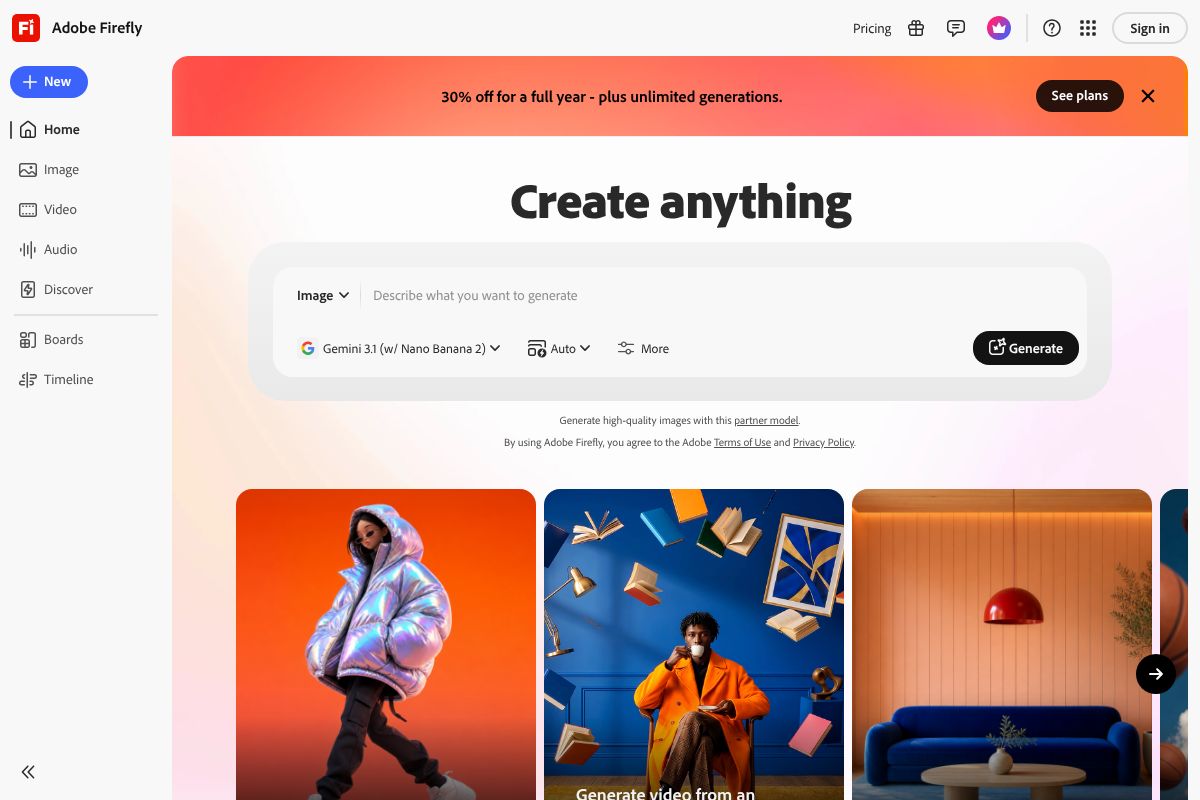
For agencies and freelancers especially, that peace of mind is worth a lot. Firefly also integrates directly with Adobe Creative Cloud, so if you’re already working in Photoshop or Premiere Pro, it slots into your existing process without friction. Pricing runs from $4.99/month for a standalone credits plan up to $54.99/month for full Creative Cloud access with expanded generation credits.
- Trained on licensed content — commercial use is explicitly covered
- Native integration with Photoshop, Illustrator, and Premiere Pro
- Generative Fill and text-to-image tools built into familiar interfaces
- Best for: agencies, freelancers, and brand-sensitive client work
Canva Pro: All-in-One Design for Non-Designers
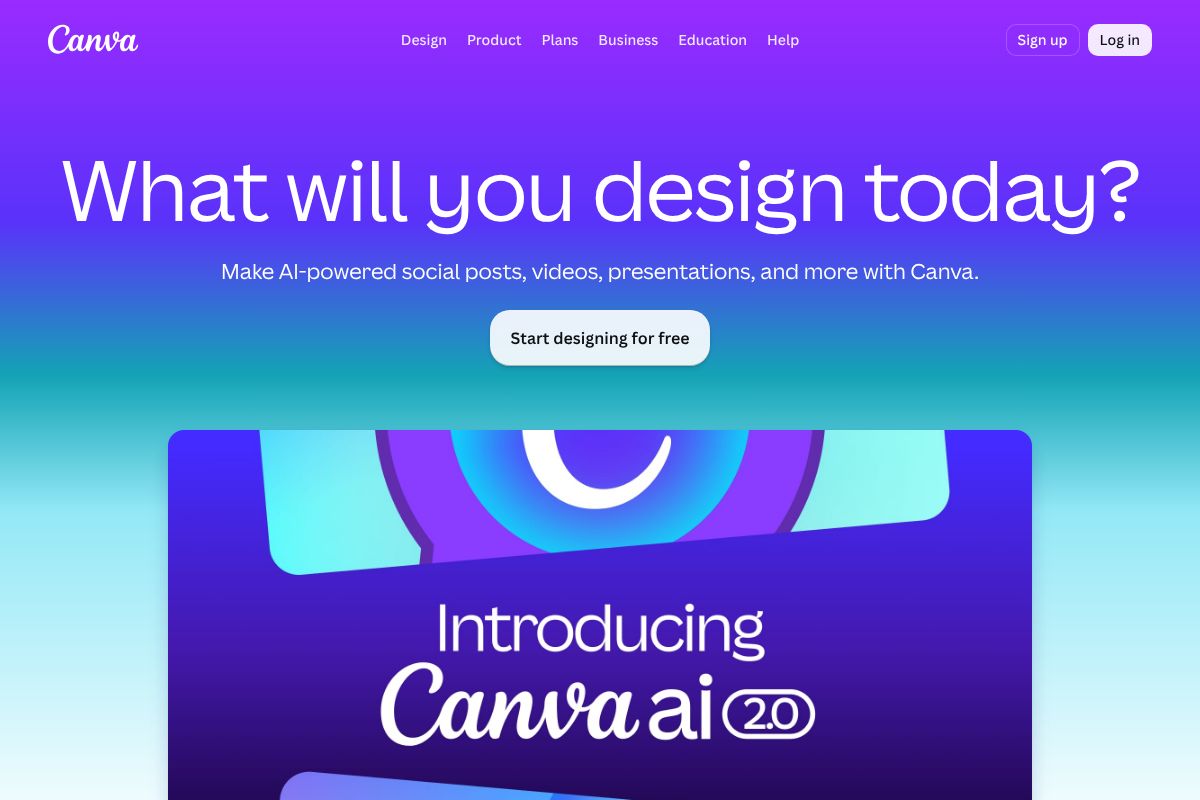
Canva Pro remains one of the most practical tools in a marketer’s stack — not because it’s the most powerful, but because it’s the fastest to get results in. The platform combines drag-and-drop design, a massive library of templates, built-in AI image generation, and social media scheduling all under one roof. At $15/month (or $120/year), it’s also one of the better value propositions available.
Where Canva Pro shines is in speed and accessibility. You don’t need design experience to produce polished social posts, email headers, or presentation decks. The trade-off is customization — if you need highly specific brand outputs or pixel-perfect control, you’ll hit its limits quickly. But for small business owners and content creators who need to ship assets fast, it’s hard to beat.
- Thousands of marketing-ready templates across every format
- AI image generation and background removal built in
- Social media scheduling directly from the platform
- Best for: small business owners, solo creators, and social media managers
Pros and Cons: What You Need to Know
No AI tool is perfect — and that’s worth saying plainly. The good news is that 2026 tools are meaningfully more reliable than what was available just a year ago. Output consistency has improved, hallucinations in copy tools are less frequent, and image generation has gotten sharper. But trade-offs still exist, and understanding them upfront will save you frustration down the line.
Here’s an honest look at the key factors you should weigh before committing to any tool in your stack.
| Factor | What to Watch For |
|---|---|
| Learning Curve | Canva Pro is beginner-friendly; Adobe Firefly assumes design familiarity |
| Output Consistency | Better across the board in 2026, but AI-generated copy still needs human review |
| Pricing Transparency | Some tools bury credit limits or usage caps in fine print — always check tier details |
| Customer Support | Budget tiers often mean community forums only; premium plans typically include live support |
| Update Frequency | Most leading tools push meaningful updates monthly, but feature rollouts vary by plan |
The bottom line: even the best tools require you to stay involved. AI handles the heavy lifting, but your judgment still drives the quality of the final output.
Speed vs. Customization
There’s a real trade-off between how fast a tool gets you to a finished asset and how much control you have over the result. Canva Pro is the clearest example of speed-first design — you can produce a polished social graphic in under five minutes, but you’re working within the platform’s templates and constraints. That’s a fair exchange for most day-to-day marketing tasks.
On the other end, tools like Adobe Firefly — integrated directly into Photoshop and Illustrator — give you far greater precision and creative flexibility. The catch is that they reward users who already know their way around professional design software. If you need brand-exact outputs or complex compositions, the extra time investment pays off. If you just need content out the door, it probably doesn’t.
Cost vs. Features
Budget-friendly tools like Canva Pro at $15/month cover a wide range of everyday marketing needs without requiring a significant financial commitment. For freelancers, solo creators, and small business owners, this tier is often more than enough to stay productive and on-brand.
Enterprise-level solutions cost more for a reason — deeper integrations, higher output limits, commercial licensing clarity, and dedicated support. If you’re running campaigns at scale, managing multiple clients, or producing high-volume creative assets, investing in a more robust plan often pays for itself quickly. The key question to ask isn’t “What’s the cheapest option?” but rather “What does this tool cost me in time if it can’t do what I need?” Sometimes the pricier tool is actually the more efficient choice.
Pricing Comparison: What You’ll Actually Spend
Understanding the real cost of AI marketing tools means looking beyond the headline price. Overage fees, team seats, and annual vs. monthly billing can all shift what you’re actually paying. Here’s a straightforward breakdown of the most popular options.
| Tool | Base Price | Annual Option | Team Pricing | Overage Fees |
|---|---|---|---|---|
| Adobe Firefly | $4.99–$54.99/month | Yes (discounted) | Via Creative Cloud plans | Generative credits cap applies |
| Canva Pro | $15/month | $120/year | Canva for Teams from $10/seat | None on most features |
| Jasper AI | From $49/month | Yes (saves ~20%) | Business plans available | Word/seat limits vary by plan |
How Fast Do These Tools Pay for Themselves?
For most marketers, the ROI calculation is simpler than it looks. If Canva Pro at $15/month saves you even two hours of design work — time you’d otherwise spend wrestling with formatting or outsourcing to a freelancer — it’s already covered its cost.
Adobe Firefly’s lower entry tier at $4.99/month makes it an easy trial for anyone already in the Adobe ecosystem. Heavier users who need unlimited generative credits will move up quickly, so factor in realistic usage before committing.
At the higher end, tools like Jasper AI make the most financial sense when you’re producing content at volume — think weekly blog posts, email sequences, and ad copy running simultaneously. A single campaign that converts well can easily offset several months of subscription costs.
- Solo creators: Canva Pro or Firefly’s entry tier is usually sufficient
- Freelancers managing clients: Team pricing and white-label features justify mid-tier plans
- Small businesses running campaigns: Higher-tier plans pay off when output volume is consistent
Who Should Use Which Tool?
Not every AI tool fits every workflow. The right choice depends less on which platform has the most features and more on how you actually work day-to-day. Here’s a practical breakdown by user type to help you avoid paying for capabilities you’ll never use.
For Freelancers and Agencies
If you’re delivering creative work to clients, Adobe Firefly is the stronger choice — and commercial licensing is the main reason why. Every asset generated through Firefly is covered for commercial use, which matters the moment a client asks whether your AI-generated visuals are safe to publish or print.
For agencies managing multiple brands, Firefly’s integration with Adobe Creative Cloud also means your team can work inside tools they already know — Photoshop, Illustrator, InDesign — without switching context. Brand consistency is easier to maintain when generative AI lives inside your existing production pipeline rather than as a separate app.
- Freelance designers: Commercial licensing removes legal risk on client deliverables
- Creative agencies: Adobe ecosystem integration supports multi-brand, multi-format workflows
- Client-facing teams: Professional output quality aligns with higher-budget expectations
For Solo Creators and Small Businesses
Speed and simplicity win here, and that’s where Canva Pro earns its place. You don’t need design experience to produce social posts, email headers, presentations, or promotional graphics that look polished and on-brand. The all-in-one platform means you’re not stitching together multiple subscriptions to get from idea to finished asset.
At $15/month, Canva Pro is also one of the most cost-effective tools in this space for the breadth of what it covers. For a solo content creator publishing regularly across platforms, or a small business owner handling their own marketing, it removes the bottleneck without requiring a steep learning curve.
- Solo content creators: Fast turnaround on multi-platform visual content
- Small business owners: No design background needed to maintain a consistent brand presence
- Budget-conscious marketers: One subscription covers templates, video, and print-ready formats
The Verdict: Which AI Tool Should You Choose?
There’s no single best AI tool for marketers — and anyone who tells you otherwise is probably trying to sell you something. The right choice depends on your workflow, your budget, and what you’re actually trying to produce on a daily basis.
If commercial safety and premium output quality are your priorities, Adobe Firefly is hard to beat. Every image it generates is trained on licensed content, which means you can use it in client work and paid campaigns without legal second-guessing. If you’re already working inside Adobe’s ecosystem, the integration alone makes it worth the investment.
If speed, simplicity, and versatility matter more than pixel-perfect precision, Canva Pro delivers an impressive amount of value at $15/month. It’s built for people who need to move fast across multiple formats without a design background — and it handles that job extremely well.
Here’s the thing: plenty of working marketers use both. They’ll use Canva Pro for quick social content and day-to-day brand assets, then reach for Adobe Firefly when a campaign demands higher production quality or bulletproof licensing. That combination covers most marketing use cases without overspending.
- Need commercial-safe, high-quality visuals? Go with Adobe Firefly
- Need fast, flexible, all-in-one design? Canva Pro is your best starting point
- Serious about marketing output? Consider using both together
Ready to see which one fits your workflow? Explore both tools below and start with the free tier before committing to a paid plan.
Get Started Today: Your Next Step
The best way to figure out which tool works for you is simple: test it with your own content. Don’t run through demo assets or tutorial projects — upload your actual brand colors, your real campaign brief, your everyday content needs. That’s where the differences become obvious fast.
Here’s what to focus on in your first seven days:
- Day 1–2: Recreate something you’ve already made. See how quickly you can match your usual output quality.
- Day 3–4: Try a format you normally struggle with — a display ad, a social carousel, a branded image.
- Day 5–7: Assess the workflow. Did it save you time? Did the results feel polished enough to publish?
Both tools make it easy to start without financial risk. Canva Pro offers a free tier with generous features and a 30-day free trial on the paid plan at $15/month. Adobe Firefly includes free monthly credits so you can explore generative features before committing to a subscription.
Give one — or both — a real week of use. You’ll know by day seven whether it belongs in your workflow permanently.
- Try Canva Pro free — no design skills required, results in minutes
- Try Adobe Firefly free — commercially safe AI imagery from day one
Our Verdict
Editorial rating: 4.6/5
AI Tools Transform Marketing Efficiency
AI marketing tools in 2026 deliver measurable ROI through automation and personalization, with most marketers seeing 20-30% productivity gains. The trade-off: success requires ongoing learning, careful tool selection, and human oversight to maintain brand authenticity and strategic direction.
Frequently Asked Questions
What is the best AI tool for marketing in 2026?
The best AI tool depends on your specific needs: HubSpot AI excels for integrated marketing automation, Jasper for content creation, and ChatGPT for quick copywriting tasks. Most successful marketers use multiple tools together rather than relying on a single platform.
Can AI tools replace human marketers?
AI tools automate repetitive tasks like email sequences and social media scheduling, but cannot replace strategic thinking, creative direction, or relationship building. Marketers who leverage AI for efficiency while focusing on strategy remain most valuable to organizations.
How much does an AI marketing tool cost?
AI marketing tools range from free options like ChatGPT to premium platforms costing $50-500+ monthly. Most mid-market solutions cost $100-300/month with per-user or usage-based pricing. Enterprise packages require custom quotes based on team size and feature requirements.
Which AI tool is best for email marketing?
HubSpot AI and Klaviyo AI lead for email marketing, offering subject line optimization, send-time prediction, and personalization. Both integrate with existing email platforms and provide analytics. Choice depends on whether you need broader marketing automation or email-specific features.
Related Reads
- Best AI for Social Media Content in 2026: Top Tools Reviewed
Find the best AI tools for social media content creation in 2026. Compare features, pricing, and which tool fits your ne…
- Best AI Image Generator Free in 2026: Top Picks Compared
Find the best free AI image generators in 2026. Compare features, limitations, and paid upgrades for creators and small …
- Best Free AI Image Generator in 2026: Top Picks
Find the best free AI image generator for 2026. Compare top tools, features, and when to upgrade to paid plans.…