You’ve probably heard the buzz: Notion has evolved from a simple note-taking add-on into a full-blown productivity powerhouse. But with so many AI tools competing for your attention — and your subscription budget — it’s fair to ask: is Notion the best AI tool for 2026, or is it just riding the hype?
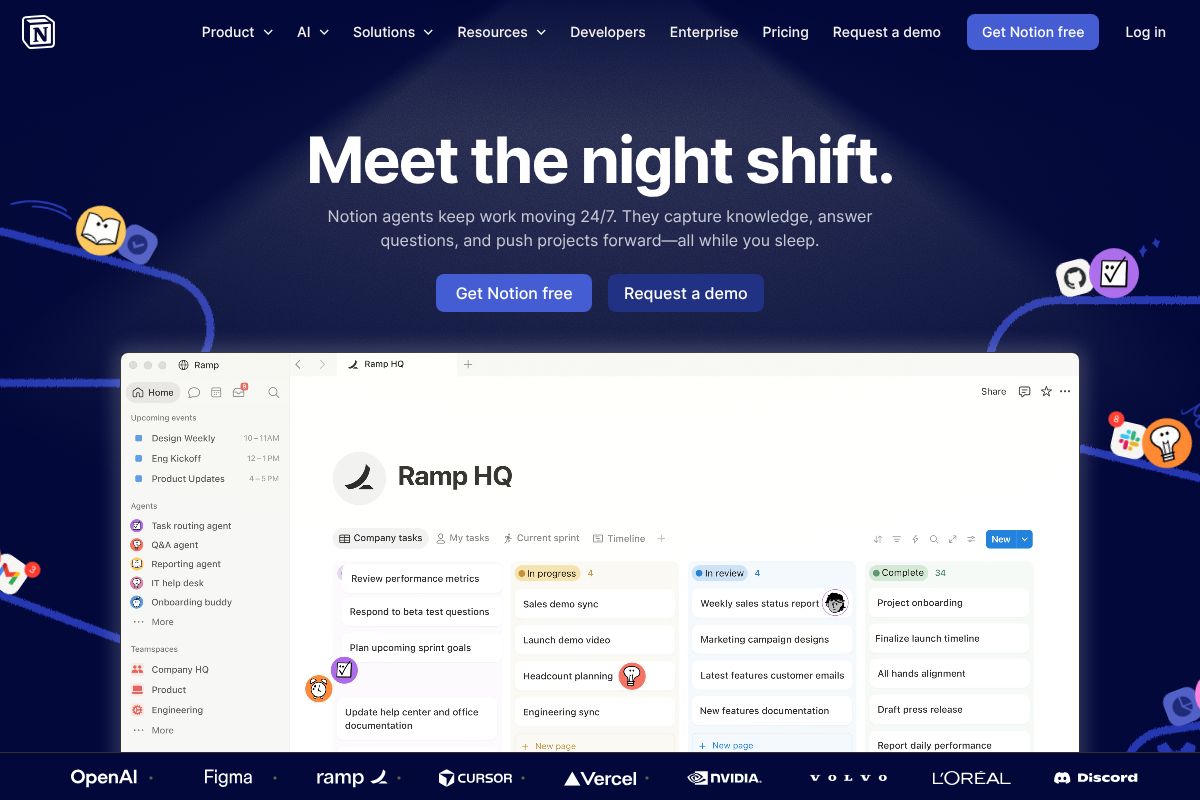
Whether you’re a freelancer drowning in scattered docs, a marketer juggling campaign briefs, or a small business owner trying to streamline operations, the promise of an all-in-one AI workspace sounds almost too good to be true. Sometimes it is. Sometimes it isn’t.
Notion AI does some things brilliantly and others frustratingly — here’s exactly what you need to know before spending money on it in 2026.
Key Takeaways
- Notion AI excels at document automation and workspace organization, but lacks specialized depth compared to dedicated AI tools.
- Pricing remains competitive at $10/month add-on, making it accessible for teams already invested in Notion’s ecosystem.
- Best suited for knowledge workers managing projects and databases, not for advanced machine learning or content generation needs.
- Integration within Notion’s platform eliminates context-switching, streamlining workflows for collaborative teams using unified workspaces.
- Real limitation: Notion AI cannot replace specialized tools like ChatGPT or Claude for complex reasoning and creative tasks.
In This Article
- What Is Notion’s AI, and Why People Are Asking
- Key Features of Notion AI in 2026
- The Real Pros and Cons
- Pricing Breakdown: Is It Worth It?
- When Notion AI Is the Right Choice (and When It Isn’t)
- Notion AI vs. Other Tools: Quick Comparison
- The Verdict: Is Notion the Best AI?
- Ready to Decide? Here’s What to Do Next
What Is Notion’s AI, and Why People Are Asking
First things first: Notion AI is not a standalone AI product. It’s a feature layer built directly into the Notion workspace — the same platform you might already use for notes, wikis, project management, and databases. Think of it less like ChatGPT and more like a smart assistant that lives inside your existing workflow.
So what does it actually do? At its core, Notion AI helps you with three main things:
- Writing assistance — drafting, editing, rewriting, and improving tone across any Notion page
- Summarization — condensing long documents, meeting notes, or project briefs into digestible takeaways
- Brainstorming — generating ideas, outlines, action items, and content structures on demand
These features are baked into Notion’s Business plan, which means if your team is already paying for that tier, you’re not adding another tool to your stack — you’re unlocking capabilities you may not have fully explored yet.
The reason people keep asking “is Notion the best AI?” usually comes down to convenience. When your notes, tasks, and documents all live in one place, having AI right there with them feels seamless. But seamless and best-in-class aren’t always the same thing.
Notion AI vs. Standalone AI Tools
Unlike dedicated AI tools — think ChatGPT, Claude, or Jasper AI — Notion AI doesn’t exist outside of the Notion environment. You can’t open it independently, feed it external files from other platforms, or use it as a general-purpose assistant across your browser.
For teams, this distinction actually matters quite a bit. The upside is tight integration: Notion AI can pull context directly from your existing pages, databases, and project docs without any copy-pasting. The downside is that it’s only as useful as your Notion setup. If your team doesn’t live in Notion day-to-day, the AI feature loses much of its practical value.
In short, Notion AI is a productivity multiplier for Notion users — not a replacement for a dedicated AI writing or research tool.
Key Features of Notion AI in 2026
Notion AI has matured significantly, and it now covers a solid range of tasks that matter to creators, marketers, and small business owners. Whether you’re drafting content, organizing research, or trying to make sense of a long document, these features are designed to reduce the friction of working inside Notion — not add to it.
All of the features below are available on the Business plan at $20/user/month, which bundles Notion AI directly into your workspace. Here’s what you actually get.
- Writing and editing assistance — drafting, rewriting, and improving tone on demand
- Summarization — condensing long documents, meeting notes, or research into digestible takeaways
- Q&A on your docs — ask questions and get answers pulled directly from your Notion pages
- Database automation — auto-filling properties, generating summaries for database entries, and tagging content
- Brainstorming — generating ideas, outlines, action items, and content structures on demand
Writing and Content Creation
Notion AI can help you go from a blank page to a working draft faster than you might expect. You can prompt it to generate a blog post outline, write a first draft based on bullet points you’ve jotted down, or clean up rough copy you’ve already written.
For example, a marketer could drop in three product bullet points and ask Notion AI to turn them into a short social media caption — without ever leaving their content calendar. It handles basic editing tasks like improving clarity, adjusting tone, and fixing grammar, which makes it genuinely useful for day-to-day content work rather than just occasional use.
Summarization and Knowledge Management
If you’re someone who collects a lot of research — articles, meeting notes, client briefs, competitor analysis — Notion AI’s summarization feature can save you a meaningful amount of time. You can highlight a long document and ask for a concise summary, or have it pull out key action items from a meeting transcript.
This is especially valuable for creators and freelancers who use Notion as a second brain. Instead of re-reading five pages of notes before a client call, you can get a quick recap in seconds. It’s not perfect — it occasionally misses nuance in complex documents — but for most everyday use cases, it does the job well.
The Real Pros and Cons
No tool is perfect for everyone, and Notion AI is no exception. It does some things genuinely well, but it also has real limitations that could make it the wrong choice depending on your specific needs. Here’s an honest breakdown before you commit.
Advantages for Your Workflow
The biggest argument for Notion AI isn’t that it’s the most powerful AI on the market — it’s that it lives exactly where your work already happens. If you’re already using Notion to manage projects, store documents, and collaborate with your team, adding AI to that environment means zero context-switching and no extra login to remember.
For teams, that convenience compounds quickly. Instead of bouncing between a writing tool, a project manager, and a separate AI assistant, everyone works in one shared space. That alone can reduce tool sprawl and simplify your stack significantly.
- All-in-one workspace — your docs, tasks, and AI assistance in a single platform
- No additional subscriptions — AI is bundled into your existing Notion plan
- Collaborative by default — teammates benefit from the same AI features without separate onboarding
- Faster workflows — generate, edit, and organize content without leaving your workspace
- Cost-effective for teams — one tool covering multiple functions can replace several paid subscriptions
For small teams already invested in Notion, the cost-benefit case is straightforward. You’re getting solid AI functionality without paying for yet another standalone tool.
Limitations You Should Know
The most immediate drawback is access. Notion AI is only available on the Business plan, which represents a meaningful cost jump from lower tiers. If you’re a solo freelancer or a small team on a tight budget, that paywall is a real barrier worth weighing carefully.
Beyond cost, Notion AI is a generalist — and that’s a double-edged sword. It won’t replace a dedicated transcription tool for meeting notes, a specialized sales assistant for CRM workflows, or a deep research tool for complex analysis. If your work depends heavily on any of those specific use cases, you’ll likely find it underwhelming.
- Business plan required — not available on free or lower-tier plans
- Not built for transcription — lacks real-time meeting or audio capabilities
- Generalist limitations — purpose-built AI tools will outperform it in specialized tasks
- Less powerful than dedicated AI writers — for high-volume content work, tools built specifically for writing may deliver better results
The honest takeaway: Notion AI is a strong addition to your workflow, not necessarily a replacement for every AI tool you use. Know what you need before assuming it covers everything.
Pricing Breakdown: Is It Worth It?
Notion’s pricing structure is relatively straightforward, but the AI features come with a catch — they’re not available on every plan. Before you commit, it’s worth doing the math to see whether the cost actually makes sense for your situation.
Here’s how the tiers break down as of 2026:
- Free plan — No AI access
- Plus plan — ~$10/user/month (no AI included)
- Business plan — ~$20/user/month (AI features included)
- AI add-on — ~$10/user/month if you’re already on a paid plan
Cost Per User and ROI
If you’re already paying for Notion, adding AI costs an additional $10 per user per month. If you’re starting fresh on the Business plan, you’re looking at $20 per user per month. For a three-person team, that works out to $60 to $180 per month depending on your current plan and how you structure the add-on.
Compare that to standalone AI writing or productivity tools, which often run $20–$50 per user on their own — on top of whatever you’re already paying for a workspace. If your team lives in Notion day-to-day, consolidating into one platform can genuinely save money.
That said, if you’re only on the free plan and AI is the primary reason you’d upgrade, the value case is thinner. You’d essentially be paying for the Business plan just to access AI, which is a harder sell when dedicated tools offer more specialized capabilities at a similar price point.
The smartest move: if Notion is already central to how your team works, the AI add-on is a reasonable investment. If you’re not yet a Notion user, try Notion on the free tier first to see if the workspace itself earns its place before layering in the AI cost.
When Notion AI Is the Right Choice (and When It Isn’t)
No tool is the right fit for everyone, and Notion AI is no exception. Whether it’s worth your time and money depends heavily on how you already work — and what you’re expecting AI to actually do for you.
Best For: All-in-One Workspace Teams
If your team already lives in Notion — managing projects, writing docs, tracking tasks, and storing knowledge in databases — Notion AI is a natural fit. You’re not adding another app to your stack; you’re upgrading the one you already use every day. Content creators who manage editorial calendars alongside their drafts, or small businesses running operations from a single Notion workspace, will find the AI genuinely reduces context-switching. The value isn’t just the AI itself — it’s that the AI lives where your work already is.
Consider Alternatives If You Need: Meeting Transcription
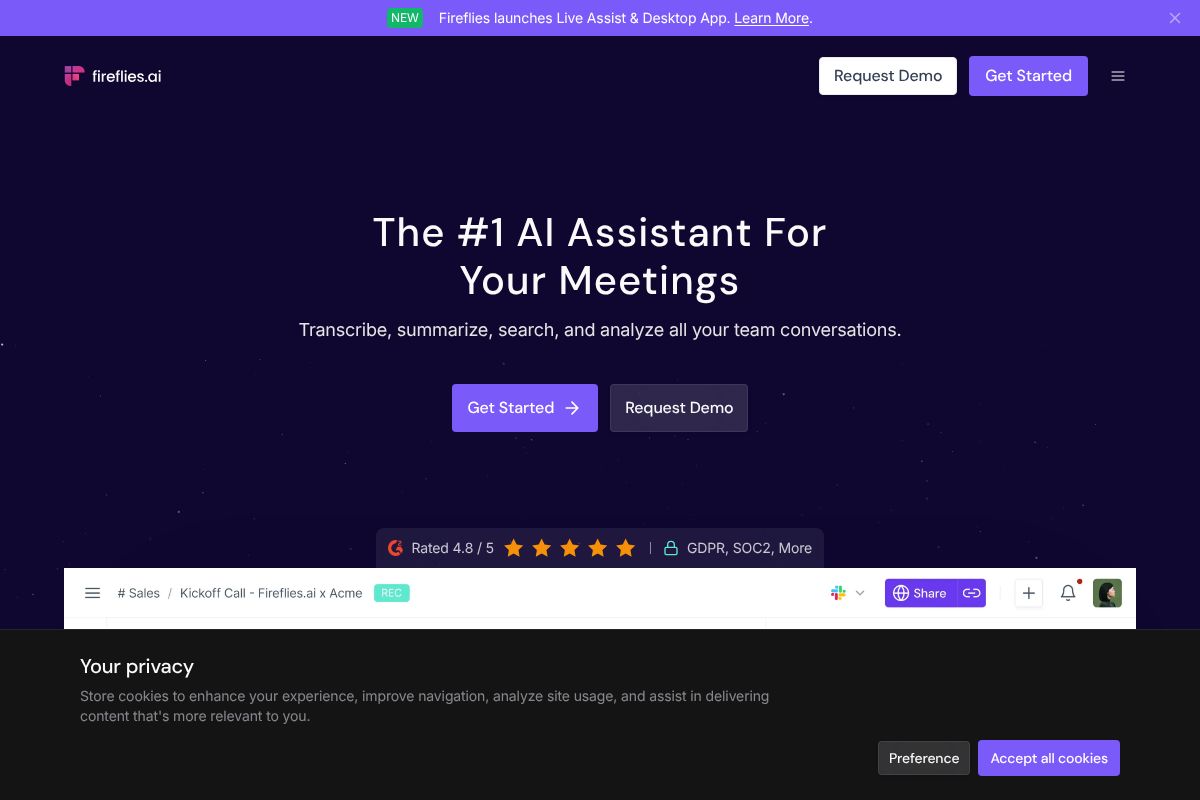
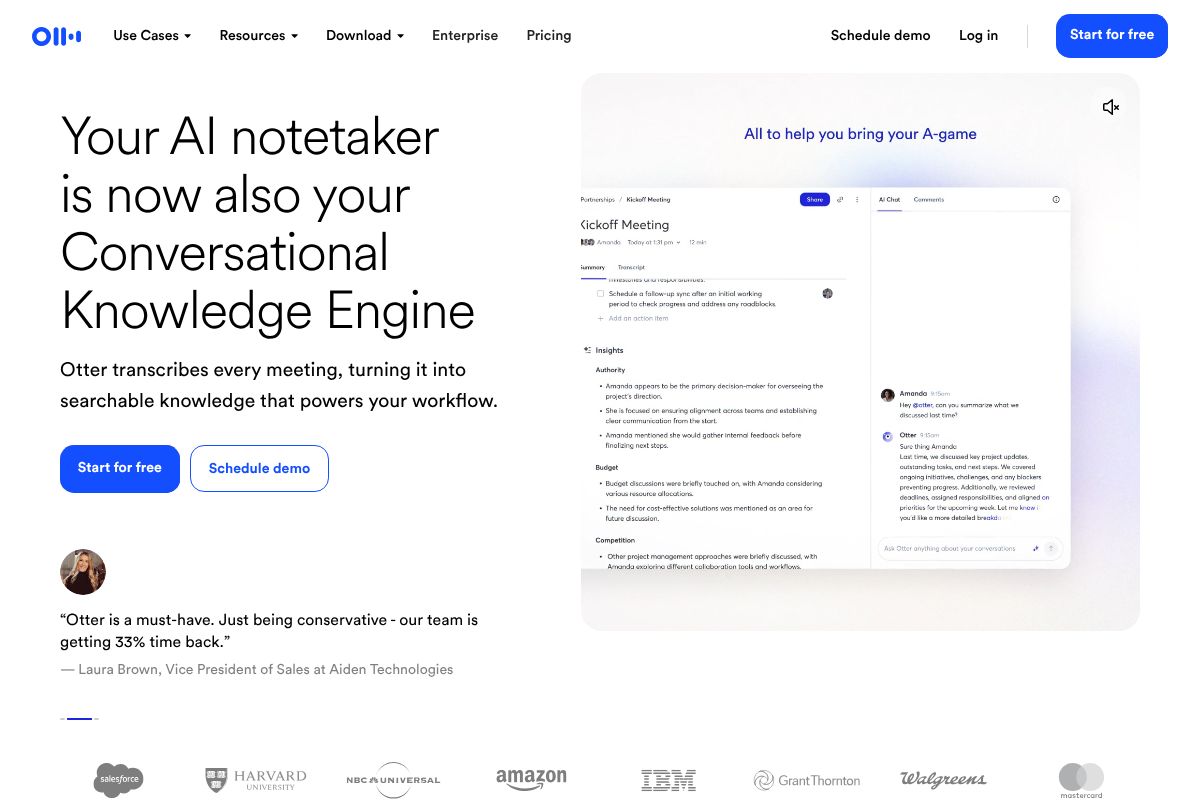
Notion AI doesn’t transcribe meetings. If your workflow revolves around client calls, sales conversations, or internal standups, you’ll want a dedicated tool for that. Otter.ai.ai at $16.99/month is widely regarded for transcription accuracy and is a strong pick for content creators or teams who need clean, searchable meeting notes. Fireflies.ai at $18/month leans more toward sales teams, offering CRM integrations, speaker tracking, and call analytics that go well beyond simple transcription. Either option will serve that specific need far better than Notion AI can, and at a comparable price point.
Consider Alternatives If You Need: Specialized AI Features
Notion AI is a capable generalist — but if you need best-in-class performance in a specific area, standalone tools will likely outperform it. Advanced image generation, deep code assistance, or granular content analytics all have dedicated platforms that go much further than Notion’s built-in AI can. Notion AI is designed to support your workspace, not replace specialized creative or technical tools. If one of those capabilities is central to your workflow, it’s worth evaluating purpose-built options rather than expecting Notion to cover everything. Think of Notion AI as a solid complement to your toolkit, not a replacement for it.
Notion AI vs. Other Tools: Quick Comparison
Notion AI is a strong contender in the AI productivity space — but it’s not the right tool for every job. To give you a clearer picture, here’s how it stacks up against some of the most popular alternatives across key use cases.
Feature and Use Case Comparison
The table below breaks down four tools by cost, strengths, and where each one genuinely shines. No tool wins across the board, so the goal is to match the right option to your actual workflow.
| Tool | Price | Best For | Key Trade-Off |
|---|---|---|---|
| Notion AI | $20/user/mo (Plus plan) | Content creation, project docs, integrated workflows | No meeting transcription; weaker outside the Notion ecosystem |
| ChatGPT | $20/mo | General productivity, research, writing, coding | Standalone — no native integration with your docs or workspace |
| Otter.ai | $16.99/mo | Meeting transcription, searchable call notes | Limited outside of audio/meeting use cases |
| Fireflies.ai | $18/mo | Sales teams, CRM integration, call analytics | Overkill for general content or productivity workflows |
The pattern here is pretty clear. ChatGPT is more powerful as a raw AI engine, but it doesn’t live inside your workspace — you’re constantly switching contexts. Otter.ai and Fireflies.ai are purpose-built for meetings and sales conversations respectively, and they do those jobs better than Notion AI ever will.
Where Notion AI genuinely wins is integration. If you’re already managing projects, content, and team docs inside Notion, having AI baked directly into that environment eliminates friction. You’re not copying and pasting between tools — you’re drafting, summarizing, and organizing right where your work lives. For content creators, marketers, and small business owners who run their operations inside Notion, that seamless experience is worth more than a marginally smarter standalone AI.
The honest takeaway: Notion AI isn’t the most powerful AI tool on the market, but it may be the most convenient one for your specific workflow.
The Verdict: Is Notion the Best AI?
Here’s the honest answer: it depends entirely on how you work. “Best AI” is the wrong frame — the right question is whether Notion AI is the best fit for your specific workflow, team, and budget.
If you’re already living inside Notion — managing content calendars, tracking projects, writing docs — then yes, Notion AI is probably the smartest add-on you can enable right now. The integration is seamless, the learning curve is minimal, and the productivity gains are real. For those users, it’s hard to argue against it.
But if your work is meeting-heavy, you’ll hit a ceiling fast. Notion AI wasn’t built for real-time transcription or call analytics, and tools like Otter.ai or Fireflies.ai will serve you far better in that lane.
And if you’re a cost-conscious freelancer who doesn’t already pay for Notion? Adding the AI add-on on top of a workspace subscription is harder to justify when standalone tools can handle most of the same tasks at a lower entry cost.
Here’s where things land:
- Already on Notion? The AI upgrade is likely worth it.
- Meeting-heavy workflow? Look elsewhere for your primary AI tool.
- Freelancer on a tight budget? Weigh the full subscription cost carefully before committing.
- Need raw AI power? A dedicated tool will outperform Notion AI.
Notion AI is genuinely good — but it’s one option in a fast-growing ecosystem of AI tools, each with its own strengths. Before you commit, it’s worth exploring what else is out there to make sure you’re building your workflow around the right foundation.
Ready to Decide? Here’s What to Do Next
The best move here is always to test before you commit. Most of these tools offer free tiers or trials, so there’s no reason to pay for something you haven’t tried yourself.
- Already using Notion? Upgrade to the Business plan and enable Notion AI — it’s the lowest-friction way to add AI to a workflow you’ve already built.
- Lots of meetings and calls? Start with the free tier on Otter.ai or Fireflies.ai and see which interface clicks for you before spending anything.
- Not sure yet? Sign up for Notion’s free plan first. Spend a week or two using it as your workspace hub, then decide if the AI add-on is worth layering in.
None of these tools require a long-term contract to get started. That’s the whole point — you can evaluate them in real conditions, with your actual work, before making a financial commitment.
What matters most is finding a setup that fits your workflow, not someone else’s. Start small, test honestly, and scale up once you know what’s actually saving you time.
Our Verdict
Editorial rating: 4.3/5
Excellent for Notion users, not a standalone solution
Notion AI is genuinely valuable for teams already using Notion, offering seamless automation and smart assistance within your workspace. However, it’s not the best general-purpose AI tool—it’s the best AI *for Notion*, making it ideal for productivity-focused teams but insufficient for specialized AI needs.
Frequently Asked Questions
Is Notion AI better than ChatGPT?
Notion AI is better for workspace automation and database management, while ChatGPT excels at creative writing and complex reasoning. Choose based on your primary need: integrated productivity or advanced conversational AI.
How much does Notion AI cost in 2026?
Notion AI costs $10 per month as an add-on to any Notion plan. This makes it affordable for existing Notion users seeking AI-powered features without switching platforms.
Can Notion AI write content for you?
Notion AI can generate summaries, outlines, and basic content drafts within your workspace. However, it’s less sophisticated than dedicated writing tools and works best for internal documentation rather than published content.
What are the main limitations of Notion AI?
Notion AI lacks advanced reasoning capabilities, struggles with highly creative tasks, and cannot process external data sources. It’s optimized for internal workspace productivity, not standalone AI applications.
Related Reads
- Best AI Productivity Tool for Creators & Teams in 2026
Find the best AI productivity tool for your workflow. Compare top options for creators, marketers, and small teams with …
- Notion AI vs ChatGPT: Which Tool Wins for Your Workflow
Compare Notion AI and ChatGPT for productivity. See pricing, features, and which tool fits your workflow best in 2026.…
- Best AI Tool for Notes in 2026: Top Picks Compared
Find the best AI note-taking tool for your workflow. Compare Notion, Otter.ai, Fireflies & more with honest pros, cons &…