How many hours has your team lost this week trying to piece together notes from a meeting that nobody fully captured? If you’re nodding along, you’re not alone. In 2026, remote and hybrid work is still the norm, and keeping everyone aligned after calls, interviews, and brainstorms remains a genuine challenge. That’s exactly where Otter.ai.ai promises to help — automatically transcribing, summarizing, and organizing your spoken conversations so nothing falls through the cracks.
But does it actually deliver on that promise, and is it worth the investment for your team? In this Otter.ai review, we’ll break down its core features, pricing, real-world performance, and honest trade-offs — so you can decide whether it belongs in your workflow.
Key Takeaways
- Otter.ai transcribes meetings with 99% accuracy, making it essential for teams handling sensitive conversations and documentation requirements.
- Real-time collaboration features let multiple team members access transcripts simultaneously, improving workflow efficiency across distributed teams.
- Pricing scales from free to enterprise plans, accommodating solo professionals and large organizations with varying transcription volume needs.
- AI-powered summaries and searchable transcripts save hours monthly on meeting notes, reducing administrative burden significantly.
- Otter.ai integrates seamlessly with Zoom, Google Meet, and Microsoft Teams, eliminating manual recording and upload steps.
In This Article
What Is Otter.ai?
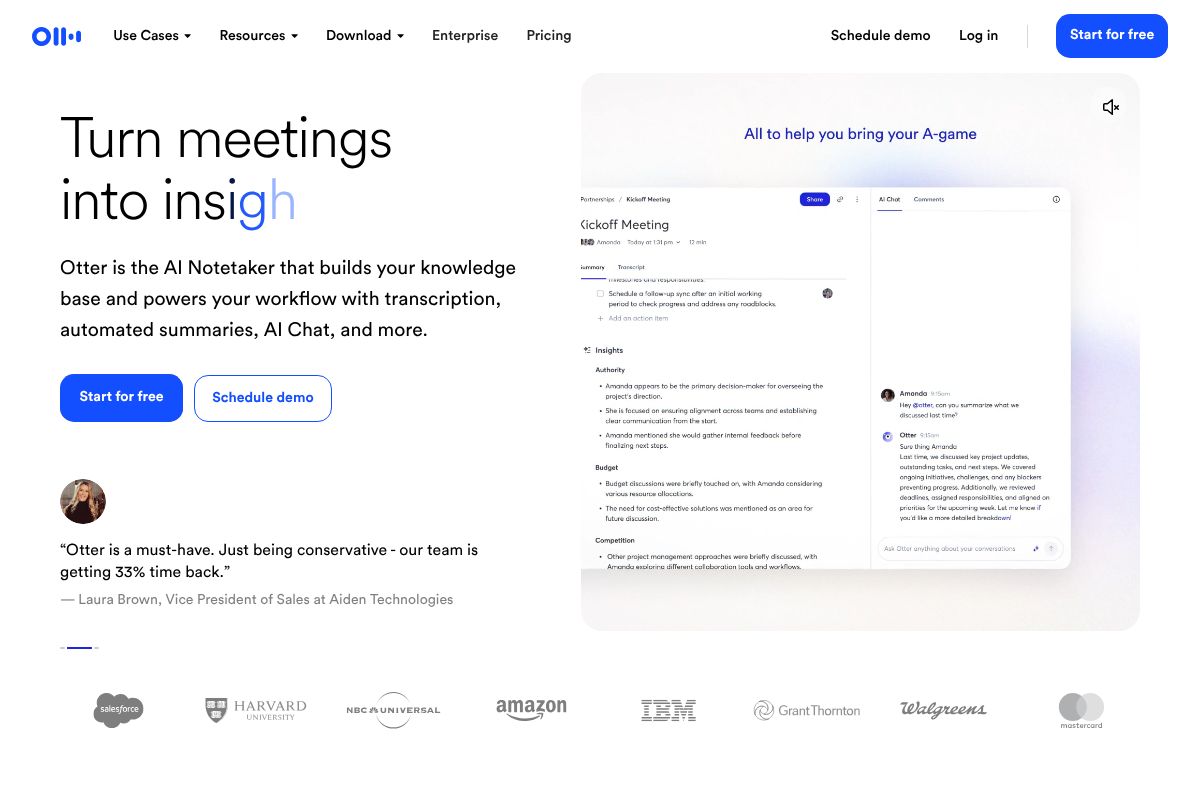
Otter.ai is an AI-powered transcription and meeting intelligence tool that converts spoken conversations into searchable, shareable text — in real time. Think of it as a tireless note-taker that sits in on your meetings, captures everything that’s said, and hands you a clean, organized transcript when it’s done.
It’s worth clarifying what Otter.ai isn’t: it’s not a video conferencing platform or a meeting recorder in the traditional sense. Instead, it integrates with tools you’re already using — like Zoom, Google Meet, and Microsoft Teams — and works alongside them to capture and process the audio. The meeting happens wherever it normally does; Otter just makes sure the conversation doesn’t disappear the moment the call ends.
So who actually uses it? The short answer is: a lot of different people. Common users include:
- Marketing and content teams who want to repurpose interview recordings or client calls
- Freelancers and consultants who need accurate records of client conversations
- Small business owners managing remote teams across multiple time zones
- Journalists and podcasters who need fast, searchable transcripts from interviews
- Sales professionals who want to review calls and pull out key action items
The core value here is simple but genuinely useful: instead of scrambling to take notes during a call — or worse, watching a 60-minute recording to find one specific moment — you get a full, searchable transcript you can skim, search, and share in minutes.
In 2026, with distributed teams and asynchronous communication now deeply embedded in how we work, that kind of instant meeting memory has gone from a nice-to-have to something many teams genuinely rely on.
Key Features That Actually Matter
Not every feature on a pricing page translates to real-world value. Here’s what Otter.ai actually does well — and where it still has some rough edges — broken down in plain terms.
Transcription Accuracy & Speed
In 2026, Otter.ai’s real-time transcription is noticeably sharper than it was a couple of years ago. For standard English spoken in a reasonably quiet environment, accuracy is genuinely impressive — you’ll spend minimal time cleaning up the transcript afterward. It captures speech as it happens, so you can follow along live during a meeting without waiting for a post-call processing delay.
That said, it’s worth being honest about the edge cases. Heavy accents, fast talkers, and background noise can still trip it up. If your team includes non-native English speakers or you’re recording in a busy café, expect more errors than usual. Technical jargon is another weak spot — though the custom vocabulary feature (available on paid plans) lets you add industry-specific terms, product names, or acronyms so they’re recognized correctly.
Search & Organization
One of Otter’s most underrated strengths is how easy it makes finding things after the fact. Every transcript is fully searchable — just type a keyword and jump straight to the moment it was mentioned. For anyone who’s ever scrubbed through a recording trying to find one specific quote or decision, this alone is worth the subscription.
You can also organize transcripts into folders and apply tags, which helps if you’re managing multiple clients or projects simultaneously. Speaker identification means the transcript labels who said what, so you’re not reading a wall of unattributed text. The library interface is clean and easy to navigate, even if you’re not particularly tech-savvy.
Integrations & Workflow
Otter connects directly with Zoom, Google Meet, and Microsoft Teams, joining your calls automatically as a bot participant and syncing transcripts without any manual steps. It also integrates with Slack, so summaries can be pushed to a channel right after a meeting ends — useful for teams that live in Slack.
For marketers and content creators, the ability to pull AI-generated summaries and action items straight from a call cuts post-meeting admin significantly. Native Notion and Salesforce integrations mean you can pipe notes directly into your existing workflow rather than copying and pasting between tools. It’s not the deepest integration stack out there, but it covers the platforms most small teams and freelancers actually use.
Otter.ai Pricing in 2026
Otter.ai keeps its pricing relatively straightforward, with a free tier for casual users and paid plans that unlock meaningfully more power. Here’s how each level breaks down — and whether the upgrade is actually worth it for your situation.
Free Plan: Good Enough?
The free plan gives you 300 transcription minutes per month, with a cap of 30 minutes per individual conversation. You also get three AI-generated summaries per month, which runs out fast if you’re in back-to-back meetings. Storage is limited, and you won’t get priority support or advanced export options.
That said, if you’re a freelancer with only a handful of calls per month or just want to test the platform before committing, the free plan is a reasonable starting point. It’s genuinely usable — just not scalable.
Pro Plan: The Sweet Spot
At $10/month on an annual plan (or $16.99/month if you pay monthly), the Pro tier is where Otter.ai becomes a proper productivity tool. You get 1,200 transcription minutes per month, up to 90 minutes per conversation, plus unlimited AI summaries — a significant jump from the free tier.
Pro also unlocks advanced search, custom vocabulary for industry-specific terms, and the ability to export transcripts in multiple formats. The annual plan saves you roughly 40% compared to monthly billing, so if you’re committing to the tool, it’s the smarter financial choice.
- Free: 300 min/month, 30 min/session, 3 AI summaries
- Pro (annual): 1,200 min/month, 90 min/session, unlimited summaries — $10/month
- Pro (monthly): Same features, $16.99/month
For most small teams and active freelancers, Pro is the practical choice. The minute limits on the free plan will catch up with you quickly once you’re using Otter regularly across client calls, team standups, and interviews.
The Honest Pros & Cons
No tool is perfect for everyone, and Otter.ai is no exception. It genuinely excels in some areas — but it also has real limitations that could make it the wrong fit depending on how you work. Here’s a balanced look at both sides.
What Otter Does Really Well
For content creators, marketers, and busy professionals who live in back-to-back meetings, Otter.ai delivers where it counts most: speed and accuracy. Transcripts are generated in real time, so by the time your call ends, your notes are already waiting for you. That alone is a meaningful time-saver.
- Transcription accuracy: Otter handles clear audio and standard accents well, often requiring minimal cleanup on a typical business call or interview.
- Searchable transcripts: Every conversation is indexed and searchable, so you can pull up a specific quote or decision from three months ago in seconds.
- Native integrations: Connects smoothly with Zoom, Google Meet, and Microsoft Teams — no manual uploads needed.
- AI summaries: The automated meeting summaries and action item extraction genuinely reduce the mental load of post-meeting follow-up.
- Ease of use: The interface is clean and approachable. You don’t need to be technical to get value from it on day one.
For podcasters, journalists, or marketers repurposing interview content, the ability to search and export transcripts quickly makes Otter a real workflow accelerator.
Where Otter Falls Short
The trade-offs are worth knowing before you commit. First, pricing can escalate fast for heavy users. If your team runs long or frequent meetings daily, you’ll hit minute caps sooner than expected — and the Business plan at $20/user/month adds up quickly for larger teams.
Second, transcript editing is basic. You can correct words inline, but Otter isn’t a full-featured editor. If you need polished, formatted documents, you’ll still be doing significant manual work after export.
Third, it’s not a complete meeting management platform. It won’t replace dedicated project management or CRM tools, and action items don’t sync automatically to external task managers on lower-tier plans.
Finally, privacy-conscious industries should proceed carefully. Healthcare, legal, and financial professionals operating under strict compliance frameworks — HIPAA, GDPR, and similar regulations — will need to thoroughly review Otter’s data handling policies before using it for sensitive conversations. It’s not necessarily a dealbreaker, but it’s a due-diligence step you shouldn’t skip.
Who Should Use Otter.ai (And Who Shouldn’t)
Otter.ai isn’t a one-size-fits-all tool, and that’s okay. Knowing whether it genuinely fits your workflow — or whether you’d be better served by something else — will save you both time and money.
Best For: Creators & Marketers
If your work revolves around conversations, Otter is hard to beat for the price. Here’s where it genuinely shines:
- Podcast hosts and journalists conducting interviews can capture every word without scrambling to take notes, then search transcripts for exact quotes in seconds.
- Content marketers repurposing client calls, webinars, or strategy sessions into blog posts, social copy, or newsletters get a massive head start with ready-made transcripts.
- Freelancers who need a clear record of client briefs and feedback can protect themselves from scope creep by referencing exactly what was said.
- Small marketing teams running recurring standup calls or campaign reviews benefit from automated summaries that keep everyone aligned without extra admin work.
Essentially, if your primary need is accurate transcription and quick content extraction from conversations, Otter delivers real, tangible value without a steep learning curve.
Consider Alternatives If…
Otter isn’t always the right call. A few scenarios where you might want to look elsewhere:
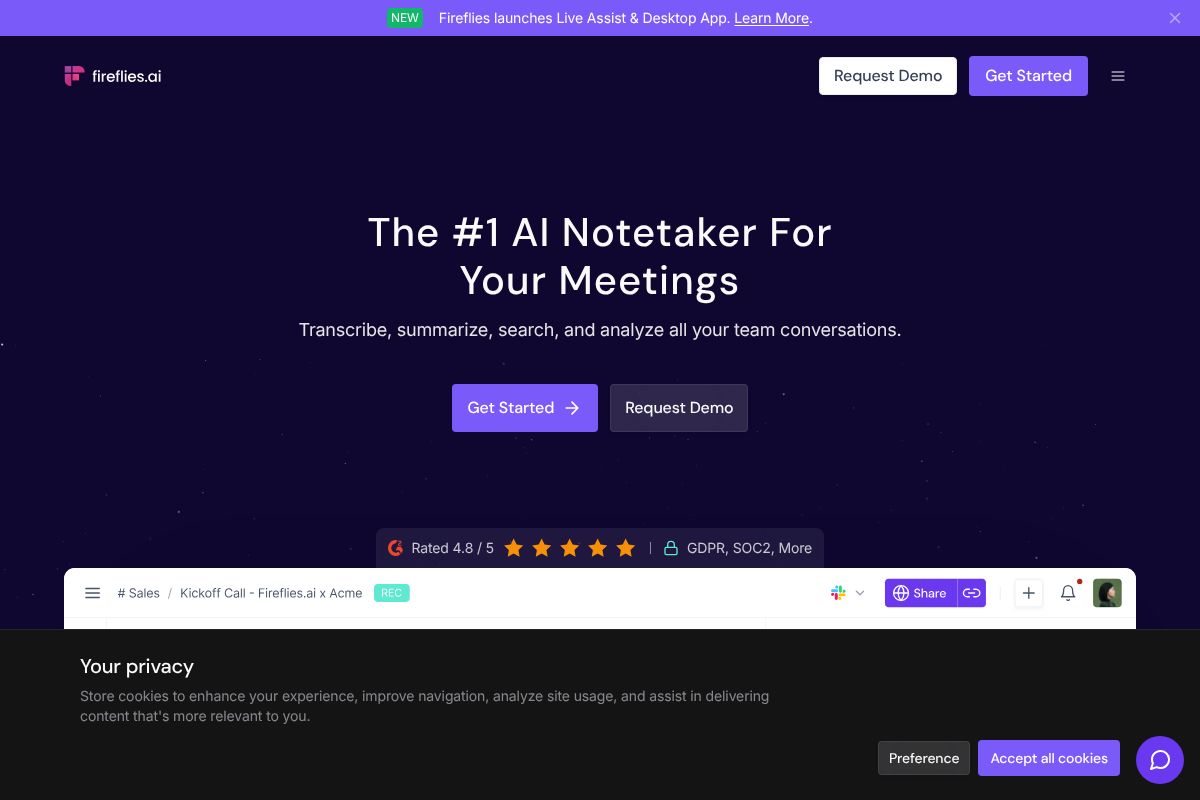
- Sales teams and recruiters who need CRM integrations, deal tracking, or conversation intelligence built in may find Fireflies.ai a stronger fit — it’s purpose-built for those workflows with deeper pipeline-focused features.
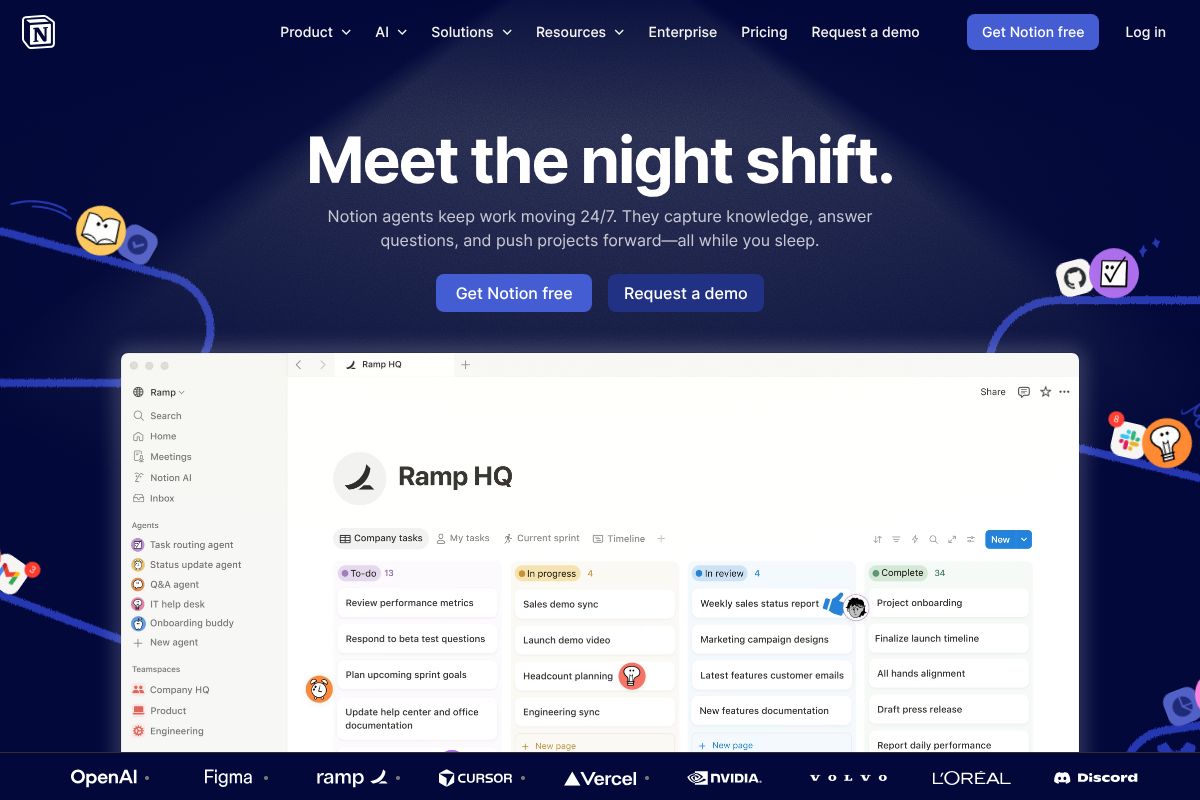
- Teams needing a full workspace hub will want to pair Otter with a tool like Notion to organize transcripts, notes, and project documentation in one place. Otter alone won’t replace a structured knowledge base.
- Heavy daily users running back-to-back long meetings may find the minute caps and per-seat pricing on the Business plan become a genuine budget concern at scale.
The honest takeaway: Otter is a focused tool, and its value is highest when your needs match that focus.
Otter.ai vs. Fireflies.ai: Quick Comparison
Both Otter.ai and Fireflies.ai sit at the top of the AI meeting assistant category, but they’re built with different users in mind. Here’s a straightforward look at how they stack up so you can make a faster decision.
Feature & Pricing Comparison Table
| Category | Otter.ai | Fireflies.ai |
|---|---|---|
| Free Plan | Yes — 300 mins/month | Yes — limited storage |
| Paid Plan (entry) | Pro at ~$16.99/user/month | Pro at ~$18/user/month |
| Transcription Accuracy | Strong for general meetings | Strong, with sales context |
| AI Summaries | Yes — action items, highlights | Yes — plus sentiment analysis |
| Key Integrations | Zoom, Teams, Google Meet, Slack | Zoom, HubSpot, Salesforce, Slack |
| CRM Integration | Limited | Strong — built for pipelines |
| Conversation Intelligence | Basic | Advanced — talk ratios, trends |
| Ease of Use | Very beginner-friendly | Moderate — more setup required |
| Ideal User | Creators, marketers, general teams | Sales reps, recruiters, RevOps |
Neither tool is objectively better — they just serve different workflows. Otter keeps things simple and accessible, while Fireflies layers in features that matter most to revenue-focused teams.
Which Should You Pick?
If you’re a marketer, content creator, or general professional who wants clean transcripts and easy summaries, Otter.ai is the more intuitive choice. If you’re in sales or recruiting and need CRM sync, deal tracking, or conversation analytics, Fireflies.ai is the stronger fit. And if you find yourself needing a structured place to organize all your meeting notes and project context, pairing either tool with Notion is worth considering — it fills the knowledge-base gap that standalone transcription tools leave behind.
Final Verdict: Is Otter.ai Worth It?
The Bottom Line
After putting Otter.ai through its paces, the honest answer is: yes, for most professionals who attend meetings regularly, it’s absolutely worth it. The transcription is reliable, the AI summaries are genuinely useful, and the integrations with Zoom, Google Meet, and Microsoft Teams mean it fits into your existing workflow without friction.
If you’re attending three or more meetings a week — or you regularly conduct interviews, client calls, or podcast recordings — the Pro plan pays for itself quickly in time saved. Instead of scrambling to review hour-long recordings or decipher your own notes, you get a clean, searchable transcript waiting for you.
That said, Otter.ai isn’t for everyone. If you rarely revisit meeting notes, only hop on calls occasionally, or are working with a very tight budget, the free plan (or no tool at all) may be perfectly sufficient. It’s also worth noting that Otter works best as part of a broader productivity stack — pairing it with a tool like Notion gives your team a proper home for all those meeting notes, action items, and project context in one organized workspace.
Next Steps: Try It Free
The smartest move is to start with Otter.ai’s free plan before committing to anything. Use it across a handful of real meetings over a week or two. Pay attention to how much time you save and whether the summaries and action items actually change how you work.
If you find yourself hitting the monthly transcription limit or wishing for more integrations, that’s your signal to upgrade. You can sign up for Otter.ai through our affiliate link — it costs you nothing extra, and you’ll get access to the free plan immediately with no credit card required. Try it, test it, then decide. That’s the only honest way to know if it fits your workflow.
Frequently Asked Questions
How accurate is Otter.ai transcription?
Otter.ai achieves approximately 99% accuracy for clear audio in English, though accuracy may vary with heavy accents, background noise, or technical jargon. The platform continuously improves through machine learning.
Can Otter.ai transcribe meetings in real-time?
Yes, Otter.ai provides real-time transcription during live meetings when integrated with Zoom, Google Meet, or Microsoft Teams. Participants see captions and transcripts updating instantly as the meeting progresses.
Is Otter.ai free or does it cost money?
Otter.ai offers a free plan with limited monthly transcription minutes, plus paid Pro and Business plans with higher limits. Enterprise plans are available for organizations requiring custom solutions and dedicated support.
What’s the difference between Otter.ai and Fireflies.ai?
Otter.ai excels in real-time transcription and user interface, while Fireflies.ai offers stronger AI-powered insights and conversation intelligence. Both integrate with major meeting platforms; choice depends on your priority between transcription speed or analytical depth.
Related Reads
- Notion AI vs ClickUp AI: Which Wins in 2026?
Compare Notion AI vs ClickUp AI in 2026. See pricing, features, and which tool fits your workflow best.…
- Best AI Tool for Note Taking in 2026: Top Picks
Find the best AI note-taking tool for your workflow. Compare top options, pricing, and features to boost productivity in…
- Best AI Tools for Remote Teams in 2026
Discover the top AI tools for remote teams in 2026. Boost productivity with AI-powered collaboration, transcription, and…