Editor’s note: Reviewed and updated in June 2026 to reflect current pricing, features, and 2026 tool releases.
If you’ve ever stared at a blank screen wondering how you’re going to crank out another product description, email sequence, or blog intro before your deadline hits — you’re not alone. AI writing tools promise to fix exactly that problem, but with so many options flooding the market, it’s hard to know which ones actually deliver. That’s where this Rytr review 2026 comes in.
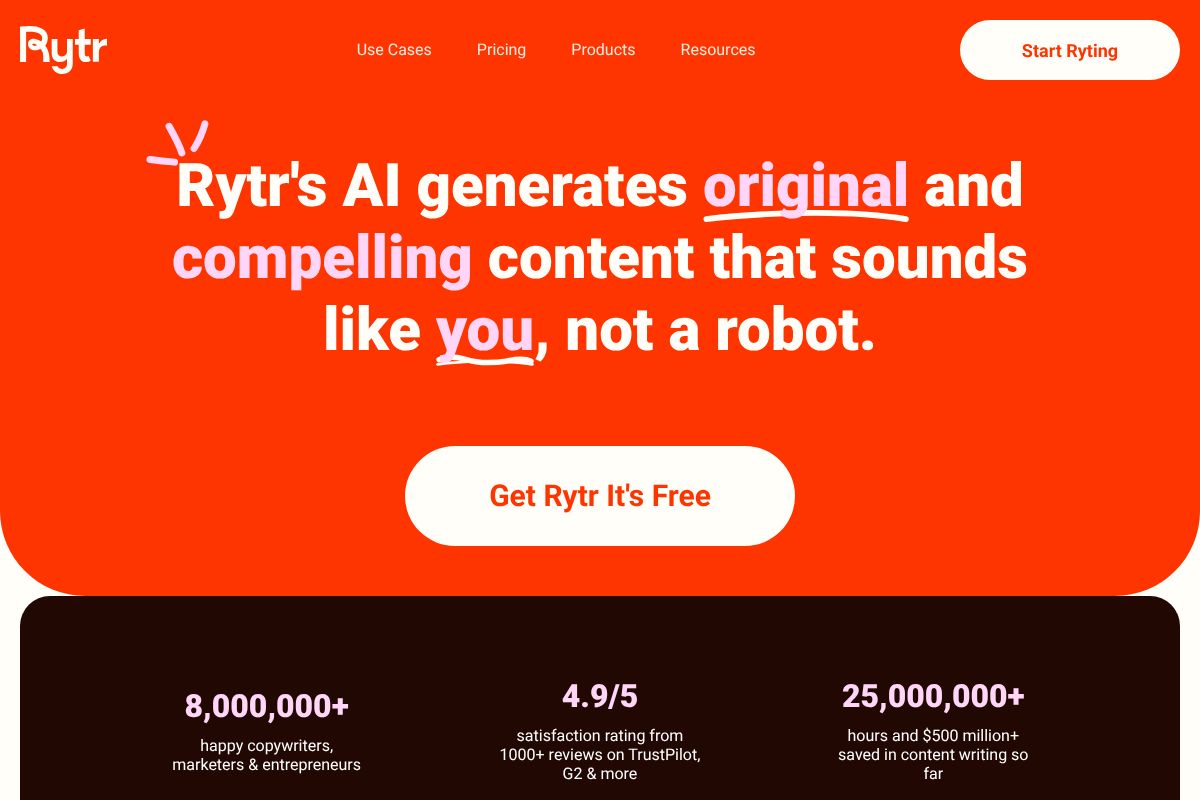
Rytr’s reputation for affordability is well-earned, but cheap doesn’t always mean useful. Here’s exactly what Rytr delivers, where it falls short, who it’s actually built for, and whether it belongs in your content toolkit.
Key Takeaways
- Rytr delivers AI-powered writing across 40+ use cases with affordable pricing starting under $10 monthly for content creators.
- Advanced features include tone customization, plagiarism detection, and SEO optimization tools built directly into the platform.
- Rytr’s free tier provides limited credits monthly, making it accessible for testing before committing to paid plans.
- Comparison shows Rytr competes strongly against ChatGPT and Jasper on cost-effectiveness while maintaining comparable output quality.
- Best suited for bloggers, marketers, and small business owners needing fast, budget-friendly AI writing assistance without complexity.
In This Article
What Is Rytr?
Rytr is an AI-powered writing assistant designed to help you generate content faster — without needing any technical know-how or a background in copywriting. Whether you need a punchy email subject line, a blog section, a product description, or a social media caption, Rytr gives you a starting point in seconds rather than minutes.
At its core, Rytr works by taking a short prompt from you — a topic, a tone, and a few keywords — and using that input to generate usable text you can edit and build on. It’s not trying to replace your voice or write entire long-form articles from scratch. Think of it more like a capable writing partner that handles the blank-page problem so you can focus on refining and personalizing the output.
What makes Rytr stand out as an entry point into AI writing is its simplicity. The interface is clean and approachable, which means you don’t need to spend an afternoon learning how to use it. Most people are up and running within a few minutes of signing up.
It’s also worth noting that Rytr is free to start — no credit card required. That’s a meaningful differentiator in a market where many tools push you toward a paid plan before you’ve had a chance to see if the tool actually works for your needs. You can test the core features, generate real content, and decide whether it fits your workflow before spending a single dollar.
It won’t do everything — and we’ll get into those limitations shortly — but as an accessible, low-risk introduction to AI-assisted writing, Rytr makes a solid case for itself.
Key Features That Matter
Rytr isn’t trying to be everything to everyone, but it does cover a surprisingly wide range of writing tasks for a tool at its price point. Here’s a closer look at the features that are most useful day-to-day for creators, marketers, and small business owners.
Writing Modes & Templates
One of Rytr’s biggest time-savers is its library of over 40 pre-built use cases — essentially templates that tell the AI exactly what kind of content you need. Instead of starting from a blank prompt, you select a category and the tool asks for the right inputs.
For example:
- LinkedIn post: Drop in your topic and key points, and Rytr generates a ready-to-edit professional post in seconds.
- Product description: Enter your product name, features, and target audience, and you get a punchy, benefit-led description suited for an e-commerce listing.
- Blog section: Provide a heading and brief context, and Rytr drafts a solid paragraph or two to build from.
These templates are genuinely practical. They remove the guesswork and help you produce first drafts much faster than starting from scratch — especially useful when you’re juggling multiple content types at once.
Tone & Brand Voice Control
Rytr includes a tone selector that lets you choose from over 20 options — think convincing, casual, humorous, formal, or enthusiastic, among others. This matters more than it might seem at first. Selecting the right tone meaningfully shifts the style and word choices in the output, making it easier to match your brand’s personality without heavy editing afterward.
That said, tone control here is a starting point, not a full brand voice system. You’re selecting from a preset list rather than training the tool on your existing content. It works well for maintaining consistency across similar tasks, but if your brand voice is highly specific or nuanced, you’ll still need to do some manual refinement.
Built-In SEO & Plagiarism Tools
Rytr includes two practical extras that add real value without requiring you to jump to another platform. The plagiarism checker — powered by Copyscape — lets you scan generated content directly within the editor, which is a reassuring safeguard before you publish anything.
On the SEO side, Rytr offers basic keyword inclusion support, helping you weave target terms into your content naturally. It’s helpful for keeping your writing search-friendly without overthinking it.
However, it’s worth being upfront: this is not a full SEO suite. You won’t get keyword research, competitor analysis, SERP data, or content scoring here. For deeper SEO work, you’d need a dedicated tool alongside Rytr. Think of the built-in features as a light quality check, not a replacement for a proper SEO workflow.
Rytr Pricing & Plans (2026)
Rytr keeps its pricing straightforward, which is part of its appeal. There are three tiers to choose from, and the jump between them is significant enough that it’s worth thinking carefully about which one actually matches your workload before committing.
Free Plan: Is It Enough?
The free plan gives you 10,000 characters per month — enough to test the tool and get a genuine feel for the output quality. You get access to most use cases, tones, and languages, which means you’re not locked out of the core experience just because you haven’t paid.
That said, 10,000 characters goes faster than you’d expect. A few product descriptions, a short blog intro, and a handful of social posts will eat through it quickly. The free tier works well for hobbyists, curious first-timers, or anyone evaluating the tool before spending money. If you’re producing content regularly — even just a few pieces per week — you’ll outgrow it within days, not months.
Saver Plan: $9/Month
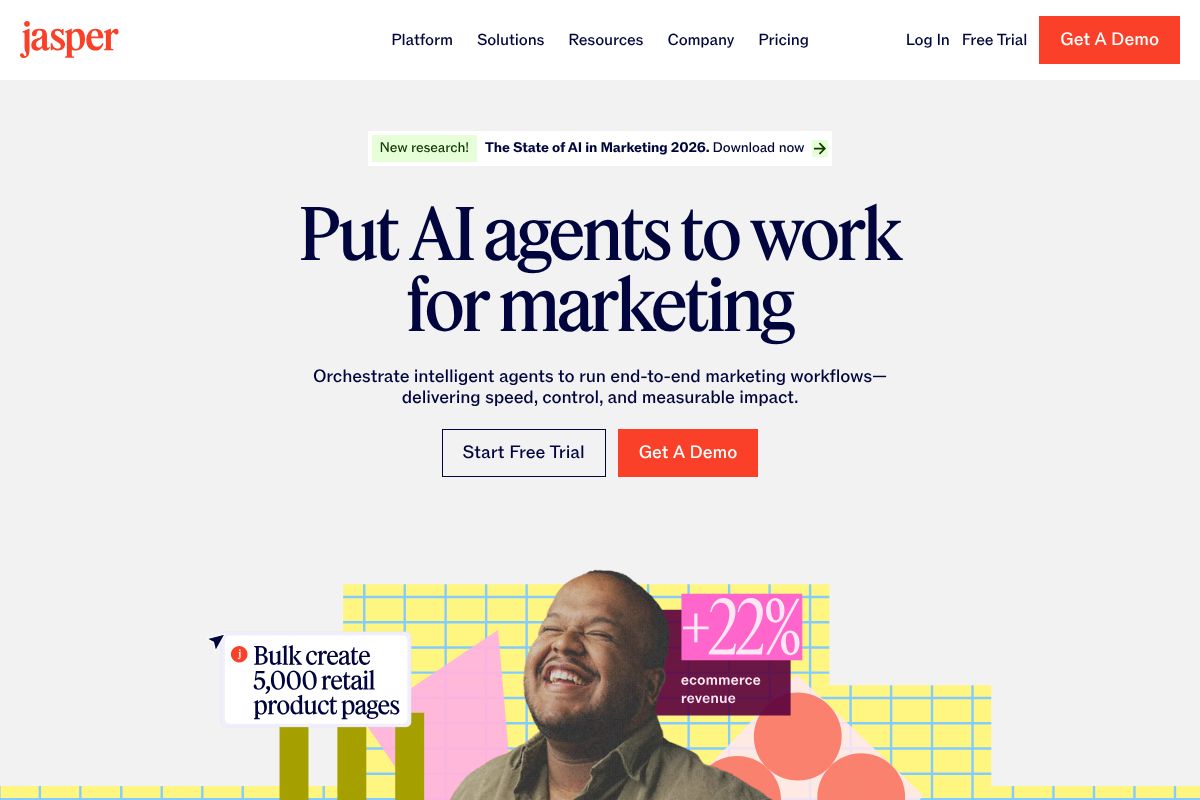
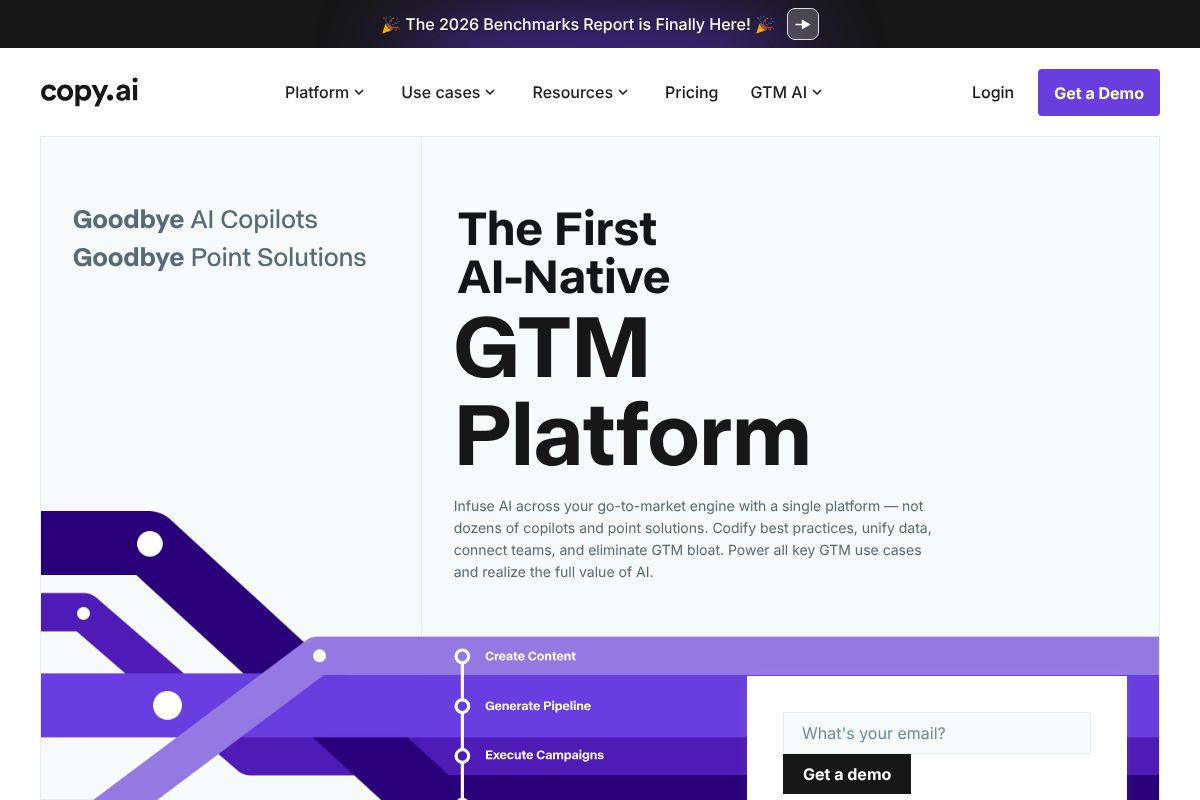
The Saver plan bumps you up to 100,000 characters per month, which covers most light-to-moderate content workflows. You also unlock the ability to create a custom use case, which adds a layer of flexibility for recurring content formats. At $9/month, it’s one of the more affordable paid tiers in the AI writing space — noticeably cheaper than tools like Jasper AI AI or Copy.ai at their entry levels.
Unlimited Plan: $29/Month
The Unlimited plan removes the character cap entirely, making it the practical choice for freelancers, agencies, or anyone producing high content volumes. You also get priority support and access to a dedicated account manager — a small but meaningful perk if you run into issues. At $29/month, it remains competitively priced for what it offers, though it’s worth noting that higher-tier competitors often include more advanced features like long-form document editors or brand voice training at similar price points.
Overall, Rytr’s pricing structure is transparent and accessible. The value-for-money is strongest on the Unlimited plan if you’re a consistent user — the Saver plan is a reasonable middle ground, but the character limit can still feel restrictive during busy production periods.
Pros & Cons: The Honest Truth
No tool is perfect for everyone, and Rytr is no exception. It earns its place in the market by doing a handful of things really well — but there are genuine limitations worth knowing before you commit. Here’s a balanced look at both sides.
What Rytr Does Well
The biggest selling point is the low barrier to entry. You can sign up, pick a use case, and have your first draft in under two minutes — no tutorials required, no steep learning curve. For non-technical users, that kind of immediacy matters.
Rytr particularly shines in these scenarios:
- Solo creators who need quick first drafts for blog intros, product descriptions, or social captions
- Email marketers looking to spin up subject lines or short-form copy without staring at a blank page
- Freelancers managing multiple clients who need fast output to stay on schedule
- Beginners who want to experiment with AI writing without paying enterprise prices
The speed and affordability combination is hard to beat at this price point. Output is generated almost instantly, and the interface stays clean and distraction-free. If your workflow involves short-to-medium content formats and you want a reliable, budget-friendly assistant, Rytr delivers solid value.
Where It Falls Short
The trade-offs become more visible as your needs grow. Rytr’s AI doesn’t match tools like Jasper AI when it comes to brand voice consistency — Jasper’s dedicated brand voice training gives teams a level of tonal control that Rytr simply doesn’t replicate. If you’re managing content for multiple clients or maintaining a strict brand identity, that gap will show.
Other notable limitations include:
- Smaller template library compared to competitors like Copy.ai or Jasper AI
- No advanced analytics or content performance tracking built in
- Limited API access, making it less suitable for teams wanting deep workflow integrations
- Occasional generic output that requires heavier editing, especially for nuanced or technical topics
- Not built for agencies that need multi-user collaboration, approval workflows, or white-labeling
The bottom line: Rytr is a capable tool within a defined scope. Push it beyond that scope — complex brand work, large team collaboration, or highly technical content — and you’ll likely find yourself wanting more.
How Rytr Compares to Alternatives
Choosing the right AI writing tool often comes down to your specific use case, budget, and how much output you need. The table below gives you a quick side-by-side look at how Rytr stacks up against three of the most popular alternatives on the market right now.
| Tool | Starting Price | Free Tier | Best For | Ease of Use | AI Quality | Integrations |
|---|---|---|---|---|---|---|
| Rytr | Free / $9/mo | Yes | Solo creators, short-form content | Very Easy | Good | Limited |
| Copy.ai | Free / $29/mo | Yes | Marketers, workflows | Easy | Good–Very Good | Moderate |
| Jasper AI | $49/mo | No | Teams, brand consistency | Moderate | Excellent | Strong |
| Writesonic | $39/mo | Limited | SEO bloggers, long-form | Easy–Moderate | Very Good | Moderate–Strong |
Rytr vs. Copy.ai: Budget-Friendly Showdown
If you’re deciding between these two on price alone, both offer free tiers — but the experience differs noticeably. Rytr keeps things simple with a streamlined editor and a focused set of use cases, making it ideal if you just want to open a tool and start writing. Copy.ai, on the other hand, has expanded significantly and now offers more advanced workflow automation and a broader feature set. If you find Rytr’s simplicity refreshing but want a bit more power as you grow, Copy.ai’s $29/month Chat plan is a natural next step worth exploring.
Rytr vs. Jasper AI: Scaling Up
These two tools aren’t really competing for the same audience. Rytr is built for individual creators who need fast, affordable copy — and it does that well. Jasper AI is purpose-built for teams and agencies that need consistent brand voice across dozens of pieces of content, with dedicated brand voice training and multi-user collaboration baked in. If you’re a solo creator today but expect to scale up — whether that means hiring writers, managing client accounts, or maintaining tighter brand standards — Jasper’s Creator and Pro plans starting at $49–$69/month offer capabilities that Rytr simply isn’t designed to match.
Rytr vs. Writesonic: SEO & Blogging
For bloggers who care about search visibility, Writesonic has a clear edge. It’s built with SEO workflows in mind, offering tools like AI article writers with SERP-informed outlines and tighter integration with keyword research processes. Rytr can handle blog content, but it doesn’t optimize for search the way Writesonic does. If driving organic traffic is a core part of your content strategy, Writesonic’s plans ranging from $39 to $99/month are worth the upgrade over Rytr’s more general-purpose approach.
Who Should Use Rytr?
Rytr isn’t trying to be everything to everyone — and that’s actually one of its strengths. It’s a focused, affordable tool built for individuals who need decent AI-generated copy without a steep learning curve or a steep price tag. Whether you’re just dipping your toes into AI writing or you’re a seasoned freelancer looking to speed up your workflow, Rytr has a clear sweet spot.
Ideal Users
Picture a freelance copywriter who’s curious about AI but doesn’t want to commit to a $100/month subscription just to experiment. Rytr’s free and low-cost plans make it a risk-free starting point. Or imagine a small business owner who needs fresh product descriptions for an e-commerce store but can’t afford to hire a copywriter for every SKU — Rytr’s use-case templates make that process surprisingly quick.
Rytr tends to work best for:
- Social media managers who need quick captions, post ideas, or ad copy on a tight schedule
- Email marketers drafting subject lines, welcome sequences, or promotional blasts
- Product description writers working through large catalogs on a budget
- Solopreneurs and coaches creating bios, landing page copy, or newsletter content
- Beginners to AI writing who want a simple, guided experience before committing to more complex tools
Who Should Look Elsewhere
If you’re running a large content agency, managing multiple client brands, or producing high volumes of long-form SEO content daily, Rytr will likely feel limiting. It lacks robust team collaboration features, deep brand voice customization, and the kind of SEO-focused workflows that tools like Writesonic or Jasper AI offer. For high-output teams with complex needs, those platforms are the better investment.
The Verdict: Should You Try Rytr?
Final Recommendation & Next Steps
After looking at everything Rytr offers — its pricing, features, use cases, and limitations — the conclusion is straightforward: Rytr is one of the best entry points into AI writing available right now. It’s affordable, beginner-friendly, and genuinely capable for the tasks most solo creators and small business owners face every day.
The free tier alone is more useful than what many competitors charge for. You get real access to real features without handing over your credit card details. That’s a rare thing in the SaaS world, and it means there’s virtually no reason not to try it.
Here’s how to think about your next step:
- If you’re new to AI writing — start with Rytr’s free plan. Spend a week using it on your actual content, not hypothetical test prompts.
- If you’re a freelancer or solopreneur — the Unlimited plan at $9/month is an easy yes. The ROI on even a few hours of saved writing time pays for itself quickly.
- If you need advanced features upfront — like deep SEO integration, long-form document workflows, or strong brand voice controls — you may want to explore Jasper AI or Copy.ai from the start. Both offer more horsepower, though at a higher price point.
- If you outgrow Rytr — that’s actually a good sign. It means AI writing is working for you, and upgrading to a more powerful platform makes complete sense at that stage.
The bottom line: don’t overthink it. Start your free Rytr account today — no credit card required. Test it for a week on the content you’re actually creating. You’ll know within a few sessions whether it fits your workflow. And if you decide you need more power down the road, you’ll already have a solid foundation to build from.
Frequently Asked Questions
Is Rytr worth the money in 2026?
Yes, Rytr offers excellent value for budget-conscious writers. Its affordable pricing, diverse templates, and quality output make it competitive against pricier alternatives like Jasper and Copy.ai.
How much does Rytr cost per month?
Rytr’s pricing starts at $9 monthly for the Starter plan with 10,000 credits. Premium plans offer higher credit limits and advanced features, with annual subscriptions providing significant discounts.
Can you use Rytr for SEO content writing?
Yes, Rytr includes built-in SEO optimization features, keyword integration, and tone customization specifically designed for search-optimized content creation across blogs, product descriptions, and marketing copy.
Does Rytr have a free trial available?
Rytr offers a free tier with limited monthly credits, allowing users to test the platform’s core features without payment. This makes it ideal for evaluating whether Rytr meets your writing needs.
Related Reads
- Writesonic Review 2026: AI Writing Tool for Creators
Honest Writesonic review 2026. See features, pricing, pros/cons, and how it compares to Jasper and Copy.ai for content c…
- Best AI Tools for Long Form Content in 2026
Find the best AI tools for long form content creation. Compare features, pricing, and performance for creators and marke…
- Is Jasper AI Pricing Worth It in 2026? Honest Review
Is Jasper AI worth the cost in 2026? Compare pricing, features, and alternatives. See if it fits your content budget.…