Your to-do list app doesn’t know that “finish client proposal” depends on “get feedback from Sarah” — so it just sits there, unranked, waiting for you to figure out the order yourself. That’s the gap the best AI task manager for 2026 is supposed to close: not another list, but something that reads your workload, spots the actual priorities, and reshuffles your day when a client call runs long. A handful of tools now claim to do this. Some genuinely parse your calendar, email, and project notes to suggest what to tackle next. Others just bolt a chatbot onto a Kanban board and call it “AI-powered.”
Freelancers, marketers, and small business owners don’t have time to test seven apps to find out which is which. So we did it for you. One of these tools consistently earns its subscription price. The others are optional at best.
Key Takeaways
- AI task managers automate scheduling, prioritization, and deadline tracking, eliminating manual organization work for busy professionals.
- Modern AI task managers integrate with calendars and email, reducing context-switching and consolidating work across multiple platforms seamlessly.
- Creators and marketers benefit most from AI task managers that handle content calendars, collaboration, and deadline management automatically.
- Sales teams gain significant time savings through AI-powered meeting scheduling, follow-up reminders, and pipeline organization without manual updates.
- Most AI task managers require initial setup and workflow customization, though they deliver measurable ROI within weeks of adoption.
In This Article
- What Makes an AI Task Manager Different in 2026?
- How AI Task Managers Save You Time (Without the Learning Curve)
- Top AI Task Managers for Creators, Marketers, and Small Teams
- AI Task Managers for Sales Teams and Meeting-Heavy Roles
- Pricing and ROI: What You’ll Actually Spend vs. Time Saved
- Which AI Task Manager Fits Your Workflow? A Quick Decision Guide
- The Honest Trade-Offs: Where AI Task Managers Fall Short
- Start Your AI Task Manager Trial Today: Next Steps
What Makes an AI Task Manager Different in 2026?
A traditional to-do app is a container. You type in a task, it sits in a list, and it stays exactly as important as it was the moment you wrote it — even after three deadlines shifted around it. An AI task manager treats your workload as something dynamic, not static, and that’s the real dividing line between the two categories now.
The four capabilities that actually matter in 2026 are:
- AI-powered prioritization — the tool weighs deadlines, dependencies, and your past behavior to rank tasks instead of leaving them in the order you typed them.
- Natural language input — you type “follow up with the vendor next Tuesday afternoon” and it correctly creates a dated, time-blocked task without you touching a date picker.
- Meeting-to-task conversion — connect it to Zoom, Google Meet, or your calendar and it pulls action items out of a transcript automatically, instead of you re-reading notes at 9pm trying to remember what you agreed to.
- Smart scheduling — when a call runs 40 minutes over, the tool reshuffles the rest of your day instead of leaving you to manually drag six blocks around.
Picture a marketing consultant who just wrapped a 45-minute discovery call. Instead of typing up notes, she gets three tasks auto-generated in her task manager — “send pricing sheet by Friday,” “loop in designer on mockups,” “confirm launch date with client” — each already dated and slotted into her calendar. That’s the difference between a list and an assistant.
Not every tool marketed this way delivers on it. Plenty just add a chat window to an old-school Kanban board. The tools worth paying for actually understand context — your calendar, your inbox, your past patterns — and act on it without you asking twice.
How AI Task Managers Save You Time (Without the Learning Curve)
The best AI task managers don’t ask you to learn a new system. You talk or type the way you already do, and the tool handles the structure — dates, priority, assignment — in the background. That’s the whole point: less admin, more actual work.
Voice input alone changes how people capture tasks. Say “remind me to invoice the Hendricks account Thursday morning” while you’re walking to your car, and it’s logged before you’ve unlocked your phone. Add intelligent reminders that nudge you based on urgency (not just a flat 24-hour warning) and deadline suggestions that flag when a task realistically needs three days, not one, and you stop missing things you never should have missed.
Converting Meetings Into Your Task List
This is where transcription tools and task managers overlap, and it’s arguably the biggest time-saver on this list. Otter.ai records and transcribes your meeting in real time, then identifies action items directly in the transcript — who said they’d do what, and by when. Fireflies.ai does the same job, with stronger CRM integrations if you’re piping notes into HubSpot or Salesforce.
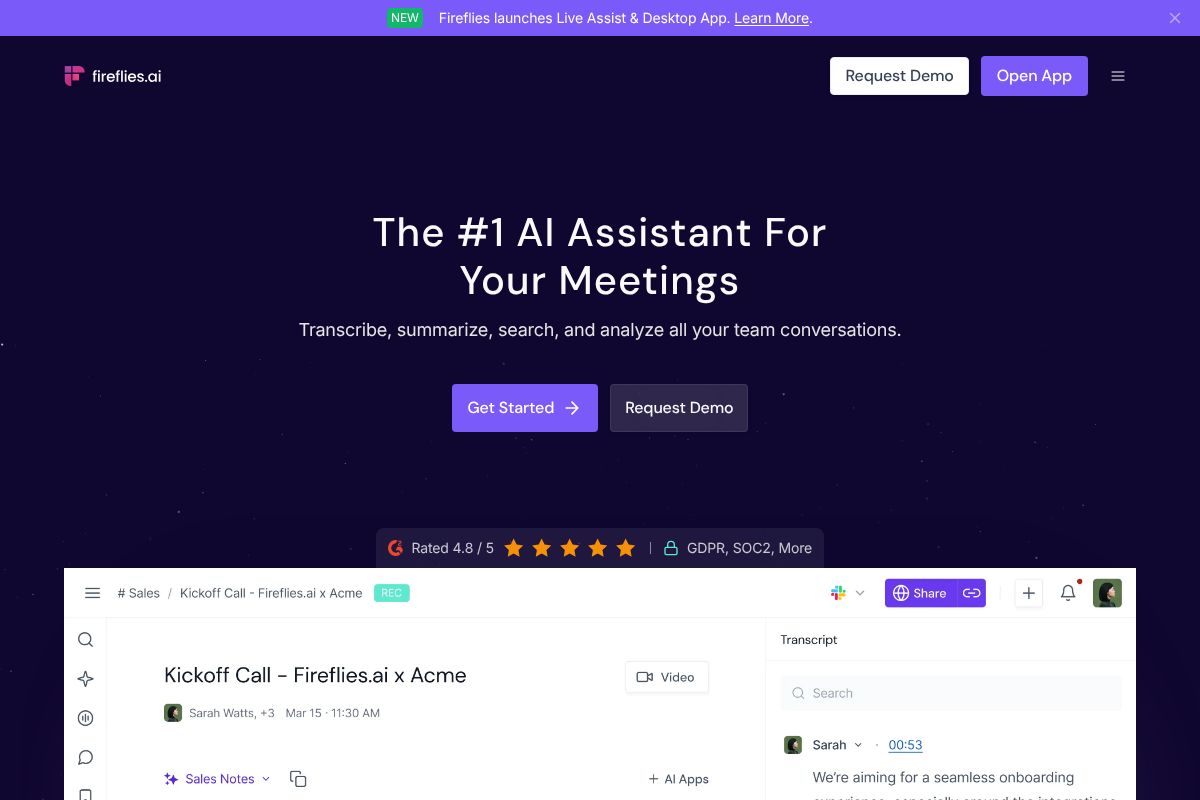
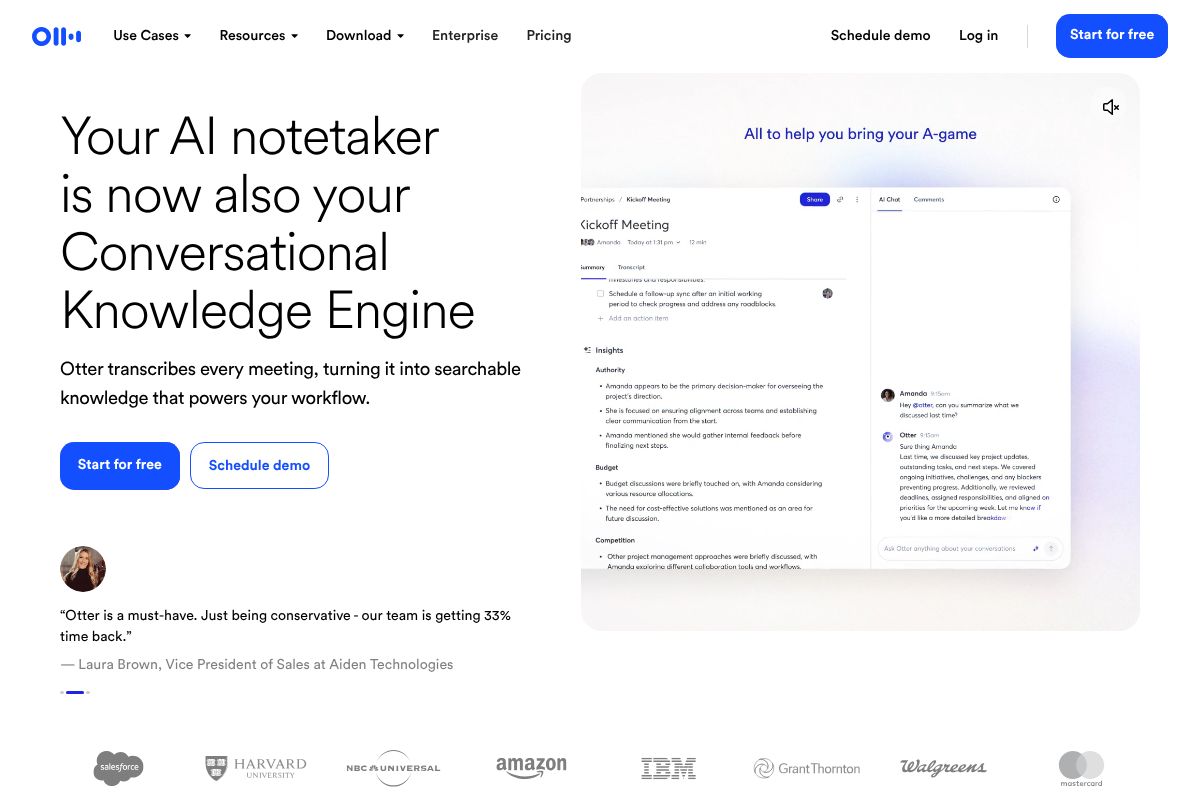
The workflow looks like this: you record the call (or it joins automatically via calendar integration), the transcript generates in minutes, and action items get flagged and pushed into your connected task manager. A freelance consultant finishing a client check-in doesn’t spend Friday afternoon re-listening to a recording — she opens her task list and the follow-ups are already there, dated and assigned. That’s an hour or two back every week, just from skipping the manual note-to-task translation step.
Top AI Task Managers for Creators, Marketers, and Small Teams
Notion: The All-in-One Workspace With Built-In AI
Notion has quietly become the default workspace for creators and small teams who are tired of switching between five apps to plan a single content calendar. Beyond docs and databases, its AI assistant now handles task generation from meeting notes, summarizes long project pages into a two-line status update, and can draft subtasks from a one-sentence brief. Ask it to “break this campaign brief into a task list” and it actually does — assigning rough due dates based on the timeline you’ve already set in the page.
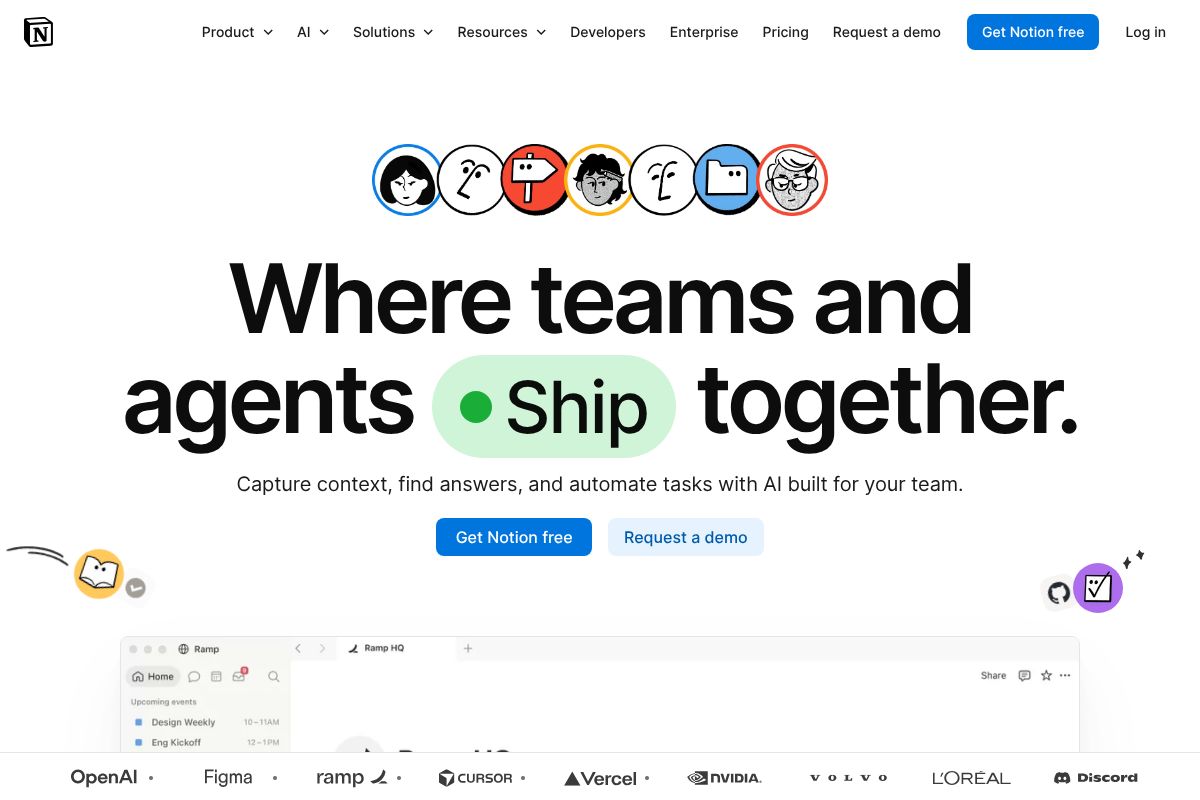
A content agency managing five client accounts can run editorial calendars, briefs, and task boards in one workspace instead of stitching together a separate task manager, doc tool, and spreadsheet. The free tier covers solo users comfortably, but AI features require the Business plan at $10/user/month, which is where most small teams end up anyway for the shared workspace features.
The trade-off is real: Notion has a steeper learning curve than a dedicated task app like Todoist. If you just want a checklist, this is overkill on day one. But if you’re already living in Notion for docs and planning, adding AI task generation on top means one less tool to pay for and context-switch into.
AI Task Managers for Sales Teams and Meeting-Heavy Roles
If your calendar is back-to-back client calls, discovery sessions, and interviews, your bottleneck isn’t planning tasks — it’s capturing them before they evaporate the moment the call ends. This is where meeting-transcription tools that double as task extractors earn their keep, and two names dominate this category: Otter.ai.ai and Fireflies.ai.ai.
Both tools join your video calls, transcribe them in real time, and use AI to flag action items automatically — no more scrambling to type “follow up with legal by Friday” while someone’s still talking. For recruiters juggling a dozen candidate calls a week or sales reps running demos back-to-back, that’s the difference between remembering commitments and quietly dropping them.
Otter.ai: Turning Call Notes Into Next Steps
Otter.ai transcribes meetings live and generates a summary with highlighted action items pulled straight from the conversation. Say “I’ll send the proposal by Thursday” on a call, and Otter flags it as a task tied to that speaker and timestamp. The searchable transcript archive is genuinely useful for recruiters and account managers who need to pull up “what did the client say about budget in March” without scrubbing through recordings.
Pricing runs Free to $16.99/month, with the Pro plan at $10/month on annual billing — a reasonable add-on cost for the time saved. Best for sales reps, recruiters, and client-facing professionals who live in back-to-back calls.
The honest trade-off: Otter.ai is a transcription and note tool first, task manager second. It doesn’t manage projects or deadlines the way Notion or Todoist does. Pair it with a real task manager and let Otter feed it, rather than expecting it to replace one.
Pricing and ROI: What You’ll Actually Spend vs. Time Saved
None of these tools require a big budget to start. The real question isn’t “what does it cost” — it’s “what does an hour of your time cost, and how many hours does this get back.” For a freelancer billing $60/hour, saving even 90 minutes a week on task-tracking and note-cleanup pays for a $10-15/month subscription many times over.
| Tool | Free Tier | Paid Pricing | Best For | AI Features at Free Tier |
|---|---|---|---|---|
| Notion | Yes, unlimited pages for individuals | $0–$20/user/month (Plus, Business tiers) | Solo creators and small teams organizing projects and docs together | Limited AI credits for summaries and Q&A; full AI add-on costs extra |
| Otter.ai | Yes, 300 min/month transcription | $0–$16.99/month ($10/month annual Pro) | Sales reps, recruiters, client-facing calls | Basic action-item detection included free; advanced summaries on Pro |
| Fireflies.ai | Yes, limited transcription minutes | $0–$18/month | Teams needing searchable meeting archives across tools like Zoom and Slack | Automatic summaries and task extraction included even on free plan |
Here’s the honest part: free tiers work well if you’re solo or on a two-to-three-person team with light call volume. Once you’re running more than a handful of meetings a week, or managing a real project backlog in Notion, you’ll hit transcription caps or AI credit limits fast — usually within the first two weeks of real use.
A consultant averaging six client calls a week can expect to save roughly 3-4 hours monthly on note-taking and follow-up tracking using Otter.ai or Fireflies.ai — at $10-18/month, that’s under $5 per hour saved. Notion’s ROI is less about time saved per session and more about not losing track of deliverables entirely, which is harder to price but easy to feel once you’ve missed one.
Which AI Task Manager Fits Your Workflow? A Quick Decision Guide
Solo Creators and Freelancers
If it’s just you — writing blog posts, editing client videos, or juggling five retainer clients from a laptop — skip the all-in-one platform. You don’t need shared workspaces or permission settings for a team of one.
Pair a simple task manager (even a free Notion page) with Otter.ai for call recaps. A freelance copywriter with three discovery calls a week can record each one, get an automatic summary and action-item list, then paste the key deadlines into her task list in under two minutes. Total cost: $10/month for Otter Pro, zero setup time, and no learning curve for tools nobody else needs to touch.
Small Teams and Agencies
Once you’ve got three or more people touching the same projects, fragmented tools become the problem. This is where Notion earns its keep — one workspace for docs, task boards, and client deliverables, with AI features that draft task descriptions, suggest deadlines based on project scope, and summarize long threads so nobody re-reads a 40-comment doc.
A five-person content agency, for example, can run its entire editorial calendar in Notion: briefs, drafts, review status, and publish dates in one board. The catch is buy-in — Notion only pays off if everyone actually uses it instead of falling back to Slack DMs and email. Budget a week for the switch, and appoint one person to own the workspace structure, or it’ll sprawl into digital clutter fast.
The Honest Trade-Offs: Where AI Task Managers Fall Short
None of these tools run themselves without supervision, and treating them like they do is how deadlines get missed. Worth being blunt about the gaps before you commit a workflow to any of them.
AI Still Gets Things Wrong
Ask an AI task manager to break a vague brief into subtasks and it will sometimes invent steps that don’t apply to your project, or miss a dependency a human would catch instantly. A marketing manager auto-generating a campaign checklist might get “schedule press release” tacked on for a project that never needed one. Always skim AI-generated task lists before assigning them — treat them as a draft, not a finished plan.
Automation Can Erase Nuance
Tools that auto-prioritize tasks based on due dates and keywords don’t know that “quick fix” from your biggest client matters more than a routine update from a small one. Lean too hard on auto-sorting and you’ll find urgent, low-visibility requests buried under a pile of recurring admin tasks.
Transcription Isn’t Always Reliable
Otter.ai does well in quiet, one-on-one calls, but accuracy drops noticeably in group calls with cross-talk, accents, or bad microphones — sometimes enough that action items get misattributed to the wrong person. Always spot-check the summary against your own notes for anything client-facing.
Privacy and Integration Gaps
Recording client calls raises real consent questions, especially with international clients under different disclosure rules. And most tools still don’t talk to each other cleanly — expect some manual copy-pasting between your transcription tool, task manager, and invoicing software no matter what you choose.
Start Your AI Task Manager Trial Today: Next Steps
You don’t need to commit to anything to figure out what works. Start with the free tier of Notion or Otter.ai — neither requires a credit card, and both give you enough room to test with real work instead of a sample project.
- Pick one tool and run it alongside your current system for two weeks — don’t switch everything overnight
- Feed it actual client calls, actual briefs, actual to-do lists — not test data
- Track how many times you had to fix or override what the AI produced
- Decide if the paid tier’s extra features (more transcription minutes, AI credits, integrations) would’ve saved you real time
A freelance consultant juggling five clients might start with Otter.ai’s free 300 monthly transcription minutes, pair it with Notion’s free plan for task tracking, and only upgrade once they’ve confirmed the workflow actually sticks. If you’re mostly running team meetings, Fireflies.ai’s free tier is worth testing the same way before you pay for anything.
Most of these tools integrate with each other, so you can mix free tiers now and add paid ones later as your workload grows. There’s no reason to guess. The best AI task manager is the one you’ll actually use — so test it first.
Our Verdict
Editorial rating: 4.6/5
AI task managers deliver real efficiency gains
AI task managers genuinely reduce administrative overhead and improve team coordination, with most users seeing measurable time savings within two weeks. However, they work best for teams with consistent workflows; highly chaotic or unpredictable work environments may see limited benefits from automation.
Frequently Asked Questions
Do AI task managers actually save time or just add complexity?
Quality AI task managers save 5-8 hours weekly by automating scheduling, prioritization, and reminders. The learning curve is minimal with modern interfaces, though initial setup requires defining your workflow preferences and integrations.
What’s the difference between AI task managers and regular to-do apps?
AI task managers use machine learning to prioritize tasks, predict deadlines, and automate scheduling based on your patterns. Regular apps require manual input and organization, while AI versions learn your preferences and adapt automatically.
Which AI task manager is best for remote teams?
The best choice depends on team size and workflow. Look for managers with strong collaboration features, real-time updates, and integrations with your existing tools like Slack, Google Workspace, or Microsoft Teams for seamless remote coordination.
Are AI task managers worth the cost compared to free alternatives?
Paid AI task managers typically cost $10-30 monthly per user but deliver 15-20 hours of monthly time savings through automation. Free alternatives lack AI prioritization and automation, making paid options worthwhile for teams valuing efficiency over cost.
Related Reads
- Best AI for Teams in 2026: Top Tools Compared
Find the best AI for teams in 2026. Compare top tools for productivity, meetings, and collaboration. Honest reviews for …
- Best AI Tools for Project Managers in 2026
Find the best AI tool for project managers. Compare top options for productivity, automation, and team collaboration in …
- Best AI Tool for Notes in 2026: Top Picks Compared
Find the best AI note-taking tool for your workflow. Compare Notion, Otter.ai, Fireflies & more with honest pros, cons &…