Here’s the question landing in every Slack workspace this quarter: which AI tool actually saves a team money, not just one freelancer? That’s a different problem than picking a solo writing assistant. A marketing team of six needs shared brand voice settings, seat-based pricing that doesn’t punish growth, and someone who can hand off a half-finished campaign without starting over. Most “best AI tool” roundups compare features built for individuals, then act surprised when the pricing falls apart at scale.
The best AI tool for teams in 2026 isn’t the flashiest one — it’s the one your whole group will actually use by week three. Some options below nail that. Others look great in a demo and fall apart in a shared workspace.
Key Takeaways
- Notion combines workspace organization with AI capabilities, making it ideal for teams prioritizing integrated productivity solutions.
- Meeting transcription specialists like Otter.ai and Fireflies.ai excel at capturing and summarizing discussions automatically.
- The best AI tool depends on your team’s specific workflow, budget constraints, and primary use case priorities.
- Feature comparison reveals significant trade-offs between all-in-one platforms and specialized tools in functionality and pricing.
- Implementation success requires honest assessment of your team’s adoption capacity and realistic expectations about AI limitations.
In This Article
- Why Your Team Needs an AI Tool in 2026
- What Makes an AI Tool Actually Useful for Teams
- Notion: The All-in-One Workspace with Built-In AI
- Otter.ai & Fireflies.ai: Meeting Transcription Specialists
- How These Tools Stack Up: Feature & Price Comparison
- Red Flags & Honest Trade-Offs to Consider
- How to Pick the Best AI Tool for Your Specific Team
- Start Saving Time Today: Your Next Step
Why Your Team Needs an AI Tool in 2026
The average knowledge worker now spends over 20 hours a week in meetings, according to most workplace surveys floating around this year — and that doesn’t count the time spent writing recaps, chasing action items, or digging through old Slack threads to find a decision someone made three weeks ago. That’s the real cost. Not the meetings themselves, but everything they generate afterward.
Picture a project manager at a 12-person agency who sits through five client calls a week, then spends another six hours turning notes into recap emails and task lists. That’s nearly a full workday lost to admin that adds zero creative value. An AI tool that transcribes the call, drafts the recap, and pulls out action items in real time hands that day back — every week.
Multiply that across a team, and the math gets serious. A ten-person team saving even three hours per person weekly is 30 hours back into actual work — strategy, client relationships, shipping things. That’s the pitch for AI tools in 2026: not novelty, but hours.
There’s a knowledge-management angle too. Teams generate documents, briefs, and decisions faster than anyone can organize them. A good AI tool acts like institutional memory — searchable, summarized, and available to a new hire on day one instead of buried in someone’s inbox.
But “best” is doing a lot of work in that sentence. A five-person content studio has different needs than a 40-person sales org: different budgets, different workflows, different tolerance for a learning curve. The tools below split along those lines. None of them wins every category, and that’s the point.
What Makes an AI Tool Actually Useful for Teams
A lot of “AI for teams” marketing is just a single-player tool with a shared login bolted on. The real test is whether it changes how a group works together, not just how one person works faster. That means real-time access, a searchable record of what’s been said and decided, and integrations with the software your team already lives in — Slack, Microsoft Teams, Google Workspace, Outlook.
Onboarding matters more than most reviews admit. If a tool needs a half-day training session before a non-technical account manager can use it, adoption stalls and you’re paying for software three people touch. Pricing transparency matters too — per-seat costs that scale honestly, not vague “contact sales” tiers hiding the real number until you’re already invested.
One shift worth noting: 2026 tools take data privacy far more seriously than the 2024–2025 generation did. Enterprise-grade encryption, SOC 2 compliance, and clear data-retention policies are now table stakes, not premium add-ons — a direct response to the compliance headaches that scared off legal and healthcare teams two years ago.
Collaboration & Real-Time Features
Teams need to see the same document, comment on the same draft, and edit at the same time without version-control chaos. Notion remains the standout here — less a single AI feature, more an entire workspace where docs, tasks, and AI-generated summaries live in one place everyone can access. It won’t out-write a dedicated writing tool, but for keeping a team aligned in one shared source of truth, it’s hard to beat.
Meeting Capture & Searchability
For teams running back-to-back client calls, a searchable transcript isn’t a nice-to-have — it’s the difference between settling a dispute in ten seconds and re-listening to forty minutes of audio. Otter.ai.ai and Fireflies.ai both handle this well, turning calls into transcripts you can search by keyword, speaker, or topic later. A sales manager checking what a prospect actually said about budget three weeks ago shouldn’t need to ask around — they should just search.
Notion: The All-in-One Workspace with Built-In AI
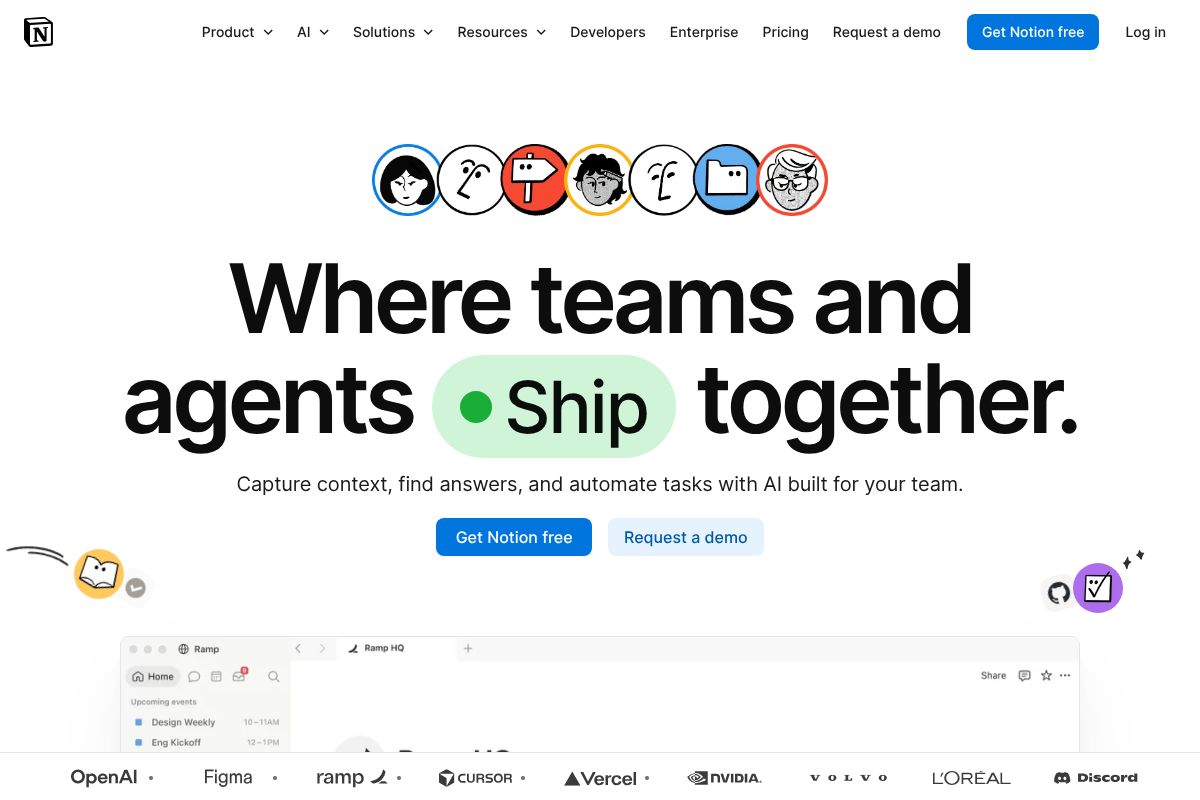
Notion started as a note-taking and project management app and has quietly become one of the more capable AI tools for teams — mostly because it doesn’t ask you to leave the workspace to use it. Instead of bolting AI onto a separate product, Notion built it into the docs, wikis, and databases your team already lives in.
How Notion’s AI Helps Teams Collaborate
Notion can summarize a long meeting doc into five bullet points, pull action items out of a rambling brainstorm page, and answer questions about content buried across dozens of team docs — no more pinging a coworker to ask “where’s that spec again?” A product team wrapping up a two-hour planning session can paste raw notes in and get a clean summary with owners and deadlines attached in under a minute.
The Q&A feature works across your entire connected workspace, so asking “what did we decide about the Q2 roadmap?” pulls the actual answer instead of a list of loosely related pages. It’s not flashy, but it removes a lot of the searching-and-asking friction that eats up a workday.
Notion Pricing for Teams: What You’ll Actually Spend
Notion’s free tier gives individuals and very small teams basic functionality but limited AI usage. The Plus plan runs $12/user/month and includes AI features, unlimited blocks, and 30-day page history. Business, at $20/user/month, adds full AI access, advanced permissions, and SAML SSO — worth it once you have sensitive client data floating around.
Do the math before committing: a 5-person team on Plus runs $60/month ($720/year); the same team on Business runs $100/month ($1,200/year). A 10-person team jumps to $120/month on Plus or $200/month on Business. Paying annually knocks the per-seat price down by roughly 20%, which adds up fast once you’re past five seats.
When Notion Is the Right Choice
Notion makes sense for teams tired of juggling five different apps for docs, tasks, and knowledge sharing — consolidating into one tool with AI built in is the whole pitch. Creative teams and small agencies building a shared knowledge base benefit the most, and the per-seat pricing is easy to justify once you drop a couple of other subscriptions.
It’s not the right pick if all you need is meeting transcription — Otter.ai does that more directly. And large enterprises with heavy compliance requirements may find Notion’s permission structure a bit lighter than what dedicated enterprise tools offer.
Otter.ai & Fireflies.ai: Meeting Transcription Specialists
Not every team needs a full workspace overhaul — sometimes the problem is simpler: nobody remembers what got decided on last Tuesday’s client call. That’s a transcription problem, not a project management problem, and Otter.ai and Fireflies.ai both solve it well without the overhead of a bigger platform.
Otter.ai: Accuracy & Ease for Meeting-Heavy Teams
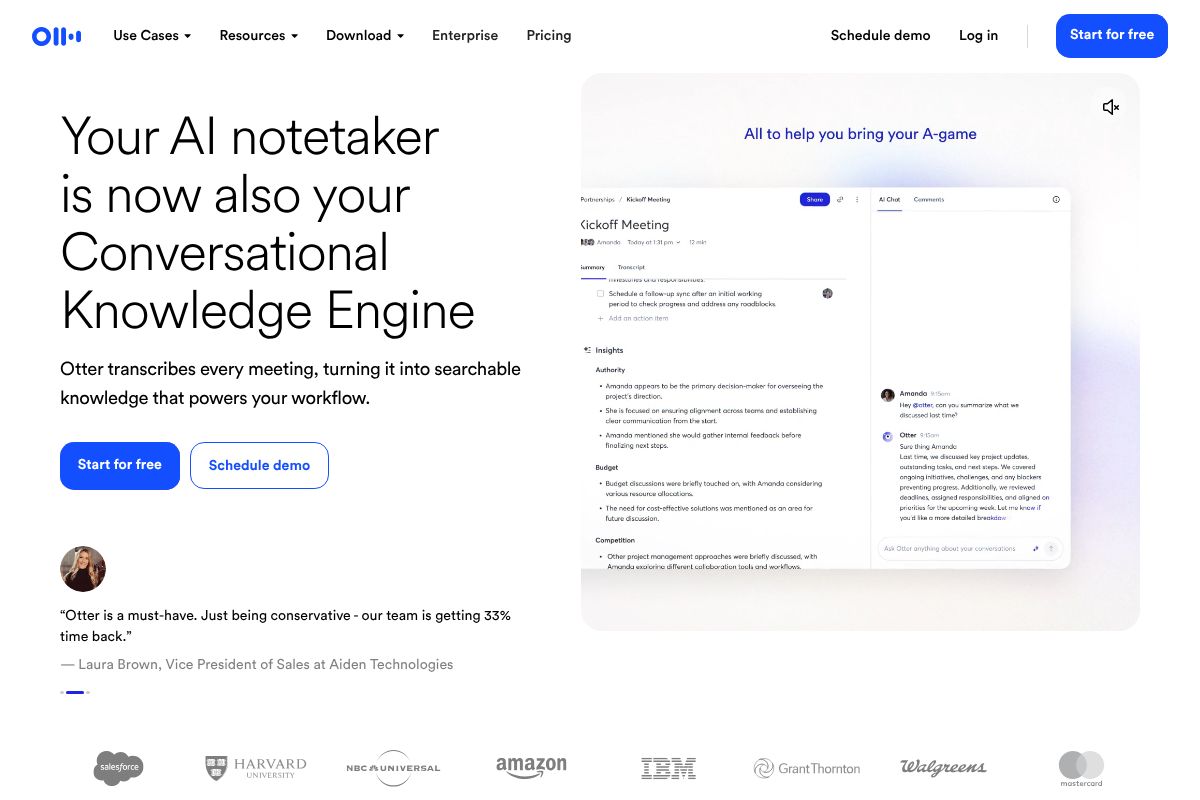
Otter.ai claims 99% transcription accuracy in real-world testing, and in practice it holds up on clear audio with two or three speakers. It transcribes in real time during Zoom, Microsoft Teams, and Google Meet calls, so you can glance at the screen mid-meeting instead of scribbling notes. There’s a free tier with limited monthly transcription minutes, and the Pro plan runs $16.99/month with a 20% recurring commission for referrers. A consultant sitting in on 15-20 client calls a week is the ideal use case — Otter turns each one into a searchable, shareable summary without extra effort.
Fireflies.ai: Searchable Transcripts for Sales & Recruiting
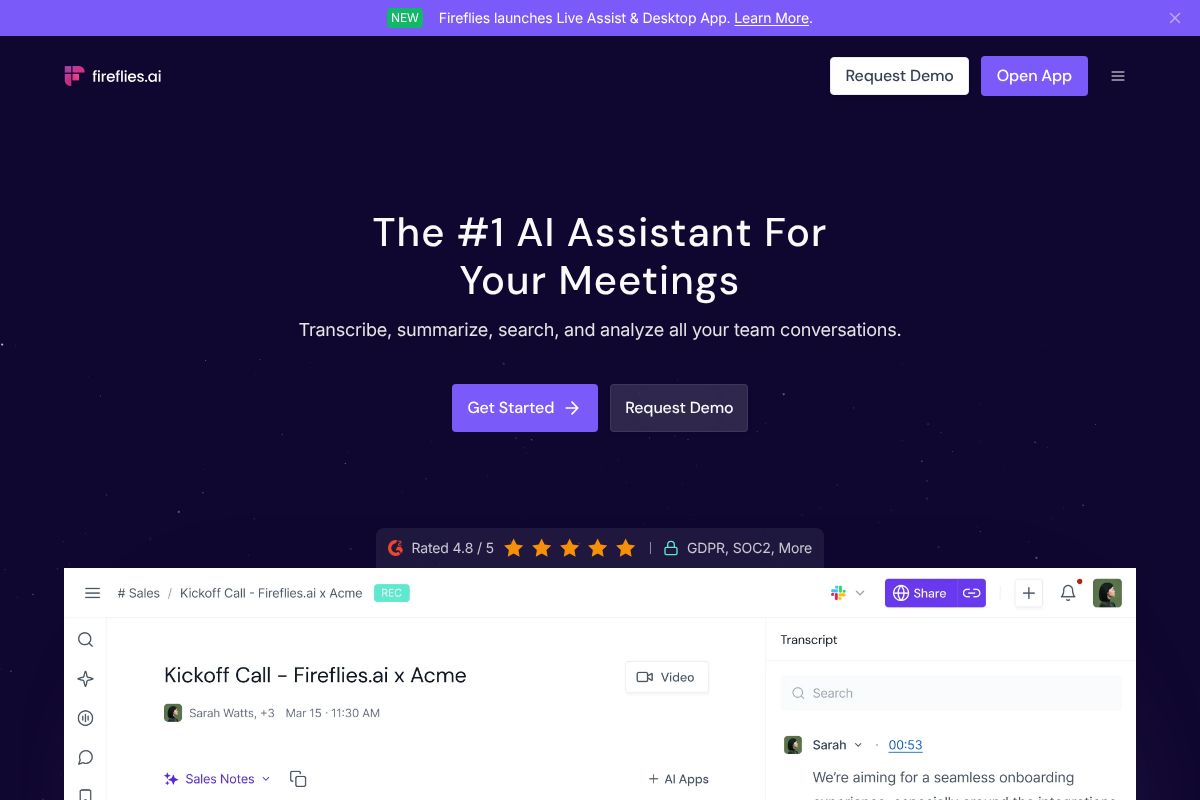
Fireflies.ai does everything Otter does on the transcription side, but leans harder into what happens after the meeting ends. It tags speakers automatically, flags topics like pricing or objections, and lets you search across months of calls by keyword — useful when a sales rep needs to find every time a prospect mentioned “budget approval.” It plugs into CRM tools like Salesforce and HubSpot, logging call notes directly against the deal record. Free tier available; Pro is $18/month with 20% recurring commission. A recruiting team doing 30+ candidate screens a week gets the most value here, since pulling up “what did this candidate say about salary expectations” beats scrolling through old notes.
Otter vs. Fireflies: Which Meeting Tool Wins for Your Team
Price and accuracy are close enough that they’re not the deciding factor — $16.99 versus $18 a month won’t make or break a budget. The real question is what happens to the transcript afterward. If you just need clean notes and a summary, Otter.ai is the slightly more polished, general-purpose pick. If you need to search past conversations by topic or push call data into a CRM, Fireflies.ai pulls ahead.
Both offer free tiers, so test them on a real week of meetings before paying for either. And keep expectations in check: neither replaces a workspace tool like Notion for tracking projects or documentation. They do one job — capture and organize what was said — and do it well.
How These Tools Stack Up: Feature & Price Comparison
Comparing Notion, Otter.ai, and Fireflies.ai side by side only works if you accept they’re not really competing for the same job. One’s a workspace, two are meeting specialists. Here’s the breakdown.
| Feature | Notion | Otter.ai | Fireflies.ai |
|---|---|---|---|
| Primary use case | Docs, wikis, project tracking | Meeting transcription & summaries | Transcription + CRM/sales workflow |
| Starting price | $12/seat/month (Business) | $16.99/month | Free tier; Pro $18/month |
| AI features | Q&A, writing assist, auto-tagging | Summaries, action items | Topic tagging, keyword search across calls |
| Team collaboration | Strong — shared docs, comments, permissions | Shared transcripts, limited | Shared transcripts, CRM logging |
| Meeting transcription | Not native | Yes, core feature | Yes, core feature |
| Integrations | 90+ (Slack, Google Drive, etc.) | Zoom, Google Meet, Slack | Salesforce, HubSpot, Zoom, Slack |
| Learning curve | Moderate — takes setup time | Low | Low |
| Best for | Teams centralizing all work in one place | General meeting notes | Sales/recruiting teams tracking conversations |
Notion vs. Meeting Specialists: When to Choose Each
Notion is a workspace — it holds your docs, your project boards, your team wiki, and now, with AI built in, drafts and summarizes inside that same space. Otter.ai and Fireflies.ai do one thing: capture and organize what gets said in a meeting. They don’t track tasks or manage documents, and they’re not trying to.
Price-wise, Notion runs $12 per seat monthly on the Business plan, while Otter and Fireflies sit closer to $17–18 flat. But that comparison misses the point — Notion is replacing three or four separate tools (docs, wiki, task tracker), while the meeting tools are replacing one habit: someone typing notes by hand.
If your team is under 10 people and meetings aren’t the bottleneck, Notion alone probably covers you. If you’re running 15+ calls a week and losing details between them, add Otter or Fireflies on top — they play well together anyway, since Notion integrates with both.
Red Flags & Honest Trade-Offs to Consider
No tool here is a free lunch. Notion’s flexibility means someone on your team has to build the structure — templates, databases, permissions — before it pays off, and that setup work often falls on one overworked person who becomes the “Notion person” by accident. Otter and Fireflies are easier to adopt, but they only solve the meeting-notes problem. If your team’s real issue is scattered documents or missed deadlines, a transcription tool won’t touch that.
All three also share the same failure mode: adoption. If half your team keeps taking notes in a personal notebook or skips the shared workspace out of habit, you’re paying for software nobody uses. Get buy-in before you roll anything out company-wide, ideally by piloting with one team for a month.
On privacy, 2026 tools are meaningfully better than a few years ago — SOC 2 compliance and encryption-at-rest are now standard across Notion, Otter, and Fireflies. Still, if you handle client calls with sensitive data (legal, healthcare, finance), check each vendor’s data residency policy and retention settings before recording anything. Don’t assume “AI-powered” means privacy-safe by default.
Cost Scaling as Your Team Grows
Notion’s per-seat pricing feels reasonable at 10 people and painful at 50. A 20-person team on the Business plan runs roughly $2,880/year before add-ons, and AI features often require a separate per-seat upgrade on top of that base price. Otter and Fireflies scale more predictably since pricing is simpler, though costs still climb linearly with headcount.
Once you cross 30–50 seats, it’s worth calling sales for custom enterprise pricing rather than accepting list rates — most vendors will negotiate. If Notion’s AI add-on cost is outpacing its value for your team, that’s the signal to reassess, not necessarily to switch tools entirely.
How to Pick the Best AI Tool for Your Specific Team
Skip the feature comparison chart for a second and answer four questions first. They’ll narrow your choice faster than any spec sheet.
- What’s actually costing you time? Missed action items from meetings, scattered documentation, or tasks that fall through the cracks — these need different tools, not the same one.
- How many people, how much budget? A 5-person team shouldn’t be paying for enterprise seats they don’t need.
- What are you already using? A tool that doesn’t connect to your calendar, CRM, or Slack creates more manual copy-pasting, not less.
- How technical is your team? Some tools reward tinkering with templates and databases. Others should just work on day one.
Here’s how that plays out in practice. A 5-person startup still figuring out its processes doesn’t need Fireflies Pro — Notion’s free plan or Otter’s free tier covers note-taking and light documentation without a credit card. A 10-person sales team living in back-to-back discovery calls should go straight to Fireflies Pro; the automatic CRM logging alone justifies the seat cost. A creative agency juggling client decks, briefs, and internal wikis is better served by Notion Business, where AI search across scattered docs matters more than transcription accuracy.
None of this requires a leap of faith. Every tool mentioned here offers a free trial or a genuinely usable free tier — run a two-week pilot with one team before you commit budget or migrate anyone’s workflow. The tool that wins in a demo isn’t always the one that survives contact with your actual meetings.
Start Saving Time Today: Your Next Step
You don’t need a procurement process to figure this out. You need two weeks and one honest habit: actually opening the tool when you’d normally skip it.
- Pick a free starting point. Sign up for the free tier of Notion, Otter.ai, or Fireflies.ai — none require a credit card, so there’s no risk in trying more than one.
- Run a real pilot. Use it in every meeting or every doc for two weeks with one team, not just the enthusiastic early adopter.
- Track something concrete. Minutes saved not writing meeting notes, number of times someone found an answer in Notion instead of pinging a coworker, transcripts that replaced a recap email.
- Decide on usage, not features. A tool with fewer bells and whistles that your team opens daily beats one with a longer feature list that gets forgotten by week three.
The “best” AI tool for your team is simply the one people keep using after the novelty wears off. That’s not a marketing claim — it’s the only metric that actually predicts ROI six months from now.
Try one this week. If it earns a permanent spot in your workflow, you’ll know within fourteen days — and you’ll probably have an opinion worth sharing about which one won.
Our Verdict
Editorial rating: 4.6/5
Specialized tools beat all-in-one for most teams
While Notion offers convenient integration, meeting transcription specialists deliver measurably better results for their core functions. The trade-off: you’ll manage multiple subscriptions instead of one unified platform, but your team gains superior performance where it matters most.
Frequently Asked Questions
What AI tool is best for team collaboration in 2026?
Notion stands out for teams needing integrated workspace management with AI assistance. However, specialized tools like Otter.ai work better if your primary need is meeting transcription and note-taking automation.
Should we use one AI tool or multiple tools for our team?
Single all-in-one platforms reduce complexity and learning curves, but multiple specialized tools often deliver superior performance in specific functions. Your choice depends on team size, technical comfort, and budget allocation.
How much does an AI tool for teams cost?
Pricing varies significantly: Notion starts around $10-15 per user monthly, while meeting transcription tools range from free tiers to $20+ monthly. Enterprise solutions cost substantially more with custom pricing.
Can AI tools really save time for my team?
Yes, but results depend on proper implementation and adoption. Meeting transcription tools save 5-10 hours weekly on note-taking, while workspace AI assists with content generation and task organization when actively used.
Related Reads
- Notion AI vs ClickUp AI: Which Wins in 2026?
Compare Notion AI vs ClickUp AI in 2026. See pricing, features, and which tool fits your workflow best.…
- Best AI for Teams in 2026: Top Tools Compared
Find the best AI for teams in 2026. Compare top tools for productivity, meetings, and collaboration. Honest reviews for …
- Best Collaboration Tools for Remote Teams in 2026
Find the best collaboration tools for remote teams. Compare Notion, Otter.ai, Fireflies & more. Honest reviews for creat…