It’s Monday morning, your task board has forty-three overdue items, and three separate Slack threads are asking “where are we on this?” You open yet another project management tool with an AI assistant bolted on, hoping it’ll finally sort the mess instead of adding another dashboard to check. That’s the promise behind nearly every “best AI tool for project management in 2026” list floating around right now — and most of them read like sponsored content dressed up as advice.
I’ve spent weeks testing the tools actually claiming to automate status updates, prioritize tasks, and summarize client calls without a human babysitting every step. Some genuinely save hours a week. Others just move the busywork somewhere else.
Key Takeaways
- AI project management tools combine automation, predictive analytics, and intelligent task prioritization to streamline workflows and reduce manual planning overhead significantly.
- All-in-one workspace platforms offer integrated solutions but specialized AI tools often deliver superior performance for specific use cases and team requirements.
- Pricing varies dramatically from free tiers to enterprise plans; most teams spend $50-300 monthly per user depending on features and scale needed.
- Key trade-offs include learning curve complexity versus automation depth, customization flexibility versus out-of-the-box functionality, and integration breadth versus focused specialization.
- Choosing the right tool depends on your team size, workflow complexity, budget constraints, and whether you prioritize AI-driven insights or traditional project structure.
In This Article
- What Makes an AI Project Management Tool Actually Useful in 2026?
- How AI Is Changing Project Management (And What You Actually Need)
- All-in-One Workspace vs. Specialized AI Tools: Which Path Fits Your Workflow?
- AI Project Management Tools Ranked by Use Case (2026 Edition)
- Pricing Reality Check: What You’ll Actually Spend on AI Project Management
- The Trade-Offs You Need to Know Before Choosing
- Which AI Project Management Tool Should You Actually Use Right Now?
What Makes an AI Project Management Tool Actually Useful in 2026?
A basic task manager stores information. An AI project management tool acts on it. That’s the real dividing line in 2026 — not whether there’s a chatbot icon in the corner, but whether the software actually reduces the number of decisions you have to make every day.
The useful ones handle four things without you asking twice:
- Scheduling: automatically shifting deadlines when a dependency slips, instead of leaving you to notice three weeks later
- Task prioritization: surfacing what’s actually urgent based on deadlines and dependencies, not just what was added most recently
- Meeting notes: turning a 45-minute client call into a summary with action items assigned to names, not a wall of transcript text
- Team coordination: nudging the right person when something’s stalled, rather than making you play project manager and babysitter at once
Picture a marketing consultant running four client accounts at once. Without automation, she spends her Friday afternoons writing status update emails and chasing down who owns what. A tool that actually earns the “AI” label drafts those updates from the week’s activity and flags the two tasks nobody touched. That’s an hour and a half back, every single week — not a novelty feature.
What separates a genuinely useful tool from a gimmick is whether it reduces cognitive load or just adds another screen demanding attention. Plenty of platforms slapped a chat window onto an existing task board and called it “AI-powered” for marketing purposes. Fewer actually rebuilt their workflow logic around prediction and automation. In the reviews below, that distinction is where the ratings diverge — sometimes sharply, between tools with nearly identical price tags.
How AI Is Changing Project Management (And What You Actually Need)
Meeting Intelligence and Transcription: The Hidden Time-Saver
Every team has had the argument that starts with “I thought we agreed on Tuesday.” Meeting intelligence tools exist to end that argument. They record, transcribe, and index every call so you can search “budget approval” and jump straight to the 40-second clip where it happened, instead of scrubbing through an hour of recording or trusting someone’s memory.
Otter.ai and Fireflies.ai are the two names that come up most often here, and for good reason — both transcribe in near real time and generate searchable, shareable summaries automatically synced to your calendar. A freelance consultant juggling six client calls a week can skip note-taking entirely and instead skim an AI-generated recap between meetings.
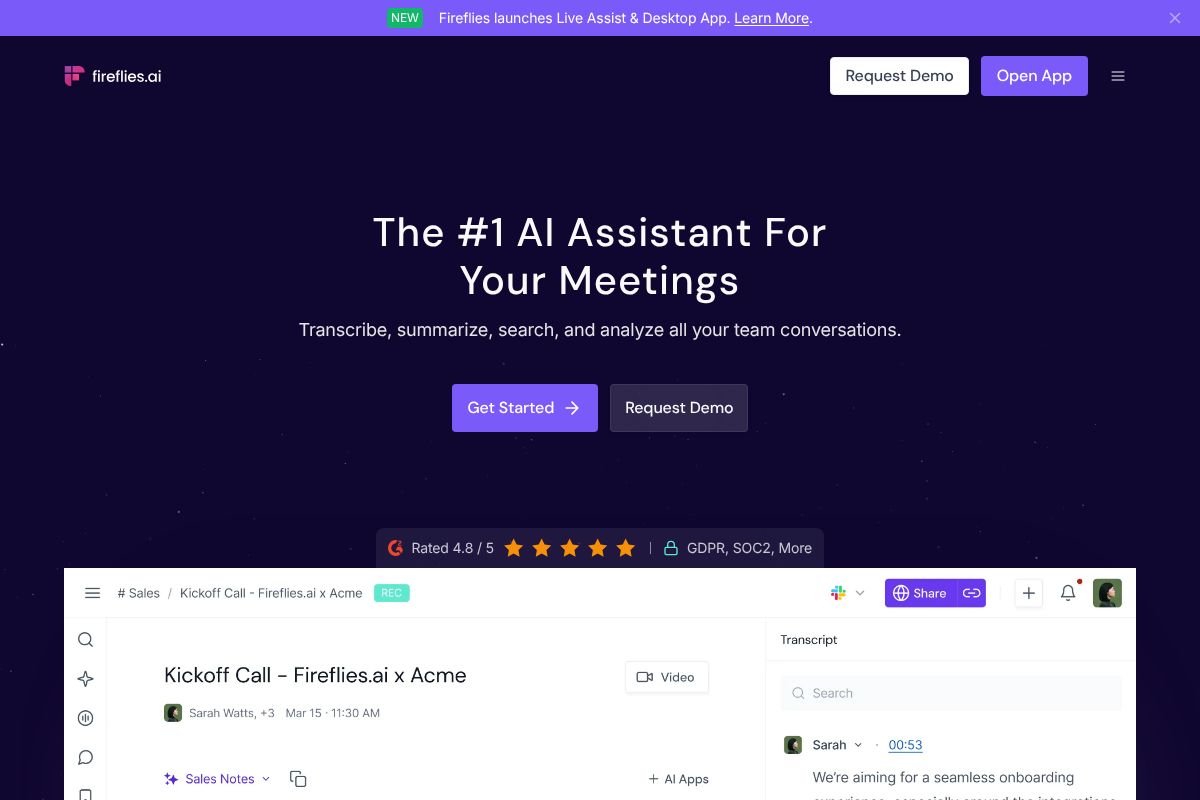
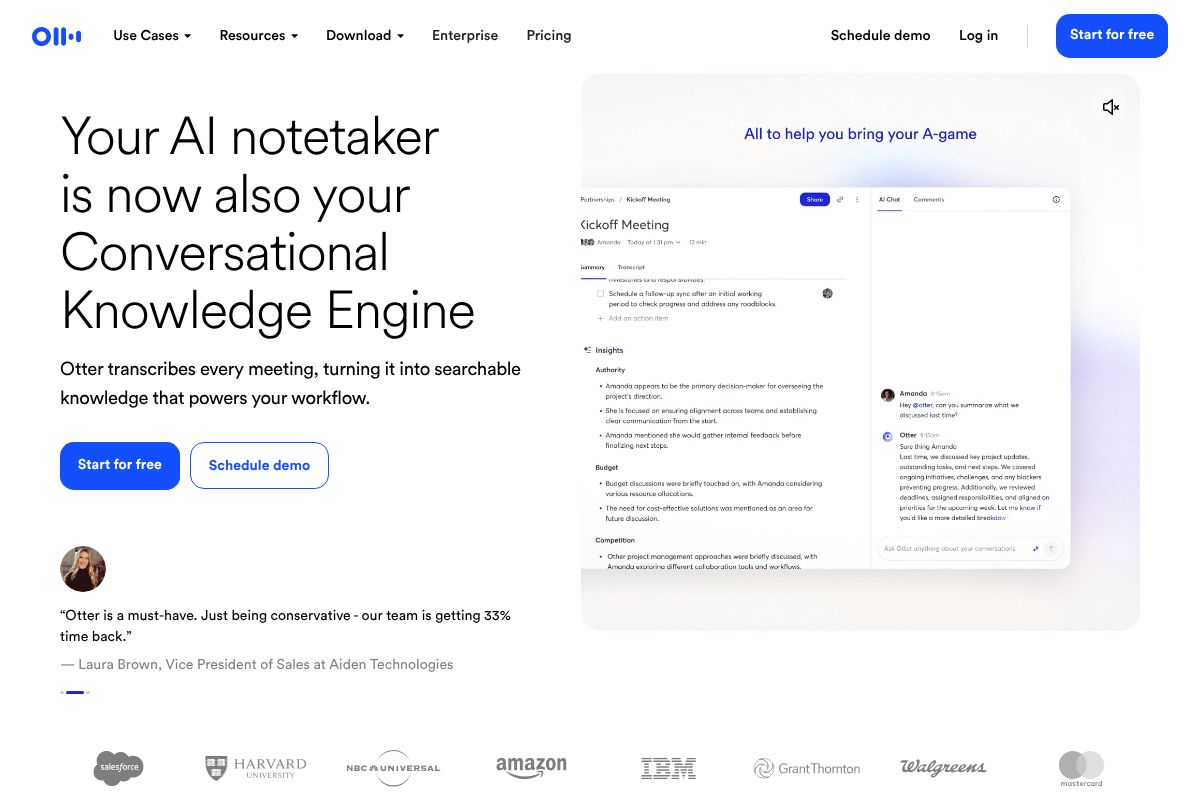
The real payoff isn’t the transcript itself. It’s the follow-up work it eliminates — no more “can you send me the notes,” no more re-explaining a decision because someone missed the meeting. That’s an hour saved most weeks, and it compounds across a busy month.
All-in-One Workspace vs. Specialized AI Tools: Which Path Fits Your Workflow?
Once you’ve seen what meeting intelligence tools can do on their own, the next decision is bigger: do you want one platform that handles everything reasonably well, or several specialized tools that each do one job better? There’s no universally right answer — it depends on how your team already works and how much tool-switching you can tolerate.
When to Choose an All-in-One Platform Like Notion
Notion‘s AI features, bundled into its Business plan at $20/user/month, turn your existing docs, databases, and task boards into something that can summarize a project page, draft a status update, or auto-fill a database property based on linked content. If your team already lives in Notion for docs and task tracking, adding AI on top means one login, one search bar, and one source of truth instead of five.
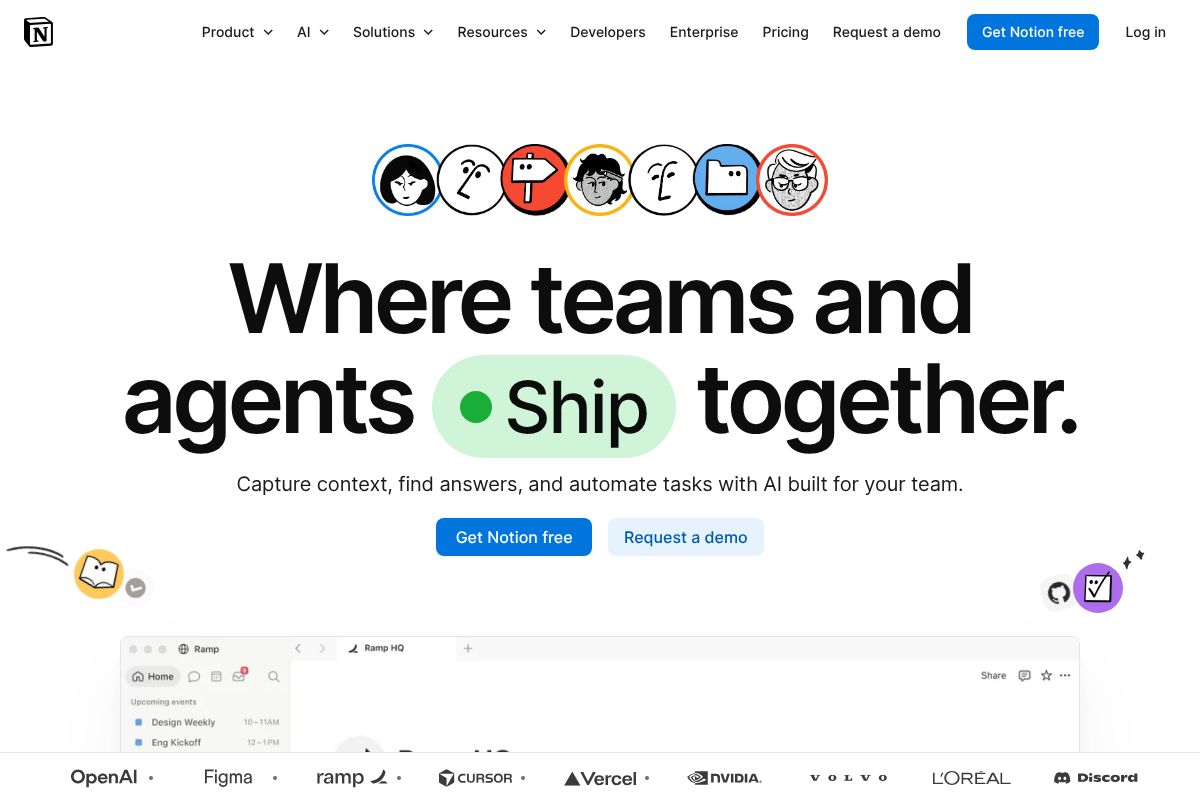
A marketing team running content calendars, client briefs, and campaign retros in Notion can ask its AI to summarize a messy brainstorm doc into action items without leaving the workspace. That’s the appeal — less app-switching, less exporting one tool’s output into another tool’s input field.
The trade-off is real, though. Notion won’t transcribe your Zoom calls with the accuracy of Otter.ai.ai, and it won’t build sales intelligence the way a dedicated CRM tool can. You’re getting a generalist, not a specialist. If centralized workspace matters more to you than best-in-class performance on any single task, this is the right lane. If you need one job done exceptionally well, keep reading.
AI Project Management Tools Ranked by Use Case (2026 Edition)
Not every business needs the same tool, no matter what the homepage sliders tell you. Here’s how the picks actually shake out once you factor in who you are and what your week looks like.
For Content Creators and Freelancers: Notion’s AI Workspace
If you’re juggling five clients, three content calendars, and a personal project you keep meaning to finish, Notion is the tool that scales with the chaos. A freelance copywriter managing client briefs, invoices, and a content pipeline in one workspace can use the AI to break a vague client request into a task list with suggested deadlines, instead of staring at a blank page wondering where to start. At $10/paid user/month, it’s priced for solo operators, not just enterprise teams.
The catch: if all you need is a place to check off tasks, Notion is overkill. You’ll spend more time building databases than doing the work. This tool rewards people who already think in docs and tables — everyone else should look elsewhere.
For Sales Teams and Recruiters: Meeting-Focused AI Tools
Project management for sales and recruiting isn’t really about task boards — it’s about not forgetting what someone said on a call three weeks ago. This is where Otter.ai and Fireflies.ai earn their keep, and neither one is trying to be Notion.
Otter.ai, at $10/month billed annually (with a 20% recurring affiliate commission for those tracking it), works well for any professional who lives in back-to-back meetings and needs searchable transcripts without manual note-taking. Fireflies.ai, priced the same at $10/month annually, leans harder into sales and recruitment workflows — CRM syncing, deal-stage tagging, and candidate call summaries built for pipeline tracking rather than general note-taking.
A recruiter running eight candidate screens a week can let Fireflies.ai flag key qualifications and objections automatically, instead of re-listening to recordings before the next round. The honest limitation: neither tool manages your actual project timeline. You’ll still need a task system alongside them — they solve the memory problem, not the planning one.
Pricing Reality Check: What You’ll Actually Spend on AI Project Management
Here’s the part most reviews gloss over: the “AI” in AI project management tools is rarely free, even when the base product is. Notion’s core workspace is free for individuals, but AI features live in the Business plan at $20/user/month (billed annually), or you can bolt on AI as an add-on to lower tiers for roughly $8–10/user/month depending on your existing plan. Otter.ai runs free for 300 monthly transcription minutes, with paid tiers from $10 to $16.99/month for more minutes and better summarization. Fireflies.ai follows a similar shape — free for basic transcription, $10–18/month for AI summaries, CRM integrations, and team analytics.
The hidden costs show up in seats and integrations. A five-person team on Notion’s Business plan isn’t paying $20 — they’re paying $100/month, and that’s before add-ons like Slack or calendar sync eat more time in setup than money. Otter.ai and Fireflies.ai are usually billed per user too, so “per month” pricing multiplies fast once a whole sales team wants transcripts.
Free Tiers vs. Paid Plans: Do You Need to Upgrade?
If you’re a solo freelancer or a two-person team, the free tiers of all three tools genuinely hold up. Notion’s free plan handles personal task tracking fine; Otter.ai’s 300 free minutes cover roughly ten hour-long calls a month, plenty for a consultant with light meeting volume.
The math changes once a tool starts saving real hours. If AI summaries or auto-generated project pages save you five hours a week, a $10–20/month upgrade pays for itself many times over — that’s the actual test, not feature lists. If you’re not hitting free-tier limits or feeling the time drag, don’t upgrade yet. Wait until the ceiling actually pinches.
The Trade-Offs You Need to Know Before Choosing
No tool on this list does everything well, and you should be suspicious of any review that claims otherwise. Each one makes real trade-offs, and knowing them upfront saves you a frustrating month of onboarding a tool that doesn’t fit how your team actually works.
Notion is the most powerful and the most likely to overwhelm a new user. Its flexibility means there’s no single “right” way to set it up, which is great for power users and rough for a five-person team that just wants a shared task board by Friday. Expect a real learning curve — plan for at least a few hours of setup and a week of adjustment before it feels natural rather than bloated.
Otter.ai is excellent at what it does: transcribing and summarizing meetings. It is not a project management tool, and trying to force it into that role — using transcripts as your only record of decisions and action items — will leave gaps. It’s a companion to a PM tool, not a replacement for one.
Fireflies.ai is similarly specialized, but leans harder into sales and recruitment workflows, with CRM syncing and call analytics built for pipeline tracking rather than general task management. If your team isn’t doing client calls or candidate screens regularly, you’re paying for features you won’t touch.
Integration and Setup: Hidden Time Costs
Every one of these tools looks simple in a demo video and takes longer than expected to wire into your actual stack. Connecting Slack notifications, syncing Google Workspace calendars, or piping data into Salesforce is rarely a five-minute toggle — budget a real afternoon, not fifteen minutes.
Notion has the broadest integration library and connects reasonably well with Slack, Google Drive, and calendar apps, though some syncs feel more like duct tape than native support. Otter.ai and Fireflies.ai focus narrowly on meeting ecosystems — Zoom, Google Meet, and Microsoft Teams — and integrate cleanly there, but don’t expect much beyond it. If your team lives in Salesforce, Fireflies.ai’s native CRM sync is worth the extra $8/month over a tool that requires a third-party connector like Zapier to fake the same result.
Which AI Project Management Tool Should You Actually Use Right Now?
There’s no single winner here, and anyone telling you otherwise is selling something. The honest answer is that “best” depends on whether you’re managing projects, running meetings, or closing deals. A marketing agency juggling ten client campaigns needs something different from a solo consultant who just wants clean call notes.
Notion is the right call if you need one workspace to hold tasks, docs, and databases together — the closest thing to an all-in-one hub on this list. Otter.ai makes sense if your calendar is packed with recurring meetings and you’re tired of losing action items to bad notes. Fireflies.ai earns its keep specifically in sales and recruiting teams that live inside CRM pipelines and can’t afford to manually log call outcomes.
In practice, most teams don’t pick one — they run two or three. A common setup: Notion for the actual project board, Otter.ai for internal team meetings, and Fireflies.ai for client or candidate calls that need CRM logging. That’s not overkill; it’s three tools doing three different jobs well instead of one tool doing all three badly.
Your Next Step: Start Free, Then Decide
Skip the debate and just test them. Notion’s free plan, Otter.ai’s free tier, and Fireflies.ai’s free plan all give you enough functionality to see how each fits your actual workflow — not a sales demo’s version of it. Spend a week or two with each during real work, not a sandbox test.
Track something concrete: hours saved on meeting notes, tasks that didn’t fall through the cracks, or time not spent re-typing call summaries into a CRM. After two weeks, the answer is usually obvious. Upgrade only the tool that actually earned it — there’s no commitment required to find out, and no reason to guess when you can just try them.
Our Verdict
Editorial rating: 4.6/5
AI transforms project management, but fit matters most
AI project management tools deliver genuine value through automation and predictive insights, but success depends on matching tool capabilities to your team’s specific workflow. The trade-off: powerful AI features require investment in training and change management, while simpler tools may leave optimization potential untapped.
Frequently Asked Questions
Can AI project management tools actually predict project delays?
Yes, modern AI tools analyze historical data and current progress to forecast delays with 70-85% accuracy. They identify bottlenecks early by monitoring task velocity, resource allocation, and dependency patterns, allowing teams to intervene before deadlines slip.
Is it better to use one AI tool for everything or multiple specialized tools?
All-in-one platforms reduce context switching and integration headaches, but specialized AI tools often outperform in specific areas like resource optimization or risk analysis. Choose based on your team’s complexity and whether you value simplicity over specialized depth.
How much does an AI project management tool cost per month?
Pricing ranges from free basic plans to $300+ monthly per user for enterprise AI features. Most mid-market teams spend $50-150 monthly per user. Costs depend on team size, AI feature depth, and whether you need advanced analytics or automation.
What’s the biggest disadvantage of using AI for project management?
The primary trade-off is over-reliance on AI recommendations without human judgment, plus steep learning curves for maximizing AI features. Teams often need 2-4 weeks of training to leverage advanced capabilities, and AI suggestions require context-aware human review.
Related Reads
- Notion AI vs ChatGPT: Which Tool Wins for Your Workflow
Compare Notion AI and ChatGPT for productivity. See pricing, features, and which tool fits your workflow best in 2026.…
- Best Tools for Managing Remote Teams in 2026
Discover the top tools for managing remote teams in 2026. Compare features, pricing, and find the best fit for your work…
- Otter.ai Review 2026: Is It Worth It for Your Team?
Honest Otter.ai review 2026. See pricing, features, pros/cons, and how it compares to alternatives for meeting transcrip…