Editor’s note: Reviewed and updated in June 2026 to reflect current pricing, features, and 2026 tool releases.
You’ve probably caught yourself with two browser tabs open — one for Notion, one for ChatGPT — wondering which one you should actually be using. Both promise to save you time, cut through writer’s block, and make your workday feel a little less overwhelming. But they’re built for very different things, and using the wrong one for the wrong job is costing you more time than it saves.
The real question isn’t which tool is objectively better—it’s whether you need a project-and-document powerhouse or a flexible thinking partner for open-ended work. Here’s what each does best, where each has genuine limits, and how to decide which one (or both) belongs in your workflow.
Key Takeaways
- Notion AI excels within workspace organization, while ChatGPT dominates standalone creative writing and complex problem-solving tasks.
- ChatGPT offers superior conversational depth and reasoning capabilities, making it ideal for detailed research and brainstorming sessions.
- Notion AI integrates seamlessly with your existing database, providing contextual assistance without switching between multiple applications.
- Pricing differs significantly: Notion AI requires workspace subscription, while ChatGPT operates on separate subscription or pay-per-use models.
- Choose Notion AI for productivity workflows; select ChatGPT for advanced reasoning, coding help, and open-ended creative projects.
In This Article
Introduction: The AI Productivity Dilemma
If you’re a content creator, marketer, or small business owner in 2026, you’re probably not short on AI tools — you’re short on clarity about which ones are actually worth your time. The market has exploded, and two names keep coming up in the same breath: Notion AI and ChatGPT. Both are genuinely useful. Both have real limitations. And choosing between them isn’t as straightforward as a feature comparison chart makes it look.
Here’s the core tension: Notion AI lives inside your workspace. It’s woven directly into your notes, databases, and project pages — which means it has context. It knows what you’re working on. ChatGPT, on the other hand, is a standalone tool. You bring it what you need, it responds, and you take the output somewhere else. That difference sounds small, but it shapes everything about how you actually use each one day to day.
The honest truth is that neither tool wins outright. What matters is the shape of your workflow — how you organize your work, where you spend most of your time, and what kind of thinking support you actually need. A solo freelancer managing client deliverables in Notion has very different needs than a marketer who spends their day drafting, brainstorming, and jumping between tasks.
This article isn’t here to crown a winner. It’s here to help you figure out which tool — or which combination — makes the most sense for you.
What Is Notion AI?
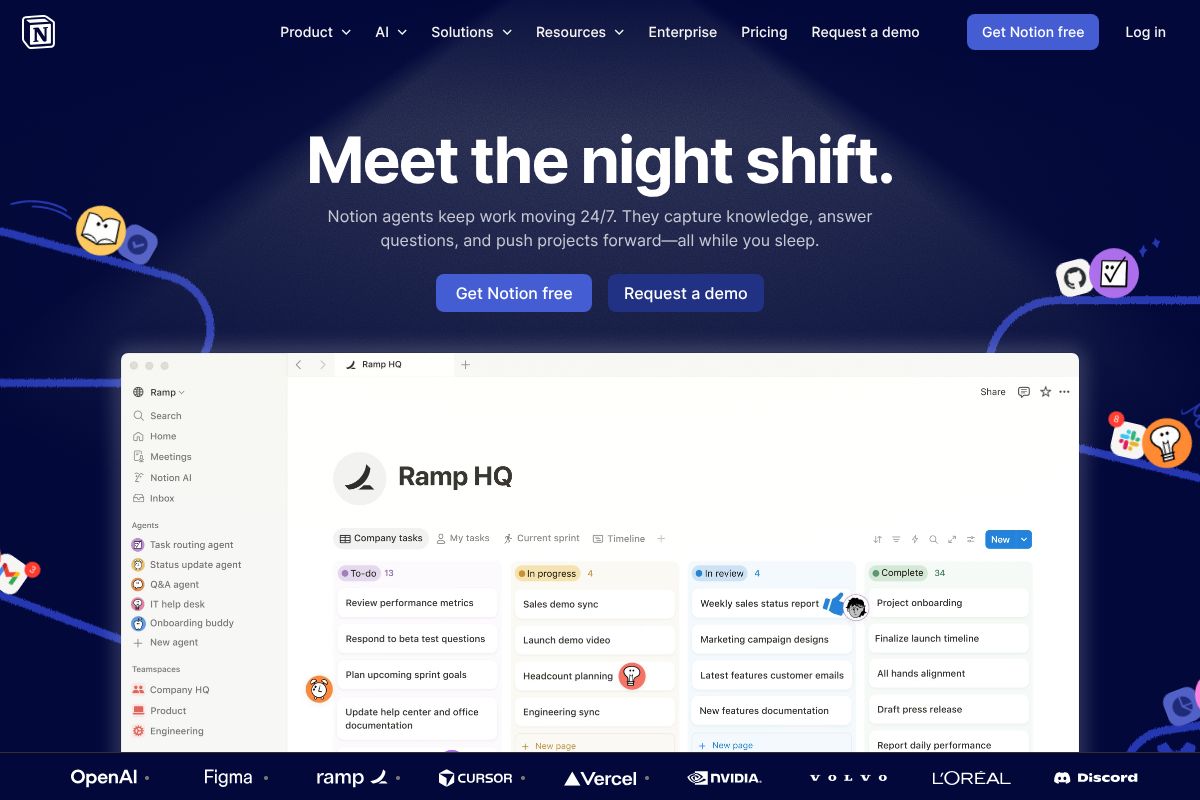
Notion AI is an artificial intelligence assistant built directly into the Notion workspace — not bolted on as an afterthought, but woven into the same environment where you write your docs, manage your projects, and organize your databases. If you’re already using Notion to run your business or creative work, the AI is simply there, ready to help, without asking you to open another tab or copy-paste anything.
That integration is the whole point. When you ask Notion AI to summarize a project page, it’s reading your actual project page. When you ask it to draft a task update, it can pull from the context already sitting in your workspace. It’s not a generic assistant working from a blank slate — it’s an assistant that knows what you’re working on, because it lives where the work happens.
In practical terms, here’s what Notion AI can do inside your workspace:
- Draft and edit content directly inside any Notion doc or page
- Summarize long pages, meeting notes, or database entries in seconds
- Answer questions about your workspace content — think of it as a search tool that actually understands context
- Auto-fill database properties, generate action items, and extract key takeaways from notes
- Translate, rewrite, or improve tone on any piece of text you’ve already written
Notion AI is included on the Business plan at $20 per user per month and above. It’s not available as a standalone product — you get it as part of the broader Notion ecosystem, which is either a strength or a limitation depending on whether Notion is already your home base.
The bottom line: if your work already lives in Notion, the AI feels almost invisible in the best possible way. It’s just there, in context, when you need it.
What Is ChatGPT?
ChatGPT is a general-purpose conversational AI built by OpenAI. Unlike tools designed around a specific app or workflow, it’s a standalone product — you open it, type a prompt, and get a response. That simplicity is a big part of its appeal, and in 2026, it’s become one of the most widely used AI tools across virtually every industry and use case imaginable.
You can access ChatGPT through:
- A web browser at chat.openai.com — no installation required
- Mobile apps for iOS and Android, which also support voice input
- The OpenAI API, which developers use to build ChatGPT into their own products and tools
On the pricing side, there’s a free tier that gives you access to capable models with some usage limits. ChatGPT Plus runs at $20 per month and unlocks faster responses, priority access, and advanced features like image generation and deeper reasoning capabilities. There’s also a ChatGPT Pro tier at $200 per month for power users who need the highest-performance models and extended usage limits.
What makes ChatGPT genuinely powerful is its breadth. You can use it to draft emails, analyze data, brainstorm ideas, write code, prep for a presentation, or talk through a business problem — all in the same conversation. It handles an enormous range of tasks without needing any setup or context from your existing tools.
The key thing to understand is that ChatGPT operates independently from your other apps. It doesn’t know what’s in your project management tool, your docs, or your inbox unless you paste that information in yourself. That’s not necessarily a flaw — it’s just a different model, one built around flexibility rather than deep integration.
Key Features Comparison
At first glance, Notion AI and ChatGPT can seem like they do similar things — they both generate text, summarize content, and help you think through problems. But the way they work, and where they work best, is quite different. Understanding those differences is what will help you choose the right tool for your actual workflow.
Notion AI: Workspace-Native Intelligence
The biggest advantage Notion AI has over standalone AI tools is that it lives inside your workspace. It can read your existing pages, pull from your databases, and take action on your content without you ever leaving the app. That means no copy-pasting, no context switching, and no explaining your project structure from scratch every time you need help.
Here’s what Notion AI can do natively within your workspace:
- Writing assistance — Draft, edit, and improve text directly inside any Notion page
- Database queries — Ask questions about your data in plain English and get structured answers
- Summarization — Condense long documents, meeting notes, or project pages into quick takeaways
- Task automation — Auto-fill properties, generate action items, and organize information across your workspace
If your team already lives in Notion — managing projects, storing docs, tracking tasks — Notion AI feels like a natural extension of how you already work. It’s less about raw AI power and more about reducing friction within a system you’ve already built.
ChatGPT: Flexible, Standalone Power
ChatGPT takes a fundamentally different approach. It’s not tied to any one platform or workflow, which makes it remarkably versatile. Whether you’re a marketer, a freelancer, a developer, or a small business owner, you can adapt it to almost any task without any configuration.
What sets ChatGPT apart is its depth and range:
- Conversational reasoning — Work through complex problems in a back-and-forth dialogue
- Creative writing — Generate everything from ad copy to long-form content with nuance and style
- Code generation — Write, debug, and explain code across multiple languages
- Research and analysis — Synthesize information, compare options, and surface insights quickly
- Custom GPTs — Build or use pre-configured AI assistants tailored to specific roles or industries
The trade-off is that ChatGPT only knows what you tell it. It has no visibility into your tools, files, or project history unless you paste that content directly into the chat. That makes it tool-agnostic — it works with anything — but it also means you’re responsible for providing the right context every time.
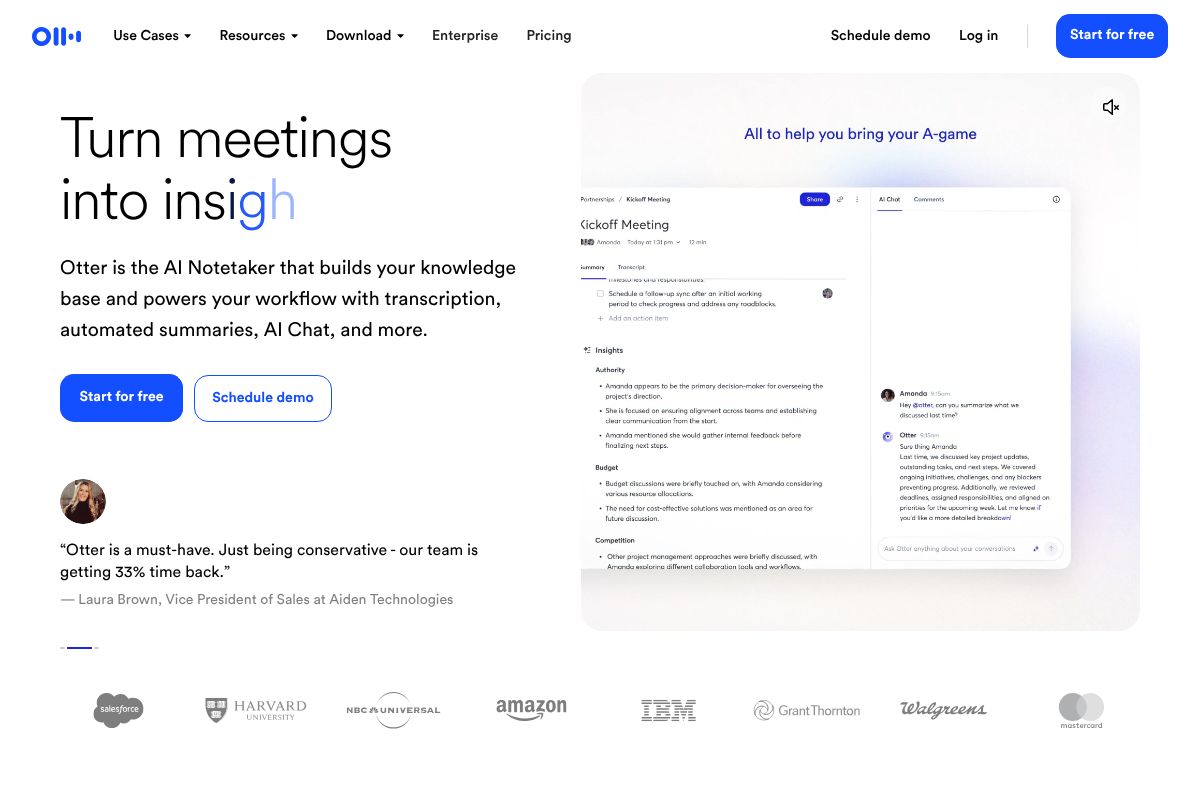
One gap both tools share: neither handles meeting transcription natively. If capturing and summarizing spoken conversations is part of your workflow, a dedicated tool like Otter.ai.ai can fill that role cleanly and complement whichever AI writing tool you choose.
Pros and Cons: The Honest Trade-Offs
No tool wins outright here — it genuinely depends on how you work and what you need AI to do. The best way to think about it: Notion AI is built for depth within a system, while ChatGPT is built for breadth across any situation. Here’s a balanced look at what each one gets right and where each one falls short.
Notion AI Strengths and Limitations
The biggest advantage Notion AI has over any standalone tool is context. It lives inside your workspace, which means it can reference your actual docs, projects, and notes without you having to copy and paste anything. For teams that already live in Notion, that’s a genuine productivity win.
Where Notion AI shines:
- Seamless workflow integration — AI assistance appears right where you’re already writing, no tab-switching required
- Team collaboration — Shared workspaces mean everyone benefits from the same AI layer on the same documents
- Data stays in your ecosystem — Your content doesn’t leave Notion, which matters if privacy or confidentiality is a concern
- Low friction for existing users — If you’re already paying for Notion, the AI feels like a natural extension rather than a new tool to learn
Where it falls short:
- Less advanced reasoning — Complex analysis, nuanced writing, and multi-step problem-solving aren’t as strong as ChatGPT
- Pricing barrier — Notion AI is only available on the Business plan or as a paid add-on, which can feel steep for solo users
- Locked to one ecosystem — If your work happens outside of Notion, this tool simply isn’t there with you
ChatGPT Strengths and Limitations
ChatGPT’s core strength is its raw capability. It’s one of the most powerful general-purpose AI models available, and it’s been refined to handle an enormous range of tasks with impressive depth. The free tier also makes it accessible to anyone who wants to experiment before committing.
Where ChatGPT excels:
- Cutting-edge reasoning — Handles complex, multi-layered tasks better than most AI tools on the market
- Works with any tool or platform — Use it alongside whatever apps are already in your stack
- Free tier available — You can get meaningful value without spending anything
- Custom GPTs — Pre-built or self-configured assistants that adapt to your specific role or industry
Where it falls short:
- No workspace context — You have to manually supply background information every time you start a conversation
- Separate subscription — Advanced features require ChatGPT Plus, which adds another recurring cost to your toolkit
- No native project integration — It doesn’t connect to your docs, tasks, or team workflows out of the box
- Context management is on you — Without careful prompting, responses can miss the mark if you haven’t provided enough detail
The honest summary: if your work is centered in Notion and you value a tidy, integrated experience, Notion AI removes a lot of friction. If you need more horsepower and flexibility across different tools and tasks, ChatGPT is the stronger choice — even if it requires a bit more effort to use well.
Pricing and Value Breakdown
Cost is often the deciding factor, so let’s look at what you’re actually paying in 2026 — and what you’re getting for it.
Notion AI Pricing
Notion AI is included in the Business plan at $20 per user per month. There’s no separate add-on fee — AI features come bundled with your workspace. For a small team of three, that’s $60/month total, which covers project management, docs, databases, and AI assistance in one place.
That bundled value is significant. If your team is already paying for a project management tool, switching to Notion could consolidate costs. The more people on your team, the more the per-person AI cost effectively disappears into a tool you’d be paying for anyway.
ChatGPT Pricing
ChatGPT still offers a free tier with access to capable models — a genuine advantage if you’re just getting started. The paid tiers (Plus and Pro) vary by region in 2026, but expect to pay in the range of $20–$25/month per person for Plus, with Pro running significantly higher for power users who need priority access and extended context.
The key difference: ChatGPT is priced per individual. If three people on your team each need Plus, you’re looking at $60–$75/month — similar to Notion’s Business plan, but without the workspace, task management, or document collaboration features included.
A Quick Cost Scenario
- Solo creator or freelancer: ChatGPT’s free tier or Plus is hard to beat for the price
- Small team of 3–5: Notion Business plan likely offers better overall value per dollar
- Mixed needs: Some teams use both — Notion for project context, ChatGPT for heavy-lifting tasks
Don’t Forget Meeting Transcripts
If you’re a marketer or creator doing regular client calls, consider pairing either tool with Otter.ai ($10/month on an annual plan). It transcribes your meetings automatically, and those transcripts feed beautifully into both Notion AI and ChatGPT for follow-up summaries, action items, or content repurposing — without you typing a word.
Who Should Use Each Tool?
The honest answer is that Notion AI and ChatGPT aren’t really competing for the same job. One is a workspace with AI built in; the other is a flexible AI assistant you can point at almost anything. Knowing which fits your situation — or whether you need both — comes down to how you actually work day to day.
Choose Notion AI If…
You’re already living inside Notion for project management, documentation, or team collaboration, Notion AI is a natural fit. The AI meets you where your work already lives, so there’s no copying and pasting between tools or switching tabs to get a summary or a first draft.
Notion AI makes the most sense when you:
- Work with a team that shares wikis, project boards, or content calendars in Notion
- Need database automation — auto-summarizing meeting notes, filling in status fields, or generating content briefs from templates
- Want everything in one place — tasks, docs, and AI assistance without jumping between platforms
- Run a small business where keeping client info, SOPs, and project history organized matters as much as writing speed
- Prefer a predictable monthly cost that covers your whole workspace, not just the AI layer
For content creators managing editorial workflows or small business owners juggling multiple clients inside a single workspace, Notion AI removes a lot of the friction that comes with context-switching.
Choose ChatGPT If…
You work solo, move across multiple tools, or need an AI that can handle a wide variety of tasks without being tied to a specific workspace, ChatGPT is the more flexible choice. It doesn’t care where your work lives — you bring the context, it does the thinking.
ChatGPT tends to be the better fit when you:
- Freelance or work independently across different clients and platforms
- Need advanced reasoning — complex research, data analysis, or nuanced copywriting
- Do varied work daily — one hour writing, the next brainstorming, the next debugging a spreadsheet formula
- Want a free or low-cost starting point before committing to a paid plan
- Work across tools like Google Docs, Slack, or email where there’s no single hub to anchor AI features
Marketers who need quick competitive research, rapid ad copy variations, or on-the-fly audience analysis will find ChatGPT’s flexibility hard to match. Many users ultimately end up using both — Notion AI for structured, in-workspace tasks and ChatGPT for open-ended or one-off work.
And if you’re regularly in meetings, it’s worth noting that Otter.ai pairs well with either tool. Drop a transcript into Notion AI to auto-generate action items in your project database, or paste it into ChatGPT for a quick client debrief summary — either way, you’re turning conversations into usable content without any manual note-taking.
The Verdict: Which Should You Choose?
Here’s the honest answer: for most people, this isn’t a choice between one or the other. Notion AI and ChatGPT solve different problems, and plenty of professionals use both in their daily workflow. The real question is which one deserves the center of your setup — and which plays a supporting role.
If your work already lives in Notion — your projects, docs, wikis, and meeting notes — then Notion AI is the obvious starting point. The integration is seamless, the context is already there, and you don’t need to copy-paste anything between tools. It keeps your thinking and your writing in the same place, which matters more than most people realize until they try it.
If you work across multiple platforms, handle varied tasks, or just need more raw capability, ChatGPT gives you the flexibility to work the way you actually work — not the way a single app wants you to. It’s the better fit for open-ended thinking, complex research, and anything that doesn’t fit neatly into a structured workspace.
A few quick guidelines to help you decide:
- Choose Notion AI if you’re already a Notion user and want AI baked into your existing system
- Choose ChatGPT if you need versatility across tools, clients, and content types
- Use both if your workflow is complex enough to benefit from each tool doing what it does best
The best way to figure out what works for you? Try before you commit. ChatGPT has a free tier you can start using today. And if Notion sounds like the right fit, start with a free Notion account and explore the workspace — when you’re ready to unlock the AI features for your team, upgrading to the Business plan is straightforward. There’s no reason to guess when both tools let you test the waters first.
Ready to Boost Your Productivity?
The best productivity decision you can make right now is a simple one: start testing. Both tools offer low-risk entry points, so there’s no reason to sit on the fence.
- Try Notion AI free — Sign up for a free Notion account and explore the workspace. You can experience the core features before committing to a paid plan, making it easy to see whether the all-in-one approach fits how you work.
- Use the ChatGPT free tier — ChatGPT’s free version gives you real, meaningful access to the tool. Spend a week using it for your actual tasks — drafting emails, brainstorming, summarizing — and you’ll know quickly whether it earns a place in your daily routine.
- Add Otter.ai if meetings are part of your workflow — If you run client calls, conduct interviews, or sit through team meetings, pairing your AI writing tool with Otter.ai is a smart move. It automatically transcribes and summarizes conversations, so nothing falls through the cracks — and it works alongside both Notion and ChatGPT without friction.
You don’t need to overhaul your entire workflow overnight. Pick one tool, use it consistently for two weeks, and pay attention to where it saves you time — and where it doesn’t.
The right tool is the one you’ll actually use — so test both and see what sticks.
Frequently Asked Questions
Is Notion AI cheaper than ChatGPT?
Notion AI costs $10/month added to workspace plans, while ChatGPT Plus is $20/month standalone. Notion AI is cheaper if you already use Notion; otherwise, ChatGPT offers better standalone value for heavy users.
Can Notion AI replace ChatGPT?
Notion AI works best for document summarization and workspace automation, but ChatGPT excels at complex reasoning, coding, and creative writing. They serve different purposes; many users benefit from both tools together.
Which AI tool is better for writing?
ChatGPT provides superior writing quality for essays, articles, and creative content due to advanced language models. Notion AI handles quick summaries and workspace-specific writing tasks effectively but lacks ChatGPT’s depth.
Does Notion AI work without ChatGPT?
Yes, Notion AI operates independently with its own AI model. You don’t need ChatGPT to use Notion AI, though some users subscribe to both for different workflow needs and capabilities.
Related Reads
- Otter.ai Review 2026: Is It Worth It for Your Team?
Honest Otter.ai review 2026. See pricing, features, pros/cons, and how it compares to alternatives for meeting transcrip…
- Best AI Scheduling Assistant for Creators & Teams in 2026
Find the best AI scheduling assistant for your workflow. Compare top tools, pricing, and features to save time and stay …
- Notion AI Review 2026: Is It Worth It for Your Team?
Honest Notion AI review for 2026. See features, pricing, pros/cons, and how it compares to alternatives for creators and…