Editor’s note: Reviewed and updated in June 2026 to reflect current pricing, features, and 2026 tool releases.
Both Notion and ClickUp have turbocharged their AI capabilities, and both promise to reclaim hours from your week—but they’re engineered for different kinds of work. We’ll show you how each performs in practice, where each genuinely shines, and which one actually deserves a spot in your daily toolkit.
Key Takeaways
- Notion AI excels at document creation and knowledge management, while ClickUp AI prioritizes task automation and project timeline optimization.
- ClickUp AI offers more advanced workflow automation features, making it ideal for teams managing complex project dependencies and deadlines.
- Notion AI provides superior writing assistance and content generation capabilities for knowledge workers and content-heavy organizations.
- Pricing differs significantly in 2026, with ClickUp AI costing more but delivering deeper project management integration than Notion.
- Choose Notion AI for flexibility and writing tasks; select ClickUp AI for teams needing robust project automation and timeline management.
In This Article
Introduction: Why AI Productivity Tools Matter Now
The way we work has changed dramatically. In 2026, the average content creator, marketer, or small business owner is juggling more tasks, more platforms, and more expectations than ever before — often with the same number of hours in the day. AI-powered workspace tools have moved from “nice to have” to genuinely essential for staying competitive.
It’s not just about automation anymore. The best AI productivity tools now help you think through problems, draft content, summarize meetings, manage projects, and connect the dots between your work — all inside a single platform. That shift has made the choice of workspace tool far more consequential than it used to be.
Notion and ClickUp both started as productivity platforms, but they’ve each evolved into something much more ambitious. Notion launched as a flexible notes-and-docs tool and has since built a surprisingly capable AI layer on top of its knowledge-management foundation. ClickUp began as a task and project management powerhouse and has pushed hard into AI-assisted workflows, automation, and team collaboration.
Today, both platforms are genuinely competing for the same users — and both have made significant updates to their AI features in the past year alone. The question isn’t really “Is AI useful?” anymore. The question is: which AI workspace actually fits the way you work?
That’s exactly what this comparison is designed to help you figure out. Let’s get into it.
What Are Notion AI and ClickUp AI?
Before we get into the head-to-head comparison, it helps to understand what each of these tools actually is — and what role AI plays within them. Both are productivity platforms at their core, but they come from very different starting points, and that shapes everything from how you use them to who they’re best suited for.
Think of it this way: Notion AI and ClickUp AI aren’t standalone AI tools you open in a separate tab. They’re AI features baked directly into platforms you’d already be using to run your work. That integration is a big part of what makes them worth paying attention to.
Notion AI: Your All-in-One Workspace Assistant
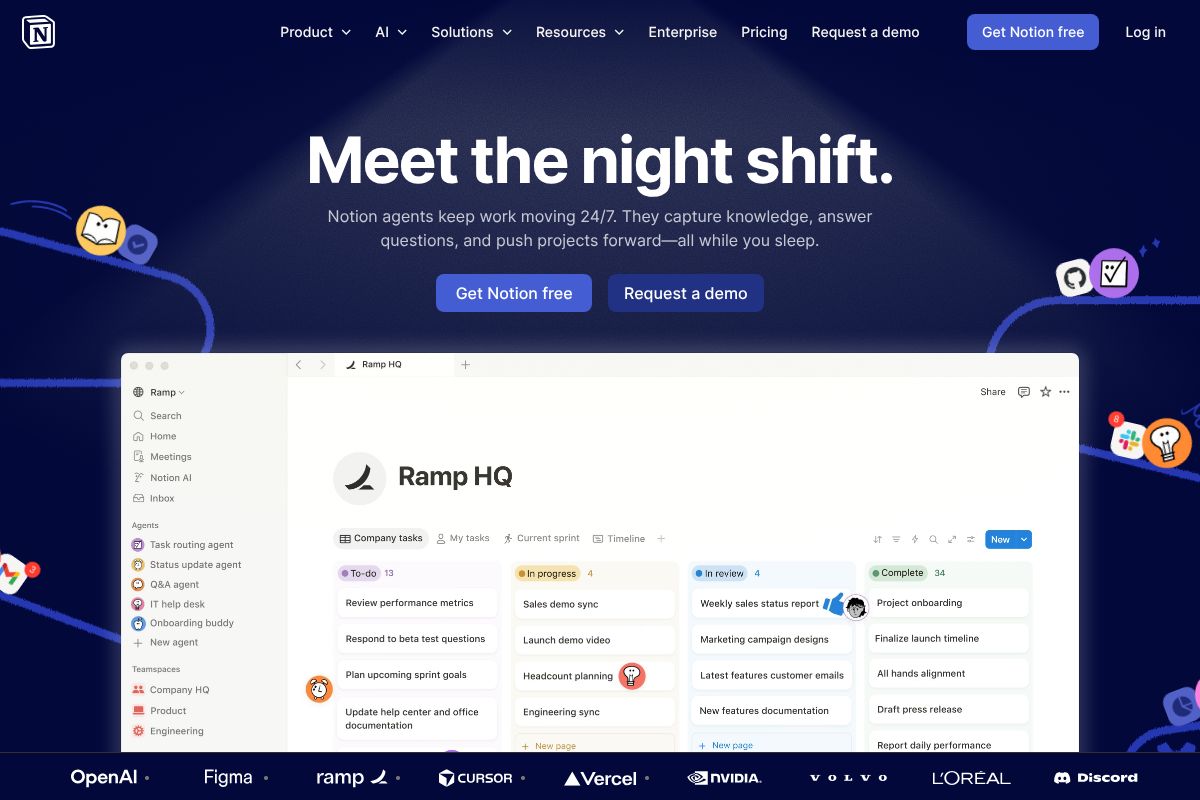
Notion is a flexible workspace platform that lets you build databases, write documents, manage wikis, and organize just about any kind of information — all in one place. It’s been a favorite among creators, solopreneurs, and knowledge workers for years because of how adaptable it is.
Notion AI is built directly into that experience. You can use it to draft content, summarize long documents, brainstorm ideas, translate text, and auto-fill database properties — without ever leaving your workspace. It feels less like a bolt-on feature and more like a natural extension of how Notion already works.
Notion AI is available on the Business plan and higher, though it can also be added as an upgrade on lower-tier plans. If you already live inside Notion for notes, planning, and content creation, the AI layer slots in seamlessly.
ClickUp AI: Task Management Meets Intelligence
ClickUp is primarily a project and task management platform — one of the most feature-rich ones on the market. Teams use it to assign tasks, track progress, manage sprints, set priorities, and keep complex projects moving. It’s built for getting things done, not just organized.
ClickUp AI brings intelligence into that workflow. You can use it to write task descriptions, generate project summaries, create action plans, draft emails, and even automate repetitive processes within your projects. It’s especially useful when you need to move quickly from a vague idea to a structured plan.
Rather than replacing your thinking, ClickUp AI acts like a smart assistant that already understands the context of your projects. For marketers managing campaigns or small business owners tracking multiple workstreams, that kind of in-context AI support can make a real difference to your daily output.
Key Features Comparison
Both tools use AI to reduce busywork, but they approach that goal from very different angles. Notion AI is built around content and knowledge — it’s at its best when you’re writing, organizing, or synthesizing information. ClickUp AI is built around action — it shines when you need to move fast on tasks, projects, and team coordination. Here’s how they stack up across the features that matter most.
Writing and Content Generation
Notion AI is genuinely impressive when it comes to long-form writing and content creation. Because Notion is already a document-first workspace, the AI feels native to the experience. You can highlight a blank page and ask it to draft a blog post outline, generate a product description, or auto-fill database properties like summaries and tags across hundreds of entries at once. For content creators and marketers who live in documents, that database-level generation is a serious time-saver.
ClickUp AI, on the other hand, is better suited to shorter, action-oriented writing. Think task descriptions, project briefs, status update emails, and meeting agendas. If you’re a project manager who needs to spin up a structured campaign plan from a one-line idea, ClickUp AI does that well. It’s less about polished prose and more about operational clarity.
In practice, the choice comes down to your primary use case:
- Notion AI — best for blog drafts, SOPs, knowledge bases, and content-heavy workflows
- ClickUp AI — best for task briefs, project scoping, and team-facing communication
Summarization and Knowledge Management
Notion AI excels at summarizing within your own workspace. You can ask it to condense a lengthy meeting note, pull key takeaways from a research document, or generate a TL;DR for any page — all without copying content into another tool. If your team stores knowledge inside Notion, the AI can surface and synthesize it quickly, making it genuinely useful for knowledge management at scale.
ClickUp AI approaches summarization differently. It’s designed to summarize activity — think long comment threads on a task, project update histories, or sprint retrospectives. That’s valuable in its own right, especially for busy teams trying to catch up without reading every comment. However, it’s less effective for summarizing dense documents or research material.
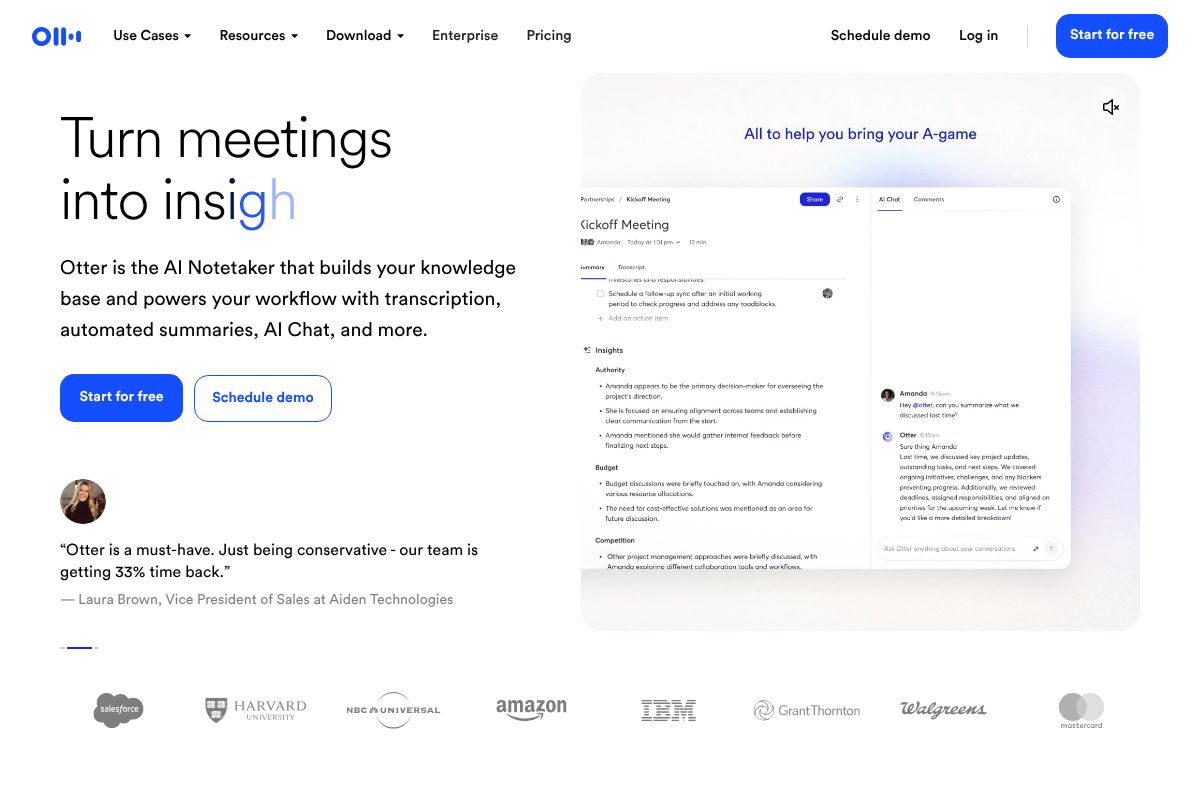
It’s worth noting that neither tool handles meeting transcripts particularly well out of the box. For that, a dedicated tool like Otter.ai.ai is worth considering — it integrates with both platforms and fills that specific gap cleanly.
- Notion AI — stronger for document and knowledge-base summarization
- ClickUp AI — stronger for summarizing task threads and project activity
- Both benefit from pairing with a dedicated transcription tool for meeting notes
Pricing Breakdown for 2026
Cost is often the deciding factor for small teams and freelancers, so let’s break down exactly what you’re paying for — and what you’re getting — with each platform.
Notion AI Pricing
Notion’s free plan is genuinely useful for individuals, but AI features are not included at that tier. To access Notion AI, you’ll need to be on a paid plan — and AI is bundled into the Business plan at $15/user/month, with an additional $10 per paid user/month for the AI add-on on lower-tier Plus plans.
Here’s what the tiers look like:
- Free — No AI features included
- Plus — $10/user/month (AI add-on costs an extra $10/user/month)
- Business — $15/user/month (AI included)
- Enterprise — Custom pricing
For a 5-person team on the Business plan, you’re looking at $75/month total. That’s a straightforward, predictable cost — which many small teams appreciate.
ClickUp AI Pricing
ClickUp’s pricing structure in 2026 is similarly tiered, with AI features available as part of paid plans:
- Free — Limited AI access
- Unlimited — $7/user/month (AI features included at this tier)
- Business — $12/user/month
- Enterprise — Custom pricing
For that same 5-person team on the Business plan, ClickUp comes in at $60/month — slightly cheaper than Notion’s equivalent tier. If you’re on the Unlimited plan, you’re paying just $35/month for five users, which is hard to beat for budget-conscious teams.
Bottom line: ClickUp tends to be the more affordable option at comparable feature levels. Notion costs more but offers a more polished writing and knowledge-management experience. If your team also needs meeting transcription, Otter.ai runs $10–$16.99/month and pairs well with either platform — worth factoring into your total cost of ownership.
Pros and Cons: The Honest Trade-Offs
No tool is perfect for everyone, and both Notion AI and ClickUp AI have real limitations worth knowing before you commit. Here’s an honest look at where each one shines — and where it falls short.
Notion AI: Strengths and Weaknesses
Notion’s biggest strength is its unified workspace. You can write, plan, store knowledge, and manage projects all in one place — and it actually feels cohesive, not cobbled together. If your team lives and dies by documentation, wikis, or content workflows, Notion’s flexible database structure is genuinely hard to beat.
Where Notion AI excels:
- Excellent for knowledge management and long-form writing
- Flexible, customizable databases that adapt to almost any workflow
- Clean, distraction-free interface that writers and creators love
- Pairs naturally with Otter.ai for capturing and organizing meeting notes
Where Notion AI falls short:
- The learning curve is real — new users often feel overwhelmed setting things up
- Slower and less intuitive for teams that are primarily task- or project-driven
- AI features feel more general-purpose; less specialized than ClickUp’s task-focused AI
- Heavy customization can become a time sink if you’re not careful
If you’re a solo creator or a small team that values writing and knowledge-sharing over rapid task execution, Notion is a natural fit. But if your days are driven by deadlines and deliverables, you might find it a bit too open-ended.
ClickUp AI: Strengths and Weaknesses
ClickUp is built for teams that move fast. Its AI is tightly integrated into task management, which means you can auto-generate subtasks, summarize project updates, and trigger automations without leaving your workflow. For project-heavy teams, that’s a genuine productivity boost.
Where ClickUp AI excels:
- Task-focused AI that actually speeds up project execution
- Stronger automation capabilities out of the box
- Better suited for teams managing multiple concurrent projects
- Faster onboarding for people already familiar with project management tools
Where ClickUp AI falls short:
- Knowledge management and long-form writing feel like afterthoughts
- The sheer number of features can be overwhelming — it’s easy to get lost
- Costs can creep up quickly as your team grows or you add features
- For solo users or tiny teams, it can honestly feel like overkill
If you’re a freelancer managing a handful of clients, ClickUp’s full feature set might be more than you’ll ever use. But for a growing team with complex projects, that depth becomes a real advantage.
Who Should Choose Which Tool?
The honest answer is that both tools are genuinely good — they’re just built for different kinds of work. Choosing the wrong one won’t ruin your productivity, but choosing the right one can meaningfully change how much you actually enjoy your workflow. Here’s how to think about it.
Choose Notion AI If You…
- Work primarily with content, notes, or documentation — Notion’s AI shines when you’re drafting, summarizing, or organizing written material
- Want a single flexible workspace for your wikis, meeting notes, client briefs, and project planning all in one place
- Prefer a gentler day-to-day experience — once you’re past the initial setup, Notion feels intuitive and low-friction
- Work with writers, designers, or other creators who need a shared creative hub rather than a rigid task board
- Run a solo business or small content team where knowledge management matters as much as task tracking
If your work revolves around building and maintaining a knowledge base — think content calendars, SOPs, client portals, or editorial workflows — Notion AI gives you a genuinely all-in-one environment that’s hard to beat at its price point.
Choose ClickUp AI If You…
- Manage complex, multi-phase projects with dependencies, timelines, and multiple contributors
- Lead a team with lots of moving parts and need AI that helps you delegate, track, and automate at scale
- Want task automation baked in — not just AI writing assistance, but AI that actively moves your projects forward
- Prefer a purpose-built project management tool rather than a flexible but open-ended workspace
- Work in an agency, ops, or delivery-focused role where hitting deadlines is the primary goal
ClickUp AI is genuinely more powerful for project-driven teams — but that power comes with complexity. Be prepared to invest time in setup to get the most out of it.
One scenario that applies to both tools: if you or your team spend significant time in meetings, pairing either platform with Otter.ai is worth considering. Otter.ai can transcribe and summarize your meetings automatically, and those notes can feed directly into Notion or ClickUp — saving you a surprising amount of manual work.
Quick Comparison Table
Not ready to read the full breakdown? Here’s a side-by-side snapshot of how Notion AI and ClickUp AI stack up across the categories that matter most to everyday users.
| Category | Notion AI | ClickUp AI |
|---|---|---|
| Pricing | Add-on to paid plans; affordable entry point | Included in higher-tier plans; can get pricey for teams |
| Best For | Creators, solopreneurs, knowledge workers | Teams, agencies, ops-heavy workflows |
| Learning Curve | Low to moderate | Moderate to steep |
| AI Quality | Strong for writing and summarization | Strong for task management and automation |
| Integrations | Good, but more limited natively | Extensive — 1,000+ integrations |
| Verdict | Best all-in-one for content and knowledge work | Best for structured project management at scale |
Think of this as your at-a-glance cheat sheet. The sections above go deeper on each category if you want the full picture before making a decision.
The Verdict: Which Should You Choose?
Final Recommendation and Next Steps
Here’s the honest truth: neither Notion AI nor ClickUp AI is objectively better. The right choice depends entirely on how you work — and what you need AI to actually do for you day to day.
Use this simple framework to decide:
- Choose Notion AI if your work revolves around writing, knowledge management, content creation, or building a personal second brain. It’s ideal for freelancers, solopreneurs, and creators who want a clean, flexible workspace with smart writing assistance built in.
- Choose ClickUp AI if you’re managing a team, juggling multiple projects, or need AI to help automate task workflows and keep everyone aligned. It’s built for ops-heavy environments where structure and accountability matter.
- Use both if your role spans content creation and project coordination — plenty of teams do exactly this, using Notion as their knowledge hub and ClickUp as their execution engine.
The good news? You don’t have to commit blind. Both tools offer free versions, so you can explore the interface, test the AI features, and get a real feel for the workflow before spending a cent. Start your free trial of Notion AI and ClickUp AI today — even two weeks of hands-on use will tell you more than any review can.
One more tip worth mentioning: if your work involves a lot of meetings, consider pairing whichever tool you choose with Otter.ai (plans starting at $10–$16.99/month). It automatically transcribes and summarizes your meetings, and those notes slot seamlessly into either Notion or ClickUp — saving you serious time on follow-ups and action items.
Bottom line: pick the tool that matches your primary workflow, try it free, and build from there. You’ve got everything you need to make a confident call.
Frequently Asked Questions
Is Notion AI or ClickUp AI better for project management?
ClickUp AI is superior for project management, offering advanced automation for task dependencies, timeline optimization, and resource allocation. Notion AI works better for documentation and knowledge bases within projects.
How much does Notion AI cost compared to ClickUp AI in 2026?
Notion AI costs less overall, starting at lower tier pricing, while ClickUp AI premium features command higher prices. Both offer free versions with limited AI capabilities for basic users.
Can I use Notion AI and ClickUp AI together?
Yes, many teams integrate both tools. Use ClickUp AI for project management and automation, while leveraging Notion AI for documentation, wikis, and collaborative writing within your workflow ecosystem.
Which AI tool is better for writing and content creation?
Notion AI excels at writing assistance, content generation, and editing with superior language models. ClickUp AI focuses on task descriptions and project communication rather than standalone content creation.
Related Reads
- Notion AI Review 2026: Is It Worth It for Your Team?
Honest Notion AI review for 2026. See features, pricing, pros/cons, and how it compares to alternatives for creators and…
- Best AI Tool for Note Taking in 2026: Top Picks
Find the best AI note-taking tool for your workflow. Compare top options, pricing, and features to boost productivity in…
- chatgpt/” style=”font-weight:600;text-decoration:none;color:#2563eb;”>Notion AI vs ChatGPT: Which Tool Wins for Your Workflow
Compare Notion AI and ChatGPT for productivity. See pricing, features, and which tool fits your workflow best in 2026.…