You’ve got a deadline, a blank canvas, and zero budget for a professional photographer or illustrator. Sound familiar? For content creators, marketers, and small business owners, finding a reliable AI image generator that actually fits into a real workflow — without legal headaches or a steep learning curve — is harder than it looks. That’s exactly where Adobe Firefly/” rel=”sponsored noopener” target=”_blank”>Adobe Firefly comes in. This Adobe Firefly review 2026 breaks down everything you need to know: what it does well, where it falls short, how much it costs, and whether it’s genuinely worth adding to your creative toolkit this year.
Key Takeaways
- Adobe Firefly generates high-quality AI images directly within Creative Cloud, streamlining workflows for professional designers and content creators.
- Generative Fill and Expand features enable non-destructive editing, allowing creators to modify images without losing original quality or detail.
- Firefly integrates seamlessly with Photoshop, Illustrator, and Express, making it accessible for users already invested in Adobe’s ecosystem.
- Training on licensed content and Adobe Stock ensures generated images avoid copyright issues, providing legal protection for commercial use.
- Subscription pricing ties Firefly to Creative Cloud plans, making it cost-effective for existing Adobe users but potentially expensive for casual creators.
In This Article
What Is Adobe Firefly?
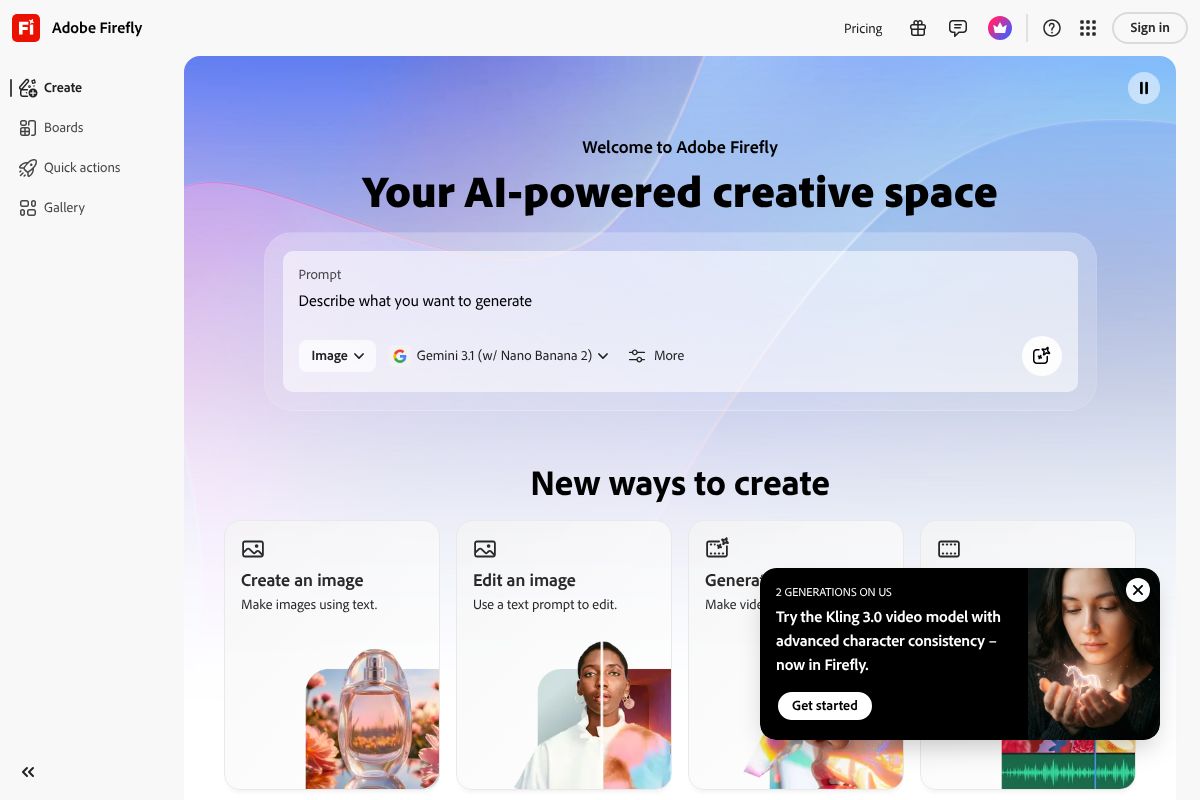
Adobe Firefly is Adobe’s native AI image generation platform, built directly into the Adobe ecosystem and designed with one key promise: every image you create is safe to use commercially. Unlike some AI generators that train on scraped internet data, Firefly was trained on Adobe Stock images, openly licensed content, and public domain works. That distinction matters a lot if you’re creating assets for clients, brands, or anything you plan to publish or sell.
At its core, Firefly is a suite of generative AI tools — not just a single text-to-image feature. You can use it as a standalone web app at firefly.adobe.com, or access it directly inside tools you probably already use, like Photoshop, Illustrator, and Adobe Express. For creators who live inside the Adobe ecosystem, that integration alone is a significant advantage over standalone AI image tools.
The platform is designed to serve a broad range of users — from social media managers needing quick visuals to graphic designers looking to speed up production work. You don’t need to know anything about machine learning or prompt engineering to get useful results. The interface is approachable, the outputs are polished, and the commercial licensing removes a layer of risk that other tools still carry.
How It Works
Using Firefly is straightforward, even if you’ve never touched an AI image tool before. You type a description of what you want — a product on a clean white background, a lifestyle scene, an abstract texture — and Firefly generates multiple image options within seconds. The text-to-image feature handles most standard use cases well.
Beyond basic generation, Firefly includes a Generative Fill tool that lets you remove, replace, or extend parts of an existing image using simple brush selections and text prompts. There’s also a Style Reference feature, where you upload a reference image to guide the visual tone and aesthetic of your outputs — useful when you need consistency across a project without starting from scratch every time.
Key Features That Matter to Creators
Adobe Firefly isn’t short on features, but what matters is whether those features actually save you time and solve real problems. For marketers, designers, and small business owners, the tools below are the ones you’ll reach for most — and the ones that genuinely separate Firefly from the growing crowd of AI image generators.
- Text-to-Image: Generate polished visuals from a written description in seconds — no design skills required.
- Generative Fill: Remove distractions from a photo, swap out backgrounds, or extend a cropped image with a simple brush and prompt.
- Style Reference: Upload a sample image to lock in a consistent visual tone across multiple outputs — ideal for brand campaigns or content series.
- Batch Generation: Produce multiple image variations at once, which is a real time-saver when you’re creating assets for A/B testing or social media calendars.
Each of these features is accessible without a steep learning curve. You don’t need to master complex prompt syntax to get professional-looking results — though experimenting with more descriptive prompts does improve output quality noticeably.
Commercial Licensing Built In
One of Firefly’s biggest advantages over competing tools is that every image you generate comes with a commercial license included. Adobe trained Firefly on licensed and public domain content specifically to make outputs safe for professional use — meaning you can use generated images in client deliverables, paid advertising, product packaging, and published content without legal grey areas.
For freelancers and agencies especially, this matters. Many AI image tools still leave you navigating unclear terms of service when it comes to monetized work. With Adobe Firefly, that ambiguity is removed by design. If you’re evaluating tools for client work, the commercial licensing alone makes it worth a serious look.
Creative Cloud Integration
If you’re already paying for an Adobe Creative Cloud subscription, Firefly doesn’t feel like a separate tool — it feels like a natural extension of what you’re already doing. Generative Fill is built directly into Photoshop, so you can expand a canvas or remove an object without ever leaving your working file. Illustrator users can generate vector-friendly assets on the fly, and Adobe Express brings AI generation into quick-turn social and marketing content.
This tight integration means less context-switching and a faster overall workflow. For existing Adobe users, you’re not learning a new platform — you’re adding a powerful capability to tools you already know.
Pros: What Firefly Does Well
Image Quality & Consistency
In 2026, Adobe Firefly produces outputs that hold up well in real professional contexts. The images feel polished rather than obviously AI-generated, which matters when you’re delivering work to clients or publishing content under your brand. Where Firefly particularly excels is in controlled, compositional work — think product mockup backgrounds, lifestyle scene generation, and clean editorial illustrations.
Style consistency is another genuine strength. If you establish a visual direction using reference images or style prompts, Firefly tends to maintain that look across multiple generations more reliably than many competing tools. For campaigns or content series where visual coherence matters, that reliability saves you significant time in post-editing.
Speed and Output Volume
Generation times are fast — most standard image outputs arrive in a few seconds, even at higher resolutions. If you’re working on a deadline or iterating quickly through creative concepts, that speed adds up. You’re not waiting around between prompts, which keeps your creative momentum intact.
- Fast generation: Standard outputs typically render in under 10 seconds
- High output limits: Premium plans offer generous monthly generative credits for heavy users
- No watermarks: All generated images are delivered clean, ready for immediate use
No Watermarks, Ever
Every image you generate with Adobe Firefly comes out clean — no watermarks, no branding overlays, no “upgrade to remove” friction. Even on entry-level paid plans, your outputs are ready to drop directly into a design, presentation, or deliverable. This sounds like a small thing, but it removes a surprisingly common annoyance with competing tools that gate clean exports behind higher tiers.
For creators who move fast and need assets that are immediately usable, this no-watermark policy keeps your workflow uninterrupted from generation to final use.
Cons: Where Firefly Falls Short
No tool is perfect, and Adobe Firefly is no exception. For the right user, the trade-offs are easy to live with — but for others, they could be deal-breakers worth knowing about before you commit.
Learning Curve for New Adobe Users
If you’ve never used Adobe products before, the ecosystem can feel a little overwhelming at first. Firefly itself is fairly intuitive, but unlocking its full potential — especially when it’s embedded inside Photoshop or Illustrator — assumes some familiarity with Adobe’s interface logic. You’re not just learning a new AI tool; you’re potentially learning a new creative environment at the same time.
Inconsistencies with Complex Prompts
Firefly handles straightforward prompts reliably, but push it toward more complex, multi-element compositions and the results can get inconsistent. You might get three strong outputs and two that completely miss the mark. This isn’t unique to Firefly — it’s a known limitation across AI image generators — but it’s worth setting realistic expectations if your work regularly involves detailed, layered scenes.
- Abstract or surreal concepts can produce unpredictable results
- Multi-subject prompts sometimes merge or distort elements unexpectedly
- Highly specific styles may require several prompt iterations to land correctly
Pricing for Casual Users
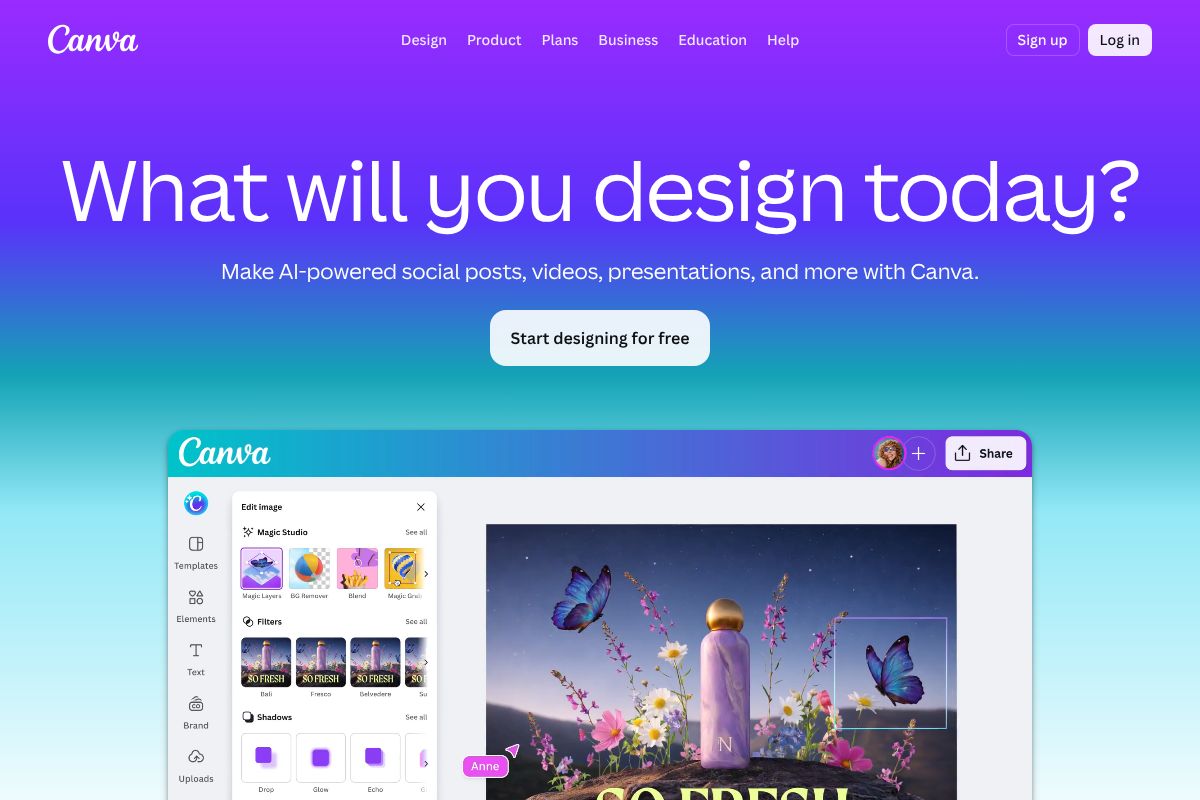
If you only need AI-generated images occasionally — a few times a month for social posts or a small project — the subscription cost can feel hard to justify. Firefly is priced for regular, professional use, and casual creators may find themselves paying for capacity they simply don’t need. In that case, Canva Pro Pro is worth considering as an alternative — it bundles AI image generation alongside design tools at a price point that makes more sense for lighter workloads.
The subscription model also means your access disappears the moment you stop paying, with no one-time purchase option available.
Pricing & Plans (2026)
Adobe Firefly operates on a tiered subscription model, with plans ranging from $4.99 to $54.99 per month. Each tier is defined primarily by the number of generative credits you receive monthly — credits are consumed each time you generate an image or use a generative AI feature. Here’s how the tiers break down:
| Plan | Price/Month | Generative Credits | Key Features |
|---|---|---|---|
| Free | $0 | 25 credits/month | Basic image generation, watermarked outputs on some features |
| Firefly Standard | $4.99 | 100 credits/month | No watermarks, commercial use license, priority generation |
| Firefly Pro | $19.99 | 500 credits/month | Everything in Standard, plus advanced style controls and expanded storage |
| Firefly Premium | $54.99 | 2,000 credits/month | Full feature access, highest resolution outputs, team sharing, priority support |
The free tier is genuinely useful for testing the platform, but 25 credits disappear quickly in a real workflow. It’s best treated as a trial rather than a working plan. Commercial use rights only kick in at the paid tiers, which is an important detail for freelancers and business owners.
Best Value for Your Use Case
For casual creators — someone generating images a few times a week for social content or blog posts — the Firefly Standard plan at $4.99/month is a reasonable entry point. It unlocks commercial licensing without a significant financial commitment.
If you’re a professional creator or marketer producing content at volume, the Pro plan at $19.99/month hits the sweet spot between credit allowance and cost. The Premium tier makes more sense for agencies or teams with high daily output needs.
That said, if your primary need is design — not just image generation — Canva Pro at $15/month bundles AI image tools alongside a full suite of design templates, brand kits, and publishing features. For non-designers who want an all-in-one creative workspace, Canva Pro often delivers better overall value than a standalone Firefly subscription.
- Occasional use: Free tier or Firefly Standard ($4.99)
- Regular professional use: Firefly Pro ($19.99)
- High-volume teams: Firefly Premium ($54.99)
- Design-first workflows: Consider Canva Pro as a more versatile alternative
Who Should Use Adobe Firefly?
Adobe Firefly isn’t a one-size-fits-all tool, and knowing whether it fits your workflow before committing is worth a few minutes of thought. The platform genuinely shines for certain types of creators — but it’s not the right pick for everyone.
Graphic designers and visual artists are probably the strongest fit. If you’re already working inside Photoshop or Illustrator, Firefly’s generative features feel like a natural extension of your existing process. The ability to generate commercially safe assets without worrying about copyright exposure is a real professional advantage.
Marketers and social media managers producing high volumes of visual content will appreciate the speed. Generating on-brand product imagery, ad variations, or campaign visuals in minutes — rather than commissioning a designer — is a genuine time-saver at scale.
Freelancers benefit from the clean commercial licensing. When you’re delivering work to clients, knowing your AI-generated assets are covered removes a layer of legal uncertainty that other tools can’t always guarantee.
Small business owners and agencies handling their own content production will find value in the Pro and Premium tiers, especially if they’re already invested in the Adobe ecosystem. The integration with Creative Cloud makes Firefly feel less like a separate app and more like a built-in capability.
When to Choose Canva Pro Instead
If you’re not a designer, don’t use Adobe tools day-to-day, or simply want more bang for your buck, Canva Pro is worth a serious look before subscribing to Firefly. At $15/month, Canva Pro bundles AI image generation alongside a full design suite — templates, brand kits, social scheduling, and more — making it a far more complete creative workspace for non-technical users.
If your goal is to create polished social posts, presentations, or marketing materials without touching Photoshop, Canva Pro will likely serve you better. Firefly is purpose-built for image generation within a professional creative workflow — Canva is built for everyone else.
Adobe Firefly vs. Competitors (Quick Comparison)
Choosing the right AI image generator depends on your workflow, budget, and how you plan to use the output. Here’s how Adobe Firefly stacks up against three of the most popular alternatives on the market right now.
| Tool | Commercial Licensing | Ease of Use | Starting Price | Integration | Output Quality |
|---|---|---|---|---|---|
| Adobe Firefly | ✅ Fully cleared | Moderate | Free / $9.99/mo | Deep Creative Cloud integration | High — photorealistic & polished |
| Midjourney | ⚠️ Varies by plan | Steeper learning curve | $10/mo | Discord-based, limited integrations | Excellent — highly artistic |
| DALL-E (via ChatGPT) | ✅ Generally cleared | Very easy | Included with ChatGPT Plus ($20/mo) | OpenAI ecosystem only | Good — improving but inconsistent |
| Canva Pro | ✅ Covered under plan | Very easy | $15/mo | All-in-one design suite | Good — optimized for templates |
What the Table Doesn’t Tell You
Midjourney still leads on raw artistic quality and stylistic range — if you’re creating editorial imagery or highly stylized visuals, it’s hard to beat. But its commercial licensing terms require careful reading depending on your subscription tier, which adds friction for client work.
DALL-E is the most accessible entry point, especially if you’re already using ChatGPT Plus. The trade-off is that output quality can feel generic, and there’s no meaningful integration with professional design tools.
Adobe Firefly wins on commercial safety and Creative Cloud integration — two factors that matter most to professionals delivering work to clients. Canva Pro remains the strongest all-around value for non-designers who want AI image generation as part of a broader creative toolkit, without the complexity of Adobe’s ecosystem.
If you’re still weighing your options, your decision likely comes down to one question: are you building inside Adobe’s workflow, or outside it?
Final Verdict: Is Adobe Firefly Worth It?
After spending serious time with Adobe Firefly, the honest answer is: it depends on who you are and how you work. For designers, marketers, and content creators already embedded in the Adobe Creative Cloud ecosystem, Firefly is an easy recommendation. The commercial licensing alone removes a significant headache from professional workflows, and the seamless integration with Photoshop and Illustrator makes it feel like a natural extension of tools you’re already using.
That said, Firefly isn’t the right fit for everyone. If you’re a casual creator, a small business owner on a tight budget, or someone who just needs quick visuals without design complexity, you may find the Adobe ecosystem more than you need — and more than you want to pay for.
Here’s a quick summary of where Firefly shines and where it falls short:
- Best for: Creative professionals, marketing teams, freelancers doing client work, and anyone who needs commercially safe AI-generated imagery
- Not ideal for: Budget-conscious users, non-designers, or creators who work entirely outside Adobe’s tools
- Standout strength: Commercial licensing confidence and deep Creative Cloud integration
- Key limitation: Generative credits can run out quickly on lower-tier plans, and the standalone value without Creative Cloud is harder to justify
If raw artistic output is your top priority, Midjourney still edges ahead. If simplicity and affordability matter most, other options may serve you better. But if you need a tool that fits cleanly into a professional design workflow with zero licensing ambiguity, Firefly earns its place.
Your Next Step
The right tool comes down to your workflow — not the most impressive demo you’ve seen online. Here are two clear paths forward:
- You’re a designer, marketer, or Creative Cloud user: Try Adobe Firefly directly. If you already have a Creative Cloud subscription, you likely have access right now. The commercial licensing and native integrations make it worth exploring immediately — especially for client-facing work where IP safety matters.
- You’re a non-designer or want an all-in-one solution at a lower cost: Canva Pro gives you AI image generation alongside a full suite of design tools, templates, and brand management features — all at a more accessible price point, with no design experience required.
Don’t overthink it. Pick the path that matches how you actually work today, try it for a month, and let the results speak for themselves. The best AI image generator is the one you’ll actually use.
Frequently Asked Questions
Is Adobe Firefly free to use?
Adobe Firefly offers limited free generative credits monthly, but full access requires a Creative Cloud subscription. Free tier users get 100 monthly generative credits, while paid subscribers receive significantly more.
Can I use Adobe Firefly images commercially?
Yes, images generated by Adobe Firefly can be used commercially. Adobe trained Firefly on licensed content and Adobe Stock, ensuring generated images are safe for commercial projects without copyright concerns.
How does Adobe Firefly compare to Midjourney?
Adobe Firefly integrates directly into Creative Cloud apps for seamless editing, while Midjourney excels at standalone artistic generation. Firefly prioritizes professional workflows; Midjourney offers more stylistic control and community features.
What file formats does Adobe Firefly support?
Adobe Firefly generates images in standard formats including PNG, JPG, and PSD. Generated images integrate directly into Photoshop projects, allowing non-destructive editing and layer preservation for professional design workflows.
Related Reads
- Canva AI Features Review 2026: Worth It for Creators?
Honest Canva AI features review for 2026. See what’s new, pricing, pros/cons, and if it’s right for your creative workfl…
- DALL-E Review 2026: AI Image Generator for Creators
Honest DALL-E review for 2026. See pricing, features, pros/cons, and how it compares to other AI image generators for yo…
- Best AI Image Tool for Marketers in 2026
Find the best AI image tool for marketers. Compare top generators, pricing, and features to boost your content creation …