Surfer SEO’s renewal notice lands in your inbox and you pause: $99/month for the Essential plan, more if you’re auditing content at scale, and you’re still copy-pasting scores into briefs your writers half-follow anyway. That friction is exactly why so many marketers are searching for the best alternatives to Surfer SEO in 2026 — not because Surfer got worse, but because the field got better. New tools now bundle content scoring with actual drafting, internal linking, and SERP tracking in one dashboard instead of three tabs. Some undercut Surfer on price. Others charge more but hand you a finished draft, not just a checklist. The right pick depends on whether you’re optimizing content or trying to stop writing it entirely — and that distinction matters more than any feature comparison chart.
Key Takeaways
- Semrush offers comprehensive competitive analysis and content optimization features that rival Surfer SEO’s core functionality for enterprise teams.
- NeuralText delivers AI-powered content generation and SEO recommendations at a fraction of Surfer’s cost, ideal for budget-conscious content creators.
- Choosing an alternative depends on your specific workflow needs, budget constraints, and whether you prioritize content optimization or broader SEO analytics.
- Most Surfer SEO alternatives excel in different areas; no single tool matches Surfer’s content score algorithm across all use cases.
- Testing multiple tools before committing ensures you find the best fit for your content strategy and team’s technical expertise level.
In This Article
- Why You Might Be Looking for a Surfer SEO Alternative
- How to Choose the Right SEO Tool for Your Workflow
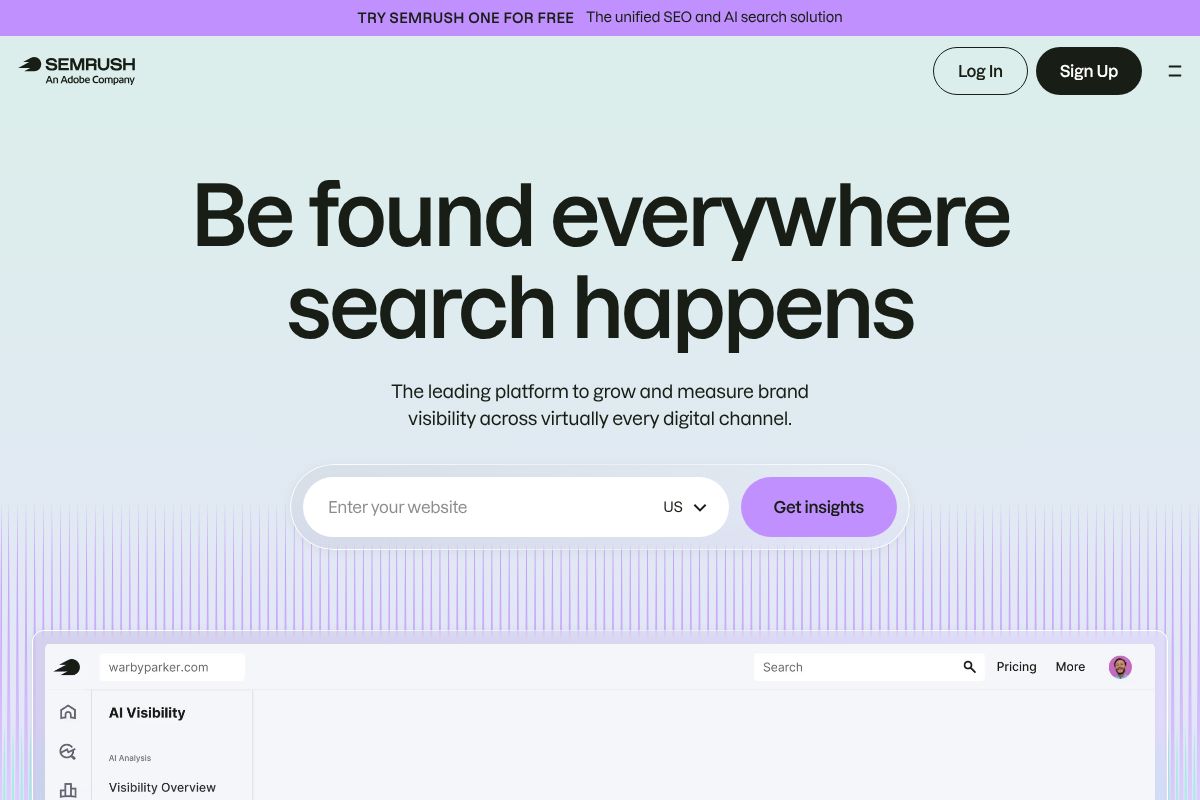
- Semrush: The All-in-One Alternative for Competitive Marketers
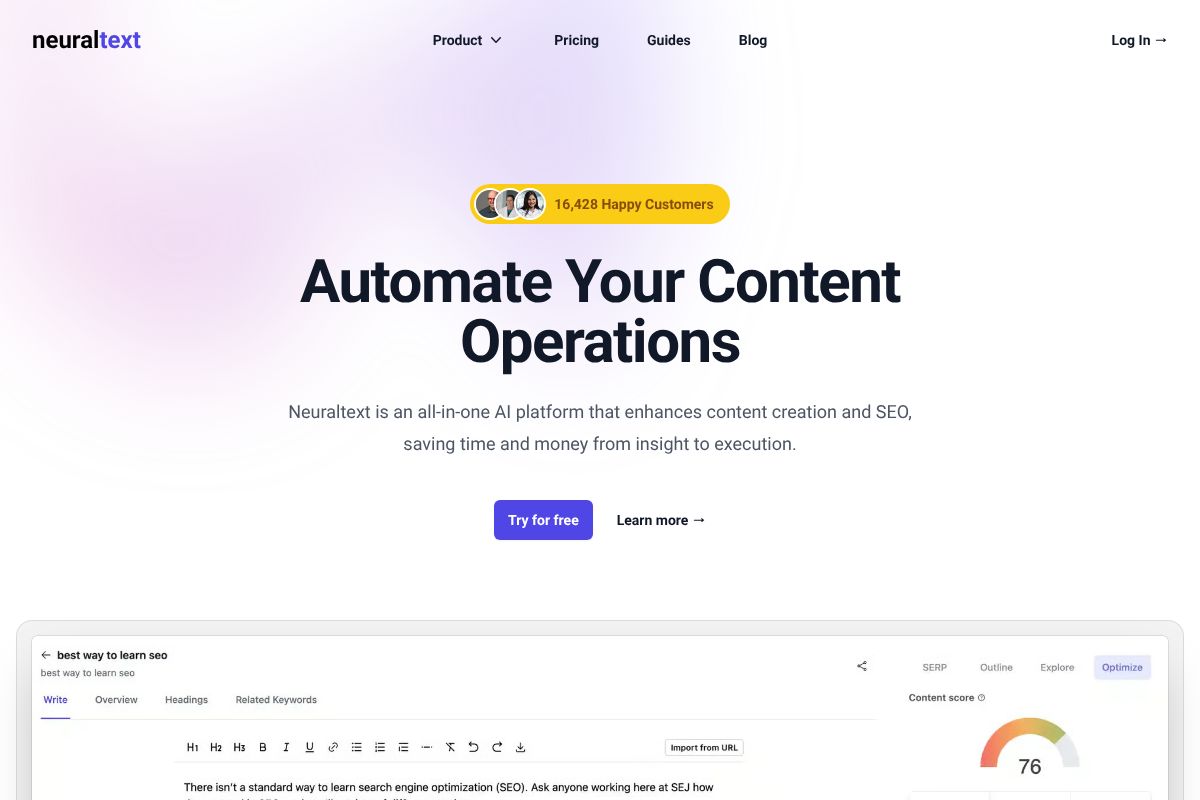
- NeuralText: The Budget-Friendly Alternative for Content Teams
- Quick Comparison: Surfer SEO vs. Top Alternatives
- Which Alternative Fits Your Content Strategy Best
- Start Testing Your Next SEO Tool Today
Why You Might Be Looking for a Surfer SEO Alternative
Surfer SEO does one thing well: it scores content against top-ranking pages and tells you which terms to add. But “one thing well” is also its ceiling. If your team needs rank tracking, backlink audits, or keyword research baked into the same subscription, you’re already paying for a second tool — and that’s before you factor in writers who find the content editor’s word-count-and-density approach more nagging than helpful.
When Surfer SEO Might Not Be Your Best Fit
Picture a solo consultant managing five client blogs who needs to track rankings weekly, spot competitor content gaps, and draft posts — not just grade them. Surfer alone won’t cover that; you’d be stacking it with Ahrefs or Semrush and a separate writing tool, pushing your monthly SEO spend past $250 easily.
Surfer also assumes you already have a draft or a writer ready to revise one. If you’re a small business owner without an in-house content team, a scoring tool without generation capability just adds another step between you and a published post. And at $99/month for Essential with content-audit limits, budget-conscious freelancers often find the math doesn’t work for one or two client sites a month.
None of this means Surfer is bad — it means the tool was built for a specific workflow: optimizing drafts a human writer already produced. If your workflow looks different, an alternative probably fits better.
How to Choose the Right SEO Tool for Your Workflow
Before you swap tools, get specific about what’s actually slowing you down. “Better SEO software” isn’t a real requirement — “I need keyword research and content scoring in one place for under $100/month” is. Start by mapping your workflow against three jobs: keyword research, content optimization, and rank/competitor tracking. Few tools do all three well, and paying for one you don’t use is how you end up with three overlapping subscriptions.
Team size matters more than people expect. A solo freelancer optimizing two client sites a month has different needs than a five-person marketing team publishing 40 posts. Check seat limits and collaboration features before you commit — some tools charge per seat, others cap by word count or project count regardless of headcount.
Also weigh integrations. If your team already lives in Google Docs, WordPress, or a specific CMS, a tool that plugs directly into that workflow saves real time versus one requiring copy-paste round trips.
Content-First vs. Data-First Tools: What’s the Difference?
Some tools, like Surfer SEO, are built around the writing moment — you draft, the tool scores your content in real time against top-ranking pages, and you adjust before publishing. Others, like Semrush, lead with analytics: competitor gap analysis, backlink profiles, rank tracking dashboards, with content suggestions as one feature among many.
If you’re a writer who wants guidance while drafting, content-first tools fit better. If you’re managing strategy across dozens of pages and need to know why rankings moved, data-first tools earn their keep. Most teams eventually need both — the question is which one you buy first.
Semrush: The All-in-One Alternative for Competitive Marketers
Semrush isn’t a content optimizer with extras bolted on — it’s a full SEO platform where content scoring is one module in a much larger suite. If Surfer is a scalpel, Semrush is the whole toolkit: keyword research, rank tracking, competitor analysis, backlink audits, and reporting dashboards built for teams answering to clients or leadership.
Pricing runs $139.95 to $499.95 per month on standard monthly billing, but the Pro plan drops to $117.33/month if you pay annually — worth it if you’re committing either way. There’s also a $200 first-sale commission for anyone recommending it, which tells you something about how confident Semrush is in converting trial users into long-term subscribers.
Rank Tracking and Competitor Insights Surfer Doesn’t Offer
Surfer tells you how to optimize a page. Semrush tells you where that page actually lands in search results — daily, by device, by location — and why a competitor jumped three spots last Tuesday. Its Position Tracking tool monitors unlimited keywords per campaign (limits depend on plan), and the Keyword Gap tool shows exactly which terms your competitors rank for that you don’t.
Add in backlink analysis — referring domains, toxic link flags, competitor link sources — and you get a picture Surfer never attempts to draw. An agency managing eight client accounts uses this to build monthly reports that justify retainers, not just publish blog posts. SEO professionals and agencies get the most value here; solo bloggers optimizing one site often won’t touch half these features.
Where Semrush Requires More Time Investment
Here’s the honest trade-off: Semrush has a real learning curve. The dashboard packs in over 55 tools, and finding the specific report you need takes longer than Surfer’s single-purpose content editor. It’s not built for someone who wants to draft a blog post and get an optimization score in two minutes.
If you’ve got a dedicated SEO person or a marketing lead who lives in analytics, that complexity pays off. If you’re a solo creator writing on a deadline, you’ll spend more time navigating menus than writing.
NeuralText: The Budget-Friendly Alternative for Content Teams
Not every team needs 55 tools and a dashboard built for enterprise SEO departments. NeuralText strips things down to what small content teams actually use week to week: keyword clustering, AI-assisted drafting, and content optimization scoring. Pricing runs $19 to $119/month depending on how many documents and keyword reports you need, a fraction of what Surfer’s higher tiers cost.
Building Topical Authority Without Breaking the Budget
Surfer optimizes one article at a time — you plug in a keyword, get a content score, and edit until it turns green. NeuralText starts a step earlier, grouping related keywords into clusters so you can see the eight or ten articles you need to cover a topic before you write any of them. A freelance content strategist planning a client’s “email marketing” pillar page can generate the cluster map first, then use NeuralText’s AI writing assistant to draft outlines and intro paragraphs for each supporting piece.
That clustering view is the real differentiator. Instead of optimizing articles in isolation, you’re building a linked content structure meant to signal topical authority to Google over time — a different strategy than Surfer’s per-page approach, and arguably a more useful one for teams publishing on a schedule.
What You Trade Off for Lower Pricing
Be clear-eyed about the gaps. NeuralText doesn’t track rankings, so you’re pairing it with something like Google Search Console or a separate tool if you need position data. Competitor analysis is thin compared to Surfer or Semrush — you get keyword overlap, not backlink profiles or traffic estimates. Think of it as a content optimization and planning tool, not a full SEO suite.
For freelancers and two-to-five-person content teams, that’s usually a fair trade. You’re not paying for features you’d never open anyway. If you promote NeuralText to clients or an audience, the 30% recurring commission on referrals makes it worth mentioning alongside pricier tools you might also recommend.
Quick Comparison: Surfer SEO vs. Top Alternatives
Before you commit to a subscription, it helps to see the trade-offs side by side. Here’s how Surfer SEO stacks up against Semrush and NeuralText across the factors that actually matter day to day.
| Factor | Surfer SEO | Semrush | NeuralText |
|---|---|---|---|
| Primary use case | Per-page content optimization | Full SEO suite (rank, backlinks, audits, content) | Keyword clustering + content planning |
| Starting price | ~$99/mo | ~$139.95/mo | ~$34/mo |
| Best for | Writers optimizing individual articles | Agencies managing full SEO campaigns | Freelancers and small teams planning topic clusters |
| Rank tracking | No (add-on required) | Yes, built in | No |
| Competitor analysis | Content-level (SERP outlines) | Deep — backlinks, traffic, keyword gaps | Basic keyword overlap only |
| Content optimization | Strong, real-time scoring | Solid, less granular than Surfer | Good, with cluster-first approach |
| Learning curve | Moderate | Steep | Low |
| Ideal team size | 1–10 | 5+ | 1–5 |
Feature Breakdown by User Type
Solo content creators often do best with NeuralText — lower cost, faster setup, and clustering that mirrors how one person actually plans a content calendar. Small marketing teams tend to land on Surfer SEO for its per-article scoring and shared workflows. Agencies managing multiple client sites usually need Semrush, since rank tracking and competitor backlink data justify the higher price across dozens of pages. In competitive niches — finance, insurance, SaaS — Semrush’s depth matters more than any single tool’s writing assistant. Budget-conscious freelancers, meanwhile, get the most value per dollar from NeuralText, especially if they’re optimizing content for multiple small clients rather than one large site.
None of these are objectively “better.” A consultant juggling five client blogs needs different tooling than an in-house marketer publishing twice a week for one brand. Match the tool to your workload, not the other way around.
Which Alternative Fits Your Content Strategy Best
When to Stick With Surfer vs. When to Switch
If your main job is writing and optimizing articles — matching headings, keyword density, and content structure to what’s already ranking — Surfer SEO still does that better than almost anything else on this list. It’s built for writers, not analysts, and the real-time scoring inside the editor is hard to beat for someone drafting three blog posts a week.
Switch (or add a second tool) when your questions go beyond “is this page optimized.” If you need to know why a competitor outranks you across 200 keywords, or you’re tracking position changes weekly across a client portfolio, Surfer won’t answer that. That’s Semrush territory. Plenty of agencies run both: Semrush for research and reporting, Surfer for the actual writing pass. It’s not redundant — the tools do different jobs. Think of it as research versus execution, and pick based on which one you’re currently missing.
Start Testing Your Next SEO Tool Today
Most of these tools offer 7-14 day trials, and a few have month-to-month plans with no annual lock-in. That’s more than enough time to load in real content and see how a tool handles your actual workflow, not a demo article someone else wrote. If you need a full research-to-reporting suite and you’re already paying for three separate tools to cover gaps, start a Semrush trial and see how much you can consolidate. If budget is the real constraint, NeuralText’s trial will tell you fast whether its lighter feature set covers what you actually use versus what you pay for and ignore.
How to Evaluate Tools Without Wasting Time
Don’t test with a sample keyword the tool suggests. Pull three keywords you’re actually targeting this month and run them through the trial exactly as you’d use the tool day to day. Draft a real piece of content in the editor, not a paragraph of filler, and see if the interface slows you down or speeds you up.
The “best” SEO tool is whichever one you’ll open tomorrow without dreading it. A clean interface with slightly fewer features usually wins over a powerful one you avoid. Pick two candidates, give each a real trial run this week, and commit to whichever one disappears into your workflow instead of interrupting it.
Our Verdict
Editorial rating: 4.6/5
Strong alternatives exist for every budget
Surfer SEO alternatives like Semrush and NeuralText deliver genuine value, though each sacrifices some specialization for broader features. Your choice depends on balancing cost, team size, and whether you need content optimization alone or integrated SEO analytics.
Frequently Asked Questions
Is Semrush better than Surfer SEO for content optimization?
Semrush provides robust content optimization through its SEO Writing Assistant, though Surfer SEO’s content score algorithm remains more specialized. Semrush excels for teams needing competitive analysis alongside optimization, while Surfer focuses purely on content quality metrics.
What’s the cheapest alternative to Surfer SEO?
NeuralText is the most budget-friendly alternative, starting at significantly lower price points than Surfer SEO. It combines AI writing assistance with SEO recommendations, making it ideal for freelancers and small content teams with limited budgets.
Can I use free SEO tools instead of Surfer SEO?
Free tools like Ubersuggest and Ahrefs’ free version offer basic optimization guidance, but lack Surfer’s depth. For serious content optimization, paid alternatives like Semrush or NeuralText provide better accuracy than free options.
Which Surfer SEO alternative is best for large teams?
Semrush is ideal for large teams due to its scalability, collaboration features, and comprehensive SEO toolkit beyond content optimization. It handles multiple projects and users efficiently, though it requires a steeper learning curve than Surfer.
Related Reads
- Best AI Tool for SEO in 2026: Top Picks Compared
Find the best AI tool for SEO in 2026. Compare top options for content creators, marketers & small business owners. Hone…
- SEMrush vs Surfer SEO: Which Tool Wins in 2026?
Compare SEMrush and Surfer SEO in 2026. See pricing, features, and which tool fits your content and SEO strategy best.…
- What to Say for a Positive Review: A Creator’s Guide
Learn what to say in positive reviews. Real examples, templates, and tips for creators and marketers writing authentic f…