If you’ve tried to keep up with AI tools lately, you already know the problem: there are dozens of options claiming to be the best AI assistant right now in 2026, and most of them sound exactly the same. Which one actually saves you time? Which one fits your budget and your workflow without a steep learning curve?
The honest answer is that the “best” AI assistant depends entirely on what you need it to do — write content, manage tasks, answer complex questions, or handle customer conversations. There’s no single winner for everyone.
That’s exactly why we put together this guide. Below, you’ll find our top picks broken down by use case, strengths, pricing, and real trade-offs — so you can make a confident choice without wading through the noise.
Key Takeaways
- Best AI assistant depends on your specific workflow needs, budget constraints, and whether you prioritize creativity, coding, or general productivity tasks.
- Top contenders in 2026 include specialized tools for creators, professionals, and enterprises, each excelling in different use cases and integration capabilities.
- Pricing varies dramatically from free tiers to premium subscriptions, so evaluate total cost of ownership including API usage and team licenses.
- Key differentiators include response quality, context window size, real-time information access, multimodal capabilities, and seamless workflow integration with existing tools.
- No single AI assistant dominates all categories; choose based on your primary use case, technical requirements, and whether you need specialized domain expertise.
In This Article
- What Makes an AI Assistant ‘Best’ in 2026?
- The Top AI Assistants for Creators & Professionals
- Key Features That Matter for Your Workflow
- Honest Pros & Cons: What You Need to Know
- Pricing Breakdown: What You’ll Actually Pay
- Who Each AI Assistant Is Best For
- The Verdict: Which AI Assistant Should You Choose?
- Ready to Find Your AI Assistant? Start Here
What Makes an AI Assistant ‘Best’ in 2026?
With so many tools on the market, it’s tempting to chase whatever’s trending. But “best” isn’t a universal label — it’s a moving target that depends on your specific situation. Before diving into our picks, it helps to understand what criteria actually matter for non-technical professionals.
The Core Factors Worth Evaluating
- Ease of use: Can you get meaningful results on day one, without reading a manual or watching tutorial videos? The best tools meet you where you are.
- Integration with your existing stack: An AI assistant that connects to your email, project management tools, or content platforms will save you far more time than one that operates in isolation.
- Cost-effectiveness: A $100/month tool that replaces three hours of daily work is a bargain. The same tool for someone who uses it twice a week is just overhead.
- Reliability: Does it consistently produce accurate, usable output — or do you spend more time fixing its mistakes than you saved?
- Fit for your primary use case: Writing, research, customer support, scheduling, and data analysis all demand different strengths from an AI tool.
There’s No One-Size-Fits-All Answer
A solo freelancer writing long-form content has completely different needs than a small business owner trying to automate customer responses. A marketing team of ten needs different features than a creator working alone at midnight.
Your workflow, team size, and biggest daily pain point should drive the decision — not hype or headlines. With that framing in mind, here’s how the top AI assistants in 2026 actually stack up.
The Top AI Assistants for Creators & Professionals
The AI assistant market has matured significantly, and a handful of tools have pulled ahead of the pack. Whether you need a writing partner, a research companion, or a full workspace with AI baked in, there’s a strong option for your specific situation. Here’s a quick look at who’s leading in 2026 and what each one does best.
ChatGPT remains the most widely used AI assistant for good reason. It handles an enormous range of tasks — drafting emails, summarizing documents, brainstorming ideas, writing code snippets — with a conversational interface that feels natural from the first session. It’s the closest thing to a reliable generalist on the market.
Claude (from Anthropic) has carved out a strong reputation for handling long, complex documents and producing nuanced, well-structured writing. If you regularly work with lengthy reports, research, or detailed briefs, Claude’s extended context window and careful tone make it a serious contender.
Gemini (from Google) is the go-to if you’re already deep in the Google ecosystem. It integrates directly with Gmail, Docs, Drive, and Meet, which means less copy-pasting and more actual automation. For professionals who live in Google Workspace, it’s hard to beat for day-to-day efficiency.
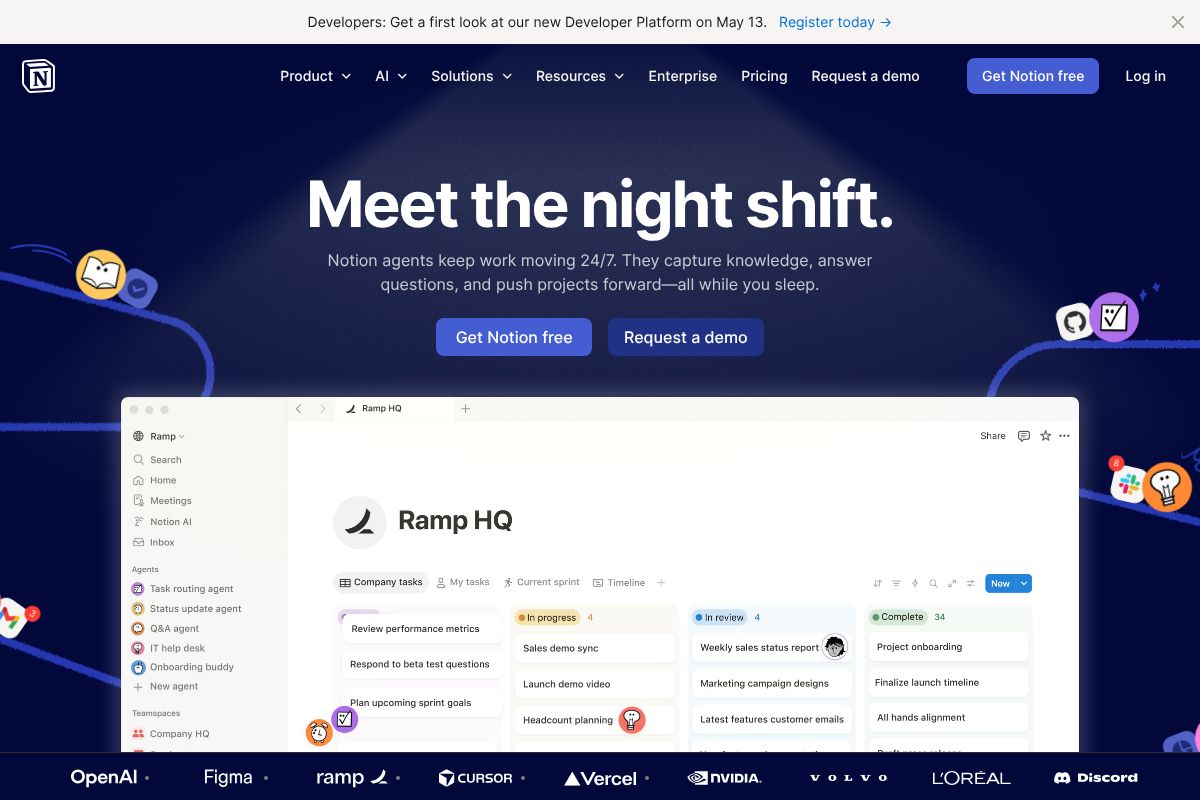
Notion deserves a mention here as more than just a note-taking app. Its built-in AI features let you draft, summarize, and organize content directly inside your workspace — no tab-switching required. For creators and small teams who already use Notion to manage projects and content calendars, the AI layer adds genuine value without adding another subscription to manage.
General-Purpose AI Assistants vs. Specialized Tools
ChatGPT and Claude are built to handle almost anything you throw at them — writing, research, analysis, ideation. They’re flexible by design, which makes them excellent starting points for most professionals.
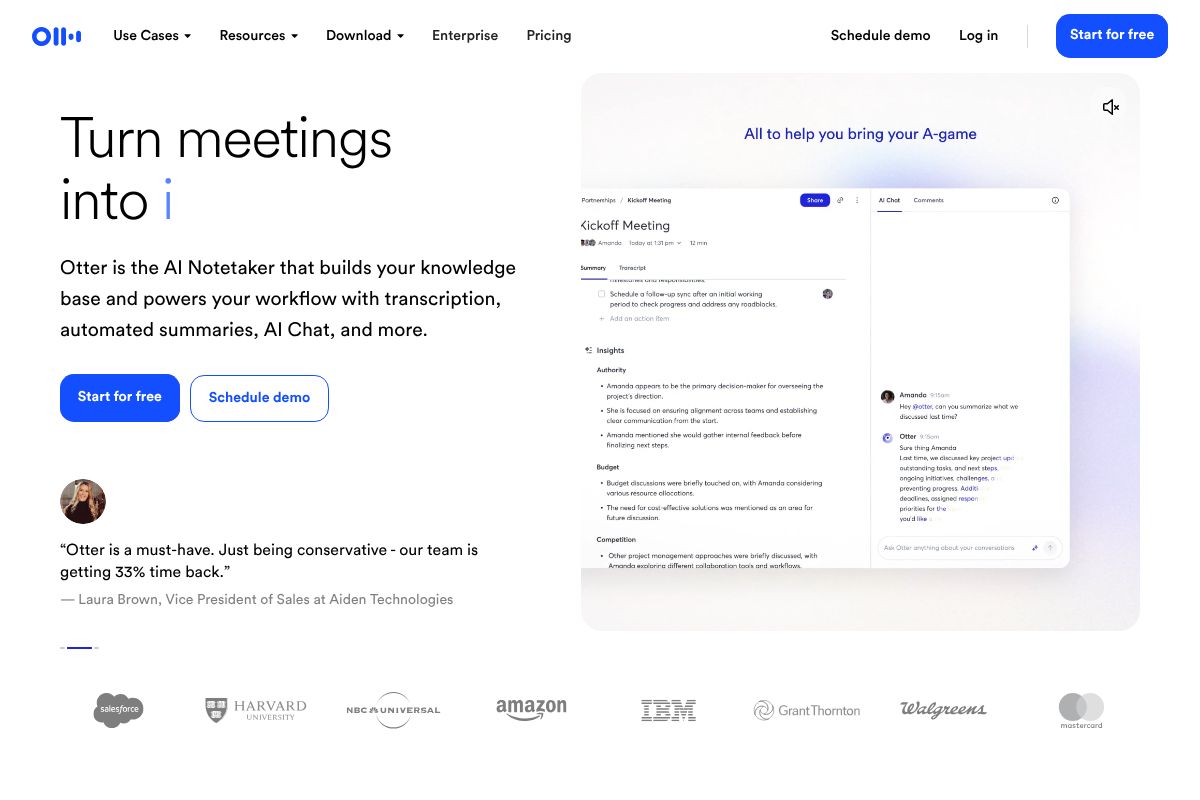
Specialized tools take a narrower focus and often go deeper as a result. Notion, for example, combines AI with project management and knowledge organization in a single place. Tools like Otter.ai.ai focus exclusively on meeting transcription and summaries, doing that one job exceptionally well.
- Choose a general-purpose assistant if your needs vary day to day and you want one tool that can flex across tasks.
- Choose a specialized tool if you have a specific, recurring workflow — like transcribing client calls or managing a content pipeline — where depth matters more than breadth.
- Consider combining both: many professionals use ChatGPT or Claude for open-ended work and a specialized tool for their highest-volume, most repetitive task.
Key Features That Matter for Your Workflow
Not all AI assistants are built the same, and the features that matter most depend entirely on how you work. Before committing to any tool, it’s worth understanding which capabilities will actually move the needle for your day-to-day tasks — and which are just nice-to-have extras.
Here are the core features worth evaluating before you choose:
- Natural language understanding: The better an AI grasps context and nuance, the less time you spend rephrasing prompts. For marketers and writers, this directly affects output quality.
- Context retention: Can the assistant remember what you discussed earlier in a conversation — or even across sessions? This matters enormously when you’re working through a multi-step project.
- Real-time collaboration: Some tools let teams work alongside AI simultaneously, which is a genuine time-saver for content teams and agencies managing shared workflows.
- Customization: The ability to set a tone, persona, or set of instructions means the AI adapts to your brand voice rather than forcing you to adapt to it.
- Mobile access: Freelancers and creators rarely work from a single device. A strong mobile experience — not just a stripped-down app — keeps you productive on the go.
Integration & Workflow Compatibility
An AI assistant is only as useful as its ability to fit inside the tools you already use. If you’re constantly switching tabs or copy-pasting between apps, you’re losing the efficiency gains that AI is supposed to deliver in the first place.
The best assistants connect natively with platforms like Slack, Gmail, Google Docs, and project management tools — letting you get AI support without breaking your existing rhythm. Notion stands out here because it doesn’t just connect to your workspace — it is your workspace. The AI is embedded directly into your docs, databases, and project boards, so drafting, summarizing, and organizing all happen in one place.
For small teams and solo creators who already rely on Notion to manage their content pipeline, this all-in-one approach removes friction that other tools simply can’t eliminate.
Honest Pros & Cons: What You Need to Know
No AI assistant is perfect for every use case, and the marketing around these tools often glosses over real limitations. Before you commit to a subscription, it’s worth understanding exactly where each category of tool excels — and where it can let you down.
General-Purpose Assistants
Tools like ChatGPT and Claude are impressively versatile, handling everything from drafting emails to brainstorming campaign ideas. But that breadth comes with a trade-off: hallucinations. These tools can confidently produce inaccurate information, which means you should always verify facts, figures, and citations before publishing or presenting anything.
- Pros: Highly flexible, strong for writing and ideation, constantly improving
- Cons: Can fabricate details, require prompt-crafting skills to get consistent results, and may need significant experimentation before they fit your workflow
Specialized Tools: Meeting & Conversation AI
If your work revolves around client calls, team standups, or sales conversations, specialized tools are worth the investment. Otter.ai is one of the most reliable options for meeting transcription — its accuracy is genuinely impressive for everyday professional use, and it offers a strong affiliate program with a 20% recurring commission for those who recommend it. The limitation is scope: it’s built for meetings, not general productivity tasks.
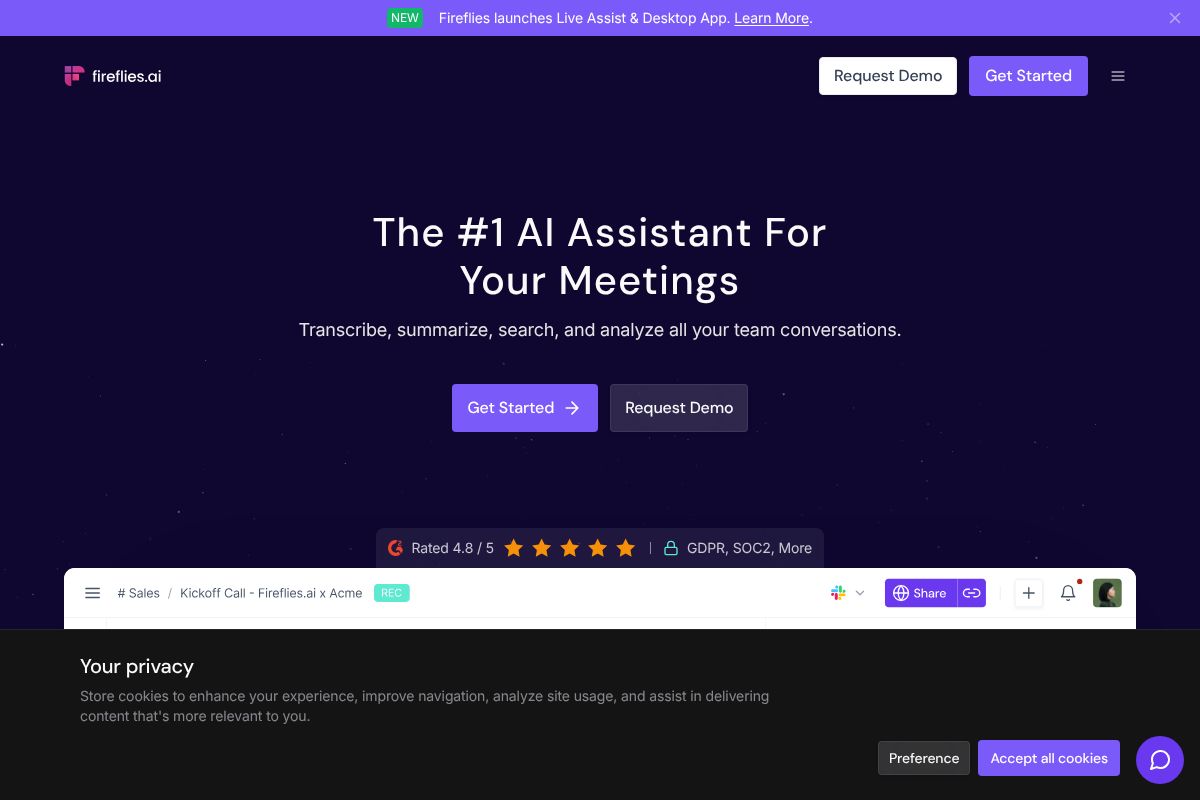
For sales teams specifically, Fireflies.ai adds a layer of value by making your entire conversation history searchable. You can pull up what a prospect said three months ago in seconds — which is a real competitive advantage when managing a long sales cycle.
- Pros: High accuracy for their specific function, easy to adopt, low learning curve
- Cons: Limited outside their core use case — you’ll likely need a second tool for broader tasks
Workspace Tools Like Notion
Notion’s AI integration is seamless if you’re already living inside the platform. The downside is that it’s less powerful as a standalone AI assistant compared to purpose-built options — it shines brightest when your whole workflow already lives there.
Accuracy, Privacy & Data Security
Accuracy concerns are real across every AI tool, but privacy is an equally important consideration — especially if you handle client data, contracts, or sensitive business information. Most major platforms encrypt data in transit and at rest, but you should always review where your data is stored, whether it’s used to train models, and whether enterprise-tier privacy controls are available. For regulated industries, this isn’t optional reading.
Learning Curve & Setup Time
Not every AI tool demands the same onboarding effort. Otter.ai and Notion are relatively plug-and-play — you can be up and running within an hour, even without a technical background. General-purpose assistants, on the other hand, reward users who invest time in learning how to write effective prompts and set up custom instructions. If you’re not willing to experiment early on, you may underestimate what these tools can actually do for you.
Pricing Breakdown: What You’ll Actually Pay
AI tools have gotten better at offering genuinely useful free tiers — but there’s always a ceiling. Here’s how the pricing stacks up across three of the most popular options in 2026, and more importantly, what you actually get at each level.
| Tool | Free Tier | Pro / Paid | Best For |
|---|---|---|---|
| Notion | Free (no AI) | Business plan ~$20/user/month + $10/paid user for AI | Teams already using Notion as a workspace |
| Otter.ai | Free (limited transcription) | Pro at $10/month (billed annually), up to $16.99/month | Solo creators, freelancers, small teams |
| Fireflies.ai | Free (limited storage) | Pro at $10/month (billed annually), up to $18/month | Sales teams, client-facing professionals |
For solo creators and freelancers, the free tiers of both Otter.ai and Fireflies.ai are often enough to get real value — especially if you’re only handling a handful of meetings per month. Notion’s free plan, however, doesn’t include AI at all, so you’ll need to factor in that additional cost from the start.
For growing teams, Otter.ai and Fireflies.ai offer strong value at the Pro tier — both land around $10/month per user on annual billing, which is reasonable for the productivity gains they deliver. Notion’s AI costs can add up quickly once you’re paying per user at scale.
Free vs. Paid: When to Upgrade
The free tier is a great starting point, but you’ll hit its limits faster than you expect. Here’s a practical guide to knowing when it’s time to pay:
- Otter.ai Free caps your monthly transcription minutes — if you’re in more than a few meetings a week, you’ll run out. The Pro plan at $10/month removes that friction entirely.
- Fireflies.ai Free limits how many meeting recordings you can store. Once you’re using it consistently for client calls or team standups, the Pro plan is a no-brainer.
- Notion is only available on the Business plan — there’s no way to trial it on a free or Plus account. If AI features are your primary reason for choosing Notion, budget accordingly from day one.
A good rule of thumb: if a tool is saving you more than an hour of work per week, the Pro tier almost always pays for itself. Start free, track your usage honestly, and upgrade when the limits start costing you time rather than saving it.
Who Each AI Assistant Is Best For
Not every AI assistant is built for the same person. The best tool for a solo freelancer juggling client calls looks very different from what a growing sales team needs. Here’s a quick breakdown of which tools align with which working styles — so you can skip the trial-and-error phase.
Solo Creators & Freelancers
If you’re working independently, your priorities are usually cost, flexibility, and tools that don’t require a team to be useful. You don’t need enterprise features — you need something that saves you time without adding a complicated new workflow.
- Content creators who spend time brainstorming, drafting, and repurposing content will get the most mileage from AI writing assistants that support long-form work.
- Freelancers who take regular client calls should seriously look at Otter.ai. Its automatic transcription and meeting summaries mean you spend less time on follow-up notes and more time on billable work — and the free tier is genuinely usable to start.
- Budget-conscious creators should prioritize tools with strong free tiers before committing to a paid plan.
The bottom line for solo users: start with free plans, identify where you’re losing the most time, and only pay for what directly solves that problem.
Teams & Small Businesses
When you’re coordinating across multiple people, the biggest gains come from tools that reduce back-and-forth, centralize information, and keep everyone aligned without extra meetings.
- Small businesses that want a single hub for projects, docs, and AI assistance should look closely at Notion. Its all-in-one workspace means your team isn’t bouncing between five different apps — everything from wikis to task tracking lives in one place, with AI baked in.
- Sales teams and recruiters will find Fireflies.ai especially valuable. It automatically records, transcribes, and analyzes sales calls, surfacing key moments and action items without anyone having to take manual notes.
- Meeting-heavy organizations of any size benefit from either Otter.ai or Fireflies.ai to reduce the cognitive load of keeping up with conversations.
For teams, the right AI assistant isn’t just about features — it’s about how well it fits into the workflows your people already use every day.
The Verdict: Which AI Assistant Should You Choose?
There’s no single “best” AI assistant in 2026 — there’s only the best one for you. The right choice comes down to where you’re losing the most time and what kind of work fills your day.
Here’s a simple decision framework to cut through the noise:
- If you want one tool for everything — writing, planning, project management, and knowledge storage — Notion is the strongest all-in-one option. It’s especially powerful if you’re already using it as a workspace.
- If you’re in back-to-back meetings and need accurate, searchable transcripts without lifting a finger, Otter.ai is purpose-built for exactly that.
- If you’re in sales, recruiting, or any role built around calls and client conversations, Fireflies.ai goes deeper than transcription — it analyzes conversations and surfaces the insights that actually move deals forward.
- If you need a general-purpose AI for writing, research, brainstorming, or answering complex questions, ChatGPT and Claude remain the most capable and flexible options available.
The honest truth is that most people end up using two tools — one for conversations and thinking, and one that’s embedded in their actual workflow. That’s not a failure to pick the right tool; it’s just how modern work operates.
Start with the problem that costs you the most time. Pick the tool that solves it first. You can always expand from there.
Ready to Find Your AI Assistant? Start Here
The best way to figure out which AI assistant is right for you isn’t to read more reviews — it’s to actually use one. Every tool on this list offers a free tier or free trial, so there’s no reason to commit before you’ve tested it in your real workflow.
Here’s a simple approach that works: give yourself a focused two-week trial with one tool at a time. That’s enough time to move past the learning curve and see whether it’s actually saving you time — or just adding another tab to your browser.
Start by identifying your single biggest pain point right now:
- Drowning in meeting notes? Start with Otter.ai or Fireflies.ai — both have free plans you can activate today.
- Need help organizing your work and thinking? Try Notion‘s free tier and spend a week building one project inside it.
- Want a general thinking and writing partner? ChatGPT or Claude are free to start and useful within minutes.
You don’t need to overhaul your entire workflow at once. Pick the tool that matches your most pressing problem, use it consistently for two weeks, and let the results speak for themselves.
The best AI assistant is the one you’ll actually use — so start with what solves your biggest problem today.
Frequently Asked Questions
What is the most powerful AI assistant in 2026?
Power depends on your needs. For general reasoning and coding, advanced models lead. For creative work, specialized assistants excel. Compare capabilities against your specific workflow requirements rather than seeking one universal winner.
Which AI assistant is best for content creators?
Content creators benefit from assistants offering strong writing, image generation, and multimodal capabilities. Look for tools with customizable tone, batch processing, and integration with publishing platforms to streamline your creative workflow.
Is there a free AI assistant that’s actually good?
Yes, several free tiers offer solid functionality for basic tasks. However, limitations include slower response times, lower usage caps, and fewer advanced features. Premium versions unlock better performance and specialized capabilities for professional work.
How do I choose between different AI assistants?
Evaluate based on your primary use case, required integrations, pricing structure, response quality, and support level. Test free trials, compare feature sets against your workflow needs, and consider long-term scalability before committing.
Related Reads
- Best AI Tool for Note Taking in 2026: Top Picks
Find the best AI note-taking tool for your workflow. Compare top options, pricing, and features to boost productivity in…
- Best AI Productivity Tool for Creators & Teams in 2026
Find the best AI productivity tool for your workflow. Compare top options for creators, marketers, and small teams with …
- Notion AI vs ChatGPT: Which Tool Wins for Your Workflow
Compare Notion AI and ChatGPT for productivity. See pricing, features, and which tool fits your workflow best in 2026.…