You’ve got a blog post half-written, a keyword tool with 40 tabs open, and no clue whether “search intent” is something you should worry about or ignore. That’s the honest starting point for most people hunting the best SEO tool for beginners in 2026 — not a marketing agency looking to shave hours off a workflow, but someone who just wants their site to show up on Google without learning a new language first. The category is crowded with tools built for SEO veterans who already know what a keyword gap analysis is. Fewer are built for someone opening their first dashboard ever. We tested the ones that keep showing up in beginner searches, ignored the marketing copy, and paid attention to what actually confused people in the first ten minutes. One tool clearly wins that test. The rest just look good on a pricing page.
Key Takeaways
- Beginners need SEO tools with simplified interfaces, affordable pricing, and guided workflows rather than enterprise-level complexity.
- Surfer SEO excels at content optimization with real-time feedback, making it ideal for writers prioritizing on-page ranking factors.
- NeuralText combines AI writing assistance with SEO features at budget-friendly prices, perfect for lean content teams.
- Semrush offers comprehensive competitor analysis and keyword research but requires significant investment and learning curve commitment.
- Starting with a single focused tool beats overwhelming yourself with multiple platforms; upgrade as your SEO expertise grows.
In This Article

- Why Beginners Need a Different SEO Tool Than Pros
- What Makes an SEO Tool Actually Beginner-Friendly
- Surfer SEO: The Beginner’s Content Optimization Shortcut
- NeuralText: The Budget Pick for SEO Content Teams
- Semrush: The All-in-One Option (If You’re Ready to Invest)
- Pricing and Commitment: What You’ll Actually Spend in 2026
- Which SEO Tool Should You Actually Start With?
- Start Your SEO Journey Without Overthinking It
Why Beginners Need a Different SEO Tool Than Pros
Most SEO software on the market was designed for agencies managing dozens of client sites, not a freelance graphic designer trying to get her portfolio site ranked for “wedding invitation designer.” That mismatch matters more than people expect. Tools like Ahrefs and Semrush pack in link intersect reports, competitor gap analysis across ten domains, and API access — features a beginner will never touch, wrapped around a learning curve that eats a weekend before you write a single word.
The real problem isn’t lack of data. It’s too much of it, with no explanation of what to do next. A beginner doesn’t need forty metrics on a keyword. They need to know: can I realistically rank for this, and what should my page actually say? Agency tools assume you already know the answer to that second question. Beginner-friendly tools answer it for you.
That’s the gap 2026’s newer tools have started closing. Instead of dumping raw numbers, the better ones now translate data into plain instructions — “add this phrase to your first paragraph,” “your competitor’s page is 1,400 words, yours is 400.” A few even walk you through fixes step by step, the way a patient coworker would rather than a spreadsheet.
So the comparison here isn’t “which tool has the most features.” It’s which tool gets a non-technical person to a ranking page the fastest, without a three-hour onboarding video. We’re judging on four things: price for a solo user, how much hand-holding the tool offers, whether the interface makes sense without a tutorial, and how fast someone with zero SEO background can go from confused to confident. That framework rules out a lot of well-known names — and it’s why the winner here might surprise you.
What Makes an SEO Tool Actually Beginner-Friendly
Before ranking anything, it helps to define terms. “Beginner-friendly” isn’t a marketing label — it’s a specific set of trade-offs a tool has to get right. Setup should take minutes, not a support ticket. Pricing should make sense for one person, not a five-seat agency plan. And the output should tell you what to do, not just what’s wrong.
For someone starting out, three things matter: keyword research that shows realistic difficulty (not just search volume), content optimization that grades your draft against what’s already ranking, and rank tracking that updates without you digging through filters. That’s it. Everything else — competitor gap analysis across ten domains, backlink intersect reports, API access for pulling data into custom dashboards — is built for people managing dozens of client sites, not someone writing their first ten blog posts.
Avoiding Feature Bloat That Slows You Down
Here’s the trap: more features can feel like more value, especially when you’re comparing pricing pages side by side. In practice, a dashboard with thirty reports just means thirty ways to get stuck. A beginner opening Ahrefs for the first time doesn’t need a link intersect tool — they need to know if “best budget yoga mats” is worth writing about this week.
Set your expectations accordingly: a genuinely beginner-friendly tool should get you from signup to your first optimized draft in under 30 minutes. If you’re still watching tutorial videos an hour in, the tool — not you — is the problem. The learning curve should feel like using a good spell-checker, not studying for a certification.
Surfer SEO SEO: The Beginner’s Content Optimization Shortcut
If your main job is writing blog posts, product pages, or client content, Surfer SEO is the one to start with. It skips the sprawling dashboard approach entirely and focuses on a single question: does this draft actually match what’s already ranking? That narrow focus is exactly why beginners tend to stick with it past month one.
The Essential plan runs $79/month billed annually, which covers unlimited content editor documents and enough audits for one active site. It’s not the cheapest tool on this list, but you’re paying for clarity, not volume. Surfer also runs an affiliate program with a 25% recurring commission — worth knowing if you write reviews or run a content marketing blog yourself, since it’s one of the more generous ongoing structures in this space.
How Surfer Saves You Hours on Content Research
Here’s the actual workflow: you paste in a working outline or draft, and Surfer pulls the top 30-40 ranking pages for your target keyword and shows you what they cover — word count ranges, common subheadings, terms that show up again and again. No manual competitor reading required.
Picture a freelance content writer with a client due Friday. Instead of opening five competitor articles in separate tabs and taking notes, she pastes her draft into Surfer’s editor and gets a live score that climbs as she adds the terms and structure her competitors already use. The editor flags missing subtopics in plain language — “add a section on maintenance costs” — not abstract jargon. A first draft that might’ve taken three hours of research now takes about 45 minutes, and it reads like she actually knows the topic.
Where Surfer Falls Short for Rank Tracking
Here’s the honest limit: Surfer doesn’t track how your published posts rank over time. You optimize, you publish, and that’s where its job ends. There’s no dashboard showing you moved from position 14 to position 6 over six weeks.
If watching rankings move matters to you — and for agencies reporting to clients, it usually does — you’ll need a separate tool alongside it. For a solo creator or small business owner just trying to write better content faster, that’s a fair trade. You’re not paying for a feature you’d rarely check anyway.
NeuralText: The Budget Pick for SEO Content Teams
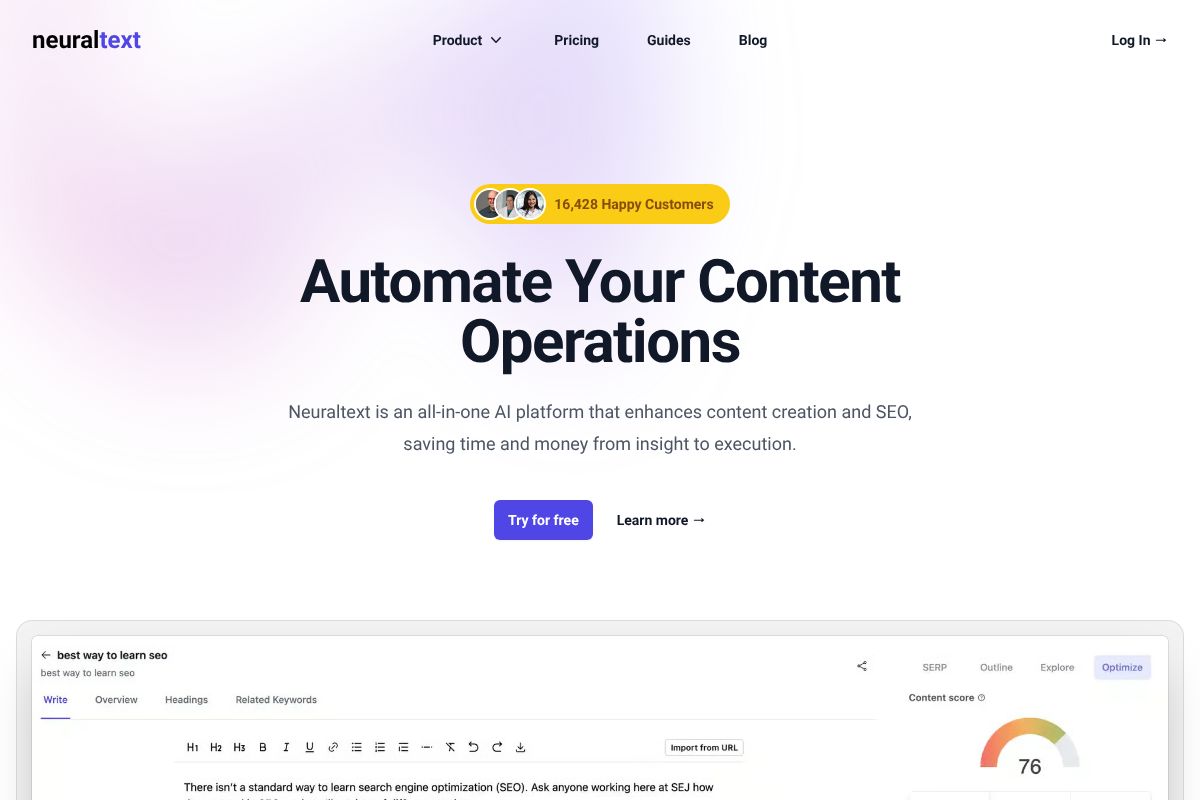
NeuralText starts at $19/month, which puts it in a different price bracket than most of the tools on this list. For that price you get AI-generated content briefs, keyword research, and a topical clustering feature that maps out which keywords belong together. It’s not trying to be everything — it’s trying to be the cheapest way to plan and write content that actually targets what people search for.
NeuralText also runs a 30% recurring commission program for affiliates, which tells you something about the margins here: this is a lean tool built to be sold on value, not padded with extras to justify a higher price tag.
Building Topical Authority Without Breaking the Bank
The workflow is straightforward. You start with keyword research, then let NeuralText group related terms into clusters — say, “email marketing for small business,” “email automation tools,” and “welcome email templates” all under one topic umbrella. From there, it generates a content brief for each cluster member: target word count, headings to include, questions to answer.
Picture a solopreneur running a home services blog. Instead of guessing what to write next, she builds a cluster of 12 articles around “lawn care tips,” gets a brief for each one in under ten minutes, and hands them to a freelance writer with clear instructions. At $19-$49/month depending on the plan, that’s cheaper than a single freelance brief from most agencies.
When NeuralText Might Feel Limited
Don’t expect competitor rank tracking or deep backlink analysis here — NeuralText isn’t built for SEO audits. The integrations library is smaller too, so if you’re relying on a big content-ops stack with a dozen connected tools, you may find gaps. It’s also a step above Surfer in learning curve; the clustering interface takes a bit of clicking around before it clicks mentally.
For pure content planning and briefs on a tight budget, though, it’s hard to beat.
Semrush: The All-in-One Option (If You’re Ready to Invest)
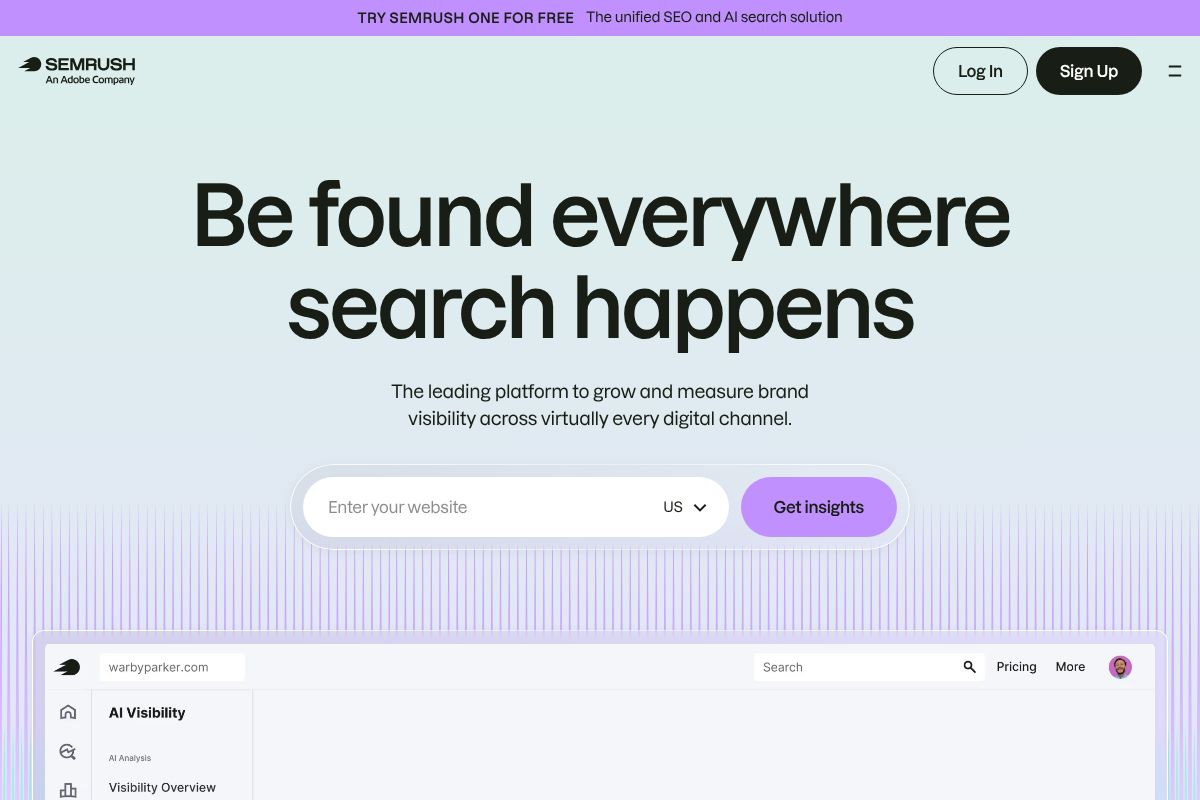
Semrush is the tool most agencies and in-house marketing teams run on, and there’s a reason it keeps coming up in every “best SEO tool” conversation. It’s not a content brief generator or a single-feature app — it’s rank tracking, keyword research, site audits, backlink analysis, and competitor intelligence bundled into one dashboard. The Pro plan runs $117/mo billed annually (or $139.95/mo month-to-month), with $200 paid out per first sale through the affiliate program, which tells you Semrush is priced for people who treat SEO as a real channel, not a side task.
Is that overkill for a freelance copywriter who just wants better blog posts? Probably. But if you’re managing SEO for a client, a multi-page site, or a business with real organic traffic goals, this is likely the last tool you’ll need to add to your stack.
Rank Tracking and Competitor Insights Beginners Actually Use
Semrush’s Position Tracking tool shows you exactly where your pages rank for target keywords, updated daily, broken out by location and device. For a beginner, that daily feedback loop matters — it turns SEO from a guessing game into something measurable. You publish a post, you watch it move from page 4 to page 2 over six weeks, and you actually see cause and effect.
The Competitive Research reports are just as useful early on. Plug in a competitor’s domain and you’ll see their top-performing pages, the keywords sending them traffic, and gaps where they rank but you don’t. A local bakery owner could use this to spot that a competitor gets steady traffic from “gluten-free birthday cakes near me” — a page she hasn’t built yet — and turn that into her next blog post.
The Steep Learning Curve (And How to Handle It)
Here’s the honest part: Semrush has over 55 individual tools inside its platform, and a first-time user opening the dashboard can feel like they’ve walked into a cockpit. Site Audit alone spits out dozens of technical issues, many of which won’t matter for a small blog. It takes real time to figure out which reports deserve your attention and which are noise.
Semrush Academy, the platform’s free training hub, helps close that gap with short courses on SEO fundamentals and tool-specific tutorials. Budget a few weekends to get comfortable rather than expecting to master it in an afternoon. Once it clicks, though, it’s genuinely hard to go back to piecing together three or four smaller tools instead.
Pricing and Commitment: What You’ll Actually Spend in 2026
Money talks, so let’s put actual numbers side by side. These are current 2026 list prices, and all three tools bill less per month if you pay annually.
| Tool | Entry Plan | Monthly Cost | Annual Cost (per month) |
|---|---|---|---|
| Surfer SEO | Essential | $99/mo | ~$79/mo billed yearly |
| NeuralText | Starter | $49/mo | ~$39/mo billed yearly |
| Semrush | Pro | $139.95/mo | ~$117.33/mo billed yearly |
Surfer SEO and NeuralText are the cheaper doors into serious SEO work. NeuralText’s $49/month Starter plan is genuinely priced for a solo blogger or freelance writer testing whether SEO software is worth the money at all. Surfer sits a notch higher but still comes in at roughly a third of Semrush’s Pro tier.
Semrush is the investment of the three, and it should be treated that way. You’re not just paying for keyword data — you’re paying for 55-plus tools bundled into one subscription, which makes sense once you’re managing multiple sites or clients but feels like overkill for a single blog.
Free Trials and Money-Back Guarantees
All three offer a way to test-drive before you pay full price. Semrush runs a 7-day free trial on Pro plans (sometimes extended to 14 days through promotional links). Surfer SEO offers a 7-day trial for $1, which is enough time to audit a handful of pages. NeuralText has a limited free plan you can use indefinitely, plus a 7-day trial of paid features.
None of these require a long-term contract if you go monthly. Use the trial period deliberately — pick one real article you’re planning to write anyway, run it through each tool, and compare the experience firsthand. That’s a better test than any review, including this one.
Which SEO Tool Should You Actually Start With?
Every SEO tool review online tells you their pick is “the best.” That’s not a useful answer, because the best tool depends entirely on what you’re doing with it. A freelance writer optimizing blog posts and a small business owner tracking rankings across 40 pages have completely different needs, even if they’re both typing the phrase “SEO tool” into Google.
If you’re a content writer — someone drafting articles, optimizing them for a target keyword, and moving on — Surfer SEO is the more natural fit. It’s built around the writing workflow: you get a content editor with a real-time score as you type, not a dashboard full of site-wide metrics you’ll never open.
If you’re a solopreneur watching every dollar, NeuralText at $49/month (or ~$39/month billed yearly) gets you keyword clustering and AI-assisted briefs without the Semrush-level price tag. It won’t do everything, but it does the writing-and-research part well enough for one person running one blog or one client site.
If you’re managing SEO across a business — multiple sites, multiple clients, or a team that needs backlink audits and competitor tracking — Semrush’s $139.95/month Pro plan is the one that actually justifies its cost.
The One Question That Determines Your Best Choice
Here’s the shortcut: do you need to track your keyword rankings over time?
If yes — you want to know whether your site is climbing or falling for target keywords month over month — get Semrush. Rank tracking at scale is its core strength, and neither Surfer nor NeuralText replicates it well.
If no — you’re mainly optimizing individual pieces of content before you publish, not monitoring long-term ranking trends — skip Semrush entirely. Surfer SEO or NeuralText will cover what you actually need, at a fraction of the cost.
Picture a freelance marketing consultant who writes one client blog post a week. She doesn’t need rank tracking dashboards; she needs to know her draft hits the right keyword density and headers before she hits send. That’s Surfer or NeuralText, not Semrush.
Start Your SEO Journey Without Overthinking It
You don’t need to solve your entire SEO strategy this week. You need to pick one tool, use it on one piece of content, and see what happens. That’s it.
Here’s the 30-day plan: sign up for a free trial of whichever tool matched your situation above — Surfer SEO if you’re optimizing content before publishing, NeuralText if you’re a solo operator watching your budget, or Semrush if you need rank tracking across multiple sites. Watch one onboarding tutorial (15 minutes, tops). Then optimize a single blog post or landing page from start to finish using the tool’s recommendations.
Don’t try to overhaul your whole content library on day one. Pick your worst-performing page or your next scheduled post, run it through the tool, and publish it. Then check back in 3-4 weeks to see if rankings or traffic moved.
If the tool feels clunky or you’re not seeing value by day 30, switch. None of these platforms lock you into annual contracts at the entry tier, and switching costs you a afternoon of setup — not a strategy reset. The goal isn’t picking the “perfect” tool on your first try. It’s building the habit of optimizing before you hit publish, instead of guessing and hoping.
Start small. Start today. Adjust later.
Our Verdict
Editorial rating: 4.6/5
Right Tool Beats Expensive Overkill
Beginners should prioritize ease of use and affordability over feature bloat. Surfer SEO and NeuralText deliver faster ROI than Semrush, though you’ll eventually outgrow them as your SEO skills advance and competitive demands increase.
Frequently Asked Questions
Can beginners use Semrush or is it too complicated?
Semrush works for beginners but has a steep learning curve and higher cost. Start with Surfer SEO or NeuralText instead, then graduate to Semrush once you understand SEO fundamentals and have budget flexibility.
What’s the cheapest SEO tool for beginners in 2026?
NeuralText offers the lowest entry price with AI-powered content optimization and keyword research. Surfer SEO’s starter plan is also affordable and more focused on on-page optimization than competitor analysis.
Do I really need an SEO tool as a beginner?
Yes. SEO tools save time on keyword research, competitor analysis, and content optimization. Even free versions of tools like Ubersuggest or Ahrefs’ free tools help beginners understand SEO basics before investing in paid platforms.
Which SEO tool is best for writing better content?
Surfer SEO specializes in content optimization with real-time scoring and competitor analysis. NeuralText adds AI writing assistance, making it better for teams needing both content creation and SEO guidance in one platform.
Related Reads
- Best AI Tool for SEO Beginners in 2026
Find the best AI SEO tool for beginners in 2026. Compare features, pricing, and ease of use for content creators and sma…
- Best Small SEO Tools for Beginners in 2026
Find the best small SEO tool for beginners. Compare affordable options, features, and pricing to grow your content witho…
- Surfer SEO vs Frase: Which AI Tool Wins in 2026?
Compare Surfer SEO and Frase in 2026. See pricing, features, and which AI SEO tool fits your content strategy best.…