If you’ve ever stared at your website analytics wondering why your competitors keep showing up on Google while you don’t, you’re not alone. Finding the best SEO tool for small business in 2026 isn’t just about picking the most popular name — it’s about finding something that actually fits your budget, your skill level, and your goals.
The SEO software market has exploded in recent years, and the sheer number of options can feel overwhelming. Some tools are built for enterprise teams with dedicated SEO departments. Others promise the world but deliver a confusing dashboard and a hefty monthly bill.
SEO tools for small businesses need to balance power with simplicity—and most platforms fail at that balance. Here’s what the top options actually deliver and which ones justify the expense for your operation.
In This Article
- What You Really Need in an SEO Tool
- Semrush-the-all-in-one-platform-for-serious-growth”>Semrush: The All-in-One Platform for Serious Growth
- Surfer SEO-seo-the-writers-best-friend”>Surfer SEO: The Writer’s Best Friend
- NeuralText-the-budget-friendly-powerhouse”>NeuralText: The Budget-Friendly Powerhouse
- Pricing Breakdown: What You’ll Actually Spend
- Head-to-Head: Which Tool Wins for Your Situation
- How to Choose: A Simple Framework
- The Bottom Line: Start Small, Scale Smart
What You Really Need in an SEO Tool (Hint: It’s Less Than You Think)
Before you spend a single dollar on SEO software, it helps to get clear on what you actually need. Most small business owners don’t need a tool built for a 20-person marketing team — and paying for one just means you’re funding features you’ll never touch.

The good news? The core capabilities that move the needle for small businesses are pretty straightforward. If a tool does these four things well, you’re in good shape:
- Keyword research — Finding the exact phrases your potential customers are typing into Google, so you can create content that shows up when it matters.
- Content optimization — Guidance on how to structure and improve your pages so search engines (and real humans) actually understand what you’re offering.
- Rank tracking — Knowing where your site stands in search results over time, so you can see what’s working and what isn’t.
- Competitor insights — A window into what your competitors are ranking for, so you can find gaps and opportunities without starting from scratch.
You don’t need AI-powered enterprise audits, custom API integrations, or dashboards with 50 different data points. Those features sound impressive, but they rarely translate into more customers for a local shop, a freelance service, or a growing e-commerce brand.
The right SEO tool saves you time by surfacing the information you need quickly — and saves you money by replacing hours of guesswork with a clear direction. Think of it less like a research platform and more like a GPS for your content strategy.
With that in mind, here’s what the best options on the market actually look like in 2026.
Semrush: The All-in-One Platform for Serious Growth
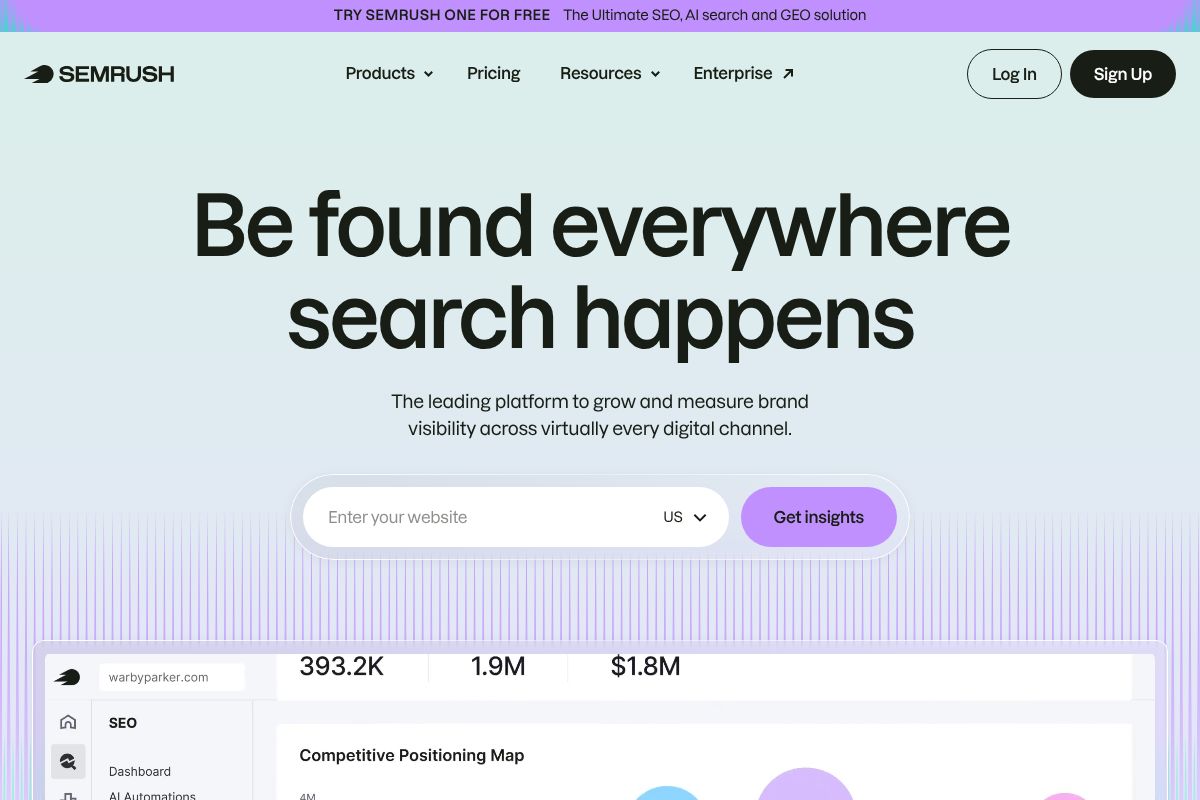
If you’ve spent any time researching SEO tools, you’ve almost certainly come across Semrush. It’s the platform that digital marketing agencies, in-house SEO teams, and ambitious small businesses tend to gravitate toward when they’re ready to get serious — and for good reason. Semrush isn’t just a keyword tool. It’s a full marketing intelligence platform that covers everything from content planning to technical audits to competitor spying, all under one roof.
For small businesses that are tired of stitching together five different tools to get a complete picture, Semrush is genuinely compelling. The Pro plan at $117/month (billed annually) is the sweet spot for most small business owners — you get access to the core feature set without paying enterprise-level prices. It’s an investment, but if SEO is a real growth channel for your business, it tends to pay for itself quickly.
In 2026, Semrush has continued to sharpen its edge with AI-powered insights that surface actionable recommendations without requiring you to dig through raw data manually. The interface has also gone through a meaningful UX overhaul, making it noticeably easier to navigate than it was a couple of years ago — though it’s still a dense platform by any measure.
If you’re looking for one tool that does everything, Semrush is the closest thing to it on the market right now.
Core Features That Matter
Here’s what you’ll actually use on a regular basis as a small business owner:
- Keyword Research — Semrush’s keyword database is one of the largest available, giving you search volume, keyword difficulty, intent signals, and related term clusters all in one view.
- Position Tracking — Monitor your rankings across multiple locations, devices, and even specific zip codes — useful if you serve a local or regional market.
- Backlink Analysis — See who’s linking to your site (and your competitors’), so you can identify link-building opportunities that actually move the needle.
- Site Audit — A technical crawl that flags issues like broken links, slow pages, and missing metadata — prioritized by impact so you know where to start.
- Content Optimization — The SEO Writing Assistant grades your content in real time and suggests improvements based on what’s already ranking for your target keyword.
- Competitor Analysis — Enter any competitor’s domain and see their top-performing pages, keyword gaps, and traffic trends.
The AI-enhanced insights layer added in recent updates also helps by automatically flagging your biggest opportunities — so you’re not left staring at a dashboard wondering what to do next.
The Trade-Off: Learning Curve
Let’s be honest — Semrush has a lot of buttons. When you first log in, the sheer number of tools and reports can feel overwhelming. Expect to spend two to three weeks before you feel genuinely comfortable navigating the platform and knowing which reports to prioritize for your specific goals.
That’s not a dealbreaker, but it’s worth setting realistic expectations. Semrush rewards users who put in the time to learn it. If you’re looking for something you can be productive with on day one, there are simpler options on this list. But if you’re willing to climb the curve, the payoff — in terms of data depth and strategic clarity — is hard to match.
One more thing worth noting: Semrush offers a $200 commission on first-sale referrals, which is why you’ll see it recommended frequently across the web. We’re mentioning it here because transparency matters — but our take on the platform stands on its own merits regardless.
Surfer SEO: The Writer’s Best Friend
If Semrush is the strategist’s tool, Surfer SEO is built for the people actually doing the writing. Its entire design philosophy centers on one idea: help you create content that ranks while you’re creating it. Rather than running analysis before or after you write, Surfer integrates directly into your workflow so optimization happens in real time.
In 2026, Surfer has doubled down on this approach with a noticeably faster analysis engine and a more capable AI writing assistant that’s genuinely useful — not just a gimmick bolted on to keep up with trends. The result is a tool that feels purpose-built for content creators and marketing teams who live inside Google Docs or their own CMS.
Here’s what you get with Surfer:
- Real-Time Content Editor — Scores your content as you write, based on what’s currently ranking for your target keyword
- SERP Analysis — Breaks down the top-ranking pages so you understand exactly what Google is rewarding
- Keyword Metrics — Surfaces related terms, semantic phrases, and optimal usage frequencies
- AI Writing Assistant — Helps you draft, expand, or restructure sections without leaving the editor
The Essential plan runs $79/month on an annual subscription — genuinely accessible for a freelancer or small marketing team managing a content calendar.
Why Writers Love It
The biggest practical win with Surfer is that it eliminates tab-switching. You get instant, in-editor feedback on word count, readability, keyword density, and content structure — all without stopping to run a separate report. The content score updates as you type, which turns optimization from a second step into a natural part of the writing process.
For anyone managing a team of writers, Surfer’s guidelines feature lets you build briefs that contributors can follow directly inside the editor. Most users report saving two to three hours per piece once they’re comfortable with the workflow. That adds up fast when you’re publishing consistently.
When It Falls Short
Surfer is excellent at what it does, but its scope is deliberately narrow. You won’t find meaningful rank tracking here, and there’s no backlink analysis to speak of. If understanding your competitors’ link profiles or monitoring your domain authority over time is important to your strategy, Surfer simply doesn’t cover that ground.
Think of it as a specialist, not a generalist. For many content-focused creators and marketers, that’s perfectly fine — especially if you pair it with a lightweight rank tracker. But if you need an all-in-one platform, you’ll likely find yourself reaching for a second tool to fill the gaps.
NeuralText: The Budget-Friendly Powerhouse
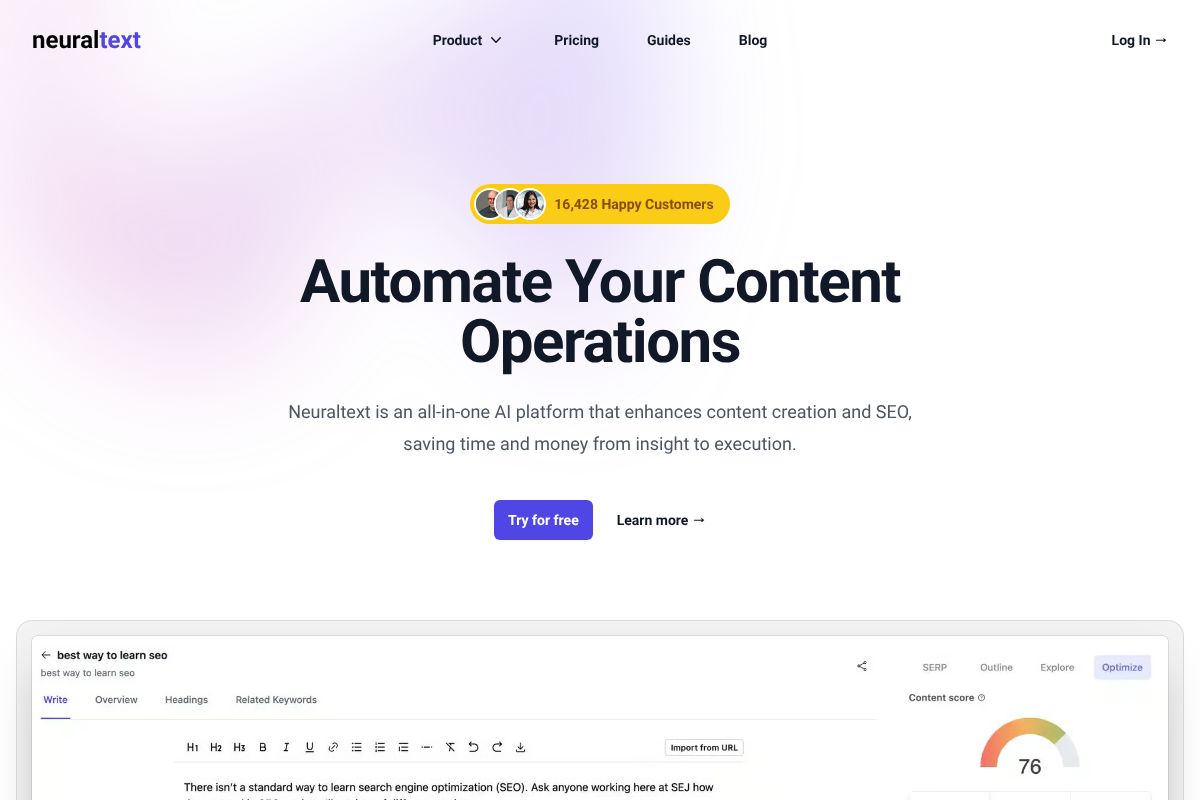
If your priority is building a content operation without breaking the bank, NeuralText deserves a serious look. Starting at just $19/month, it’s one of the most accessible SEO content tools available in 2026 — and it punches well above its price point for teams focused on scaling output efficiently.
NeuralText centers its value around a few core capabilities that matter most to content-driven businesses:
- AI-powered content briefs that pull together search intent, competitor structure, and key topics in minutes
- Keyword clustering that groups related terms so you can plan content strategically rather than one keyword at a time
- Topical authority mapping to identify content gaps and build out subject matter depth across your site
- Bulk content optimization for teams managing large volumes of existing or new pages
The 2026 AI improvements have made NeuralText noticeably sharper, particularly in how it generates briefs and surfaces semantically related terms. The clustering engine in particular has become a genuine time-saver for editorial planning.
Best for Building Topical Authority
One of NeuralText’s strongest features is how it helps you visualize and execute a topical authority strategy. Rather than targeting isolated keywords, it maps clusters of related terms so you can build interconnected content that signals expertise to search engines. For a small business trying to rank across multiple related queries — say, a bakery covering everything from sourdough techniques to cake decorating — this structured approach can meaningfully accelerate organic growth. It takes the guesswork out of “what should I write next?” and replaces it with a clear, data-backed content roadmap.
Limitations to Know
NeuralText is a newer platform, and it shows in a few places. The feature set is narrower than tools like Semrush — you won’t find deep backlink analysis or robust rank tracking here. The UI, while functional, feels less polished than more established competitors and can take some getting used to. That said, the development pace in 2026 has been noticeably fast, and gaps are closing regularly. If you can work with a leaner toolset, the value-to-cost ratio is hard to argue with.
Pricing Breakdown: What You’ll Actually Spend
Before committing to any SEO tool, it helps to see the numbers side by side. Here’s how the three main contenders stack up on annual billing — which is almost always the smarter way to pay if you’re planning to stick with a tool for more than a couple of months.
| Tool | Entry-Level Plan (Annual) | Best For |
|---|---|---|
| Semrush Pro | $117/mo | All-in-one SEO + competitor research |
| Surfer Essential | $79/mo | On-page optimization + content writing |
| NeuralText | $19–$119/mo | Keyword clustering + content briefs |
NeuralText’s wide pricing range reflects its tiered usage model — lighter users can get meaningful value at the lower end, while heavier content operations will land closer to the top. Surfer sits comfortably in the middle. Semrush is the steepest investment, though it’s also the most comprehensive.
One thing the price tags don’t show: hidden costs. Every tool has a learning curve that costs you time before it saves you time. Semrush in particular can feel overwhelming at first. Factor in a few hours of onboarding, and potentially the cost of integrating with your CMS or analytics stack.
The ROI Question
It’s easy to look at $79 or $117 a month and hesitate. But reframe it this way: if a single page climbing from position 8 to position 3 brings you five new customers in a month, does the tool pay for itself? For most small businesses, the answer is yes — often within the first 60 days.
The smarter move isn’t to ask whether you can afford an SEO tool — it’s to ask which one will deliver results fastest for your specific situation. That’s exactly why free trials matter. Semrush, Surfer, and NeuralText all offer trial options, so you can test the workflow before spending a dollar. Commit only once you’ve seen the tool fit your process, not just your budget.
Head-to-Head: Which Tool Wins for Your Situation
There’s no universal “best” SEO tool — there’s only the best tool for your situation. The right choice depends on how you work, what you’re trying to accomplish, and where you’re willing to spend time versus money. Here’s a practical way to think through it.
Quick Comparison Table
| Tool | Keyword Research | Rank Tracking | Content Optimization | Competitor Analysis | Price | Best For |
|---|---|---|---|---|---|---|
| Surfer SEO | ✓ | ✓ | ✓✓ | ✓ | $79–$219/mo | Solo writers and content-focused sites |
| Semrush | ✓✓ | ✓✓ | ✓ | ✓✓ | $117–$417/mo | All-in-one SEO and competitive research |
| NeuralText | ✓ | ✗ | ✓✓ | ✓ | $19–$119/mo | Budget-conscious content teams |
Match the Tool to Your Reality
“I write all my own content.” Surfer SEO is your strongest match. Its real-time content editor gives you clear, actionable guidance as you write — no guesswork, no toggling between tabs. It won’t overwhelm you with data you’ll never use.
“I need to track rankings and outmaneuver competitors.” Semrush is the clear fit here. Its rank tracking, competitor gap analysis, and backlink tools go deeper than either alternative. The trade-off is a steeper learning curve and a higher monthly bill.
“I’m building a content team on a tight budget.” NeuralText makes the most sense. You get keyword clustering and content briefs at a price point that scales without punishing you for growing. The honest trade-off: you won’t get robust rank tracking, so you may need a supplementary tool down the line.
“I want everything under one roof.” Again, Semrush. It’s the closest thing to a complete SEO platform in this comparison — but you’ll pay for that convenience, and you should expect a few weeks before you’re using it efficiently.
The pattern here isn’t about which tool is most powerful — it’s about which one removes friction from your specific workflow. A tool you actually use consistently will always outperform a more advanced one gathering digital dust.
How to Choose: A Simple Framework
Before you commit to any SEO tool, run yourself through these four quick questions. Your answers will point you toward the right fit faster than any feature comparison chart.
- Do you write your own content? If yes, you need a tool with a real-time content editor. That points directly to Surfer SEO. If you outsource writing or focus more on strategy, move to the next question.
- Do you need rank tracking and competitive intelligence? If monitoring your keyword positions and watching what competitors are doing matters to your workflow, Semrush is the logical choice. It’s built for exactly that kind of ongoing strategic oversight.
- Are you on a tight budget? If you’re watching every dollar and need solid keyword research plus content briefs without the premium price tag, NeuralText is worth a serious look. Just go in knowing that rank tracking isn’t its strong suit.
- Do you manage a team or multiple clients? Semrush handles multi-user workflows and reporting at scale better than the alternatives here. NeuralText is a reasonable second option if budget is the bigger constraint.
One firm piece of advice: don’t lock into an annual plan until you’ve spent at least three to four weeks with a tool on a monthly subscription. Every tool in this list offers a free trial or a low-commitment entry point — use it.
The right SEO tool isn’t the one with the longest feature list. It’s the one you’ll actually open every week.
The Bottom Line: Start Small, Scale Smart
Here’s the honest truth: most small businesses don’t need a full-featured platform like Semrush on day one. If you’re just getting started with SEO, the complexity can actually slow you down. Start with something focused — Surfer SEO if you’re writing content regularly, or NeuralText if budget is your primary constraint. Once you’ve built a content rhythm and need deeper rank tracking or competitive data, that’s the right time to consider upgrading to Semrush.
The goal isn’t to have the most powerful tool in your stack. It’s to have a tool you actually open, use consistently, and see results from. A simpler platform you use every week will always outperform a premium one you ignore.
So here’s your action plan:
- Pick one tool from this list based on your workflow and budget
- Start the free trial — all three offer one, with no long-term commitment required
- Spend two weeks testing it on real content or real keywords from your business
- Then decide whether to subscribe monthly before committing to an annual plan
The best SEO tool for your small business is the one that fits where you are right now — not where you hope to be in two years. Start there, and scale when the time is right.