Every few months, a new AI tool claims to be the best on the market — and right now, that claim belongs to Grok 3. But is it actually worth your attention, or is this just another round of hype? If you’ve been burned before by switching tools only to find the “next big thing” doesn’t quite deliver, you’re not alone.
Grok 3 has generated serious buzz since its release, with bold promises around reasoning, real-time data access, and creative output. But is Grok 3 really the best AI for everyday creators, marketers, and small business owners — or does it shine mainly in tech circles?
In this honest 2026 review, we’ll break down exactly what Grok 3 does well, where it falls short, and whether it deserves a place in your daily workflow.
Key Takeaways
- Grok 3 excels in real-time information processing and contextual understanding, making it competitive among 2026 AI solutions for specific use cases.
- Pricing structure offers flexibility, but total cost depends heavily on usage volume and feature tier selection for your workflow needs.
- Best suited for users needing current event analysis, creative writing, and coding assistance rather than general-purpose AI tasks.
- Performance gaps exist compared to specialized competitors in certain domains like image generation and long-form research compilation.
- Honest assessment reveals Grok 3 as excellent choice for specific applications, not universally superior to all alternative AI platforms available.
In This Article
What Is Grok 3, and Why Are People Talking About It?
Grok 3 is the latest large language model from xAI, the artificial intelligence company founded by Elon Musk. It was built to compete directly with the biggest names in AI — think ChatGPT, Claude, and Gemini — and it’s positioned as a faster, more conversational alternative with a key advantage: real-time access to information from the web and X (formerly Twitter).
Unlike some AI models that rely on a fixed knowledge cutoff, Grok 3 is designed to pull in current data as you chat with it. That means if you ask it about something that happened yesterday, it’s not guessing from outdated training — it’s actually pulling live context. For marketers, content creators, and business owners who need up-to-date information, that’s a genuinely useful differentiator.
So why is everyone talking about it? A few reasons:
- Stronger reasoning capabilities — Grok 3 was trained with a heavy focus on logical problem-solving and multi-step thinking, making it more reliable for complex tasks.
- Real-time awareness — Its connection to live data gives it an edge over models working from static training sets.
- Personality and tone — Grok has always leaned into a more direct, even irreverent conversational style, which many users find refreshing compared to more sanitized AI responses.
- Deep integration with X — If you’re active on X for marketing or content, Grok 3 has native context that other tools simply don’t.
It’s also worth noting that Grok 3 is available through xAI’s platform and tied to X Premium subscriptions, which shapes both who uses it and how it’s accessed. Whether that setup works for you depends a lot on your existing tools and workflow — something we’ll dig into throughout this review.
Key Features That Stand Out
Grok 3 brings a solid feature set to the table, and a few of those features genuinely move the needle for everyday creators and marketers. Here’s what’s worth paying attention to.
Real-Time Information Access
Most AI models are working from a frozen snapshot of the internet — whatever was in their training data up to a certain cutoff date. Grok 3 takes a different approach. Because it’s built into the X ecosystem, it can pull live data and surface current information as part of your conversation.
In practice, that means you can ask about a trending topic, a recent product launch, or a breaking news story and get a response grounded in what’s actually happening — not what was happening six months ago. For marketers tracking industry shifts or creators trying to stay relevant, this removes a real friction point. You’re not constantly cross-referencing another browser tab just to verify whether the information is still accurate.
Speed and Responsiveness
One thing that becomes obvious quickly when using Grok 3 is how fast it is. Response times are consistently snappy, even on longer, more complex prompts. xAI has clearly invested in infrastructure here, and it shows in day-to-day use.
For busy creators and marketers, this matters more than it might seem. When you’re drafting a week’s worth of social captions, brainstorming campaign angles, or working through a content brief, waiting several seconds per response adds up fast. Grok 3 keeps pace with your workflow rather than slowing it down. Compared to some competitors that visibly struggle under heavy reasoning tasks, Grok 3 feels noticeably more fluid — especially during multi-turn conversations where context builds over several exchanges.
Beyond these two standout qualities, Grok 3 also supports multimodal inputs in its current form, meaning you can work with images alongside text — a useful addition for visual content planning and creative briefs.
The Honest Pros and Cons
No AI tool is perfect for everyone, and Grok 3 is no exception. It has some genuinely impressive strengths — but also some real limitations that could matter depending on how you work. Here’s a balanced look at both sides before you commit.
Where Grok 3 Wins
If your work revolves around staying current, Grok 3 has a clear edge over most competitors. Its real-time data access means you’re working with live information, not a frozen snapshot of the internet. That’s a meaningful advantage in fast-moving fields like digital marketing, journalism, and social media content creation.
- Real-time awareness: Handles breaking news, trending topics, and recent product launches without the usual knowledge cutoff frustration.
- X-native workflows: If you’re already active on X, the integration feels seamless — researching trends, drafting posts, and engaging with current conversations all happen in one ecosystem.
- Quick research tasks: Fast, conversational responses make it well-suited for brainstorming, summarizing recent events, or getting a quick read on a topic.
- Conversational depth: Multi-turn exchanges feel natural, and Grok 3 holds context well across longer sessions.
- Speed: Consistently quick response times keep your workflow moving, even on complex prompts.
For social media creators and marketers who live on X and need a research-and-drafting tool that keeps up with the news cycle, Grok 3 is a genuinely strong fit.
Where It Falls Short
The same qualities that make Grok 3 feel fresh also come with trade-offs worth understanding before you switch your whole setup over.
- X dependency: The best features are tied to the X platform. If you’re not an active X user, you lose a significant chunk of what makes Grok 3 distinctive.
- Limited ecosystem integration: Unlike some competitors, Grok 3 doesn’t plug neatly into tools like Notion, Slack, or Google Workspace — a real drawback for teams with established productivity stacks.
- Accuracy trade-offs: The speed-first design can occasionally produce confident-sounding responses that don’t hold up under scrutiny. Real-time data helps, but it doesn’t eliminate hallucinations entirely.
- Not team-friendly yet: If you need centralized AI workflows, shared workspaces, or admin controls, Grok 3 isn’t built for that kind of collaborative environment.
- Learning curve: Some users find the interface and feature set less intuitive than more established tools, especially if they’re coming from a polished competitor.
The bottom line: Grok 3 rewards users who are already embedded in the X ecosystem. Outside of that context, its advantages shrink — and its gaps become more noticeable.
Pricing and What You Actually Get
Grok 3 follows a tiered pricing model that’s become standard across most AI platforms. There’s a free tier that gives you access to basic Grok 3 functionality — enough to test the waters, but with usage limits that will frustrate anyone trying to rely on it daily. For serious use, you’ll need to upgrade.
The premium access comes bundled with X Premium+, currently priced at $16/month. That gets you higher message limits, access to Grok 3’s more advanced reasoning features, and the real-time X data integration that makes the tool genuinely useful. There’s also a higher-tier SuperGrok plan aimed at power users who need even deeper access to DeepSearch and extended thinking modes.
So is it worth it? That depends heavily on how you already use X. If you’re paying for X Premium+ anyway, the added Grok 3 access feels like a solid bonus. If you’d be subscribing solely for the AI features, the value calculation gets trickier — especially when competitors offer more versatile toolsets at similar price points.
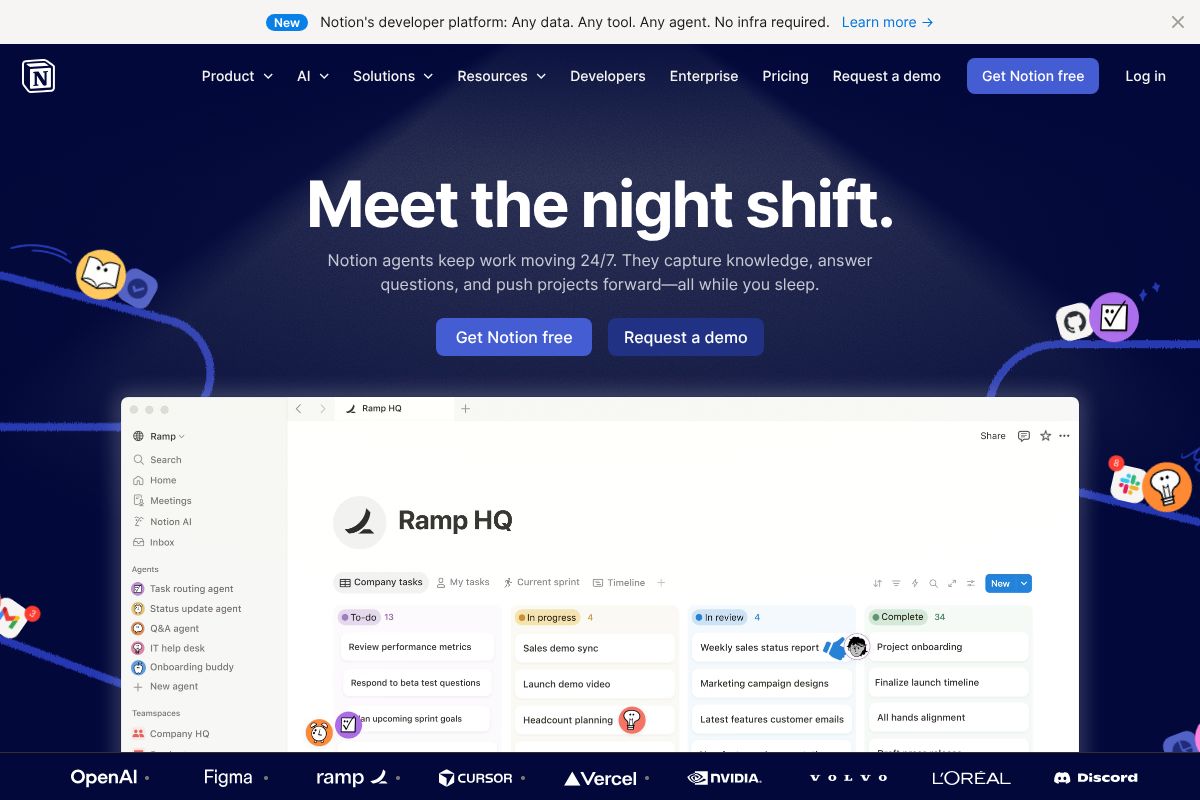
For teams in particular, it’s worth stepping back and thinking about ROI. A tool like Notion, which includes AI features in its Business plan at $20/user/month, gives you collaborative workspaces, project management, and AI writing assistance all in one place. If your team needs more than a standalone AI chat tool, that kind of bundled solution often delivers more practical value per dollar.
Grok 3’s pricing isn’t unreasonable — but it’s most defensible when it fits naturally into your existing workflow rather than requiring you to build around it.
Who Should Actually Use Grok 3?
Grok 3 isn’t trying to be everything to everyone — and honestly, that’s fine. The question is whether you fall into the group it genuinely serves well. Here’s a straightforward breakdown.
Grok 3 Is a Strong Fit If You Are…
- A social media creator on X — If you’re posting daily, tracking trending conversations, and building an audience on X, Grok 3’s deep platform integration gives you a real edge. It understands the context of what’s happening on X right now, not just what was true six months ago.
- A news researcher or journalist — The real-time search and DeepSearch features make it genuinely useful for tracking breaking stories, surfacing sources, and synthesizing fast-moving information quickly.
- A real-time content creator — If your content strategy revolves around reacting to current events, trending topics, or live cultural moments, Grok 3’s live data access is hard to beat.
- A solopreneur who lives on X — If X is your primary business platform for networking, selling, or building authority, having an AI that’s native to that environment just makes sense.
Grok 3 Probably Isn’t Right If You Are…
- A team that needs a collaborative AI workspace — Grok 3 has no shared workspaces, team permissions, or collaborative features. It’s a solo tool, full stop.
- A business relying on CRM or project management integrations — There’s no native connection to tools like HubSpot, Salesforce, or Asana. If integrations drive your workflow, you’ll hit a wall quickly.
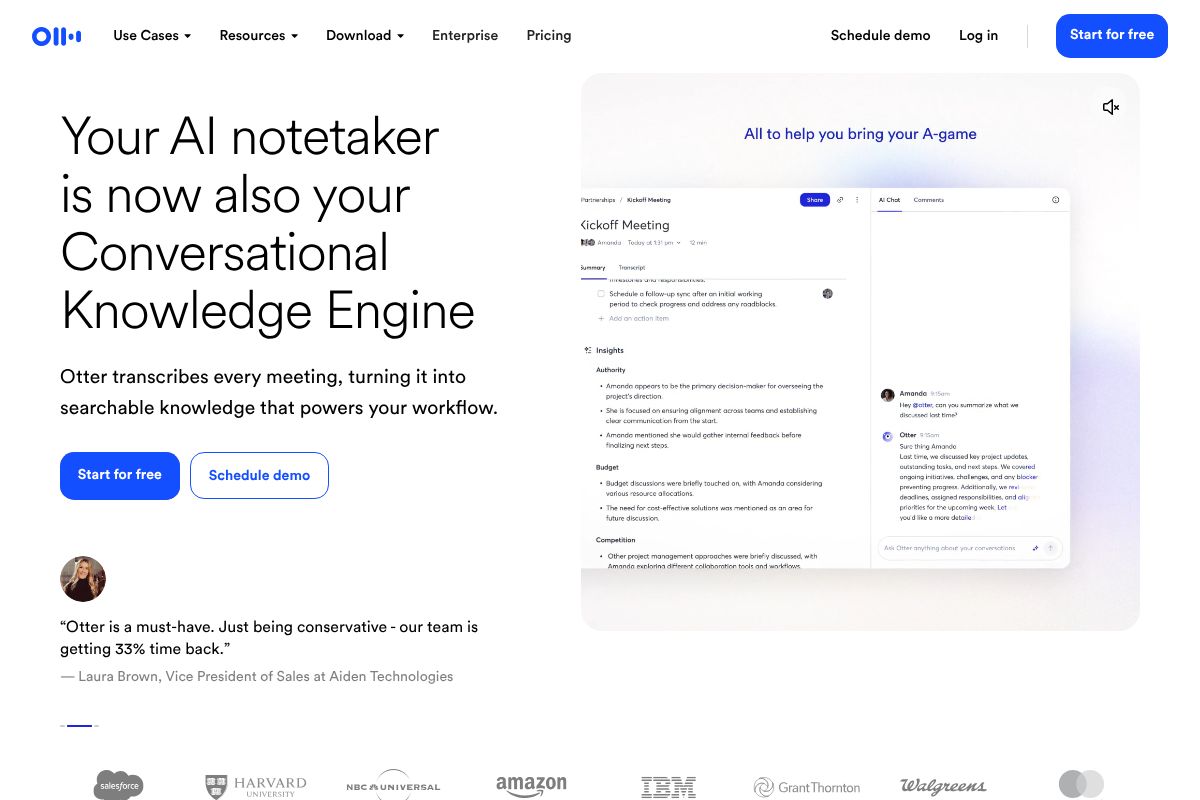
- Someone who needs meeting transcription and summaries — This is simply outside Grok 3’s scope. A dedicated tool like Otter.ai.ai is purpose-built for that use case and will serve you far better.
The honest summary: Grok 3 rewards people who are already embedded in the X ecosystem. If that’s not you, its advantages shrink considerably — and a more versatile AI platform will likely serve your day-to-day needs better.
Grok 3 vs. Other AI Tools: Quick Comparison
Side-by-side comparisons are rarely perfect, but they’re useful for cutting through the noise. Here’s how Grok 3 stacks up against three of the most popular AI tools in the market right now — ChatGPT, Claude, and Notion. Each serves a different primary use case, which is exactly why the “best AI” question is so hard to answer with a single name.
| Feature | Grok 3 | ChatGPT | Claude | Notion AI |
|---|---|---|---|---|
| Real-Time Data | Yes (live X/web access) | Yes (with browsing enabled) | Limited | No |
| Integrations | X ecosystem only | Broad (plugins, API, Zapier) | API-based, growing | Deep Notion integration |
| Team Features | None | ChatGPT Team plan available | Claude for Teams available | Built-in collaboration |
| Pricing | Included with X Premium+ | Free tier; Plus at ~$20/mo | Free tier; Pro at ~$20/mo | Bundled with Notion plans |
| Best For | Real-time research, X users | Versatile everyday tasks | Long-form writing, nuance | Teams managing docs and projects |
What the Table Doesn’t Tell You
Numbers and checkboxes only go so far. ChatGPT remains the most flexible all-rounder — it connects to more third-party tools and has the largest ecosystem of any AI assistant right now. Claude consistently earns praise for its thoughtful, nuanced writing, making it a strong pick for long-form content creators who prioritize tone and depth.
Notion AI deserves a special mention for teams. If your crew already lives inside Notion for project management, wikis, or content calendars, the bundled AI features make a lot of sense — you’re not paying for a separate subscription, and collaboration is built right in. It’s not trying to compete with Grok 3 on real-time data; it’s solving a completely different problem.
Grok 3 wins clearly on one dimension: live information access tied directly to the X platform. For everything else — integrations, team workflows, and general-purpose writing — the competition is genuinely stronger. Choosing the right tool really does come down to where you spend your time and what kind of work you’re trying to accelerate.
The Verdict: Is Grok 3 the Best AI?
Here’s the honest answer: there is no single “best” AI in 2026 — only the best AI for your workflow. If you’re deeply embedded in the X ecosystem, need real-time news and trending data, or want cutting-edge reasoning for research-heavy tasks, Grok 3 is genuinely impressive and worth the subscription cost.
But if you’re a content creator, freelancer, or small business owner juggling multiple projects, client meetings, and team collaboration, Grok 3 alone won’t cover all your bases. That’s where a combo approach pays off. For example, pairing an AI writing assistant with a dedicated meeting transcription tool like Otter.ai can fill the gaps Grok 3 simply wasn’t designed to fill — automatically capturing action items, summarizing calls, and keeping your team aligned without any extra effort on your part.
Think of it this way:
- Use Grok 3 when you need live data, X-driven insights, or advanced analytical reasoning.
- Use a complementary tool like Otter.ai when your work involves meetings, interviews, or collaborative note-taking.
- Use ChatGPT or Claude when integrations, tone, or long-form writing quality matter most.
The smartest professionals aren’t loyal to one AI — they’re building a lean stack that covers their actual needs. Ready to figure out which tools belong in yours? Start with what slows you down most, and work backwards from there.
Ready to Optimize Your AI Workflow?
The best move you can make right now is to test before you commit. Grok 3 offers a free tier, so there’s no reason not to take it for a spin and see how it fits your day-to-day work. If the real-time data, X integration, and reasoning power genuinely improve how you research or create, the paid plan is easy to justify.
But if your workflow involves team collaboration, project documentation, or back-to-back client calls, don’t stop there. Tools like Notion can bring structure and shared workspaces to your AI-assisted projects, while Otter.ai handles the meeting notes and action items that Grok 3 simply isn’t built for.
Here’s a simple way to decide:
- Start with Grok 3’s free tier — use it for a week on real tasks, not demos.
- Identify the gaps — what’s still falling through the cracks?
- Fill those gaps intentionally with a focused tool like Otter.ai or Notion.
Build your stack around your actual workflow — not the hype.
Frequently Asked Questions
Is Grok 3 better than ChatGPT?
Grok 3 excels at real-time information and current events, while ChatGPT offers broader general knowledge. Neither is universally better; it depends on your specific needs and use case requirements.
How much does Grok 3 cost per month?
Grok 3 pricing varies by subscription tier, starting with basic plans and scaling to enterprise options. Exact costs depend on your usage volume and selected features for your organization.
Can Grok 3 replace other AI tools?
Grok 3 works best as part of an AI toolkit rather than a complete replacement. Different tools excel at different tasks, so combining Grok 3 with specialized solutions often yields optimal results.
What makes Grok 3 different from competitors?
Grok 3 distinguishes itself through superior real-time data access, contextual reasoning, and integration with current information sources that many competitors lack or handle less effectively.
Related Reads
- Best AI Assistant Right Now in 2026: Top Picks
Find the best AI assistant for your needs in 2026. Compare top tools, features, pricing & honest trade-offs for creators…
- Notion AI vs ClickUp AI: Which Wins in 2026?
Compare Notion AI vs ClickUp AI in 2026. See pricing, features, and which tool fits your workflow best.…
- Notion AI vs ChatGPT: Which Tool Wins for Your Workflow
Compare Notion AI and ChatGPT for productivity. See pricing, features, and which tool fits your workflow best in 2026.…