Editor’s note: Reviewed and updated in June 2026 to reflect current pricing, features, and 2026 tool releases.
You’ve got a vision in your head — a striking social media graphic, a mood board for a client, a thumbnail that actually stops the scroll. But hiring a designer isn’t always in the budget, and stock photos just don’t cut it. That’s exactly where AI image generators have changed the game, and Midjourney has consistently sat at the top of that conversation.
But is it still worth your time and money in 2026? With more competitors entering the space and Midjourney rolling out significant updates, the answer isn’t as simple as it used to be. In this Midjourney Review 2026, we’ll break down everything you need to know — features, pricing, real-world performance, and who it’s actually built for — so you can decide if it belongs in your creative toolkit.
Key Takeaways
- Midjourney transforms text prompts into stunning AI-generated images, ideal for creators seeking professional-quality visuals without design experience or expensive software.
- Subscription pricing ranges from basic to premium tiers, offering flexible options for hobbyists, professionals, and teams with varying creative demands.
- Advanced features include style customization, image upscaling, and iterative refinement tools that give creators precise control over final outputs.
- Midjourney excels in artistic rendering and conceptual design but faces competition from DALL-E 3, Stable Diffusion, and Adobe Firefly.
- Best suited for digital artists, marketers, content creators, and designers seeking rapid prototyping; less ideal for photorealistic commercial product photography.
In This Article
What Is Midjourney?
Midjourney is an AI image generator that turns written text descriptions into visual artwork. You type in a prompt — anything from “a cozy coffee shop at golden hour, warm tones, film photography style” to “futuristic city skyline with neon lights” — and the tool produces a set of images based on what you described. No design skills required.
Launched in 2022, Midjourney quickly earned a reputation for producing some of the most visually striking, aesthetically polished AI-generated images on the market. As of 2026, it remains one of the most widely used AI image tools among creators, marketers, and visual storytellers — and for good reason. The quality ceiling is genuinely high, and the community around it is massive.
What sets Midjourney apart from many competitors is its strong artistic sensibility. Where some tools lean toward photorealism or generic outputs, Midjourney tends to produce images that feel intentional, compositionally strong, and visually interesting right out of the box.
How Midjourney Works
Midjourney operates primarily through Discord, a chat platform originally built for gaming communities. Once you’ve subscribed and joined the Midjourney Discord server, you interact with the tool by typing commands into a chat channel — specifically, you use the /imagine command followed by your prompt.
Within about a minute, Midjourney generates four image variations for you to choose from. From there, you can upscale a favorite, generate new variations, or tweak your prompt and start again. It’s an iterative process — the more you refine your prompts, the closer you get to exactly what you envisioned.
Midjourney also offers a web interface that has matured significantly, giving users a more traditional browser-based experience alongside the Discord workflow.
Key Features That Matter to You
Midjourney has added and refined a lot since its early days. In 2026, the feature set is genuinely robust — but not everything will matter equally depending on how you work. Here’s a breakdown of what creators actually lean on day to day.
- High-resolution output with detailed upscaling options
- Style consistency tools for maintaining a cohesive visual identity across projects
- Remix and variation modes for iterating quickly on a concept
- Batch generation to produce multiple prompt results in one go
- Improved natural language prompt understanding — you don’t need to memorize cryptic syntax to get good results
- API access available on higher-tier plans for teams building custom workflows
Image Quality & Consistency
Midjourney’s output quality remains one of its strongest selling points. Images are sharp, compositionally considered, and — at higher settings — genuinely impressive in their detail and texture. You can generate at high resolutions suitable for print or large-format digital use, and the upscaling tools do a solid job of preserving fine detail without introducing obvious artifacts.
Where Midjourney really pulls ahead is in style consistency. Using features like style references and character references, you can anchor multiple generations to a specific aesthetic or subject. For creators building a brand, a campaign, or a content series, this is a significant practical advantage. It’s not perfect — you’ll still see variation — but it’s far more controllable than it used to be.
Speed & Efficiency
Generation times are fast. Most prompts return four image options in under a minute, and on faster GPU modes (available on mid and upper-tier plans), that drops considerably. If you’re iterating through a lot of concepts in a single session, the speed genuinely keeps up with a creative workflow.
Queue management has improved too. During peak hours, you’re less likely to hit frustrating wait times than in previous years. The remix and variation tools also make iteration efficient — instead of rewriting your entire prompt, you can branch off an existing result and nudge it in a new direction, which saves real time when you’re trying to land on something specific.
Midjourney Pricing in 2026
Midjourney operates on a subscription model with four tiers. There’s no meaningful free trial at this point — you’ll need to commit to at least a basic paid plan to get started. Here’s how the tiers break down:
| Plan | Monthly Price | GPU Fast Hours | Best For |
|---|---|---|---|
| Basic | $10/month | 3.3 hrs/month | Casual experimentation |
| Standard | $30/month | 15 hrs/month | Regular creative use |
| Pro | $60/month | 30 hrs/month | Professional workflows |
| Mega | $120/month | 60 hrs/month | High-volume production |
Paying annually saves you roughly 20% across all plans. All tiers include commercial usage rights, which is an important detail if you’re generating images for client work or products you sell.
On the Basic plan, your GPU hours go quickly if you’re iterating heavily. Most active creators find the Standard plan is the practical entry point for real work — three hours a month sounds like a lot until you’re deep in a creative session.
Which Plan Should You Choose?
If you’re a casual creator testing the waters, start with Basic — but go in knowing it’s limited. For freelancers and marketers generating images regularly, Standard hits the best balance of cost and output. Pro and Mega make sense if Midjourney is a daily production tool rather than an occasional resource.
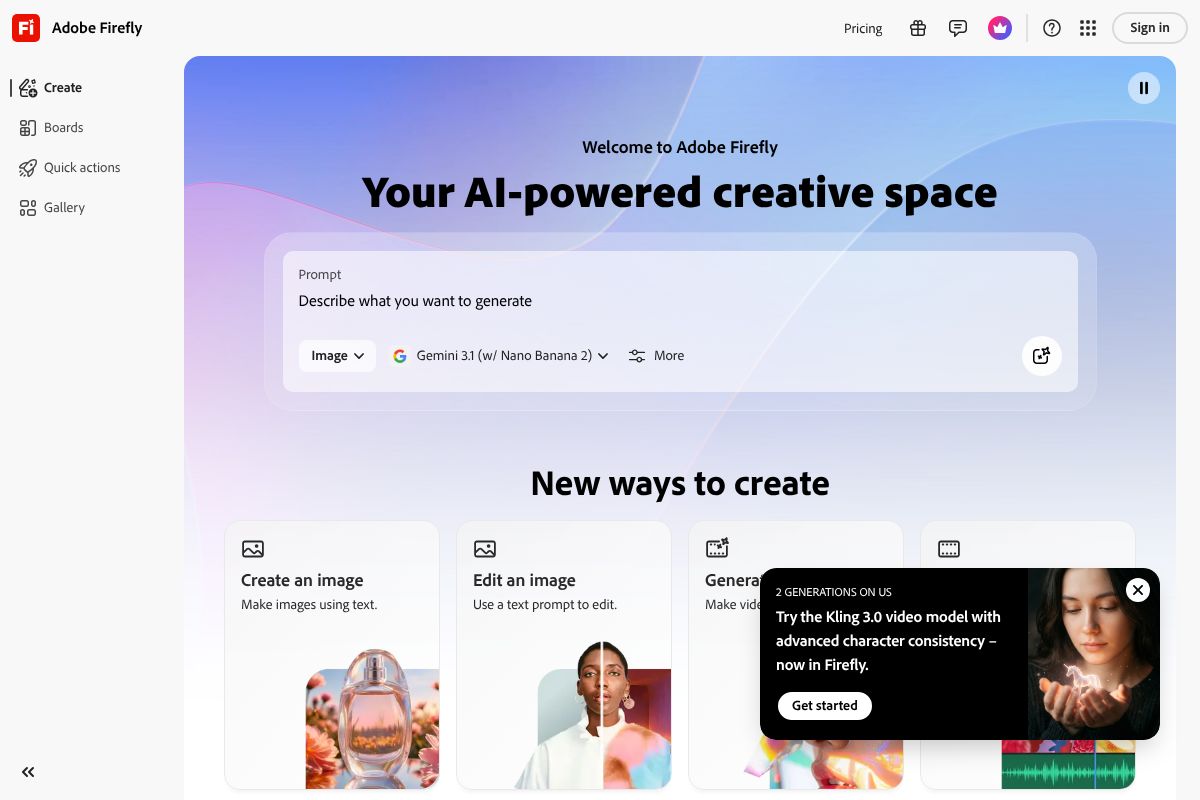
Worth noting: if your primary concern is commercially licensed images on a tight budget, Adobe Firefly/” rel=”sponsored noopener” target=”_blank”>Adobe Firefly — available from $4.99/month up to $54.99/month — is worth a serious look. Its images are trained on licensed content, which gives some users extra peace of mind for commercial projects, and the lower entry price is genuinely competitive. It doesn’t match Midjourney’s artistic ceiling, but for straightforward marketing visuals, it gets the job done.
Pros & Cons: The Honest Trade-Offs
No tool is perfect for everyone, and Midjourney is no exception. It earns its reputation as the gold standard for AI image quality — but it also comes with real friction points that might make it the wrong fit depending on how you work. Here’s a balanced look at both sides.
What Midjourney Does Best
When it comes to raw artistic output, Midjourney is still the benchmark most other tools are measured against. The images it produces have a coherence and visual sophistication that’s difficult to replicate elsewhere — especially for editorial, conceptual, and brand-forward work.
- Image quality: Consistently produces polished, high-detail results that look intentional rather than generated.
- Style consistency: Once you dial in a style with the right parameters, you can reproduce it reliably across a project.
- Creative range: From photorealistic to painterly to abstract, the stylistic flexibility is genuinely impressive.
- Community feedback loop: The active Discord community means you’re constantly exposed to prompts, techniques, and inspiration from other creators — it’s a surprisingly valuable learning environment.
- Speed: Even on standard GPU mode, generation times are fast enough to support real iterative workflows.
For creators who care deeply about the look of their visuals, Midjourney delivers in a way that’s hard to argue with.
Where It Falls Short
The limitations are real, and worth weighing honestly before you commit to a subscription.
- Discord dependency: Running a creative tool through a chat interface is awkward. It’s functional, but it doesn’t feel like a professional workspace — and it can be genuinely confusing for new users.
- Learning curve: Prompt engineering takes time to get right. Early results can be frustrating if you’re expecting plug-and-play simplicity.
- No built-in editing tools: You can’t touch up, erase, or make targeted adjustments inside Midjourney. You’ll need a separate tool for that layer of work.
- Subscription cost: At $10/month minimum — with serious limits — the cost adds up fast if you’re a heavy user.
- Commercial licensing clarity: While all paid plans include commercial rights, the specifics can feel ambiguous for edge cases. If you’re producing work for major clients or products, it’s worth reading the terms carefully rather than assuming.
None of these are dealbreakers for the right user — but they’re worth knowing upfront so you’re not caught off guard.
Who Should Use Midjourney (And Who Shouldn’t)
Midjourney isn’t a one-size-fits-all solution. It’s a powerful but opinionated tool, and whether it’s the right fit depends a lot on what you’re actually trying to accomplish — and how comfortable you are with a creative learning curve.
Best For
Midjourney earns its place in the toolkit of creators who prioritize visual quality above all else. If any of the following sounds like you, it’s worth a serious look:
- Content creators and bloggers who need striking, original visuals that stand out from stock photo libraries
- Social media managers and marketers producing campaign assets, mood boards, or concept imagery at scale
- Freelance designers and illustrators using AI to accelerate ideation and client pitches
- Agencies that need fast, high-quality concept visuals without commissioning custom artwork every time
- Artists and creative directors who want a collaborative tool that responds to nuanced aesthetic direction
If your work lives or dies by how good it looks, Midjourney is genuinely hard to beat at its price point.
Consider Alternatives If
Midjourney isn’t the right call for everyone, and being honest about that saves you time and money.
- You mainly need quick social graphics or branded templates — Canva Pro Pro at $15/month (or $120/year) gives you drag-and-drop design tools, brand kits, and ready-made layouts that Midjourney simply doesn’t offer
- You need airtight commercial licensing — Adobe Firefly is built specifically with commercial safety in mind, trained on licensed content, which matters for agency work or product packaging
- You’re not comfortable with Discord — if a chat-based workflow sounds frustrating rather than manageable, the friction will wear on you quickly
- You want simple, plug-and-play image generation without investing time in prompt craft
The honest truth is that Midjourney rewards investment — of time, practice, and creative intent. If you’re not ready to make that investment, another tool will serve you better.
Midjourney vs. Other AI Image Generators
Midjourney consistently ranks at the top for raw image quality, but it’s not competing in a vacuum. Adobe Firefly, DALL-E 3, Canva Pro, and Stable Diffusion each carve out their own space depending on what you actually need. Understanding where Midjourney wins — and where it doesn’t — helps you make a smarter call before committing to a subscription.
The biggest differentiators across these tools come down to four things: output quality, how easy the tool is to pick up, what you’ll pay each month, and whether you can legally use the images commercially without headaches.
Quick Comparison Table
| Tool | Image Quality | Ease of Use | Starting Price | Commercial License | Best For |
|---|---|---|---|---|---|
| Midjourney | ⭐⭐⭐⭐⭐ Best-in-class | Moderate (Discord-based) | $10/month | Yes (paid plans) | Creatives, marketers, visual storytellers |
| Adobe Firefly | ⭐⭐⭐⭐ Very good | Easy (built into Adobe apps) | Included with Creative Cloud | Yes (commercially safe by design) | Agencies, brands needing legal clarity |
| Canva Pro | ⭐⭐⭐ Good | ⭐⭐⭐⭐⭐ Very easy | $15/month | Yes | Non-designers, social media creators |
| DALL-E 3 | ⭐⭐⭐⭐ Strong | Very easy (ChatGPT interface) | Included with ChatGPT Plus | Yes | Writers and ChatGPT users |
| Stable Diffusion | ⭐⭐⭐⭐ High (with fine-tuning) | Low (technical setup required) | Free (self-hosted) | Varies by model | Developers, power users |
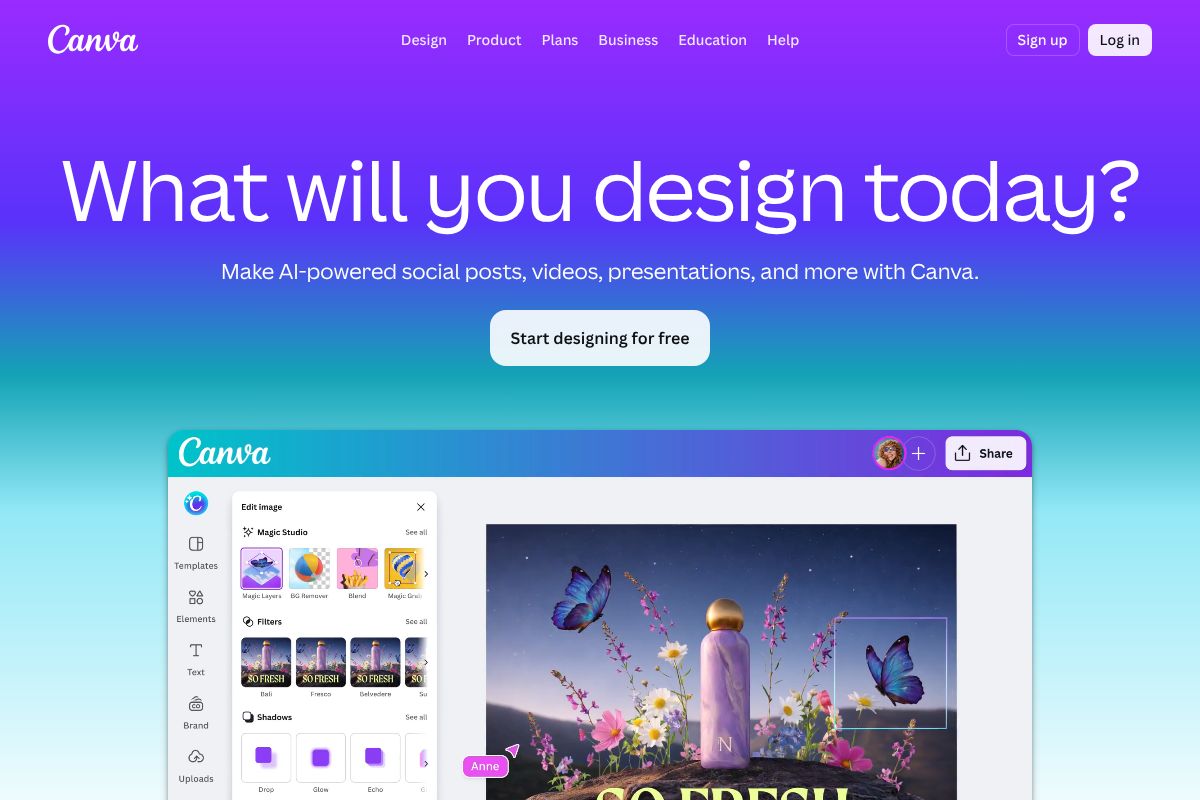
If you’re a non-designer who just needs polished social content quickly, Canva Pro is genuinely the more practical choice — it combines AI generation with ready-made templates, brand kits, and a drag-and-drop editor in one place. Midjourney gives you superior artistic output, but Canva Pro gets you from idea to published post faster.
For anyone where commercial safety is non-negotiable — think product packaging, advertising campaigns, or client deliverables — Adobe Firefly’s training-on-licensed-content approach offers peace of mind that Midjourney still can’t fully match. Quality versus legal certainty is a real trade-off worth weighing carefully.
The Verdict: Is Midjourney Worth It?
If artistic quality is your top priority, Midjourney remains the gold standard for AI image generation in 2026. The outputs are consistently stunning, the community is active, and the platform keeps improving with each version. For creative professionals — illustrators, brand designers, content creators, and marketers who care deeply about visual aesthetics — it’s hard to argue against it.
That said, it’s not for everyone. The Discord-based workflow still feels clunky compared to browser-native tools, and the subscription cost adds up if you’re only generating images occasionally. It’s a serious tool built for people who will actually use it regularly.
Here’s a quick summary to help you decide:
- Choose Midjourney if you want the best-looking AI-generated images and you’re comfortable with a modest learning curve.
- Choose Canva Pro if you need speed, simplicity, and an all-in-one design workflow.
- Choose Adobe Firefly if commercial licensing certainty is a hard requirement for your work.
- Choose DALL-E 3 if you’re already living inside ChatGPT and want image generation baked in.
Midjourney isn’t the cheapest option, and it won’t win on ease of use. But if you want images that genuinely stop people mid-scroll, it consistently delivers. Ready to try it? The Basic plan is a low-risk way to test whether it fits your creative workflow.
Ready to Get Started?
The best way to decide if Midjourney is right for you is simply to try it. Start with the Basic plan — at $10/month, it’s a low-risk commitment that gives you enough generations to get a real feel for the platform. If you find yourself hitting the limits and loving the results, upgrading is straightforward.
Not sure it’s the right fit just yet? Here are two solid alternatives worth exploring first:
- Canva Pro ($15/month) — If you need fast, polished graphics for social media without a learning curve, Canva Pro bundles AI image tools into a full design suite. It’s a natural starting point for marketers and small business owners.
- Adobe Firefly ($4.99–$54.99/month) — If commercially safe, licensed-for-business imagery is a non-negotiable for your work, Adobe Firefly is built with that peace of mind at its core.
There’s no single “best” tool — only the best tool for you. Test Midjourney’s Basic plan, compare the output quality against your current workflow, and let the results speak for themselves. You’ll know quickly whether it earns a permanent spot in your creative toolkit.
Frequently Asked Questions
How much does Midjourney cost per month?
Midjourney offers subscription plans starting around $10-12 monthly for basic access, with professional tiers reaching $30-60 for unlimited generations and priority processing.
Can you use Midjourney images commercially?
Yes, paid subscribers retain commercial rights to generated images. Free trial users cannot use images commercially without upgrading to a paid subscription plan.
Is Midjourney better than DALL-E 3?
Both excel differently: Midjourney offers superior artistic styles and community features, while DALL-E 3 provides better photorealism and integration with ChatGPT for prompt refinement.
How long does it take to generate an image with Midjourney?
Image generation typically takes 30-60 seconds depending on complexity and server load. Premium subscribers receive faster processing speeds and priority queue access.
Related Reads
- Best AI Image Generator for Creators in 2024
Find the best AI image generator for your needs. Compare top tools, pricing, and features for creators, marketers, and s…
- Midjourney vs Adobe Firefly: Which AI Image Generator Wins in 2026?
Compare Midjourney and Adobe Firefly in 2026. See pricing, features, and which AI image generator is best for your creat…
- Best AI Tool for Social Media Graphics in 2026
Find the best AI tool for social media graphics. Compare top options, pricing, and features to create professional conte…