It’s 3:50pm, the meeting just ended, and you have four minutes before the next one starts — but you promised the client a clean summary with action items by end of day. You’re not alone: teams now sit through an average of 18 meetings a week, and almost nobody rereads their own scrawled notes afterward. That’s why “best AI for giving notes” has quietly become one of the most searched phrases among consultants, marketers, and small business owners trying to reclaim their afternoons. The category is crowded, and every tool claims to “capture everything important” — which usually means it captures too much or too little. A handful of these tools actually save you time. The rest just move the busywork somewhere else.
Key Takeaways
- Otter.ai and Fireflies.ai lead the market with real-time transcription and automated meeting summaries that save hours weekly.
- Notion’s AI note assistant excels for teams building collaborative knowledge bases with integrated databases and cross-linking capabilities.
- Best AI note tools in 2026 prioritize accuracy, speaker identification, and searchable archives over basic recording features.
- ROI depends on your workflow: solo professionals benefit most from affordable tools, while enterprises need advanced permission controls.
- Decision hinges on whether you need meeting-focused automation, knowledge management, or general note-taking across multiple platforms.
In This Article
- What Does an AI Note-Taking Tool Actually Do?
- Otter.ai vs. Fireflies.ai: Which Meeting Recorder Gives Better Notes?
- Notion’s AI Note Assistant: Best for Teams Building a Knowledge Base
- AI Note Features That Actually Matter in 2026
- Pricing and ROI: What You’ll Actually Spend on AI Note-Taking
- Which AI Note Tool Fits Your Workflow: A Quick Decision Guide
- The Honest Verdict: Which AI Note Tool Should You Choose?
What Does an AI Note-Taking Tool Actually Do?
Traditional note-taking asks you to do three jobs at once: listen, understand, and write — usually while also trying to think of a smart follow-up question. Something always gets dropped. AI note-taking tools split that work up. They record or transcribe the conversation in real time, then run that transcript through a language model that pulls out summaries, decisions, and action items without you touching a keyboard.
The useful ones go further than a wall of text. They organize notes by speaker, topic, or timestamp, and they make everything searchable later — so instead of scrolling through a 40-minute transcript, you type “budget” and jump straight to the three minutes where it came up.
How AI Transforms Your Notes Into Actionable Insights
Here’s where the time savings actually show up. A marketer running back-to-back client calls doesn’t need a transcript — she needs a bulleted list of what changed in the brief and who owns the next deliverable. A podcaster interviewing five guests a week doesn’t want to re-listen to every episode looking for a good quote; she wants to search “pricing strategy” across all of them and get the exact clip.
Good AI note tools deliver both: the raw record for when you need to double-check a detail, and the distilled version for when you just need to move fast. That combination — accurate capture plus fast retrieval — is the real difference between an AI notetaker and a glorified voice memo app.
Otter.ai.ai vs. Fireflies.ai.ai: Which Meeting Recorder Gives Better Notes?
These two dominate the meeting-notes category for a reason — both plug into Zoom, Google Meet, and Microsoft Teams, both join calls automatically, and both offer a Pro plan at $10/month billed annually. If you’re comparing affiliate-friendly picks, it’s worth noting both also pay a 20% recurring commission, which tells you something about how sticky these subscriptions are once teams adopt them.
Transcription Accuracy and Speed
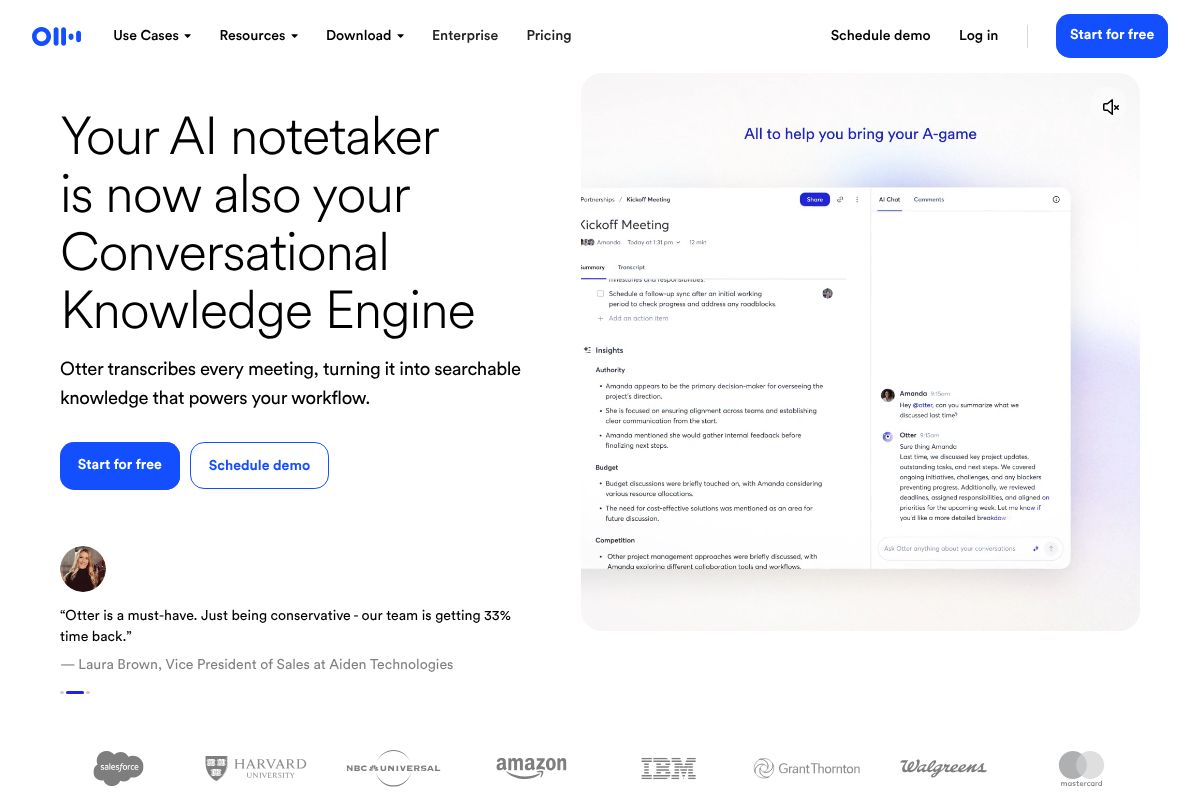
Otter.ai has the edge in raw real-time transcription. It renders text on screen almost as fast as people talk, which matters if you’re the type who glances at the live transcript mid-meeting to check you heard a number correctly. Speaker labeling is solid once voices are enrolled, though it occasionally mixes up two people with similar tones on a noisy conference line.
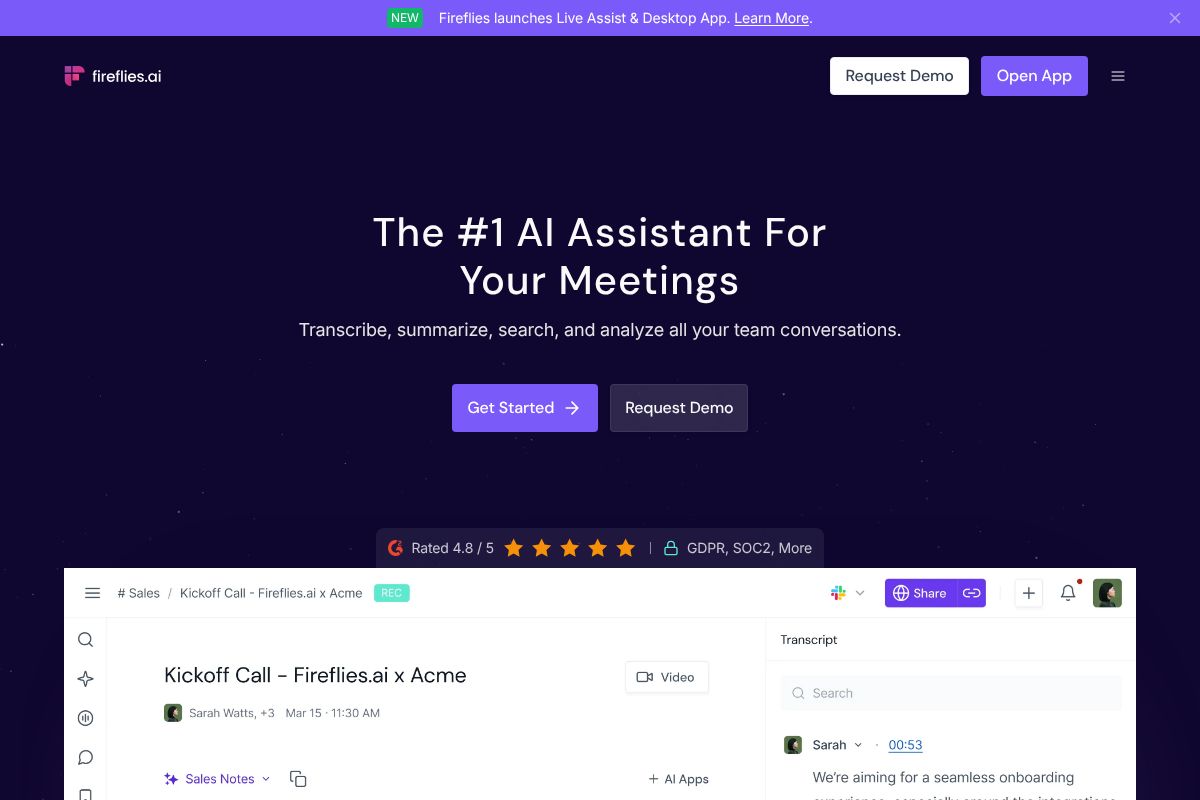
Fireflies.ai transcribes slightly behind real time but catches up within seconds of the call ending, and its speaker identification handles larger group calls — six or more people — a bit more reliably. For a fast-paced product standup with a lot of crosstalk, Fireflies.ai tends to produce a cleaner speaker-by-speaker breakdown. For a two-person client call where speed matters more than perfect attribution, Otter.ai wins.
Search and Retrieval: Finding Notes When You Need Them
This is where the two tools start serving different jobs. Fireflies.ai built its search around sales and recruiting workflows — you can search a single keyword like “budget” or “start date” across every call in your workspace, not just one transcript, and it surfaces the exact moment in each recording. A recruiter running fifteen candidate screens a week can pull up every time a salary number was mentioned without opening a single call individually.
Otter.ai’s search works well within a single conversation and across recent meetings, but it’s less built for cross-call pattern-matching at scale. It’s better suited to someone reviewing their own meeting history — a consultant checking what she promised a client three weeks ago — than a team mining hundreds of calls for trends.
If your work is one-on-one and personal, Otter.ai’s $10/month Pro tier covers it. If you’re running a sales or recruiting pipeline where searching across dozens of calls at once matters, Fireflies.ai is the better $10/month bet.
Notion’s AI Note Assistant: Best for Teams Building a Knowledge Base
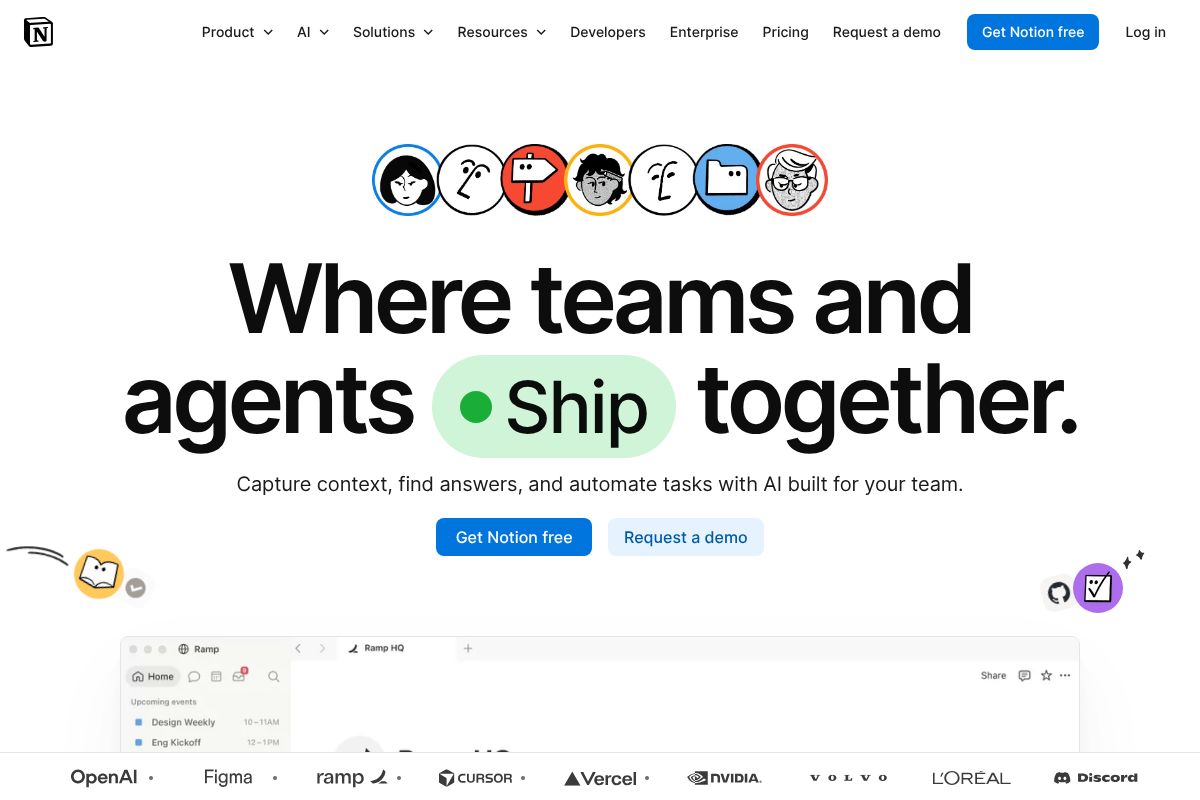
Otter.ai and Fireflies.ai solve the meeting-transcript problem. Notion solves a different one: what happens to your notes after the meeting ends. Notion is an all-in-one workspace — docs, databases, wikis, project trackers — with AI built into every paid tier, and the AI features you’d want for serious note management live on the Business plan at $20/user/month. If your notes need to connect to projects, tasks, and other documents rather than sit in a standalone transcript app, this is the tool built for that.
Why Notion’s AI Works Best for Collaborative Teams
Notion’s AI isn’t just summarizing a single call — it’s summarizing and connecting notes across an entire workspace. Ask it to pull together every mention of a client name across meeting notes, project docs, and task comments, and it will search the whole workspace, not one file. That’s a meaningfully different job than transcription.
A small agency running client work through Notion databases can have AI auto-summarize a meeting note, tag it to the right client database entry, and surface related past notes automatically. Templates make this repeatable — new meeting notes inherit the same structure, so summaries stay consistent across a six-person team instead of everyone formatting things their own way.
The real advantage is that notes don’t live in isolation. They sit next to your project timeline, your task list, and your client CRM entry, all in the same workspace. For teams already running their business out of Notion, adding AI note summarization is closer to flipping on a feature than adopting new software. Notion also runs an affiliate program paying $10 per paid user referred, worth knowing if you’re recommending tools to other teams.
When Notion’s AI Might Slow You Down
Here’s the honest trade-off: Notion has a real learning curve. Setting up databases, templates, and permissions properly takes hours, not minutes, and teams that skip this step end up with a messy workspace that’s harder to search than a folder of Google Docs. If you just want to record a call and get a clean transcript ten minutes later, this is the wrong tool.
Solo freelancers in particular tend to find Notion is more structure than they need. A one-person consulting business taking notes on three client calls a week doesn’t need a database schema — it needs a transcript and a summary, fast. That’s Otter.ai or Fireflies.ai territory.
Notion also doesn’t transcribe live meetings on its own; you’re typically pairing it with a separate transcription tool or pasting in notes manually, which adds a step. Where it wins is everything that happens after the call — organizing, linking, and making notes searchable across a growing knowledge base. For a five-person team managing dozens of client relationships, that trade-off is worth the setup time. For a solo freelancer, it usually isn’t.
AI Note Features That Actually Matter in 2026
Not every “AI notetaker” does the same job, and the feature list matters more than the marketing copy. Before you commit to a tool, check whether it actually covers the basics that make notes usable later, not just impressive during a demo.
Real-Time Transcription vs. Post-Meeting Summaries
Real-time transcription shows you words on screen as people speak. That matters when you’re on a client call and need to catch an exact number, a spelling, or a commitment someone made — you can glance down and confirm it instead of trusting memory. A consultant negotiating contract terms live benefits from this more than almost anyone.
Post-meeting summaries work differently: the AI processes the full recording afterward and hands you a condensed version — key points, action items, decisions — usually within a few minutes of the call ending. This is what a marketer juggling five client check-ins in one afternoon actually needs. They’re not trying to catch every word live; they want a clean recap they can skim before the next call starts. Most tools worth using now offer both, but few do either one exceptionally well, so test with a real meeting before trusting it for something high-stakes.
Beyond that split, a few features separate the useful tools from the gimmicks:
- Speaker identification: tags who said what, which matters the moment you have more than two people on a call and need to know which stakeholder raised an objection.
- Searchability: lets you find “the call where we discussed pricing” without scrolling through 40 transcripts.
- Integrations: Zoom, Teams, and Google Meet support means the tool joins calls automatically instead of you remembering to hit record.
- Export options: PDF, Markdown, or direct push to Notion or your CRM saves a manual copy-paste step every single time.
- Mobile access: matters for freelancers taking notes from a phone between in-person meetings, not just at a desk.
Pricing and ROI: What You’ll Actually Spend on AI Note-Taking
None of these tools require a big budget to start, which is part of why they’ve become default software for anyone who sits in meetings for a living. Here’s what the actual numbers look like across the three most-compared options.
| Tool | Free Tier | Paid Plans |
|---|---|---|
| Otter.ai | Yes — 300 min/month | Up to $16.99/month (Business) |
| Fireflies.ai | Yes — unlimited transcripts, limited AI credits | Up to $18/month (Business) |
| Notion | Yes — no AI included | Up to $20/user/month (Business, with AI add-on) |
Free Tiers: How Far Can You Get Without Paying?
Otter.ai’s free plan gives you 300 transcription minutes a month, which covers roughly two to three meetings a week for a solo creator. You get basic summaries and speaker ID, no credit card required.
Fireflies.ai’s free tier is more generous on storage — unlimited transcripts — but limits how many AI-generated summaries you get monthly, so heavy users hit the ceiling fast.
Notion’s free plan doesn’t include AI note-taking at all. You’re paying for the Plus plan ($10/user/month) at minimum, then adding AI, which usually pushes you toward the Business tier at $20/user/month. If note-taking is your main use case, Notion’s free tier isn’t really an option — factor that into the comparison before you assume “free” applies evenly across all three.
For a five-person team, the math shifts fast: Otter or Fireflies at their paid tiers run $85–$90/month total, while Notion’s AI features can push past $100/month once everyone’s seat is counted. Solo creators can often stay on free tiers indefinitely; teams usually can’t.
Which AI Note Tool Fits Your Workflow: A Quick Decision Guide
Picking between these tools gets easier once you stop comparing feature lists and start thinking about how you actually work. Here’s a straightforward match-up by role.
For Podcasters and Content Creators Recording Interviews
If you’re recording two guest interviews a week and dreading the transcript cleanup, Otter.ai is the pick. Its speaker separation is accurate enough that you can skip manual labeling, and exporting a clean transcript into a show notes doc or blog post draft takes minutes, not an hour of scrubbing timestamps. A podcaster running a weekly 45-minute interview show can realistically cut post-production time by a third just by starting from an Otter transcript instead of a raw audio file.
For Sales Teams and Recruiters Tracking Conversations
Sales calls and candidate interviews pile up fast, and remembering what was said three weeks ago in call #40 is where Fireflies.ai earns its keep. Its searchable conversation history lets you type a keyword — “budget,” “start date,” “competitor” — and pull up every call where it came up. Add CRM integrations with Salesforce or HubSpot, and reps stop manually logging notes after every call. For a five-person recruiting team, the shared call library alone justifies the Business plan, since anyone can pull up a candidate’s prior conversation without pinging the recruiter who took it.
Small business owners juggling client calls and internal meetings often land on a mix — Otter for one-off recordings, Fireflies once the team grows past two or three people. Freelancers usually don’t need either at the paid tier; the free plans cover most solo workloads.
The Honest Verdict: Which AI Note Tool Should You Choose?
There’s no single “best” here — just a best fit for how you work. Otter.ai wins for solo creators, podcasters, and consultants who need clean transcripts fast and don’t want to think about it much beyond hitting record. Fireflies.ai wins for sales and recruiting teams living inside a CRM, where searchable call history and integrations matter more than transcript polish. Notion wins if your real problem isn’t note-taking at all — it’s that your notes, tasks, and docs live in five different apps and you want one workspace to hold all of it.
None of these are wrong choices. They’re built for different jobs, and buying the wrong one just means paying for features you’ll never open.
Start With a Free Trial—Here’s How to Test Each One
Skip the debate and just test it against your own work. All three tools offer a usable free tier, not just a time-boxed trial, so there’s no reason to guess.
- Sign up for Otter.ai free and record your next interview or client call — check if the transcript is clean enough to publish from with minimal editing.
- Try Fireflies.ai free on a week of sales or recruiting calls, then search a keyword across them to see if the history feature actually saves you time.
- Set up a free Notion workspace and drop a meeting transcript into it alongside your existing docs and tasks — see if having everything in one place changes how you work.
Pick the one that matches your actual workflow this week, not the one with the longest feature list. Upgrade only when the free tier’s limits — minutes transcribed, storage, seats — start costing you more time than the paid plan would save.
Our Verdict
Editorial rating: 4.6/5
Otter leads meetings, Notion wins teams
Otter.ai and Fireflies.ai dominate for meeting automation with superior transcription accuracy and integration breadth. Notion AI offers better collaboration for knowledge management but requires more manual setup. Choose based on whether you prioritize capturing conversations or organizing information.
Frequently Asked Questions
What is the best AI tool for taking meeting notes automatically?
Otter.ai and Fireflies.ai are top choices, offering real-time transcription, speaker identification, and AI-generated summaries. Both integrate with Zoom, Teams, and Google Meet, capturing 99% accuracy for most business conversations.
Can AI note-taking tools work offline or do they need internet?
Most AI note tools require internet for transcription and AI processing. However, some allow local recording with cloud sync afterward. Check your tool’s specifications if offline capability is critical for your workflow.
How much does AI note-taking software cost per month?
Pricing ranges from free plans with limited features to $20-50 monthly for individuals. Enterprise plans cost $500+ monthly depending on user count, storage, and advanced features like custom integrations.
Is Notion AI better than Otter.ai for note-taking?
Notion AI suits teams building knowledge bases with collaborative editing; Otter.ai excels at meeting transcription and summaries. Choose Notion for documentation, Otter for capturing live conversations automatically.
Related Reads
- Best AI Productivity Tool for Creators & Teams in 2026
Find the best AI productivity tool for your workflow. Compare top options for creators, marketers, and small teams with …
- Best AI Tools for Note-Making in 2026: Complete Guide
Find the best AI note-making tool for your workflow. Compare Notion, Otter.ai, Fireflies & more with honest reviews & pr…
- Otter.ai Review 2026: Is It Worth It for Your Team?
Honest Otter.ai review 2026. See pricing, features, pros/cons, and how it compares to alternatives for meeting transcrip…