You need a compelling image for your next blog post, social campaign, or client presentation — but you don’t have a designer on call, and stock photo sites keep serving up the same tired visuals everyone else is using. Sound familiar? That’s exactly the gap AI image generators were built to fill, and DALL-E has been one of the most talked-about tools in that space. But is it actually worth your time in 2026, or have newer competitors left it behind? In this DALL-E Review 2026, we’ll break down its core features, real-world performance, pricing, and honest trade-offs — so you can decide whether it belongs in your creative toolkit.
Key Takeaways
- DALL-E generates high-quality AI images from text prompts, making professional visual content creation accessible to non-designers and creators.
- 2026 pricing offers flexible credit-based plans suitable for hobbyists, freelancers, and enterprises with varying budget requirements.
- Advanced features include image editing, style customization, and batch generation capabilities that streamline creative workflows significantly.
- DALL-E competes directly with Midjourney and Stable Diffusion but excels in user-friendliness and integration with OpenAI ecosystem.
- Best suited for content creators, marketers, designers, and businesses needing rapid prototyping and visual asset generation at scale.
In This Article
What Is DALL-E and Why Should You Care?
DALL-E is a text-to-image AI generator built by OpenAI — the same company behind ChatGPT. In plain terms, you type a description of what you want to see, and DALL-E produces a finished image in seconds. No design skills required, no licensing headaches, no waiting on a freelancer to deliver.
The tool first launched back in 2021, but the version you’re working with today in 2026 is a fundamentally different beast. OpenAI has made significant strides in image quality, prompt understanding, and creative range. What used to feel like an impressive party trick now genuinely holds up as a practical production tool for marketers, content creators, and small business owners.
So why should you care? A few reasons:
- Speed: Go from a rough idea to a usable visual in under a minute — no back-and-forth with a designer.
- Originality: Every image is generated fresh, so you’re not recycling the same stock photos your competitors are using.
- Flexibility: Whether you need a product mockup, a blog header, a social media graphic, or a concept illustration, DALL-E can handle a surprisingly wide range of styles.
- Accessibility: You don’t need any technical background — if you can write a sentence, you can create an image.
For creators and marketers especially, the real value is in faster ideation. Instead of spending hours sourcing visuals or briefing a designer, you can generate multiple concepts in minutes and iterate on the fly. That kind of speed changes how you work — and that’s worth paying attention to.
Key Features That Actually Matter
There’s no shortage of AI image generators competing for your attention right now. What separates DALL-E from the pack isn’t any single feature — it’s how well the core capabilities hold up in real, day-to-day creative work. Here’s what you’ll actually use.
Image Quality and Speed
DALL-E generates images in roughly 10 to 20 seconds depending on resolution and complexity — fast enough to keep your creative momentum going. The output quality in 2026 is a significant step up from where the tool stood even 18 months ago. Photorealistic renders, clean flat illustrations, and stylized artwork all land with noticeably sharper detail and better prompt accuracy.
Where it really shines is prompt comprehension. You can describe nuanced scenes — specific lighting, mood, composition — and DALL-E follows through more reliably than earlier versions. It’s not flawless, but for social media graphics, blog headers, and concept mockups, the hit rate is high enough to make it genuinely useful rather than just impressive.
Editing and Refinement Tools
DALL-E’s inpainting feature lets you select a specific area of an image and regenerate just that portion — ideal when a background looks off or a product element needs tweaking. Outpainting extends an existing image beyond its original borders, which is a practical lifesaver when you need a wider crop for a banner or hero image.
Style variations let you take a generated image and explore different aesthetic directions without starting from scratch. For marketers, this means you can produce multiple ad creative concepts from a single prompt and test what resonates — without commissioning separate assets for each version.
Integration and Workflow
If you’re already using ChatGPT, DALL-E is built right in — no separate login or tool-switching required. You can generate images mid-conversation, which makes brainstorming sessions feel genuinely fluid. For developers or teams with more complex needs, the API allows DALL-E to plug into custom workflows and third-party platforms. It’s a practical fit whether you’re a solo creator or part of a small marketing team.
Pricing Breakdown for 2026
DALL-E’s pricing structure has evolved to suit a range of users, from occasional creators to high-volume marketers. Understanding how credits work — and when they run out — is key to figuring out whether it fits your budget.
Free Tier vs. Paid
If you access DALL-E through ChatGPT’s free plan, you get a limited number of image generations per day before hitting a cap. It’s enough to test the tool and produce occasional assets, but not enough for consistent professional use. Once you hit the limit, you’ll need to wait until the next day or upgrade.
Upgrading to ChatGPT Plus (currently $20/month) gives you significantly higher generation limits and priority access during peak times. For most content creators and small business owners producing regular visual content, this is the sweet spot. Heavy users — think social media managers generating dozens of images daily — may find even Plus limits restrictive and should consider the API route instead.
Through the OpenAI API, image generation is billed per image based on resolution and quality settings:
- Standard quality, 1024×1024: approximately $0.04 per image
- HD quality, 1024×1024: approximately $0.08 per image
- HD quality, wider formats (1792×1024): approximately $0.12 per image
Compared to 2025 rates, pricing has remained relatively stable — OpenAI hasn’t made dramatic cuts, but the quality-per-dollar has improved. For casual users, the Plus subscription offers the best value. For agencies or teams with predictable volume, pay-as-you-go API access gives you more control over costs.
Pros and Cons: The Honest Truth
No AI tool is perfect, and DALL-E is no exception. It’s genuinely impressive in a lot of areas, but there are real limitations worth knowing before you commit your workflow — or your budget — to it. Here’s an honest breakdown.
What DALL-E Does Well
For creators and marketers, DALL-E’s biggest strength is its speed combined with output quality. You can go from a rough concept to a polished, usable image in under 30 seconds. That’s a genuine time-saver when you’re building out a content calendar, need blog header images, or want quick visual mockups for a client pitch.
The ChatGPT integration is a real differentiator. Because you’re already in a conversational interface, you can refine your prompts naturally — describe what’s missing, ask for a different mood, or shift the composition — without starting from scratch every time. It lowers the barrier for non-designers significantly.
Other areas where DALL-E consistently delivers:
- Photorealistic lifestyle imagery — product-in-use shots, brand mood boards, and editorial-style visuals
- Stylized illustrations — flat design, watercolor, and concept art prompts tend to produce strong results
- Marketing asset variations — generating multiple visual directions quickly for A/B testing
- Pay-as-you-go flexibility — no forced subscription lock-in if you use the API
For a solo creator or small team, these advantages add up fast.
Where It Falls Short
DALL-E still struggles with a few well-known AI image generation weaknesses. Hands and fingers remain inconsistent — you’ll occasionally get outputs that look almost right but have subtle anatomical issues. Text within images is unreliable too; logos, signs, or readable labels often come out garbled, which limits certain design use cases.
Consistency across batches is another real challenge. If you need a recurring character or a brand mascot that looks the same across multiple images, DALL-E will frustrate you. Each generation is essentially independent, and there’s no native way to lock in a specific look.
Then there’s the cost question. At $0.08–$0.12 per HD image via the API, costs can creep up faster than expected if you’re generating at volume. Alternatives like Midjourney offer subscription plans that may work out cheaper for heavy users.
Finally, commercial licensing — while OpenAI’s terms do grant usage rights for generated images, the broader legal landscape around AI-generated content and copyright remains unsettled. If you’re producing assets for major commercial campaigns, it’s worth reviewing the terms carefully and staying current on any policy changes.
DALL-E vs. Alternatives: Quick Comparison
DALL-E isn’t the only AI image generator worth your attention in 2026 — and depending on your workflow, it might not even be the best one for you. Here’s how it stacks up against the main competitors across the criteria that actually matter to creators and marketers.
| Tool | Ease of Use | Cost | Output Quality | Commercial Licensing | Best For |
|---|---|---|---|---|---|
| DALL-E | Very easy | Pay-as-you-go or ChatGPT Plus | Strong, photorealistic | Permitted (review terms) | ChatGPT users, quick ideation |
| Midjourney | Moderate (Discord-based) | Subscription from ~$10/mo | Excellent, highly stylized | Permitted on paid plans | Artistic, high-aesthetic work |
| Stable Diffusion | Technical setup required | Free (self-hosted) | Variable, highly customizable | Depends on model license | Developers, power users |
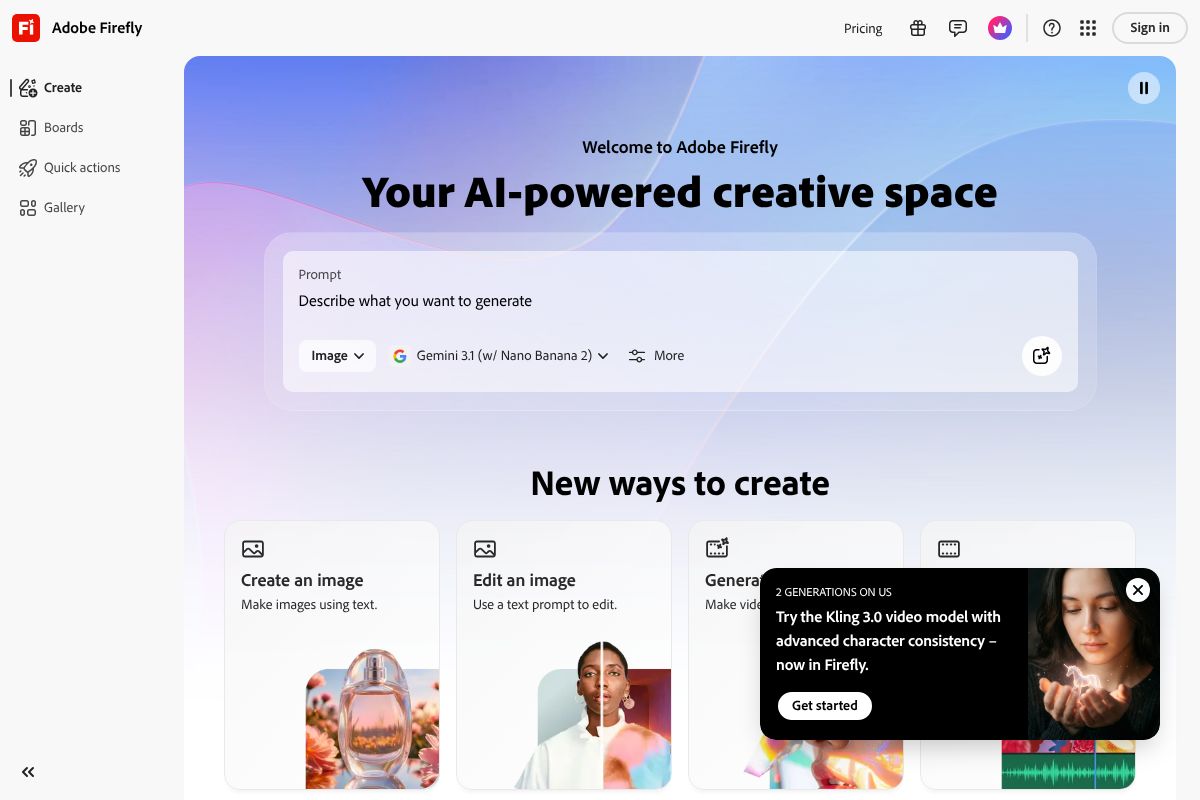
| Adobe Firefly/” rel=”sponsored noopener” target=”_blank”>Adobe Firefly | Very easy | Included in Creative Cloud | Clean, professional | Commercially safe by design | Brand assets, commercial campaigns |
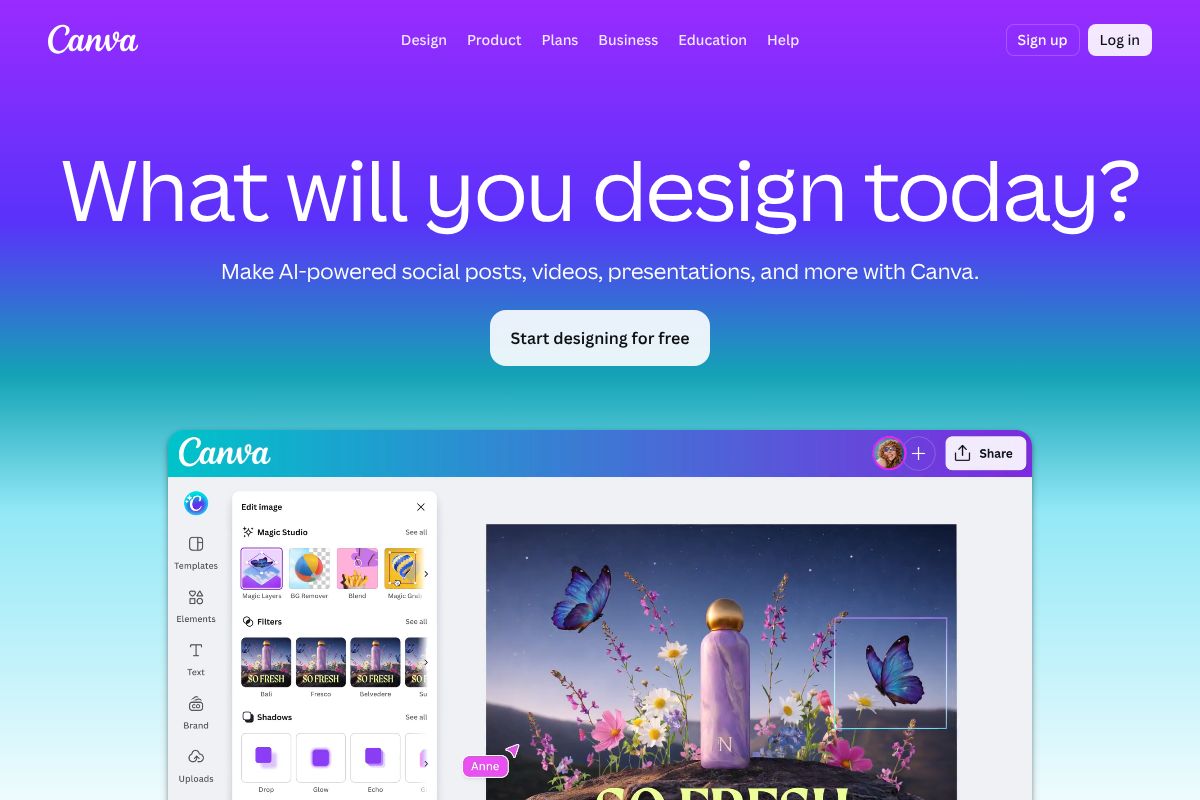
| Canva Pro Pro | Extremely easy | From ~$15/mo | Good, template-friendly | Permitted within Canva terms | Non-designers, social content |
Each tool has a genuinely different sweet spot. Midjourney still leads on raw artistic quality if you’re chasing visually striking, editorial-style imagery. Stable Diffusion wins on flexibility and cost — but only if you have the technical appetite for it. Canva Pro is the go-to for non-designers who want AI image generation baked into a broader design workflow without switching apps. And Adobe Firefly stands out specifically for its commercially safe training data, making it the most defensible choice when you’re producing assets for paid campaigns or client work.
When to Choose DALL-E Over Alternatives
DALL-E makes the most sense in a few specific scenarios. If you’re already paying for ChatGPT Plus, you’re essentially getting a capable image generator at no extra cost — it’s hard to argue with that value proposition for casual or moderate use.
It’s also the strongest option if you prefer pay-as-you-go flexibility over committing to a monthly subscription. Occasional generators who don’t need a constant stream of images will find the API pricing far more economical than a fixed plan they may not fully use.
For quick creative ideation — mood boards, concept visuals, placeholder imagery — DALL-E’s natural language responsiveness and tight ChatGPT integration make it genuinely fast and frictionless. You can go from a brief to a rough visual in seconds.
That said, if your primary concern is commercial licensing confidence, Adobe Firefly is worth serious consideration. Its images are generated from licensed and owned content, which gives it a cleaner legal footing for high-stakes commercial use — something DALL-E can’t quite match in terms of documented assurance.
- Choose DALL-E if: you’re a ChatGPT user, need flexible pay-as-you-go access, or want fast ideation in a familiar interface
- Choose Adobe Firefly if: commercial licensing clarity is non-negotiable for your work
- Choose Canva Pro if: you want image generation as part of a complete, beginner-friendly design toolkit
- Choose Midjourney if: artistic quality and visual style are your top priority
Who Should Use DALL-E in 2026?
DALL-E isn’t a one-size-fits-all tool, but it fits a surprisingly wide range of creative workflows. The key is knowing whether your specific use case plays to its strengths — fast generation, natural language control, and seamless ChatGPT integration — rather than forcing it into roles where other tools perform better.
Best For: Creators and Marketers
If you’re a social media content creator, DALL-E is a genuine time-saver. Instead of hunting through stock libraries or waiting on a designer, you can generate custom blog headers, thumbnail concepts, or branded visual ideas in seconds using plain language prompts.
Marketers will find it particularly useful for ad mockups and early-stage campaign visuals. You can quickly prototype a visual direction before committing budget to a full production shoot or professional designer — making it a practical tool for internal presentations and client pitches.
Freelancers handling multiple clients can use DALL-E to speed up concept delivery, especially for mood boards or placeholder visuals that communicate a creative direction before final assets are produced.
Small business owners benefit most from its product photography alternatives. Need a lifestyle image around your product without booking a studio? A well-crafted prompt can get you surprisingly close for social posts or website imagery.
- Content creators: Blog headers, YouTube thumbnails, social graphics
- Marketers: Campaign mockups, ad concept visuals, pitch decks
- Freelancers: Client concept boards, rapid visual ideation
- Small business owners: Product imagery alternatives, promotional visuals
That said, if you need a full design environment — templates, text tools, brand kits — Canva Pro is the smarter choice for non-designers who want image generation bundled into a complete workflow.
The Verdict: Is DALL-E Worth It?
DALL-E remains one of the strongest AI image generators available for creators who prioritize speed, quality, and ease of use. If you’re already working inside ChatGPT for writing, research, or planning, having image generation built right into that same workflow is a genuine advantage — no extra tabs, no new subscriptions, no learning curve.
For light-to-moderate use, the cost is reasonable. You get solid output quality, strong prompt comprehension, and fast turnaround on visual ideas that would otherwise require a designer or a stock photo search. The iterative process — refining images through conversation — is something few competitors do as naturally.
That said, it’s not the right tool for everyone. Here’s a quick breakdown:
- Choose DALL-E if you want fast, high-quality image generation integrated into your existing AI workflow and you’re already a ChatGPT user.
- Choose Adobe Firefly if commercial licensing and full IP indemnification are non-negotiable for your business or client work.
- Choose Canva Pro if you need an all-in-one design platform where image generation is just one feature among templates, brand kits, and publishing tools.
For most creators, marketers, and small business owners who need a reliable visual ideation tool without overcomplicating their stack, DALL-E delivers strong value. It won’t replace a professional designer, but it will make you significantly faster at the early stages of any creative project.
Ready to Get Started?
The lowest-friction way to begin is to try DALL-E through ChatGPT’s free tier. You’ll get limited image generations at no cost — more than enough to test whether it fits your workflow before committing to a paid plan.
Start simple: write a clear, descriptive prompt for something you actually need — a blog header, a product mockup, a social post visual. See how it responds. Then iterate. You’ll learn more from ten minutes of hands-on testing than from any review.
If you decide you need more design flexibility alongside AI generation, Canva Pro is worth exploring as a complementary or alternative tool. Or if commercial image rights are a priority for your work, take a closer look at Adobe Firefly before making a final decision.
The best move? Start free, test with real projects, and let your own results guide the decision.
Frequently Asked Questions
How much does DALL-E cost in 2026?
DALL-E operates on a credit-based system starting at $15 monthly for basic users, with enterprise plans available. Pricing scales based on image resolution and generation volume, offering flexibility for different creator budgets and usage patterns.
Is DALL-E better than Midjourney for image generation?
DALL-E excels in ease of use and ChatGPT integration, while Midjourney offers superior artistic control and community features. Choice depends on your workflow preference—DALL-E suits quick iterations, Midjourney suits detailed artistic projects.
Can I use DALL-E images commercially?
Yes, DALL-E grants commercial usage rights to generated images for paid subscribers. You own the images you create and can use them for commercial projects, marketing, and product sales without additional licensing fees.
What makes DALL-E different from free AI image generators?
DALL-E delivers superior image quality, faster generation speeds, advanced editing tools, and commercial licensing rights. Free alternatives typically have lower resolution outputs, watermarks, and limited customization compared to DALL-E’s professional-grade capabilities.
Related Reads
- Best AI Image Generator for Creators in 2024
Find the best AI image generator for your needs. Compare top tools, pricing, and features for creators, marketers, and s…
- AI Image Generator for Commercial Use: 2026 Guide
Find the best AI image generator for commercial use in 2026. Compare tools, licensing, pricing, and features for creator…
- Midjourney Review 2026: AI Image Generator for Creators
Honest Midjourney review 2026. See pricing, features, pros/cons, and how it compares to other AI image generators for cr…