You’ve got content to create, rankings to chase, and a budget that doesn’t stretch forever. So when it comes to choosing between Semrush vs Surfer SEO, the decision feels anything but simple — both tools promise to boost your organic traffic, but they go about it in very different ways.
Maybe you’re a freelancer trying to justify a monthly subscription. Maybe you’re a marketer managing multiple clients and need something that scales. Either way, picking the wrong tool means paying for features you’ll never use — or missing the ones you desperately need.
In this breakdown, we’ll compare both platforms head-to-head across pricing, core features, ease of use, and real-world use cases — so you can make a confident, informed decision.
In This Article
Introduction: What You’re Really Choosing Between
At first glance, SEMrush and Surfer SEO seem like they’re competing for the same spot in your toolkit. Both live in the SEO world, both promise better rankings, and both come with price tags that make you want to be sure you’re picking the right one. But here’s the thing — they’re not really the same kind of tool at all.
SEMrush is a full-scale SEO platform. It’s built for professionals who need to track keyword rankings, spy on competitors, audit entire websites, and manage everything from backlink analysis to paid search campaigns. It’s the kind of tool that can replace five other subscriptions if you use it to its full potential.
Surfer SEO, on the other hand, is a content optimization specialist. It focuses almost exclusively on helping you write and structure content that ranks — using real-time SERP data to tell you exactly what your page needs to compete. It doesn’t try to do everything. It tries to do one thing exceptionally well.
The confusion is understandable. Both tools involve keywords. Both influence your content strategy. And both are marketed to the same audience — creators, marketers, and small business owners trying to grow organic traffic without a dedicated SEO team.
The real question isn’t which tool is better — it’s which one solves your specific problem. Understanding that distinction is exactly what this comparison is designed to help you figure out.
What Is SEMrush?
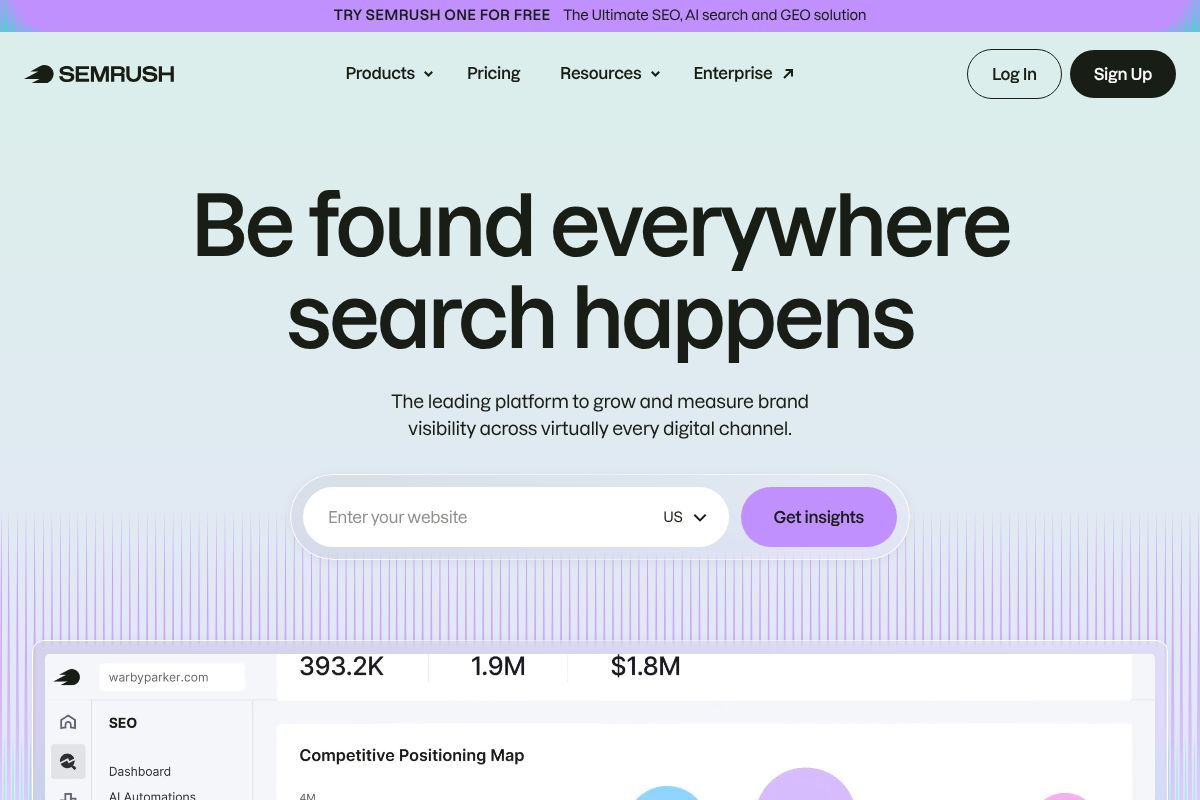
SEMrush is one of the most comprehensive SEO and digital marketing platforms available today. Rather than focusing on a single task, it’s designed to give you a bird’s-eye view of your entire online presence — from how your site performs in search to what your competitors are doing to outrank you. Think of it as mission control for your organic and paid marketing efforts.
At its core, SEMrush helps you answer three big questions: Where do you currently stand in search? What are your competitors doing that you’re not? And where are the best opportunities to grow? For non-technical users, that translates into dashboards and reports that surface actionable insights without requiring you to dig through raw data yourself.
The platform covers a wide range of use cases, including:
- Keyword research — Find high-value search terms your audience is actually using
- Competitor analysis — See exactly which keywords and backlinks are driving traffic to rival sites
- Rank tracking — Monitor how your pages move up or down in search results over time
- Site audits — Identify technical issues that could be quietly hurting your rankings
- Content marketing suite — Plan, create, and optimize content with built-in guidance
SEMrush is best suited for teams and professionals who need visibility across the full SEO funnel — not just one piece of it. The 2026 Semrush One bundle even adds an AI Visibility Toolkit and brand monitoring for AI search, which matters more than ever as search behavior continues to shift.
Core Strengths for Content Creators
If you’re a content creator or marketer, SEMrush’s real value lies in three areas: knowing what to write about, understanding who you’re competing against, and tracking whether your efforts are actually paying off.
The keyword research tools help you identify topics with real search demand — and flag which ones are realistically winnable based on your site’s authority. You’re not just guessing what might rank; you’re making data-backed decisions before you write a single word.
Competitor analysis is where SEMrush genuinely shines. You can type in any competitor’s domain and instantly see their top-performing pages, the keywords driving their traffic, and the backlinks helping them rank. That kind of intelligence used to require an entire SEO team to gather manually.
Rank tracking ties it all together. Once your content is live, SEMrush shows you exactly how it’s performing in search — so you know what’s working, what needs a refresh, and where to focus your energy next.
What Is Surfer SEO?
Surfer SEO takes a completely different approach from SEMrush. Instead of giving you a sprawling toolkit for every stage of SEO, it zeroes in on one thing: helping you write content that ranks. If SEMrush is your strategic command center, Surfer is your in-the-trenches writing partner.
The core idea is simple but powerful. Surfer analyzes the top-ranking pages for your target keyword in real time, then tells you exactly how to structure and optimize your content to compete with them — while you’re still writing it. No more guessing, no more post-publish tweaks that come too late.
This makes Surfer especially appealing to writers, content strategists, and marketing teams who are publishing at scale. You open the editor, type in your keyword, and Surfer immediately starts scoring your content based on word count, headings, NLP terms, and structural elements pulled directly from the SERP. It’s like having an SEO coach looking over your shoulder — without the hourly consulting rate.
Surfer also supports topical authority building through its keyword clustering and content planning features, helping you map out interconnected content that signals expertise to search engines across an entire subject area — not just a single article.
Core Strengths for Writers
Surfer’s biggest advantage is that it fits directly into your writing workflow. You’re not running a separate audit after the fact — you’re optimizing as you draft.
- Real-time content scoring — See your content grade update live as you write, so you know exactly when you’ve hit the sweet spot
- SERP comparison — Surfer benchmarks your draft against the actual pages ranking for your keyword, not generic best practices
- NLP term suggestions — Get a list of semantically relevant phrases the top-ranking pages use, so you naturally cover the topic with depth
- Content structure guidance — Recommended heading counts, paragraph length, and image usage based on what’s already winning in search
The result is a noticeably faster path from blank page to publish-ready. Writers spend less time second-guessing structure and more time actually creating — which adds up quickly when you’re managing a content calendar with dozens of pieces per month.
Key Features Breakdown: Head-to-Head
Choosing between these two tools comes down to what problem you’re actually trying to solve. The table below gives you a quick snapshot, followed by an honest breakdown of where each tool genuinely shines — and where it falls short.
| Feature | SEMrush | Surfer SEO |
|---|---|---|
| Keyword Research | ✅ Comprehensive database | ⚠️ Basic, SERP-focused |
| Rank Tracking | ✅ Daily tracking, multi-location | ❌ Limited |
| Competitor Analysis | ✅ Deep intelligence suite | ⚠️ SERP-level only |
| Content Optimization | ⚠️ Available, but not primary focus | ✅ Real-time, in-editor grading |
| Site Audits | ✅ Full technical audit suite | ❌ Not available |
| Reporting | ✅ Custom dashboards, white-label | ⚠️ Basic exports |
| Ease of Use | ⚠️ Steep learning curve | ✅ Writer-friendly interface |
| Learning Curve | High — weeks to master | Low — productive in hours |
Where SEMrush Dominates
If your work extends beyond content creation into broader SEO strategy, SEMrush is in a different league. Its rank tracking is granular — daily updates, multiple locations, device-level breakdowns — and its competitor intelligence tools let you reverse-engineer exactly what’s working for any domain.
- Rank tracking — Daily position monitoring across locations and devices
- Competitor intelligence — Traffic estimates, backlink gaps, ad strategy analysis
- Site audits — Full technical crawl with prioritized fix recommendations
- Multi-user collaboration — Team workspaces and role-based permissions
- API access — Integrate SEMrush data into your own dashboards or workflows
The honest trade-off: SEMrush is genuinely powerful, but that power comes with complexity. New users often feel overwhelmed by the sheer number of tools packed into the platform. Expect a learning curve measured in weeks, not hours.
Where Surfer SEO Dominates
Surfer is purpose-built for one thing — helping writers produce content that ranks — and it does that exceptionally well. The in-editor experience is seamless, giving you real-time optimization feedback without ever leaving your draft.
- In-editor optimization — Live content scoring as you write, no switching between tools
- Content grading — Clear, actionable score tied directly to ranking potential
- SERP analysis — Benchmarks your content against actual top-ranking pages
- Ease of use — Most writers are productive within a single session
- Speed to publish — Faster from brief to optimized draft than any comparable tool
The honest trade-off: Surfer’s scope is deliberately narrow. You won’t get rank tracking, technical audits, or deep competitor research here. It’s a content optimization tool, not a full SEO platform.
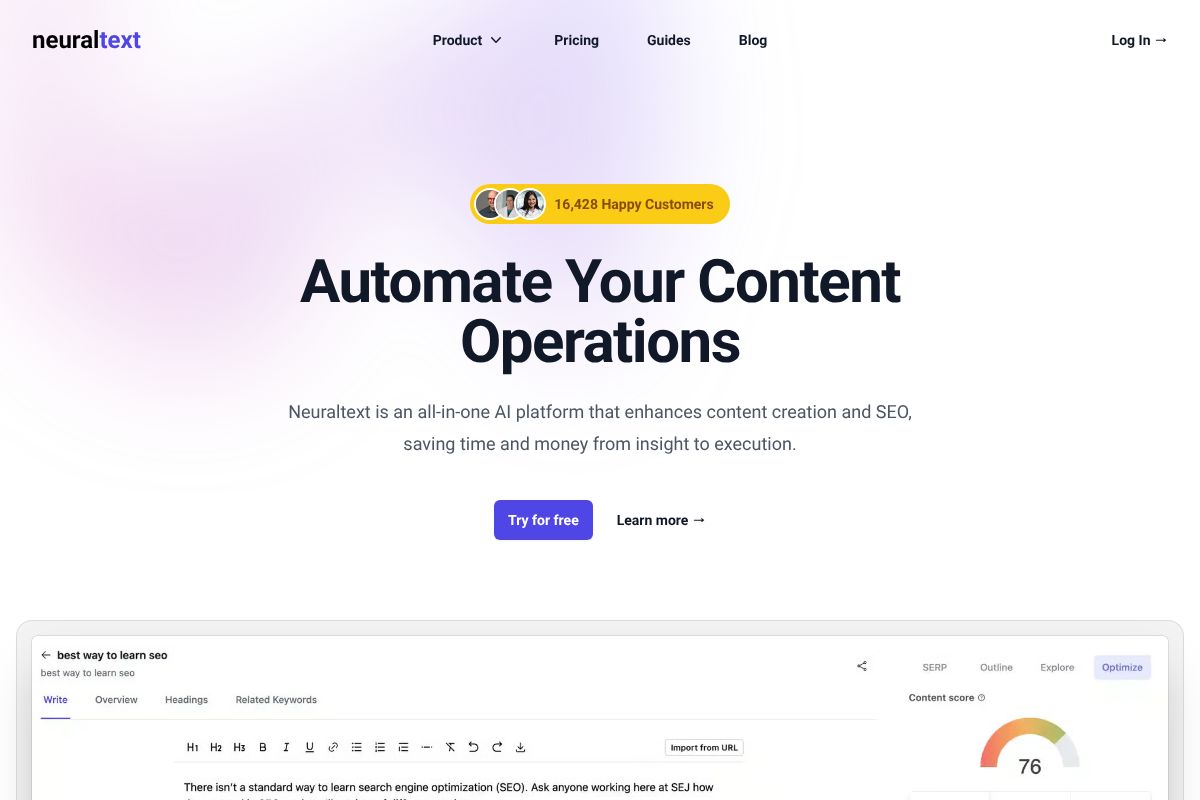
If you’re a content team primarily focused on building topical authority without the overhead of a platform like SEMrush, it’s also worth looking at NeuralText. Starting at $19/month, it offers keyword clustering and AI content briefs designed specifically for teams mapping out content clusters — at a fraction of the cost of either tool covered here.
Pricing: What You’ll Actually Pay
Budget is often the deciding factor between these two tools — and the gap is significant. SEMrush is a premium investment that reflects its breadth of features, while Surfer SEO keeps things lean and accessible. Here’s exactly what you’ll pay in 2026, and whether it’s worth it at each tier.
SEMrush Pricing Tiers
SEMrush offers three main plans, with meaningful jumps in capability between each:
- Pro — $117.33/mo (annual) or $139.95/mo (monthly): Covers keyword research, site audits, rank tracking, and competitor analysis. Best for freelancers and small agencies managing a handful of projects.
- Guru — ~$208/mo (annual): Adds historical data, the content marketing toolkit, and multi-location tracking. The right pick for growing content teams who need deeper insights.
- Business — $499.95/mo (monthly): Unlocks API access, extended limits, and the full Semrush One bundle including the new AI Visibility Toolkit. Designed for agencies and in-house SEO teams at scale.
The Pro plan alone costs more than most standalone content tools. You’re paying for an all-in-one platform — make sure you’ll actually use it.
Surfer SEO Pricing Tiers
Surfer’s pricing is considerably more approachable, especially if content optimization is your primary need:
- Essential — $79/mo (annual) or $89/mo (monthly): Includes content editor, keyword research, and SERP analyzer. Solid starting point for individual creators or small blogs.
- Professional — ~$149/mo (annual): Expands article limits and adds AI features. Best for active content teams publishing consistently.
- Max — $219/mo (monthly): Higher usage caps and priority support. Suited for agencies managing multiple client sites.
If neither tool fits your budget, NeuralText is worth a serious look. At just $19–$119/month, it covers keyword clustering and AI content briefs — making it one of the most cost-effective options for content teams focused on topical authority without the enterprise price tag.
Pros and Cons: The Honest Trade-Offs
No tool is perfect for everyone. The right choice depends on what you actually need day-to-day — and what you’re willing to pay for features you might never touch. Here’s a balanced look at both platforms.
SEMrush Pros & Cons
Semrush is one of the most powerful SEO platforms available, but that power comes with real trade-offs.
- Pro: Comprehensive keyword research with massive global database
- Pro: Best-in-class competitor analysis and backlink tracking
- Pro: Full site audit tools to diagnose technical SEO issues
- Pro: Rank tracking across multiple locations and devices
- Pro: The 2026 AI Visibility Toolkit (Semrush One bundle) adds brand monitoring for AI search results — a genuinely useful new feature
- Con: Starting at $117/mo on annual billing, it’s a significant investment for solo creators or small blogs
- Con: Steep learning curve — the interface can overwhelm newcomers
- Con: Many features go unused if you’re not an agency or SEO specialist
- Con: Content optimization tools feel secondary compared to dedicated platforms
- Con: Overkill if rank tracking and competitor intel aren’t core to your workflow
Surfer SEO Pros & Cons
Surfer is purpose-built for content optimization, which makes it fast and intuitive — but also narrower in scope.
- Pro: Clean, writer-friendly interface that’s easy to pick up quickly
- Pro: Real-time content scoring keeps optimization simple and actionable
- Pro: More affordable entry point, especially for individual creators
- Pro: SERP analyzer gives solid on-page insights without the noise
- Pro: AI-assisted writing features are well-integrated into the editor
- Con: No meaningful rank tracking — you’ll need a separate tool for that
- Con: No site audit functionality for diagnosing technical SEO problems
- Con: Competitor intelligence is surface-level compared to Semrush
- Con: Backlink analysis is essentially absent
- Con: Less useful if your work goes beyond content creation into broader SEO strategy
The honest summary: Semrush gives you more, but charges accordingly. Surfer does less — and does it really well. Your workflow should decide which trade-off you can live with.
Who Should Use Each Tool?
The right choice here isn’t about which tool is objectively better — it’s about which one fits your actual workflow. Here’s a quick breakdown to help you figure that out.
Choose Semrush If…
You’re running SEO at a professional level and need more than just content optimization. Semrush makes the most sense if you’re tracking 50+ keywords across multiple sites, managing SEO for clients, or need deep competitor intelligence on a regular basis. It’s also the stronger pick if site audits, backlink analysis, and rank tracking are core parts of your weekly routine. The 2026 Semrush One bundle adds AI visibility monitoring on top of all that — making it a serious platform for agencies and in-house SEO teams who need everything in one place.
Choose Surfer SEO If…
You’re a content writer, solo creator, or part of a small team that publishes five or more articles per month. Surfer’s real-time content editor is genuinely useful while you’re drafting — it keeps optimization practical without pulling you out of your writing flow. If you don’t need rank tracking or technical audits and just want to produce well-optimized content efficiently, Surfer gives you exactly that without the complexity or the price tag. It’s a focused tool for focused writers.
Consider NeuralText If…
Your goal is building topical authority — and your budget doesn’t stretch to Semrush. NeuralText offers AI-assisted content briefs, SERP analysis, and keyword clustering designed specifically for teams mapping out content clusters. Starting at $19/month, it’s a genuinely affordable alternative if your priority is strategic content planning rather than rank tracking or technical SEO. If you’re a small content team trying to dominate a niche without enterprise-level spend, NeuralText deserves a serious look before you commit to a pricier platform.
The Verdict: Which Tool Should You Pick?
Here’s the honest summary: Semrush is the all-in-one platform built for SEO professionals, agencies, and marketers who need comprehensive data — keyword research, competitor analysis, backlink tracking, site audits, and now AI visibility monitoring all under one roof. Surfer SEO is the writer’s tool — lean, focused, and genuinely useful in the moment you’re actually creating content.
Your choice really comes down to your role and your workflow. If you spend most of your time analyzing competitors, reporting on rankings, or managing SEO across multiple clients, Semrush is the stronger investment. If you’re in the trenches writing and optimizing content week after week, Surfer will feel more immediately useful.
That said, plenty of successful teams don’t choose at all — they use both. Surfer handles the writing and on-page optimization side, while Semrush owns the tracking, research, and competitive intelligence layer. It’s a pairing that makes sense if content production and SEO strategy are both core to your workflow.
- Pick Semrush if you need a full SEO platform with competitor data, rank tracking, and technical audits
- Pick Surfer if your priority is optimizing content efficiently while you write
- Use both if your team splits responsibilities between strategy and content creation
Ready to Choose? Start Your Free Trial
The best way to figure out which tool fits your workflow isn’t reading more reviews — it’s actually using them. Both Semrush and Surfer SEO offer free trials, so you can test the features that matter to you without any financial commitment upfront.
Try Semrush if you want to explore its keyword research, competitor analysis, and the new AI Visibility Toolkit included in the 2026 Semrush One bundle. Try Surfer SEO if you want to see how real-time content scoring feels inside your actual writing process.
Don’t let hype drive the decision — let your own workflow tell you what you need. And if you find yourself reaching for both tools on a regular basis, you’re in good company. Many of the most productive content teams do exactly that.