Staring at a blank page, cursor blinking, deadline creeping closer — sound familiar? Whether you’re crafting a short story, writing marketing copy with a creative edge, or building out a content strategy that actually sounds human, the struggle is real. The good news? The best AI for creative writing in 2026 has come a long way, and the right tool can genuinely transform how you work — not replace your voice, but amplify it.
You need an AI writing tool that actually understands narrative, voice, and character—not just one that strings words together. We’ve tested the top creative writing platforms so you can skip the mediocre options and find your ideal match.
Key Takeaways
- Top creative writing AI tools in 2026 combine advanced language models with genre-specific features for storytelling, character development, and narrative enhancement.
- Writesonic stands out by integrating SEO optimization with creative capabilities, helping writers reach audiences while maintaining authentic narrative voice.
- Effective creative writing AI requires balancing automation with human creativity, offering prompts and suggestions without replacing original authorial vision.
- Pricing varies significantly across platforms, from subscription models to pay-per-use options, making cost-benefit analysis essential for different writer types.
- Selecting the right AI tool depends on your specific needs: novelists, screenwriters, and poets each benefit from different feature sets and interfaces.
In This Article

- What Makes AI Writing Tools Different for Creative Work?
- Key Features to Look for in Creative Writing AI
- Top AI Tools for Creative Writing in 2026
- Writesonic: Built-In SEO for Content Creators
- Pros, Cons, and Honest Trade-Offs
- Pricing Comparison and Value for 2026
- Who Should Use Each Tool?
- Final Verdict: Which AI Should You Choose?
What Makes AI Writing Tools Different for Creative Work?
Not all AI writing tools are built with the same goals in mind. Most of the big-name platforms were originally designed to help marketers write product descriptions, email campaigns, and SEO blog posts — tasks that follow fairly predictable structures. Creative writing is a different beast entirely.
When you’re writing fiction, poetry, personal essays, or narrative content, you’re not just filling in a template. You’re making deliberate choices about voice, pacing, emotional resonance, and character. You need an AI that understands nuance — not just one that can string grammatically correct sentences together at speed.
Creative writers also need more control than the average marketer does. You want to be able to steer the tone mid-story, experiment with unconventional structures, or ask the AI to write in a specific character’s voice without it defaulting back to bland, corporate-sounding prose. That flexibility is what separates a genuinely useful creative tool from a frustrating one.
Why General Writing Tools Fall Short for Creatives
Generic AI writing assistants tend to excel at predictable, formula-driven content. Ask one to write a product landing page or a LinkedIn post, and it’ll do a decent job. Ask it to write a morally complex villain’s internal monologue, and things get shaky fast.
The core problem is that most general-purpose tools are optimized for clarity and conversion, not for depth, originality, or emotional texture. They flatten your prose, avoid ambiguity, and often produce writing that feels safe — which is the last thing you want in a compelling story.
- Character voices tend to sound identical and generic
- Narrative flow gets interrupted by overly structured output
- Poetry and experimental formats are handled poorly
- Subtle tone shifts — tension, irony, melancholy — often get lost
If you’ve tried using a standard business writing tool for creative work and walked away disappointed, you’re not doing it wrong — you’re just using the wrong tool for the job.
Key Features to Look for in Creative Writing AI
Not all AI writing tools are built the same, and when it comes to creative work, the differences matter more than you might expect. Before committing to any platform, it’s worth knowing which features will actually move the needle for your specific workflow — whether you’re writing fiction, screenplays, poetry, or narrative content marketing.
Here’s what to prioritize when evaluating your options:
- Tone and voice customization — Can you steer the AI toward a specific style or character voice?
- Long-form content support — Does it maintain context and coherence across thousands of words?
- Brainstorming and ideation tools — Can it help you generate ideas, not just execute them?
- Character and plot development — Does it understand narrative structure beyond a basic outline?
- Editing and refinement — Can it improve your existing prose without stripping out your voice?
- Integration with writing apps — Does it work inside tools you already use, like Google Docs or Scrivener?
- Originality controls — Does it give you options to reduce repetitive phrasing or generic output?
Tone and Voice Control
For creative writers, tone isn’t a stylistic preference — it’s a fundamental part of the work. A gothic horror story and a cozy mystery might share a similar plot structure, but they live in completely different emotional registers. If your AI tool can’t distinguish between the two, or keeps defaulting to a neutral, journalistic tone, it becomes more of an obstacle than an asset.
The best creative writing AI tools let you set and lock in a specific voice — whether that’s a character’s internal dialect, a genre’s atmospheric language, or your own authorial style. Look for platforms that let you provide reference text, adjust formality levels, and maintain tonal consistency across long sessions. That kind of granular control is what keeps your writing sounding like you, not like everyone else using the same tool.
Brainstorming and Ideation
Writer’s block is real, and one of the most underrated things a creative AI can do is help you think — not just write. The best tools go beyond sentence completion and actively support the messy, exploratory phase of the creative process. That means helping you generate plot directions when you’re stuck at a story crossroads, suggesting character names that fit a specific cultural or historical context, or building out the rules of a fictional world with you.
Good ideation features might include prompt libraries, “what if” scenario generators, or structured brainstorming modes that ask you questions to unlock new directions. Some tools even let you input a rough concept and receive multiple divergent takes on it — which is invaluable when you need creative momentum fast. If a tool only executes your ideas rather than helping you develop them, it’s covering only half the creative process.
Top AI Tools for Creative Writing in 2026
With dozens of AI writing tools on the market, it’s easy to feel overwhelmed before you’ve written a single word. The two platforms below stand out for different reasons — one is built for teams who need brand consistency at scale, and the other is a low-commitment entry point that’s hard to beat for solo creators just getting started.
Jasper AI AI: Best for Brand-Consistent Creative Teams
Jasper AI has grown into one of the most polished AI writing platforms available, and it shows. Where it really earns its place is in brand voice training — you can feed it your existing content, set tone parameters, and have it generate new material that actually sounds like your brand rather than a generic AI output.
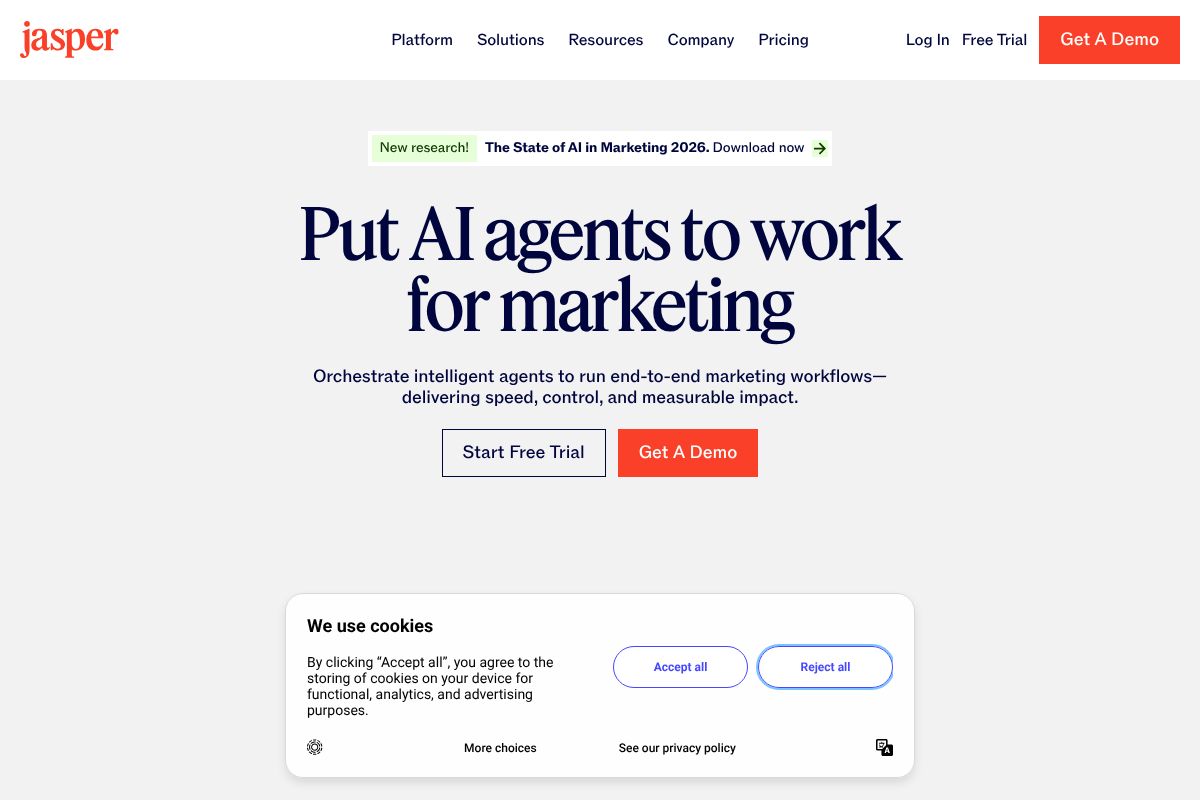
For creative professionals working within a defined voice — think content marketers, copywriters, or branded storytellers — that consistency is genuinely valuable. Jasper also handles long-form content well, making it a solid choice for blog series, campaign narratives, and multi-piece content projects.
Pricing in 2026 runs from $49/month (Creator) to $69/month (Pro), with a Teams plan at $125/month that unlocks collaboration features for shared workflows. If you’re recommending tools to clients or building a content stack, Jasper’s 30% recurring affiliate commission also makes it a worthwhile program to explore.
The honest caveat: Jasper is optimized for marketing and branded content. If you’re writing fiction, poetry, or experimental prose, you may find it a bit rigid. It’s a workhorse for professional creatives — just not necessarily a literary one.
- Brand voice training with reference content upload
- Long-form editor for extended content projects
- Team collaboration tools on higher tiers
- Best for: marketers, content teams, branded creators
Copy.ai: Best for Solo Creators Starting Free
If you’re not ready to commit to a paid plan, Copy.ai is one of the most generous starting points in the space. Its free tier gives you real access to the platform — not just a teaser — which makes it ideal for experimenting before you spend anything.
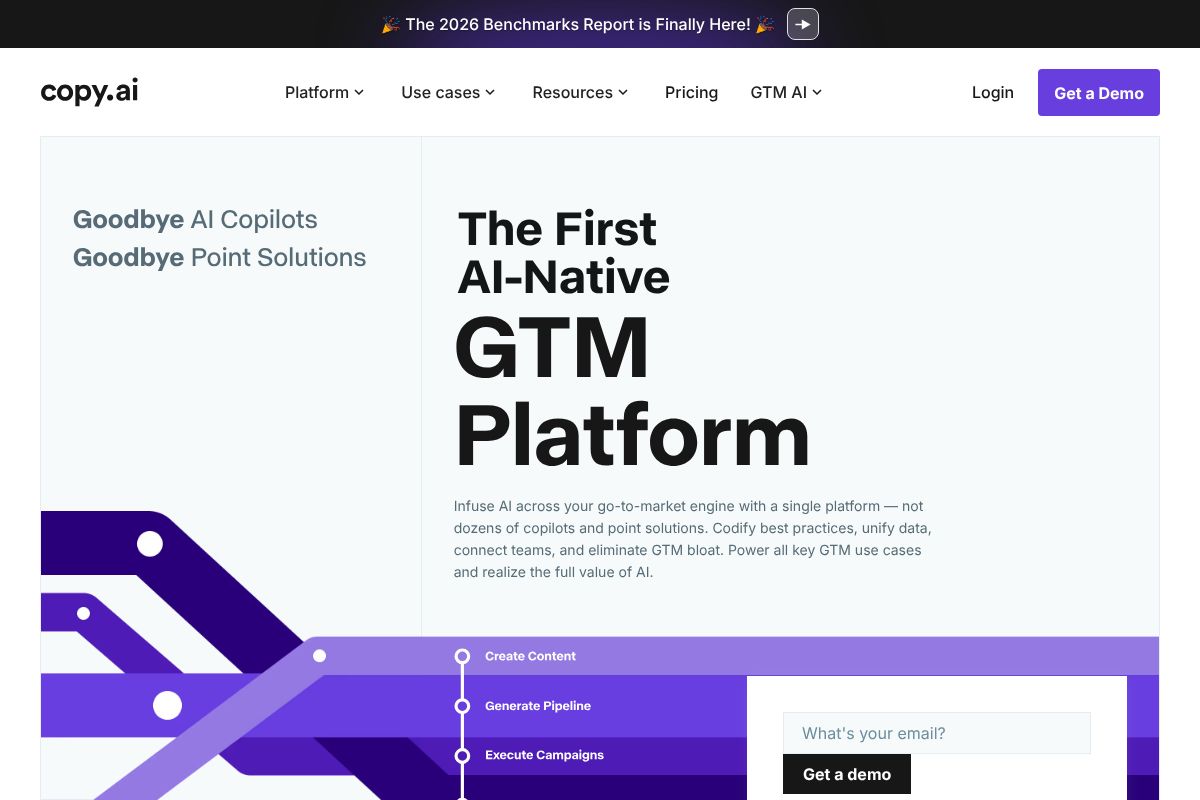
Paid plans scale up to $29/month (Chat), $49/month (Pro), and $249/month (Agents) for more automated, workflow-driven use cases. For most solo creators and freelancers, the Chat or Pro tier covers the essentials comfortably.
Copy.ai is noticeably lighter-weight than Jasper, which is actually a feature depending on your needs. The interface is approachable, the learning curve is minimal, and it’s genuinely good at short-to-mid-length creative tasks — social captions, product descriptions, email copy, and creative brainstorming prompts. Like Jasper, it offers a 30% recurring commission through its affiliate program, making it easy to recommend to your own audience if you cover tools and productivity.
Where it falls short is in sustained, long-form creative fiction. It can help you generate ideas and draft scenes, but it doesn’t have the same depth of structure support you’d want for a novel or screenplay. Think of it as a creative spark tool rather than a full writing partner.
- Free tier available — no credit card required to start
- Simple, beginner-friendly interface
- Agents tier for automated content workflows
- Best for: freelancers, solo creators, social media managers
Writesonic: Built-In SEO for Content Creators
Most AI writing tools make you choose between creative quality and search optimization. Writesonic is one of the few that genuinely tries to deliver both — and for bloggers and content marketers, that’s a meaningful distinction. If you’re writing articles that need to rank and read well, it’s worth a serious look.
Pricing in 2026 runs from $39/month on the entry tier up to $99/month for more advanced content workflows. That’s a step up from some competitors, but the SEO-integrated feature set justifies the cost if search traffic is part of your content strategy. Writesonic also offers a 30% recurring affiliate commission, making it a strong recommendation if you have an audience of fellow creators or marketers.
Where Writesonic stands out is its built-in content optimization layer. You’re not just generating prose — you’re generating prose that’s already being shaped around keyword targets, readability scores, and competitive benchmarks. That’s a real time-saver for anyone producing high-volume blog content.
- SEO-integrated editor — keyword targeting built into the writing workflow
- Content optimization scoring as you draft
- Long-form article generation with structure support
- Best for: bloggers, content marketers, brand writers
When SEO Matters to Your Creative Work
Not all creative writing lives in a vacuum. If you’re a blogger, niche site owner, or brand storyteller, your prose needs to do double duty — engage readers and surface in search results. That’s a harder balance to strike than it sounds.
Writesonic bridges that gap by weaving search intent into the drafting process itself, rather than treating SEO as an afterthought you bolt on at the end. You can enter a target keyword, generate a full article outline, and refine the draft — all within a single workflow. For content creators who live in both the creative and marketing worlds, that kind of integration saves real hours each week.
The honest trade-off: Writesonic is not the right tool for pure fiction. If you’re writing short stories, novels, or screenplays, the SEO-centric design will feel like friction rather than help. But for anyone whose creative output is tied to traffic, visibility, and audience growth, it’s one of the most practical tools available right now.
Pros, Cons, and Honest Trade-Offs
AI writing tools have genuinely changed what’s possible for creators working alone or with small teams. But it’s worth being clear-eyed about what they actually are: powerful accelerators, not replacements for human creativity, judgment, or voice. Every tool on this list will require your input, your editing, and your creative direction to produce work worth publishing.
Think of AI as a very fast, very tireless collaborator who has read an enormous amount of content — but who doesn’t truly understand what they’re saying. That distinction matters more than most tool reviews will admit.
What AI Writing Tools Do Well
When used thoughtfully, AI writing tools can meaningfully improve your creative output and workflow efficiency. Here’s where they genuinely shine:
- Brainstorming at scale — Generate dozens of ideas, angles, or concepts in seconds, giving you raw material to work with instead of staring at a blank page
- Overcoming creative blocks — A rough AI draft, even an imperfect one, is often enough to get your own writing moving again
- Generating variations — Test multiple tones, structures, or approaches to the same piece quickly
- First-draft speed — Compress hours of drafting into minutes, freeing you to focus on refinement
- Consistency checking — Some tools flag tone shifts, repetition, or structural gaps across longer pieces
- Editing suggestions — Tightening sentences, improving clarity, and catching awkward phrasing
The common thread: AI handles the mechanical and generative heavy lifting so you can spend more time on the decisions that actually require a human.
Where They Fall Short
No tool on this list is a magic solution, and being honest about the limitations will save you frustration down the line.
- Lack of true originality — AI generates output based on patterns in existing content. It recombines; it doesn’t truly invent.
- Generic output without strong prompts — Weak prompts produce forgettable, surface-level writing that needs heavy reworking
- It can’t replicate your voice — Distinctive style, personal perspective, and lived experience are things AI mimics poorly without significant fine-tuning
- Plagiarism risk if unchecked — AI can occasionally reproduce phrasing too close to source material; always run important work through a plagiarism checker
- Learning curve on prompting — Getting consistently good output takes practice; the tools reward users who invest time learning how to guide them
- Cost adds up — Premium tiers across multiple tools can become a meaningful monthly expense for freelancers or solo creators
The bottom line: every piece of AI-generated content benefits from a human editor — ideally you. These tools work best when you treat their output as a starting point, not a finished product.
Pricing Comparison and Value for 2026
Budget is often the deciding factor when choosing an AI writing tool, and the good news is there’s something at every price point. Here’s a straightforward look at how the major players stack up.
| Tool | Starting Price | Max Plan | Best For | Key Features |
|---|---|---|---|---|
| Jasper AI | $49/mo | $125/mo | Marketing teams & agencies | Brand voice, campaigns, SEO integration |
| Copy.ai | Free | $249/mo | Teams scaling content workflows | Automated workflows, multi-channel copy |
| Writesonic | $39/mo | $99/mo | Bloggers & SEO content creators | Article writer, Chatsonic, factual accuracy |
| Rytr | Free | $29/mo | Freelancers & solo creators | 40+ use cases, tone selector, lightweight UI |
If you’re managing a content team or running paid campaigns, Jasper AI and Copy.ai’s higher tiers justify the cost through time savings and consistency. For individual creators, Writesonic hits a strong middle ground between capability and price.
Budget-Friendly Options
If you’re just getting started or working with a tight budget, you don’t have to spend a dollar to see real value. Copy.ai’s free tier gives you access to core copy generation features with no time limit — useful for occasional blog posts, social captions, or email drafts. Rytr’s free plan allows up to 10,000 characters per month, which is genuinely enough for a freelancer with light, consistent output.
That said, free tiers do have real ceilings. You’ll hit usage limits quickly if you’re producing content daily, and advanced features like brand voice customization or long-form document generation are typically locked behind paid plans.
- Free tools are enough when you need occasional copy, are testing a tool before committing, or have low monthly volume
- Time to upgrade when you’re producing content regularly, need team collaboration, or want consistent tone across multiple projects
Rytr’s paid plan at just $29/month remains one of the most affordable ways to unlock unlimited generation — a smart starting point before investing in a more powerful platform.
Who Should Use Each Tool?
Not every AI writing tool is built for the same person. The best choice depends on what you’re creating, how often you’re creating it, and how much hand-holding you need along the way. Here’s a straightforward breakdown to help you match the right tool to your situation.
Content Creators and Bloggers
If you’re running a blog, building a personal brand, or publishing content consistently as a solo creator, Writesonic and Copy.ai are your strongest options. Writesonic is especially well-suited if SEO is a priority — its built-in optimization features help you write articles that are structured to rank, not just read well. You don’t need to be technically minded to use it; the interface guides you through the process without assuming any prior knowledge.
Copy.ai is a great fit if you’re producing a mix of content types — blog posts, social captions, email newsletters — and want one tool that handles all of it without a steep learning curve. Its templates make it easy to get started fast, and the free tier gives you room to experiment before committing.
- Writesonic — best for bloggers who want SEO-friendly long-form content with minimal setup
- Copy.ai — best for creators juggling multiple content formats on a budget
- Rytr — best if you’re brand new to AI writing and want the simplest possible starting point
- Jasper AI — best if you’re part of a marketing team or agency managing high content volume with brand consistency requirements
If you’re still figuring out which tool fits your workflow, starting with Rytr costs you almost nothing and removes the pressure of committing to a premium plan before you’re ready.
Final Verdict: Which AI Should You Choose?
After comparing all the top contenders, here’s the honest truth: there’s no single best AI writing tool. The right choice depends entirely on your goals, your budget, and how you work. A solo blogger optimizing for SEO has very different needs from a freelance copywriter juggling five client accounts — and the tools reflect that.
What’s clear is that the most successful creators aren’t using AI to replace their voice or their thinking. They’re using it as a co-pilot — to beat blank-page paralysis, speed up first drafts, and free up mental energy for the creative decisions that actually matter. The tool itself is secondary to how you use it.
Before you commit to any paid plan, test at least two or three tools side by side. Run the same brief through each one. See which output feels closest to your natural style, which interface doesn’t frustrate you, and which workflow you’d actually stick to. That hands-on comparison will tell you more than any review — including this one.
- If budget is your main concern, start with Rytr or Copy.ai’s free tier
- If SEO-driven content is your priority, give Writesonic a proper test run
- If you’re managing a team or brand at scale, Jasper AI is worth the investment
- Start small — upgrade only once you’ve confirmed the tool fits your real workflow
Your Next Step
The lowest-risk move right now? Start with a free trial of Copy.ai or Rytr and see how AI actually fits into your creative process. Both tools offer generous free tiers that let you explore core features without entering a credit card.
Most premium tools offer 7–14 day free trials — use that window intentionally. Pick two or three content types you produce regularly, run them through the tool, and evaluate the results honestly. Don’t just test the easy stuff; try the formats that usually take you the longest.
The goal isn’t to find a perfect tool. It’s to find your tool — the one that quietly makes your creative work faster, less stressful, and more consistent. That’s worth a free trial to find out.
Frequently Asked Questions
Can AI actually help with creative writing or does it just produce generic content?
Modern AI writing tools excel at brainstorming, overcoming writer’s block, and generating multiple narrative angles while preserving your unique voice. They work best as collaborative partners rather than replacements, enhancing creativity through structured prompts and feedback.
Which AI is best for writing novels and long-form fiction?
Tools like Writesonic and specialized fiction platforms offer chapter planning, character consistency tracking, and plot development features. Choose based on whether you need SEO integration, genre-specific templates, or advanced worldbuilding assistance for your novel type.
Is it worth paying for premium AI writing tools or are free options sufficient?
Premium tools offer advanced features like extended context windows, custom training, and priority support. Free versions work for experimentation, but serious writers typically invest in paid plans for reliability, advanced capabilities, and commercial usage rights.
How do I use AI for creative writing without losing my original voice?
Use AI for ideation, outlining, and editing rather than full content generation. Treat suggestions as starting points, maintain consistent character voices manually, and always revise AI output to match your distinctive style and narrative perspective.
Related Reads
- Best AI Writing Tools for Social Media in 2026
Find the best AI writing tools for social media. Compare features, pricing, and performance for creators and marketers i…
- Jasper vs Writesonic: Which AI Writer Wins in 2026?
Compare Jasper vs Writesonic in 2026. See pricing, features, and which AI writing tool fits your content needs best.…
- Best Free AI Writing Tool for 2026: Top Picks Reviewed
Find the best free AI writing tool for your needs. Compare top options, features, and pricing in 2026. Perfect for creat…