If your team is still jumping between five different tools just to finish one project, you’re not alone — and you’re definitely leaving productivity on the table. Finding the best AI for teams in 2026 isn’t just about picking the flashiest tool; it’s about finding something your whole crew will actually use, day in and day out.
The good news? AI collaboration tools have matured significantly, and there are now real, battle-tested options built specifically for teams — not just solo creators. The bad news? The market is crowded, and the wrong choice can mean wasted budget and frustrated colleagues.
Team collaboration tools powered by AI exist on a spectrum: some add real value to your workflow, others just create extra work.
Key Takeaways
- AI for Teams encompasses collaboration tools, automation platforms, and productivity software designed to enhance workplace efficiency and communication.
- Top AI tools offer distinct advantages: some excel at automation, others at analytics, and several provide comprehensive all-in-one solutions for teams.
- Pricing varies significantly from free tiers to enterprise plans, with ROI depending on team size, specific use cases, and implementation strategy.
- Different tools serve different needs: creative teams benefit from generative AI, while project managers prefer automation and analytics-focused platforms.
- Successful AI adoption requires evaluating features, comparing total cost of ownership, and ensuring integration compatibility with existing team workflows.
In This Article
Introduction: Why Your Team Needs AI in 2026
Think about how much time your team spends on repetitive tasks — drafting emails, summarizing meeting notes, repurposing content, updating project briefs. Studies now consistently show that teams using AI tools reclaim anywhere from 5 to 10 hours per person, per week. Multiply that across even a small team of five, and you’re looking at a serious competitive advantage.
But the productivity gains aren’t just about speed. AI tools in 2026 are helping teams think better — catching gaps in strategy, suggesting stronger angles for campaigns, and keeping everyone aligned without the endless back-and-forth. For content creators, marketers, and small business owners especially, that kind of leverage used to be reserved for companies with massive budgets and dedicated operations teams.
That said, “best” is doing a lot of heavy lifting in this conversation. The right AI tool for a five-person content agency looks very different from what a solo freelancer needs, or what a marketing team inside a mid-sized company is trying to solve. Workflow, team size, budget, and the type of work you do all matter enormously.
Here’s what this comparison is designed to help you figure out:
- Which tools are genuinely built for team collaboration versus solo use
- Where each tool excels — and where it falls short
- How pricing scales as your team grows
- Which option fits your specific workflow and use case
No single tool wins across every category. But by the end of this guide, you’ll know exactly which one deserves a spot in your team’s stack.
What Does ‘AI for Teams’ Actually Mean?
It’s a phrase that gets thrown around a lot, but “AI for teams” covers a surprisingly wide range of tools. At its core, it refers to AI-powered software designed to help groups of people work together more effectively — not just individual productivity boosters dressed up with a sharing button.
The key distinction worth understanding upfront: these tools are fundamentally different from general-purpose AI chatbots like a standalone chat interface. While those are great for one-off questions or personal tasks, team-focused AI tools are built around shared context. They plug into your existing workflows, learn from your team’s documents and conversations, and surface the right information to the right people at the right time.
Think of it this way — a general AI chatbot answers your questions. A team AI tool helps your entire organization stop asking the same questions over and over again.
These platforms typically sit inside tools your team already uses: Slack, Notion, Google Workspace, Microsoft Teams, or your project management software. The intelligence is embedded in the workflow, not bolted on as a separate tab you have to remember to open.
The Three Core Functions Teams Use AI For
Most team AI tools cluster around three practical use cases. Understanding which one matters most to your team is the fastest way to narrow down your options.
- Meeting intelligence and transcription: Automatically recording, transcribing, and summarizing meetings — then extracting action items, decisions, and follow-ups so nothing falls through the cracks.
- Workspace automation and knowledge management: Organizing documents, answering internal questions by pulling from your existing files, and automating repetitive processes like status updates or approvals.
- Content and task assistance: Helping teams draft copy, generate briefs, repurpose content, and manage project tasks with AI-powered suggestions and prioritization.
Most tools specialize in one of these areas, though the best platforms are starting to blend all three.
Top AI Tools for Teams: Feature Breakdown
Not every team AI tool does the same thing. Some are built around your documents and projects, others live inside your meetings, and a few are designed specifically for sales conversations and recruiting pipelines. Here’s a clear look at what the leading options actually do — before we get into which one is right for your situation.
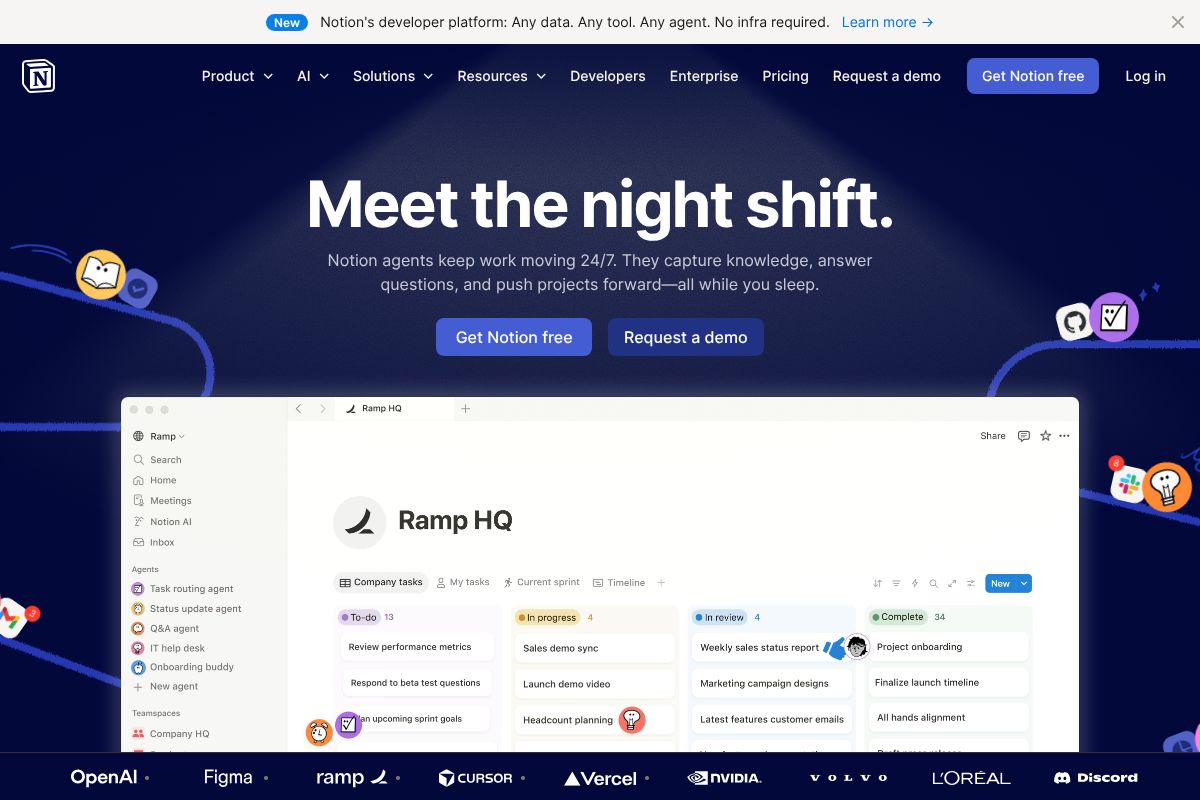
Notion: AI-Powered Workspace for Teams
Notion has evolved well beyond a note-taking app. At its core, it’s an all-in-one workspace where teams manage projects, store documentation, and build internal knowledge bases — and Notion is now woven directly into that experience.
With Notion AI, you can:
- Auto-generate meeting notes, project briefs, and status updates from simple prompts
- Query your team’s existing databases and documents using plain-language questions
- Summarize long pages, extract action items, and rewrite content in different tones
- Autofill database properties based on page content
Notion AI is included in the Business plan, which makes it a practical choice for teams that want project management, documentation, and AI assistance without juggling multiple subscriptions. It’s especially strong for teams that live in their docs.
Otter.ai.ai: Meeting Transcription & Search
Otter.ai focuses on one thing and does it well: capturing what happens in your meetings. It transcribes conversations in real time, identifies individual speakers, and makes the full transcript searchable after the call ends.
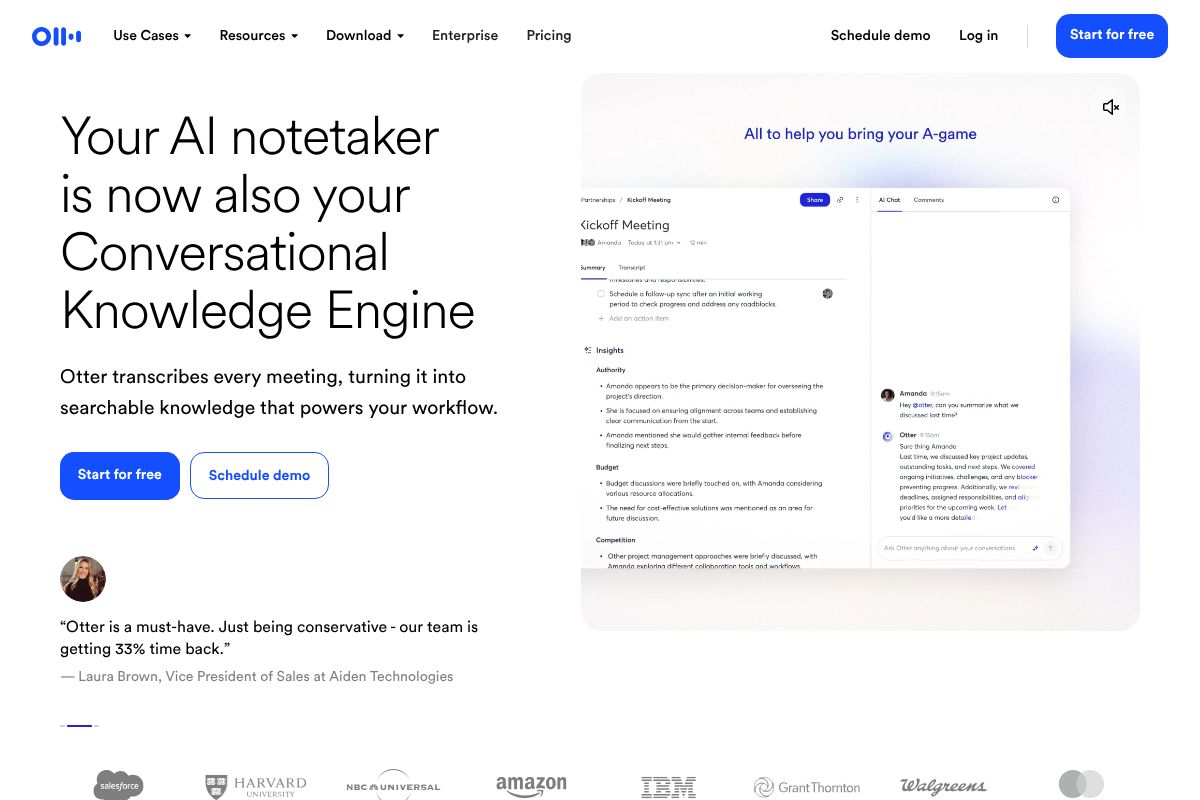
Key features include:
- Real-time transcription across Zoom, Google Meet, and Microsoft Teams
- Speaker identification so you know exactly who said what
- AI-generated meeting summaries and automated action item extraction
- A searchable archive of all past meeting transcripts
The Pro tier unlocks longer transcription limits, advanced search, and integrations with tools like Salesforce and HubSpot. If your team runs on meetings and important decisions keep getting lost, Otter.ai is built precisely for that problem.
Fireflies.ai: Conversation Intelligence for Sales & Recruiting
Fireflies.ai covers similar ground to Otter.ai but pushes further into conversation analysis — making it a particularly strong fit for sales teams and recruiters who need more than just a transcript.
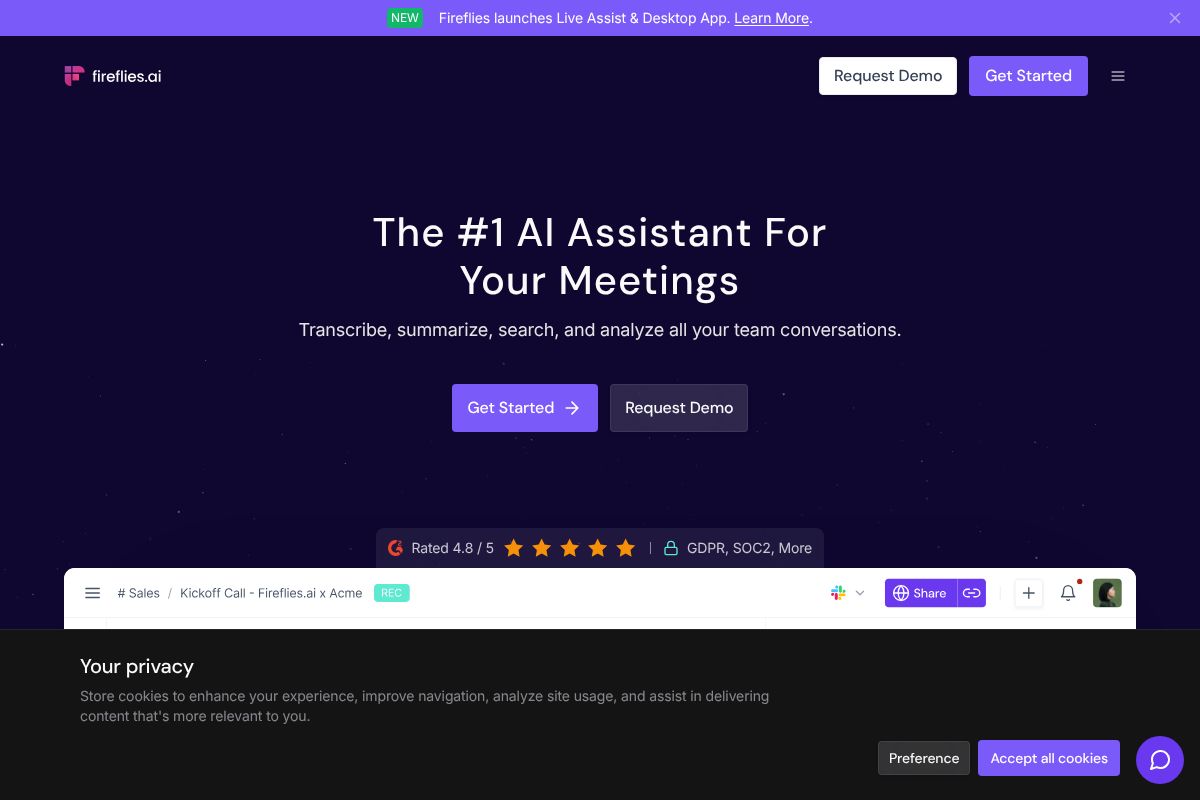
Where Fireflies.ai stands out:
- AI-generated summaries with highlighted key topics, questions asked, and decisions made
- Automatic action item detection with assignee tagging
- A searchable conversation history across your entire team’s call library
- Sentiment analysis and talk-time metrics for coaching purposes
For sales managers reviewing rep calls or recruiters comparing candidate interviews, the ability to search across hundreds of conversations by keyword or topic is a genuine time-saver. It also integrates with popular CRMs, keeping your pipeline data current without manual entry.
It’s worth noting that tools like Microsoft Copilot for Teams and Slack AI also offer meeting summaries and workspace search — but they’re primarily valuable as add-ons if your team is already deep in those ecosystems, rather than standalone solutions.
Pros and Cons: Honest Trade-Offs
No single tool is perfect for every team. Before you commit to a subscription, here’s a clear-eyed look at how these tools stack up across the dimensions that actually matter day-to-day.
| Criteria | Notion AI | Otter.ai | Fireflies.ai |
|---|---|---|---|
| Ease of Setup | Moderate — requires existing Notion workspace | Very easy — connect calendar and go | Easy — bot joins calls automatically |
| Learning Curve | Steeper — Notion itself takes time to master | Low — intuitive for most users | Low to moderate — more features to explore |
| Integration Ecosystem | Growing but limited compared to rivals | Strong — Salesforce, HubSpot, Slack | Strong — CRMs, ATS platforms, Zapier |
| Accuracy | High for text-based tasks | Varies — degrades with poor audio quality | Solid, but accents and crosstalk can cause errors |
| Privacy & Security | SOC 2 compliant; data stored on Notion servers | Encrypted storage; some users wary of cloud recordings | Encrypted; review data retention policies carefully |
| Cost-Effectiveness | Requires Business plan — adds up for larger teams | Free tier available; Pro is reasonable for heavy users | Free tier is limited; Business plan needed for full value |
A few honest caveats worth calling out: Notion AI is only accessible on the Business plan and above, which means smaller teams may find the cost hard to justify if they’re not already using Notion heavily. Otter.ai‘s transcription quality can drop noticeably in noisy environments or with strong accents — don’t expect perfection on every call. And Fireflies.ai‘s free tier is quite restrictive, so you’ll likely need a paid plan before you see its real value.
When to Choose Workspace AI vs. Meeting AI
The core question is really about where your team’s biggest pain point lives. If your problem is scattered information — docs, wikis, and project notes that no one can find — a workspace AI like Notion AI is the more logical starting point. It brings intelligence to the place where your team already writes and organizes.
If your problem is lost meeting context — decisions that never get documented, action items that fall through the cracks, or sales calls that aren’t being reviewed — then a dedicated meeting AI like Otter.ai or Fireflies.ai will deliver more immediate impact.
That said, these aren’t mutually exclusive. Many teams run a meeting tool and a workspace tool in parallel, piping summaries from Otter or Fireflies directly into Notion pages. The all-in-one approach trades some depth for convenience; the best-in-class approach means managing more tools but getting stronger results in each category. Only you know which trade-off fits your team’s workflow.
Pricing & ROI: What You’ll Actually Pay
Before committing your team’s budget, it helps to see the real numbers laid out clearly. Here’s how pricing breaks down across all three tools in 2026 — and what you can realistically expect in return.
For a 5-person team, here’s a rough monthly cost comparison at paid tiers:
| Tool | Plan | Per User/Month | 5-Person Team/Month |
|---|---|---|---|
| Notion AI | Business (AI included) | $10/user | $50 |
| Otter.ai | Pro | $16.99/user | $84.95 |
| Fireflies.ai | Pro | $18/user | $90 |
Running all three simultaneously would cost a 5-person team roughly $225/month — which is only justifiable if each tool is solving a distinct, high-frequency problem. Most teams will pick one or two based on their biggest workflow gaps.
On the ROI side, the math can be compelling. If each team member spends even 3 hours per week writing meeting notes, searching for documents, or chasing down decisions, AI tooling can realistically cut that in half. At an average hourly rate of $40, that’s over $1,200/month in recovered productivity for a 5-person team — well above the software cost.
That said, be honest about hidden costs. Integrations with Salesforce, HubSpot, or Slack sometimes require higher-tier plans. There’s also a real onboarding curve — expect a few weeks before your team uses these tools consistently enough to see returns.
Free Tiers: Where to Start
All three tools offer free plans, which makes it easy to test before spending anything. Notion’s free plan gives individuals solid workspace features, but AI capabilities are gated behind the Business plan — so teams won’t get the full picture without upgrading. Otter.ai’s free tier includes 300 monthly transcription minutes and basic summaries, which is enough for light users but will feel limiting in meeting-heavy environments. Fireflies.ai’s free plan is the most restrictive of the three, capping storage and limiting AI summaries significantly.
Use the free tiers to evaluate the interface, test accuracy, and see how well each tool fits your existing workflow. Just don’t judge the full product by them — you’ll likely outgrow all three within a month of regular team use.
Who Should Use Each Tool?
Not every AI tool fits every team. The right choice depends less on feature lists and more on how your team actually works — where time gets lost, what workflows break down, and which problems show up every single week. Here’s how each tool maps to real-world use cases.
Best for Content Creators & Marketers
If you’re managing editorial calendars, campaign assets, or client deliverables, Notion is hard to beat as a central hub. You can build a content pipeline that tracks every piece from brief to publish, assign tasks, store brand guidelines, and leave feedback — all in one place. It replaces the chaotic mix of Google Docs, Trello boards, and Slack threads that most small creative teams rely on.
For marketers who spend significant time on client calls, discovery sessions, or stakeholder interviews, Otter.ai fills a specific but valuable gap. Instead of furiously typing notes during a call, you get a searchable transcript and AI-generated summary delivered automatically. That’s a genuine time-saver when you’re juggling multiple accounts or preparing post-call reports.
- Notion: Content calendars, asset libraries, campaign planning, team wikis
- Otter.ai: Client call transcription, interview notes, stakeholder meeting summaries
Best for Sales Teams & Recruiters
This is where Fireflies.ai earns its place. Sales teams live and die by their conversations — and Fireflies turns every call into a searchable, analyzable record. You can pull up what a prospect said three weeks ago, track recurring objections across your pipeline, and coach reps using real call data rather than memory. For recruiters, the same logic applies: candidate interviews become structured, reviewable documents rather than scattered notes.
Otter.ai works as a secondary option here, particularly for smaller sales teams or solo consultants who want basic transcription without the deeper call intelligence features Fireflies provides.
- Fireflies.ai: Sales call intelligence, objection tracking, recruiter interview logs, CRM-ready summaries
- Otter.ai: Lightweight alternative for individual reps or low-volume call environments
Quick Comparison Table
Not sure which tool fits your team’s workflow? The table below cuts through the noise. Each of these tools solves a different problem, so the “best” one really depends on what’s slowing your team down most right now.
| Tool | Best For | Starting Price | Free Tier | Key Strength |
|---|---|---|---|---|
| Notion | Project management, team wikis, content planning | $10/user/month | Yes | All-in-one workspace with flexible AI writing and organization tools |
| Otter.ai | Meeting transcription, interview notes, async teams | $16.99/user/month | Yes (limited minutes) | Fast, accurate transcription with real-time collaboration |
| Fireflies.ai | Sales calls, recruiting interviews, call intelligence | $18/user/month | Yes (limited storage) | Searchable call library with AI summaries and CRM integrations |
A few things worth noting: Notion offers the broadest functionality but has a steeper learning curve. Otter.ai and Fireflies.ai overlap in transcription, but Fireflies skews toward revenue and recruiting teams that need deeper call analytics. All three offer free tiers, so you can test before committing.
The Verdict: Which AI Is Best for Your Team?
Here’s the honest answer: there’s no single “best” AI tool for teams in 2026. The right choice depends entirely on where your team is losing the most time. If your biggest pain point is scattered documents, disorganized projects, and too many tools to manage, Notion is hard to beat as a unified workspace. If your team is drowning in meetings and struggling to capture what was actually decided, Otter.ai is purpose-built for that problem. And if you’re in sales or recruiting — where every conversation is a data point — Fireflies.ai gives you a searchable, analyzable library of calls that other tools simply can’t match.
It’s also worth saying: these tools aren’t mutually exclusive. Plenty of teams run Notion for project management and documentation while using Fireflies.ai or Otter.ai to capture meeting intelligence. The combination often covers more ground than any single platform.
The worst move you can make is over-researching and under-testing. All three tools have free tiers — use them. Commit to one tool for two weeks, pay attention to how much time your team saves, and let the results guide your decision.
Next Steps: How to Get Started
Start by auditing your team’s biggest time drain. Ask yourself: Are meetings the bottleneck? Are action items getting lost? Is your documentation a mess? Once you’ve identified the core problem, match it to the tool that solves it most directly.
- Meetings eating your day? Sign up for Otter.ai‘s free plan and run it on your next five team calls.
- Sales or recruiting calls piling up? Try Fireflies.ai‘s free tier and explore its search and summary features.
- Everything feels scattered? Start a free Notion workspace and migrate one project or team wiki into it.
Many teams eventually use two or more of these tools together — and that’s completely reasonable. But start small, solve one real problem first, and scale from there. Two weeks of real-world testing will tell you more than any comparison article ever could.
Frequently Asked Questions
What is the cheapest AI tool for team collaboration?
Many platforms offer free tiers with basic features, including Microsoft Copilot and open-source alternatives. Paid options start around $10-20 per user monthly, depending on features and team size requirements.
Can AI tools replace project managers?
AI tools automate scheduling, task tracking, and reporting, but cannot replace human judgment, leadership, and strategic decision-making. They work best as assistants augmenting manager capabilities rather than replacements.
Which AI is best for remote teams?
Tools like Microsoft Teams, Slack integrations, and dedicated AI collaboration platforms excel for remote work. Choose based on asynchronous communication needs, time zone compatibility, and integration with existing communication infrastructure.
How long does it take to see ROI from team AI tools?
Most teams see measurable productivity gains within 2-4 weeks of implementation. Full ROI typically materializes within 3-6 months as teams optimize workflows and reduce manual tasks significantly.
Related Reads
- Best AI Tool for Note Taking in 2026: Top Picks
Find the best AI note-taking tool for your workflow. Compare top options, pricing, and features to boost productivity in…
- Best AI Productivity Tool for Creators & Teams in 2026
Find the best AI productivity tool for your workflow. Compare top options for creators, marketers, and small teams with …
- Best AI Tools for Remote Teams in 2026
Discover the top AI tools for remote teams in 2026. Boost productivity with AI-powered collaboration, transcription, and…