Your logo is often the first thing a potential customer sees — and first impressions stick. But hiring a professional designer can easily run you $500 to $2,000+, and that’s a budget many small businesses simply don’t have. That’s exactly why finding the best AI logo generator for small business in 2026 has become such a priority for founders, freelancers, and creators who need to look polished without breaking the bank.
AI logo tools have matured dramatically, and you no longer need to choose between quality and affordability—several genuinely impressive options now deliver professional results at a fraction of traditional design costs. We’ve tested the top contenders and compared their features, pricing, and real-world performance to help you find the right fit for your budget and brand.
Key Takeaways
- AI logo generators create professional brand identities in minutes, eliminating expensive designer fees for budget-conscious small businesses.
- Top platforms offer customizable templates, brand color matching, and instant downloads, making logo creation accessible without design experience.
- Small businesses save 80-90% compared to hiring professional designers while maintaining quality results suitable for websites and marketing materials.
- Modern AI generators include unlimited revisions, multiple file formats, and commercial licensing, providing complete branding solutions at affordable prices.
- Choosing between AI generators and designers depends on budget, timeline, and complexity; AI excels for quick, cost-effective solutions.
In This Article
- What Is an AI Logo Generator?
- Key Features to Look for in an AI Logo Generator
- Top AI Logo Generators for Small Business (2026)
- Pros and Cons: What You Need to Know
- Pricing Comparison and Value
- Who Should Use an AI Logo Generator?
- AI Logo Generator vs. Hiring a Designer
- Final Verdict: Which AI Logo Generator Should You Choose?
What Is an AI Logo Generator?
An AI logo generator is an online tool that uses artificial intelligence to create custom logo designs — no design skills, no software downloads, and no waiting days for a designer to get back to you. You answer a few questions about your business, and the tool does the heavy lifting, producing ready-to-use logo options in minutes.
This is a significant departure from traditional logo design, where you’d either hire a freelancer, work with a design agency, or spend hours wrestling with complex software like Adobe Illustrator. AI tools remove all of those barriers entirely. For small business owners who need to move fast and spend smart, that’s a genuine game-changer.
The accessibility factor is just as important as the cost savings. You don’t need a design background, a creative brief, or even a strong visual sense of what you want. Most tools guide you through the process step by step, making professional branding achievable for anyone — whether you’re launching a side hustle, opening a local shop, or rebranding an existing business.
How AI Logo Generators Work
Most AI logo generators start by asking you a series of simple questions: your business name, your industry, your preferred style (modern, playful, minimalist, etc.), and sometimes your color preferences. From there, the AI draws on a large library of design patterns, typography, icons, and color theory to generate a set of logo concepts tailored to your input.
Think of it less like talking to a robot and more like working with a very fast design assistant. You describe what you want, the tool generates options instantly, and then you use a visual editor to tweak fonts, colors, icons, and layouts until it feels right. The whole process — from first prompt to downloadable file — can take as little as five to ten minutes.
Key Features to Look for in an AI Logo Generator
Not all AI logo generators are built the same way, and the differences between them matter more than you might expect. Before you commit to a tool — especially one that requires payment to download your final files — it’s worth knowing exactly what to evaluate. These are the decision criteria that separate a genuinely useful tool from one that looks impressive in demos but falls short in real-world use.
- Customization depth: Can you adjust fonts, colors, icon placement, and spacing independently? Or are you stuck with what the AI generates? The more granular control you have, the more likely the final result will actually feel like your brand.
- Brand kit integration: Some tools let you save your logo alongside your brand colors, fonts, and other assets in one place. This is a huge time-saver if you’re creating social media graphics, business cards, or marketing materials down the line.
- File format options: At minimum, you need PNG and SVG files. SVG is a vector format that scales to any size without losing quality — essential for print materials, signage, and merchandise. Tools that only offer low-resolution PNGs on their base plans are worth approaching with caution.
- Revision limits: Some platforms let you iterate freely; others cap how many times you can regenerate or edit. Know what you’re getting before you pay.
- Ease of use: The best tool is the one you’ll actually finish using. A clean, guided interface matters more than a feature list that overwhelms you.
Commercial Licensing and Legal Safety
This is the feature most small business owners overlook — and it’s arguably the most important one. When you use an AI tool to generate a logo, you need to be certain that you own that logo and have the legal right to use it commercially. That means printing it on products, using it in advertising, trademarking it, and displaying it on your website without any legal ambiguity.
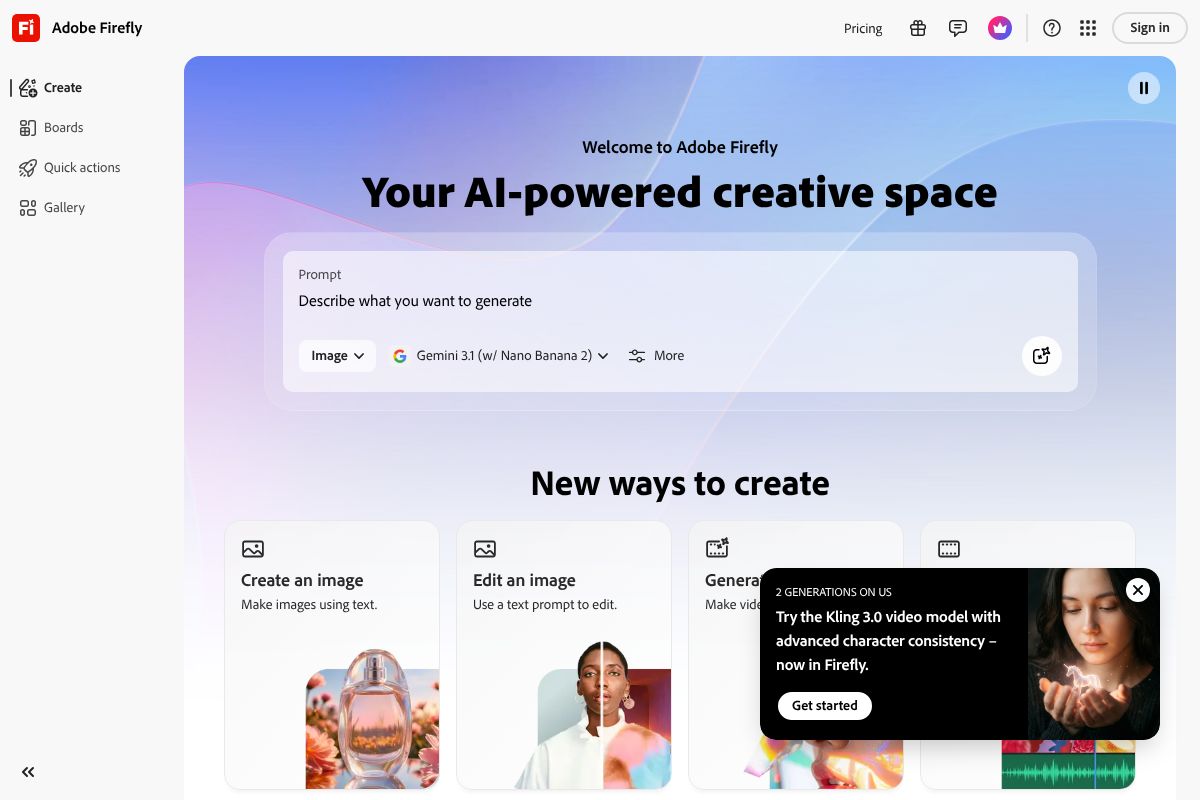
Not every AI tool offers clear commercial licensing, and some have terms buried in their fine print that limit how you can use generated assets. This is where tools with explicit, transparent licensing policies stand out. Adobe Firefly/” rel=”sponsored noopener” target=”_blank”>Adobe Firefly, for example, is built on commercially licensed training data, which means the images and design elements it generates are cleared for commercial use — a meaningful differentiator if you’re building a brand you intend to protect and grow.
Before downloading any logo, read the platform’s licensing terms carefully. Ask yourself: Do I own this outright? Can I trademark it? Can I use it on physical products? If the answers aren’t clearly “yes,” keep looking.
Top AI Logo Generators for Small Business (2026)
There’s no shortage of AI logo tools out there, but most small business owners don’t need the most powerful option — they need the right option. Below are four tools worth your time, each suited to a slightly different situation. We’ll cover what each one does well, where it falls short, and who it’s actually built for.
Canva Pro Pro: Best for Budget-Conscious Creators
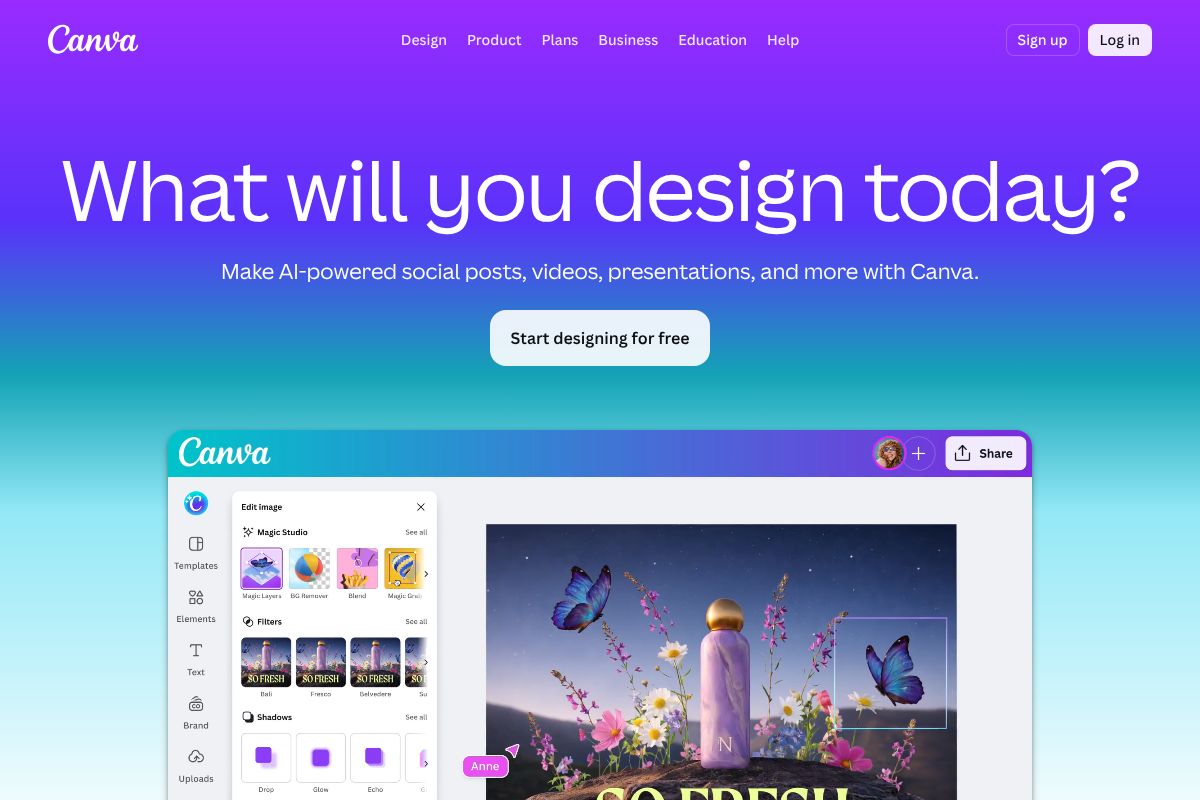
If you’re a non-designer who needs a professional-looking logo without a steep learning curve, Canva Pro is hard to beat. The platform has leaned heavily into AI over the past couple of years, and its logo generation tools now let you produce polished, customizable results in minutes — no design experience required.
Here’s what makes it stand out for small businesses:
- AI-powered logo templates that adapt to your brand name, industry, and color preferences
- Drag-and-drop editor that makes tweaking fonts, colors, and layouts genuinely painless
- Built-in social media integration so you can resize and export your logo for every platform in one click
- Massive asset library with icons, illustrations, and brand kit tools included
Canva Pro runs $15/month or $120/year — one of the most affordable full-featured design subscriptions available. For the price, you’re getting far more than just a logo tool. The trade-off? Output can feel templated if you don’t spend time customizing, and it’s less suited for highly unique or complex brand identities.
Best for: Solopreneurs, small retailers, and content creators who want a quick, polished logo without hiring a designer.
Adobe Firefly: Best for Commercial Safety
Adobe Firefly is the choice when legal clarity and professional-grade quality are non-negotiable. Unlike many AI tools trained on scraped web data, Firefly is built on commercially licensed and public domain content — meaning everything it generates is cleared for commercial use right out of the box.
Key advantages for freelancers and client-facing work:
- Commercially safe outputs with transparent licensing you can actually rely on
- Deep integration with Adobe Creative Suite, including Illustrator and Photoshop, for seamless refinement
- Designer-grade quality that holds up at large print sizes and across brand applications
- Generative fill and vector tools that give you far more creative control than template-based platforms
Pricing ranges from $4.99 to $54.99/month depending on the plan and whether you bundle it with Creative Cloud. It’s a steeper investment than Canva, and the interface assumes some familiarity with design tools. But if you’re producing logos for clients or building a brand you plan to trademark, that peace of mind is worth the premium.
Best for: Freelance designers, marketing agencies, and small business owners who need commercially airtight assets and aren’t afraid of a slightly higher learning curve.
Pros and Cons: What You Need to Know
AI logo generators have genuinely changed the game for small business owners and creators who need professional branding without a professional budget. But like any tool, they come with real strengths and real limitations — and knowing both upfront will help you make a smarter decision.
The Advantages Are Hard to Argue With
For most small businesses, the case for using an AI logo generator is pretty compelling. Here’s what you’re actually getting:
- Speed: Most tools deliver usable logo concepts in minutes, not days or weeks
- Cost: You’re looking at anywhere from free to $100 one-time, versus $300–$2,000+ for a freelance designer
- No design skills required: Text prompts and style selectors do the heavy lifting for you
- Iteration is easy: Don’t like the first result? Generate ten more without additional cost
- Instant file delivery: Most platforms export print-ready SVG and PNG files immediately
For a new Etsy shop, a local service business, or a solo consultant launching a personal brand, these advantages are genuinely significant. You can go from idea to branded business in a single afternoon.
The Limitations Are Real Too
That said, AI-generated logos aren’t perfect, and it’s worth being honest about where they fall short:
- Generic results: Because these tools work from shared style libraries and training data, you may find your logo looks similar to others in your industry
- Customization depth varies: Some platforms give you meaningful control over typography and layout; others leave you with very little to tweak
- Learning curve: Tools like Adobe Firefly reward users who already understand design basics — beginners may feel overwhelmed
- Trademark complexity: AI-generated logos may be harder to trademark, depending on the jurisdiction and how much human customization was applied
When AI Logo Generators Fall Short
There are specific situations where an AI tool probably isn’t the right call. If your brand concept is highly conceptual — say, a logo that tells a layered visual story or incorporates custom hand-lettering — an AI generator will struggle to execute that vision with any real precision.
Similarly, if you’re building a brand you plan to franchise, license, or position in a competitive premium market, the difference between an AI-generated mark and a bespoke design becomes more noticeable. Investors, partners, and discerning customers often pick up on it, even if they can’t articulate why.
Hiring a human designer also makes sense when:
- Your brand identity is deeply tied to a specific cultural context or visual tradition
- You need a logo system — not just a single mark — with icons, sub-brand variations, and strict usage guidelines
- You’re entering a heavily regulated industry where trademark registration is essential from day one
The honest bottom line: AI logo generators are excellent at delivering quick, affordable, professional-looking results. They’re not designed to replace the strategic thinking a seasoned brand designer brings to the table. Know what you need, and choose accordingly.
Pricing Comparison and Value
Before committing to any AI logo tool, it helps to see the numbers side by side. Two of the most popular options for small businesses are Canva Pro and Adobe Firefly — and while both offer strong value, they serve slightly different needs.
| Plan | Monthly Price | Annual Price | What’s Included |
|---|---|---|---|
| Canva Pro | $15/month | $120/year | Logo maker, Brand Kit, 100+ million assets, background remover, social media templates, unlimited storage |
| Adobe Firefly (Starter) | $4.99/month | ~$59.88/year | Generative AI credits, basic image and vector generation, limited commercial use |
| Adobe Firefly (Pro+) | Up to $54.99/month | Varies | Full generative credits, commercial licensing, integration with Adobe Creative Cloud apps |
For most small business owners, Canva Pro delivers the best all-in-one ROI. At $120 per year, you’re not just getting a logo tool — you’re getting a full design suite that covers social media, presentations, and marketing materials. Adobe Firefly makes more sense if you’re already inside the Adobe ecosystem or need more advanced generative output.
Hidden Costs to Consider
The sticker price rarely tells the whole story. Here are a few budget items that can catch you off guard:
- File format exports: SVG and transparent PNG files — essential for professional logo use — are often locked behind paid tiers, even on platforms with a free plan
- Revision limits: Some tools cap how many times you can regenerate or edit a logo before charging extra credits or requiring an upgrade
- Brand Kit storage: Storing your fonts, colors, and logo variations in one place is a premium feature on most platforms
- Additional tools: If you need a social media scheduler, email builder, or print-ready files, those may require separate subscriptions on top of your logo tool
The practical advice: map out your full workflow before subscribing. A slightly pricier all-in-one plan often saves you money compared to stitching together three or four single-purpose tools.
Who Should Use an AI Logo Generator?
AI logo generators aren’t a one-size-fits-all solution, but they’re a genuinely smart choice for a wide range of people. The common thread is this: you need a professional-looking logo without the time, budget, or technical skill required to work with a traditional designer or complex software.
Content Creators Launching a Personal Brand
If you’re building a YouTube channel, newsletter, or coaching business in 2026, your brand identity needs to be up and running before your audience shows up — not three weeks later. AI logo tools let you go from concept to finished mark in an afternoon. You can test different visual directions quickly and iterate as your brand evolves.
Freelancers Who Need to Look Polished Fast
Clients judge your professionalism before they read a single word of your proposal. A clean, consistent logo on your website, invoice, and email signature signals that you take your work seriously. If you’re launching a side hustle in 2026, you need a logo fast — and you probably don’t have $500 to spend on a designer before your first paying client.
Small Business Owners on a Tight Budget
Brick-and-mortar shops, local service providers, and e-commerce startups all need branding without the agency price tag. AI generators give you a solid foundation you can refine over time as revenue grows.
Marketers Testing New Concepts
Sometimes you need a placeholder logo for a campaign, a product launch, or an A/B test — not a permanent brand identity. AI tools are perfect for generating quick visual concepts to validate an idea before committing serious resources to it.
- Content creators: Build a recognizable brand identity across platforms from day one
- Freelancers: Look established and professional without a big upfront investment
- Small business owners: Get print- and web-ready assets without hiring a design agency
- Marketers: Rapidly prototype visual concepts for campaigns or new product lines
If you fall into any of these categories, an AI logo generator isn’t a compromise — it’s a practical, time-saving tool that fits the way modern businesses actually move.
AI Logo Generator vs. Hiring a Designer
This is a question worth asking honestly, because the right answer depends entirely on your situation. AI logo generators and professional designers aren’t competing for the same job — they serve genuinely different needs, and pretending otherwise doesn’t help you make a smart decision.
AI generators are fast, affordable, and built for iteration. You can go from blank canvas to downloadable logo in under 30 minutes, make unlimited revisions on the fly, and spend a fraction of what a designer would charge. The trade-off is that the output is template-driven. You’re working within a system, not collaborating with someone who deeply understands brand strategy, market positioning, or visual storytelling.
A professional designer brings creative thinking that no algorithm fully replicates yet. They’ll ask about your competitors, your customers, and the feeling you want your brand to evoke — then build something from scratch around those answers. That process takes time and costs money, but for the right business, it’s an investment that pays off for years.
The honest reality: most small businesses and solo operators don’t need a custom-designed logo on day one. They need something clean, professional, and ready to use — which is exactly what AI tools deliver.
When to Choose Each Option
Here’s a practical framework to cut through the noise:
- Choose an AI generator if your annual branding budget is under $500, you need a logo within 24–48 hours, you’re testing a new business concept, or you’re a solo creator building a personal brand
- Choose a professional designer if you’re building a brand with serious investment behind it, operating in a highly competitive market where differentiation is critical, or launching something where visual identity is central to the product itself
- Consider both if you use an AI tool to establish a working logo now, then bring in a designer later once revenue justifies the spend
There’s no shame in starting with an AI-generated logo. Plenty of successful businesses have done exactly that — and upgraded their branding when the timing made sense.
Final Verdict: Which AI Logo Generator Should You Choose?
After weighing features, pricing, and real-world usability, the right choice comes down to where you are in your business journey — and what you actually need from a logo tool right now.
If you’re a non-designer, solopreneur, or budget-conscious creator who wants something polished without a steep learning curve, Canva Pro is your best starting point. The interface is intuitive, the template library is extensive, and the free trial means you can test it before spending a cent. It’s genuinely hard to go wrong here.
If you’re a freelancer, creative agency, or small business owner who needs airtight commercial licensing and more sophisticated generative output, Adobe Firefly earns its place. The entry-level plan is accessible, and the peace of mind around IP ownership is worth the extra cost — especially if you’re producing work for clients.
Here’s a quick summary to help you decide:
| Your Situation | Best Pick |
|---|---|
| New business, tight budget, DIY approach | Canva Pro |
| Freelancer or agency needing commercial rights | Adobe Firefly |
| Testing a concept before committing | Canva Pro (free trial) |
Next Steps: Get Your Logo Today
The best move you can make right now is to start a free trial with Canva Pro or explore Adobe Firefly’s entry-level plan — whichever fits your needs. Both tools let you experiment before you commit, so there’s very little risk in diving in.
You don’t need to find the perfect tool before you begin. You can always upgrade your plan, switch platforms, or bring in a designer later when your revenue supports it. What you can’t get back is the time spent without a professional brand presence.
- Start with the free tier to test the workflow
- Download your logo in the formats you need
- Apply it across your website, social profiles, and marketing materials
- Revisit and refine as your brand grows
Every day without a consistent, professional logo is a day your brand is leaving a weaker first impression than it should. Your professional logo is 10 minutes away — the only thing left to do is start.
Frequently Asked Questions
Can I use an AI-generated logo for my small business legally?
Yes, most reputable AI logo generators provide commercial licensing with your purchase, allowing full business use. Always verify the platform’s terms to ensure you own the rights to your generated logo design.
How much does an AI logo generator cost compared to a designer?
AI generators typically cost $20-100 one-time or annually, while professional designers charge $500-5,000+. This makes AI solutions 80-90% cheaper, ideal for startups and small businesses with limited budgets.
What file formats do AI logo generators provide?
Most platforms deliver PNG, SVG, PDF, and high-resolution formats suitable for websites, print materials, and social media. SVG files are scalable without quality loss, making them ideal for various business applications.
Is an AI logo generator better than hiring a designer?
AI generators excel for quick, affordable solutions with instant results, while designers offer custom creativity and strategic branding. Choose AI for speed and budget constraints; hire designers for complex, highly personalized brand identities.
Related Reads
- Midjourney Review 2026: AI Image Generator for Creators
Honest Midjourney review 2026. See pricing, features, pros/cons, and how it compares to other AI image generators for cr…
- AI Image Generator for Commercial Use: 2026 Guide
Find the best AI image generator for commercial use in 2026. Compare tools, licensing, pricing, and features for creator…
- Midjourney vs Adobe Firefly: Which AI Image Generator Wins in 2026?
Compare Midjourney and Adobe Firefly in 2026. See pricing, features, and which AI image generator is best for your creat…