Editor’s note: Reviewed and updated in June 2026 to reflect current pricing, features, and 2026 tool releases.
Your team lives in Notion — your wikis, project boards, meeting notes, and half-finished content briefs are all in there. So when Notion rolled out its built-in AI features, the pitch was hard to ignore: what if you could write, summarize, and organize without ever leaving the tool you already use every day? But does Notion actually deliver on that promise, or is it just a checkbox feature that sounds better in a demo than in real life?
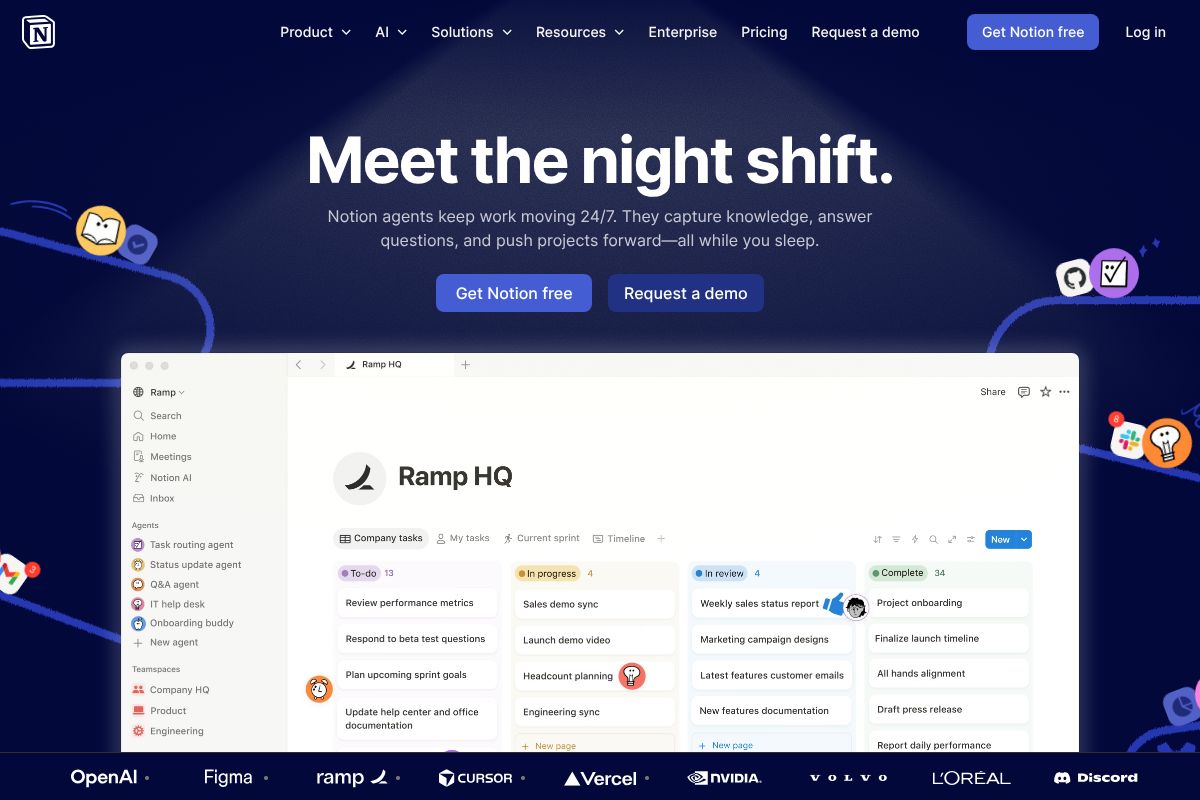
In this Notion AI Review 2026, we break down exactly what it can and can’t do, how it compares to standalone AI writing tools, and whether the added cost is justified for your team or workflow. Let’s get into it.
Key Takeaways
- Notion AI automates writing, summarization, and content generation tasks directly within your workspace, boosting team productivity significantly.
- Pricing starts at $10 monthly per user, making it accessible for small teams while enterprise plans offer advanced features.
- Real strengths include seamless workspace integration and AI-powered database management, though some users report occasional accuracy limitations.
- Best suited for knowledge workers, content teams, and project managers who need AI assistance within their existing Notion setup.
- Competitive alternatives like ChatGPT and Claude offer different strengths, so comparison depends on your specific workflow requirements.
In This Article
What Is Notion AI?
Notion AI is an artificial intelligence assistant built directly into the Notion workspace. Rather than being a separate app you switch to, it lives inside the same environment where you already manage your projects, documents, and team knowledge. You can use it to draft content, summarize long pages, brainstorm ideas, answer questions about your workspace, and clean up messy writing — all without opening a new tab.
The key distinction here is integration. Tools like standalone AI writers require you to copy content in, generate output, then paste it back into wherever you’re actually working. Notion AI skips that friction entirely. It’s context-aware, meaning it can pull from the page you’re already on and respond to what’s in front of you.
As of 2026, Notion AI is included in the Business plan and above. If you’re on a lower tier, you can still access it as a paid add-on. It’s worth factoring that cost into your decision, especially if your team is already stretching a tight SaaS budget.
Here’s a quick look at what Notion AI can do out of the box:
- Writing assistance: Draft blog posts, emails, SOPs, and project briefs
- Summarization: Condense long meeting notes or documents into key takeaways
- Brainstorming: Generate ideas, outlines, or action items on demand
- Q&A: Ask questions and get answers pulled from your own workspace content
- Editing: Improve tone, fix grammar, or simplify complex writing
How Notion AI Fits Into Your Workspace
What makes Notion AI genuinely useful — rather than just a novelty — is how naturally it slots into your existing workflow. You can trigger it directly inside any page, database, or document with a simple slash command or by highlighting text. There’s no context switching, no copy-pasting, and no separate dashboard to manage.
Imagine you’ve just wrapped a client meeting and your notes are scattered across a Notion page. Instead of spending 20 minutes tidying them up, you highlight the block and ask Notion AI to summarize the key decisions and next steps. It does it in seconds, right there on the page.
This tight integration is where Notion AI earns its place. For teams that already live in Notion, the ability to write, edit, and analyze content without leaving the workspace removes a surprising amount of daily friction. The less you have to jump between tools, the more time you spend actually getting things done.
Key Features That Actually Matter
Notion AI isn’t trying to be a standalone AI writing tool — it’s designed to work within the context of everything you’ve already built in your workspace. That said, a few specific capabilities stand out as genuinely useful for creators, marketers, and freelancers on a daily basis.
Writing & Content Generation
Whether you need a first draft of a blog post, a punchy social media caption, or a polished email template, Notion AI can get you most of the way there without staring at a blank page. You simply describe what you need — or highlight an existing outline — and it generates a working draft you can edit from.
For content creators, this is especially handy when you’re managing multiple clients or content calendars. Say you have a content brief sitting in a Notion database. You can open it, prompt Notion AI to write a draft introduction based on the brief, and have something usable in under a minute. It won’t always be perfect, but it eliminates the hardest part: getting started. You can also ask it to adjust tone — making copy more formal, more casual, or more persuasive — without rewriting everything yourself.
Summarization & Knowledge Extraction
This is arguably where Notion AI saves the most time. If you’ve ever stared down a five-page meeting transcript or a dense research document and dreaded pulling out the key points, this feature is built for exactly that moment.
Highlight the content, ask Notion AI to summarize it, and you get a clean breakdown of the main takeaways, decisions, or action items — usually in seconds. For marketers running weekly strategy meetings or freelancers juggling multiple client briefs, this alone can shave hours off your week. Instead of manually re-reading documents to extract insights, you get a structured summary you can act on immediately. It works particularly well on meeting notes, research dumps, and long-form SOPs.
The Real Pros and Cons
No tool is perfect for everyone, and Notion AI is no exception. Before you commit to upgrading your plan or restructuring your team’s workflow around it, here’s an honest look at where it shines — and where it genuinely falls short.
What Notion AI Does Well
The biggest advantage Notion AI has over standalone AI writing tools is that it lives exactly where your work already happens. There’s no switching between apps, no copy-pasting content into a separate platform, and no extra login to remember. If your team is already using Notion to manage projects, documents, and databases, the AI layer feels genuinely seamless.
Speed is another real win here. Prompts execute quickly, and the contextual awareness — meaning the AI can reference the page or document you’re already working in — makes responses more relevant than you’d get from a generic chatbot. For teams, that adds up fast.
- Integrated workflow: No extra tools needed if you’re already on the Business plan
- Contextual responses: AI reads your existing page content for more relevant output
- All-in-one appeal: Writing, summarizing, and organizing in a single workspace
- Fast turnaround: Most tasks complete in seconds, not minutes
- Team-friendly: Shared pages mean everyone benefits from the same AI features
Where It Falls Short
Notion AI is built to work within Notion — and that’s also its biggest limitation. If your workflow lives across multiple platforms, you won’t get much mileage out of it. It’s not designed to pull in context from outside your workspace, which means it can feel siloed compared to more flexible AI assistants.
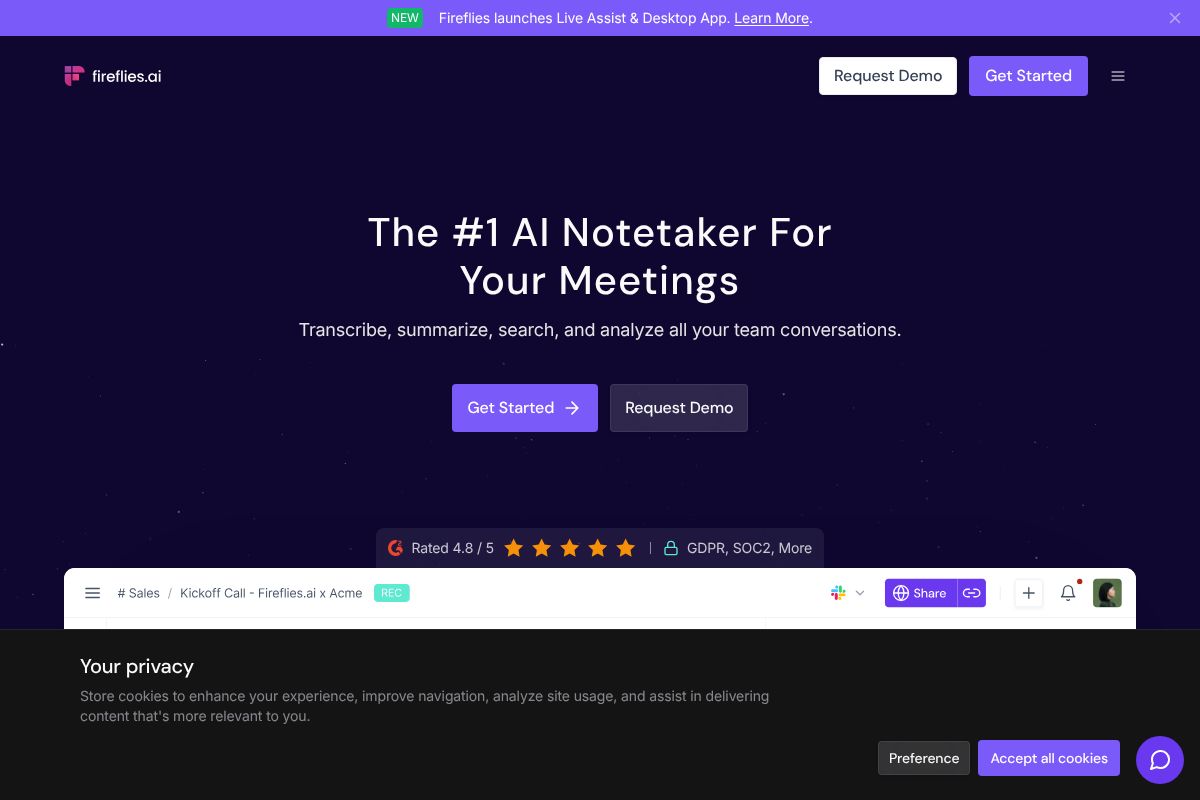
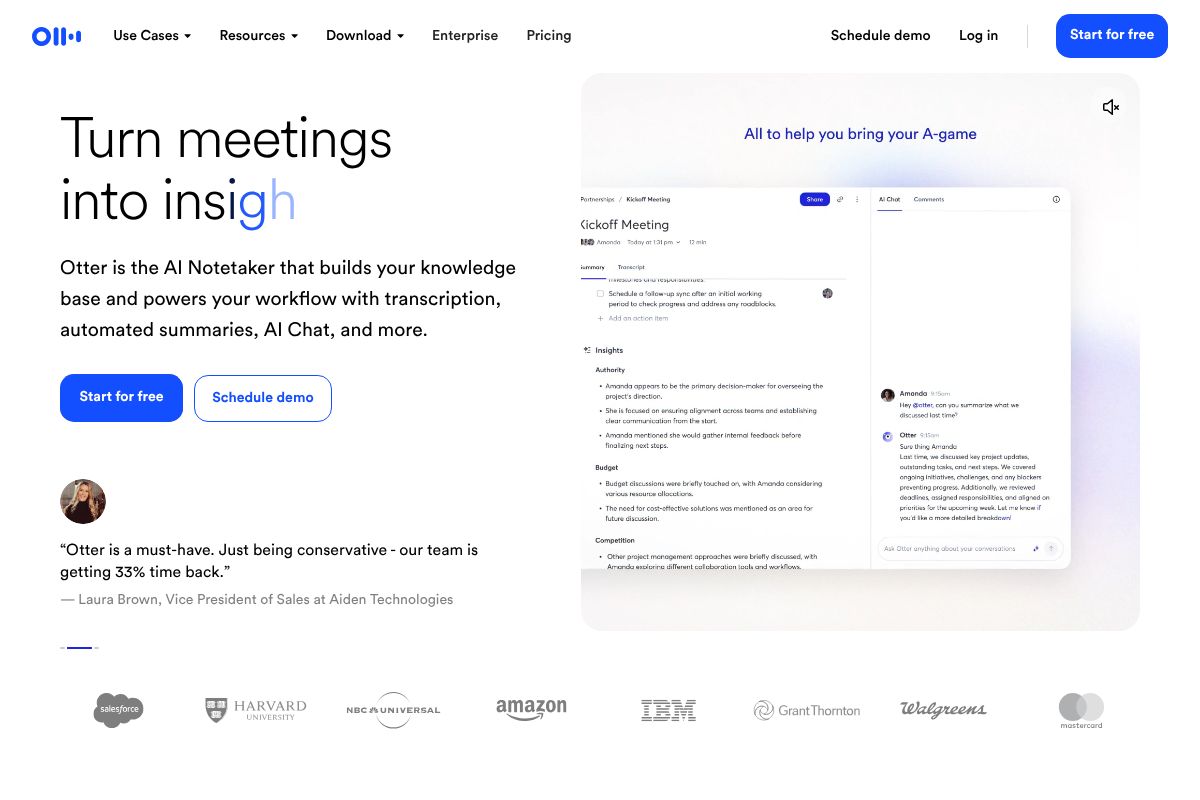
It’s also not a meeting transcription tool. If you need real-time call recording, speaker identification, or automatic meeting summaries pulled from Zoom or Google Meet, you’ll want to look at dedicated tools like Otter.ai.ai or Fireflies.ai instead. Notion AI simply doesn’t operate in that space.
Then there’s the pricing reality. Notion AI is only included in the Business plan, which runs significantly higher than the free or Plus tiers. For solo creators or freelancers watching their software budget, that cost barrier is hard to ignore when comparable AI writing assistance is available elsewhere for less.
- Ecosystem lock-in: Only useful if Notion is your primary workspace
- No meeting transcription: Requires a separate tool for call summaries
- Limited customization: Fewer prompt controls than specialized AI writing tools
- Cost barrier: Business plan pricing may be steep for solopreneurs
Pricing Breakdown for 2026
Notion AI isn’t a standalone add-on you can bolt onto a cheaper plan — it’s baked into the Business plan at $20 per user per month. That’s a meaningful jump from the free tier, which gives you solid workspace functionality but zero AI features. If you’re evaluating whether that gap is worth crossing, the answer depends heavily on how your team works.
- Free plan: No AI features included
- Plus plan: No AI features included
- Business plan: $20/user/month — Notion AI fully included
- Enterprise plan: Custom pricing, AI included
It’s also worth noting that Notion AI doesn’t replace every tool in your stack. If your team relies on meeting transcription, you’ll still need a dedicated solution. Otter.ai and Fireflies.ai both run around $10/month on annual plans — so factor that into your total software budget if call summaries are part of your workflow.
Is It Worth the Business Plan Cost?
For teams of three or more, the Business plan starts to make strong financial sense. You’re getting a full project management workspace, collaborative docs, databases, and AI writing assistance all under one roof — tools that would easily cost more if purchased separately.
Think about it this way: if you’re currently paying for a project management tool, a separate doc editor, and an AI writing assistant, consolidating into Notion Business could actually save money per seat while reducing context-switching. For solo users or freelancers, though, the per-seat cost is harder to justify unless Notion is already your central workspace. In that case, the AI features feel like a natural — and worthwhile — upgrade.
Who Should Use Notion AI (and Who Shouldn’t)
Notion AI isn’t a one-size-fits-all solution, and that’s okay. Knowing whether it fits your specific situation will save you from paying for features you won’t use — or missing out on ones that could genuinely change how your team operates.
Perfect For: Teams & Content Creators
If your marketing team is already juggling campaign briefs, content calendars, and copy drafts across multiple tools, Notion AI can be a genuine game-changer. Imagine managing your entire editorial pipeline in one place — drafting blog posts, summarizing research, generating social captions, and tracking deadlines — all without switching tabs.
Notion AI works especially well for:
- Marketing teams managing campaigns, content calendars, and approval workflows in a shared workspace
- Content creators who already live in Notion and want AI assistance baked directly into their writing environment
- Small business owners who need a centralized hub for docs, projects, and communication without managing a dozen separate apps
- Freelancers with multiple clients who use Notion to organize deliverables and want faster first drafts
The key word here is already. If Notion is your home base, the AI layer feels seamless. If you’re adopting Notion just for the AI, the learning curve may not be worth it.
Probably Not the Right Fit If…
Notion AI has real limitations worth acknowledging before you commit:
- Solo freelancers on tight budgets — $20/month per seat is a steep ask when free-tier AI tools can cover basic writing needs
- Professionals who rely on meeting transcription — Notion AI doesn’t record or transcribe calls. You’ll want a dedicated tool like Otter.ai or Fireflies.ai for that workflow
- Developers needing code assistance — Notion AI offers light coding help at best; purpose-built tools will serve you far better
Bottom line: Notion AI earns its place when it fits naturally into a workspace you’re already using. If you’re forcing the fit, you’ll likely feel the friction.
Notion AI vs. Alternatives: Quick Comparison
Notion AI, Otter.ai, and Fireflies.ai are often mentioned in the same breath, but they’re solving very different problems. Calling them competitors would be a stretch — they’re more like tools that cover different parts of your workday. Here’s how they stack up at a glance.
| Tool | Primary Strength | Best Use Case | Starting Price |
|---|---|---|---|
| Notion AI | Workspace + writing assistant | Docs, projects, content drafting | $10/member/mo (add-on) |
| Otter.ai | Transcription + meeting search | Recording and searching conversations | Free tier available |
| Fireflies.ai | Conversation intelligence | Sales calls, recruiting, CRM sync | Free tier available |
The short version: Notion AI helps you create and organize content. Otter.ai helps you capture and search what was said. Fireflies.ai helps you analyze and act on conversations. They complement each other rather than replace one another.
When to Choose Each Tool
Your workflow — not the feature list — should drive the decision. Here’s a practical breakdown:
- Choose Notion AI if you spend most of your day writing, documenting, or managing projects inside Notion. It’s the natural choice when your workspace is already there.
- Choose Otter.ai if you attend 10 or more meetings per month and need reliable transcription with searchable archives. It’s especially useful for journalists, researchers, and remote teams.
- Choose Fireflies.ai if you’re in sales or recruiting and need call summaries, speaker analytics, and CRM integrations baked in.
- Use all three together if your role spans writing, meetings, and client conversations — they don’t overlap enough to feel redundant.
Many teams run Fireflies.ai or Otter.ai to capture meetings, then paste summaries directly into Notion — where Notion AI helps turn those notes into action plans or polished docs. That’s a workflow combination worth considering.
The Verdict: Should You Switch to Notion AI?
Notion AI is a genuinely useful tool — but it’s not a must-have for everyone. If you’re already on the Notion Business plan, the AI add-on is an easy yes. You’re working in Notion anyway, so having AI-assisted writing, summarization, and task extraction built right into your workspace removes a lot of friction. The integration feels natural rather than bolted on.
If you’re a solo freelancer on a tight budget, though, it’s harder to justify. Standalone AI writing tools can offer more specialized features at a comparable or lower price point. Notion AI’s strength is its context — it knows your docs, your projects, your workspace. Outside of that ecosystem, the case gets weaker.
The honest trade-off: you’re paying for convenience and integration, not necessarily the most powerful AI on the market. If deep AI writing capability is your primary need, you may want to look elsewhere. But if you want everything in one place, Notion AI delivers that well.
One final note on workflow: Notion AI doesn’t capture meetings, and it doesn’t need to. Pairing it with Otter.ai or Fireflies.ai fills that gap cleanly, giving you a complete system from conversation to polished documentation.
Best Use Case Scenario
Picture a marketing team of four. They manage campaigns and content calendars inside Notion. They use Otter.ai to transcribe client calls, then drop the summary into a shared Notion page. From there, Notion AI helps them draft copy, write briefs, and turn rough notes into structured project docs — all without leaving the workspace.
That combination covers the full loop:
- Otter.ai captures what was said in client meetings
- Notion stores and organizes every project asset
- Notion AI turns raw notes into actionable content and polished deliverables
For a small team already living inside Notion, this is about as streamlined as a content workflow gets in 2026. It’s not the cheapest setup, but the time saved on context-switching alone makes it worth the investment.
Ready to Try Notion AI?
The best way to evaluate Notion AI isn’t to read more reviews — it’s to use it. Start with Notion’s free tier and get a feel for how the workspace fits your day-to-day. Build a few pages, set up a simple project tracker, and see if it becomes a natural home for your work.
Once you’re comfortable with Notion as a foundation, the AI features will either feel like an obvious upgrade or a nice-to-have. That’s your signal. If you find yourself wishing you could summarize pages faster, generate first drafts, or clean up meeting notes without switching tools, that’s when upgrading to the Business plan makes clear sense for your team.
Don’t upgrade just because Notion AI is trending. Upgrade because it solves a real bottleneck in your workflow.
And if meetings are your actual pain point — not documentation — start there instead. Otter.ai and Fireflies.ai are purpose-built for capturing and summarizing conversations, and both integrate cleanly with Notion once you’re ready to connect the two.
- New to Notion? Start free, no commitment required
- Small team with growing needs? The Business plan is where Notion AI becomes genuinely useful
- Meetings eating your day? Try Otter.ai or Fireflies.ai first, then layer Notion on top
Test it honestly. If it fits, it’ll show quickly.
Frequently Asked Questions
How much does Notion AI cost in 2026?
Notion AI costs $10 per user monthly when added to any Notion plan. Annual billing offers discounts, and enterprise customers receive custom pricing based on team size and requirements.
Is Notion AI worth it for small teams?
For small teams using Notion daily, Notion AI delivers solid ROI through automated writing and summarization. However, budget-conscious teams might test free alternatives first before committing to the subscription.
Can Notion AI replace ChatGPT?
Notion AI excels within your workspace but lacks ChatGPT’s versatility for general tasks. Choose Notion AI for integrated productivity; use ChatGPT for broader AI assistance outside your workspace.
What can Notion AI actually do?
Notion AI writes content, summarizes documents, translates text, generates ideas, and answers questions within your database. It integrates directly into pages and databases for seamless workflow enhancement.
Related Reads
- Best AI Productivity Tool for Creators & Teams in 2026
Find the best AI productivity tool for your workflow. Compare top options for creators, marketers, and small teams with …
- Best AI Tools for Remote Teams in 2026
Discover the top AI tools for remote teams in 2026. Boost productivity with AI-powered collaboration, transcription, and…
- Otter.ai Review 2026: Is It Worth It for Your Team?
Honest Otter.ai review 2026. See pricing, features, pros/cons, and how it compares to alternatives for meeting transcrip…